The best construction scheduling software in 2026, ranked for schedules that stay current on site
Compare 8 construction scheduling software tools on live field updates, crew scheduling, offline use and governance, with pricing checked for 2026.

TL;DR
- Construction scheduling software gives you one plan that updates from site progress, so crews, deliveries and subcontractors stay on the same page instead of juggling five different versions.
- We ranked eight scheduling tools on the key factors that ensure an idealized plan survives contact with the real world: live updates from field progress, crew and labor scheduling, dependencies, integrations, offline use in low signal, one-handed use, voice input, and governance and permissions.
- Start with our comparison table to shortlist three tools, then read the detailed reviews to make your final decision. Appfarm tops the list because it ties the schedule to crews, resources, and procurement in one centralized platform.
A construction schedule built in a spreadsheet or a desktop scheduler is only accurate for at most a few hours on the morning it is issued. Then the concrete pour is delayed by a day. The planner saves version six and emails it round, but version five still reigns supreme for those who haven't checked their inbox. So the pump turns up on the wrong day, the steel fixers stand idle, and the entire project slips further behind.
Construction scheduling software helps you plan the sequence of project tasks and assign the crews, equipment and deliveries each task needs. The ideal tool keeps the plan live, so job progress recorded on site updates the schedule and all project stakeholders see the change. Site managers, project directors, and operations and quality, health, safety and environment (QHSE) heads use it to run day-to-day work from one current plan.
If you're still not sure whether your scheduling process needs dedicated software, the questions to ask yourself are these:
- How many schedule changes did you process last week?
- How many channels did you use to communicate them (email, WhatsApp, phone, a printed lookahead, the whiteboard)?
- For the last three changes, how many hours passed between the decision and the affected crew knowing?
- How many times did a crew, delivery or subcontractor turn up to an old version of the plan?
A good rule of thumb is that if you used more channels than you made changes on an average day, it's probably time for a dedicated solution to help you out.
How construction project scheduling software differs from a desktop scheduler
A desktop scheduler simply produces a file. Planners build the logic, usually with the critical path method (CPM), publish a PDF, and the site works to it until the next issue arises. It's ignorant of the reality of the site, of when a permit doesn't arrive or a weather window closes.
To be fair, Oracle Primavera P6 and Asta Powerproject do both now have mobile apps that send progress back from site. But updates usually go to one planner for approval, and the schedule still doesn't know which crew, excavator or delivery depends on that activity. When a breaker goes down on Tuesday, the schedule records the lost day, but the plant hire, Wednesday's crew and the follow-on delivery all get rearranged by already overworked construction managers.
The latest approaches to construction project scheduling are about creating live systems where progress verified in the field feeds plans connected directly to resources and procurement.
Scheduling software for construction vs generic project management apps
Generic project management software is fine for simple jobs with one site, one crew, and well-established sequences. There, a shared board for basic scheduling and task management is cheap, with almost no learning curve.
But on complex projects that approach bumps into a hard ceiling. Dependencies between trades, rolling lookaheads, several crews sharing plant, subcontractor handoffs, constraints like permits and inspections, and an audit trail you can use in a delay claim are all outside of a simple board's scope (or even the spreadsheet that many resort to in that situation).
How we ranked the best construction scheduling software (criteria that actually matter on site)
To help you avoid that pain, we've ranked eight tools on ten criteria, from the perspective of a mid-market contractor running several sites. Each has a red flag to listen for in demos.
- Live updates from field progress: progress recorded on site should change the plan everyone sees automatically. If the vendor talks about "publishing" the schedule, you'll still be juggling different versions.
- Crew, labor and staff scheduling depth: construction labor scheduling software should assign named people and crews to days by skill, certification and availability, and construction employee scheduling software and construction staff scheduling software should handle team schedules, shifts and absence. Beware a "resource" field that accepts more than one booking.
- Dependencies and lookahead planning: a slip should move whatever follows, and site teams should plan the next few weeks in detail. Watch for dependencies that never touch crew assignments.
- Mobile, offline and one-handed use: the field app should work in a basement with no signal, and with hands in gloves. If "offline" means "PDF export", that's not good enough.
- Integrations: look for connections to enterprise resource planning (ERP) and accounting software, time tracking, procurement, and document management. "We have an application programming interface (API)" with no named connection to your existing systems is a no-no.
- Reporting and audit trail: you need a complete project record of who changed what and when, for claims, delay analysis and compliance. Be wary of reporting tools that show today's schedule but not how it got there.
- Voice input: a foreman should be able to dictate a progress note hands-free. If voice only attaches an audio file, nobody will listen to it.
- Governance: permissions, roles and environment control, so not everyone can resequence the job. One admin role and edit rights for everyone else is a red flag.
- Data residency and security: you should know where the data lives and which certifications cover it. Be wary of a vendor who can't name its hosting region.
- Implementation reality: data import, onboarding and change management decide whether crews use the tool. A rollout plan that ends at "training session" is a red flag.
We weighted live updates, crew scheduling and governance the highest, because each is key to efficient scheduling that stays in line with reality.
Comparison table: best construction scheduling software at a glance
Use this table to shortlist 3 tools, then read the detailed reviews below. Prices are as of October 2026.
| Tool | Best for | Live field-to-plan updates | Crew/labor scheduling | Offline mode | Voice input | Integrations/API | Permissions/governance | Free tier | Pricing notes |
|---|---|---|---|---|---|---|---|---|---|
| Appfarm | Mid-market teams whose workflows vary too much for a fixed template | Yes, built into the app you run | Yes, built to your crew, skill and certification rules | Yes, paid add-on | Available | Any API; unlimited outbound connections | Role-based access; Row-level security (add-on); separate development, test, staging and production environments | Yes | Tiered by active users; Essential €2,350/month (EUR, Oct 2026) |
| Oracle Primavera P6 | Large, complex programs needing formal CPM | Yes, P6 mobile app; planner-controlled | Role and resource capacity planning | Yes, mobile app | Not documented | Web services and REST API | Secure multiuser access; team member status updates | No | Pricing not public (Oct 2026) |
| Asta Powerproject | UK contractors standardized on Asta | Yes, Asta SiteProgress, approved before commit | Resource management across the schedule | Yes, SiteProgress app | Not documented | Microsoft Project and P6 files; ERP and estimating tools | Control who updates which tasks; planner approval | 14-day trial | From £1,530/user/year incl. value-added tax (VAT) (GBP, Oct 2026) |
| Procore | Firms already on Procore | Yes, Procore Scheduling lookaheads on an imported master | Company or user on activities, for crew density | Not documented for Scheduling | Not documented | 500+ marketplace integrations; APIs; P6, Microsoft Project and Phoenix import | Role-based permissions | No | Custom quote by annual construction volume; unlimited users (Oct 2026) |
| Autodesk Forma Build | Autodesk-standardized teams | Partial: field suggestions, then re-import from the source scheduler | Not documented | Yes, mobile app | Not documented | 200+ direct integrations | View, Contribute, Update and Manage levels per schedule | No; 30-day money-back on annual plans | £106/user/month, annual; Essentials £60 (GBP, Oct 2026) |
| ControlBoard | Resource-to-day dispatch of crews, equipment and plants | Yes, field actuals flow back | Yes, core strength | Not documented | Not documented | GraphQL API; Procore, Sage, fleet tools | Roles in-app; Active Directory sign-in | No; demo on request | ~$105/scheduler/month; field users ~$40–150/year (USD, Oct 2026) |
| Workyard | Crews where time tracking and scheduling are linked | Partial: location-tracked time, not task progress | Yes, Pro plan and above | Time clock works offline | Not documented | Payroll and accounting exports; API on Autopilot | Manager data controls | 14-day trial | From $6/user/month, annual (USD, Oct 2026) |
| Plaky | Simple-tool benchmark, not a recommendation | Manual status updates | Assign people to items | Not documented | Not documented | API; Clockify, Pumble | Board permissions on Enterprise only | Free plan (no Gantt) | Pro $3.99/seat/month, annual (USD as shown to US visitors, Oct 2026) |
The best construction scheduling software (ranked list)
1. Appfarm
Appfarm provides a platform for building custom operational software, with a live scheduling system being a common choice for construction teams.
Best for: Mid-market construction and infrastructure teams whose scheduling workflows vary too much for a fixed template, and who want their schedule, crews and procurement in one continually updated system.
What it does well: Project progress recorded on site updates the schedule as it happens, and the same system knows which crews, machines and deliveries the change affects.
Norwegian contractor POB Entreprenør replaced whiteboards, Excel and PDF exports with an Appfarm resource planning app for more than 100 employees and 80 vehicles, across up to 300 simultaneous projects. Planners allocate people and machines in real time by role, availability and certification, with conflict alerts, and employees use a field app to see schedules, report absence and register hours. Here's how POB moved crew and machine scheduling off whiteboards and Excel.
You decide what the app does: the crew and shift rules, which certifications block an assignment, who approves a resequence, what the foreman's end-of-day update asks for, and which reports go to the project director. Appfarm runs everything underneath it, including deployment, hosting, security, performance and availability.
You don't have to build it yourself, either. Most teams start with Appfarm or an implementation partner to scope and build the first version, then take it in-house later if they want to. POB had a usable version in under two weeks and one in-house employee maintaining it. Other teams start building directly.
Adjacent use cases: The same platform can run resource and crew planning apps, equipment and inventory tracking across sites, and stakeholder portals for subcontractors. The Essential tier includes five apps (Professional and Dedicated are unlimited), all sharing one platform and one bill instead of becoming more subscriptions.
How it fits and changes: Describe what you need and Appfarm generates a working app, which you adjust on the visual canvas or by re-prompting. That lets you add a rule that flags a crew double-booked across two sites, or change who approves a resequence, without waiting for a vendor to get a move on.
Key features:
- Schedule updates driven by field progress, in the same system as crews and resources
- Gantt and heatmap views to visualize project timelines for crews and site activities
- Role-based permissions, conditional (data-level) permissions as an add-on, and approval steps for schedule changes
- Integrations with any API, with unlimited outbound connections (the inbound request quota varies by plan), so you can connect your schedule to ERP, payroll and procurement systems
- Scheduled workflows for recurring syncs, reminders and notifications
- A change history of status updates and schedule changes, recorded by the app as you design it
- Field apps that work across devices, install on a phone and update automatically, with offline support for low-signal sites as a paid add-on
- Hosting in the European Union and European Economic Area (EU/EEA), ISO 27001 certification (the international standard for information security management), and separate development, test, staging and production environments
Why it stands out: Unlike many other solutions that charge per seat, Appfarm charges for active users only. If a subcontractor logs in for one month of the job, they only count toward your active-user allowance that month. Building is quick (as POB's experience demonstrates), you control the design and integrations, and apps keep working without constant reworking because Appfarm maintains all the underlying technology. You can export your data at any time.
Watch out for: There's no code export, so Appfarm carries the same theoretical lock-in as other hosted platforms. Appfarm doesn't ship a ready-made CPM scheduling engine. If your planners need formal critical path analysis for delay claims, most teams keep P6 or Asta for the master schedule and connect the live site system to it. Appfarm isn't for personal projects or single-user apps, and because it generates progressive web apps (PWAs), which run in the browser and install to the home screen, it's the wrong choice for a native mobile app that relies heavily on device features. In the Essential plan, offline support has to be designed in from the start and is a paid add-on. For a handful of users, a seat-based tool will cost less.
Good fit if:
- Your schedule currently lives in spreadsheets
- Your schedule changes daily
- You need one source of truth across crews and subcontractors
Not a fit if:
- You only need a simple Gantt chart for one small project
- You want a native mobile app with heavy use of device features
Pricing: Each of the paid plans includes a bucket of active users, and only those who log in during a given month count, so you pay the same whether 50 or 100 of your included users log in. Additional users are available on all plans. Guest users who don't log in are unlimited. See how Appfarm's active-user pricing works. As of October 2026:
- Free €0: 400 artificial intelligence (AI) credits, roughly enough to build one app; apps uncounted
- Essential €2,350/month: five apps, 100 active users
- Professional €3,550/month: unlimited apps, 200 active users
- Dedicated from €5,950/month: 800 active users
Verdict: Pick Appfarm if your schedule changes daily, your crews and deliveries need to move with it, and your workflow is too specific for a fixed template.
Website: See Appfarm for construction teams
2. Oracle Primavera P6
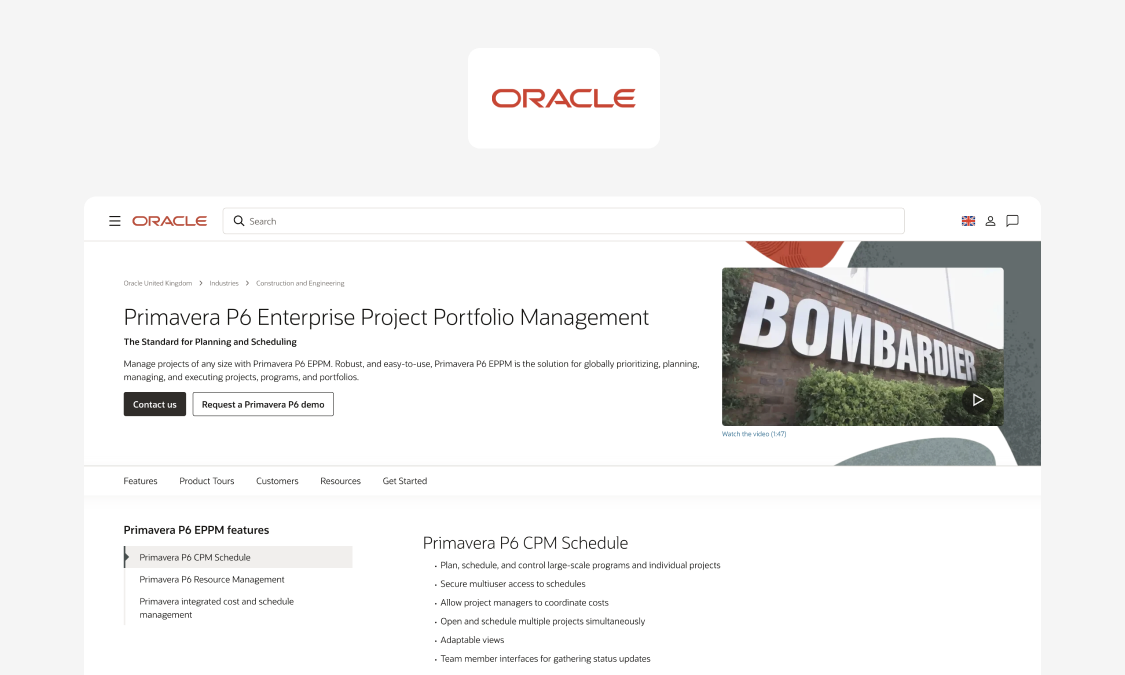
Oracle Primavera P6 is a project and portfolio planning tool built around formal CPM scheduling, used by enterprise planning teams on large programs.
What it does well: Oracle's P6 Enterprise Project Portfolio Management (EPPM) runs CPM scheduling across many projects at once, featuring role and resource capacity planning. The P6 mobile app lets team members update progress, submit timesheets and attach photos, including when offline.
Where it hits a ceiling: P6 is heavy, requiring significant implementation effort and training, and it's built for planners and project managers rather than day-to-day crew and plant dispatch.
Pricing: Pricing not public as of October 2026.
Verdict: If your contracts demand formal CPM, P6 is the heavyweight of the master schedule. It's a poor fit for telling a crew where to be tomorrow, however.
Website: oracle.com
3. Asta Powerproject (by Eleco)
Asta Powerproject is construction planning and scheduling software from UK-based Eleco, whose customers include contractors such as Mace, Kier and BAM.
What it does well: Asta Powerproject provides logic-driven CPM schedules with critical path and float analysis, unlimited baselines, and resource management, compatible with Microsoft Project and P6 files. Its Asta SiteProgress app lets workers on site record progress, photos and notes on a phone (online or offline). Stakeholders can view plans in the free ProjectViewer.
Where it hits a ceiling: Asta isn't a crew and plant dispatch system and SiteProgress is licensed separately, charged by the number of active jobs.
Pricing: As of October 2026, it's priced from £1,530 per user per year including VAT, for a single-user annual subscription on Windows. Concurrent and cloud licenses are quote-based, and there's a 14-day free trial.
Verdict: Pick it if your planners already work in Asta and want site teams feeding progress back into those schedules, but you'll still need something else to run the crews.
Website: eleco.com
4. Procore
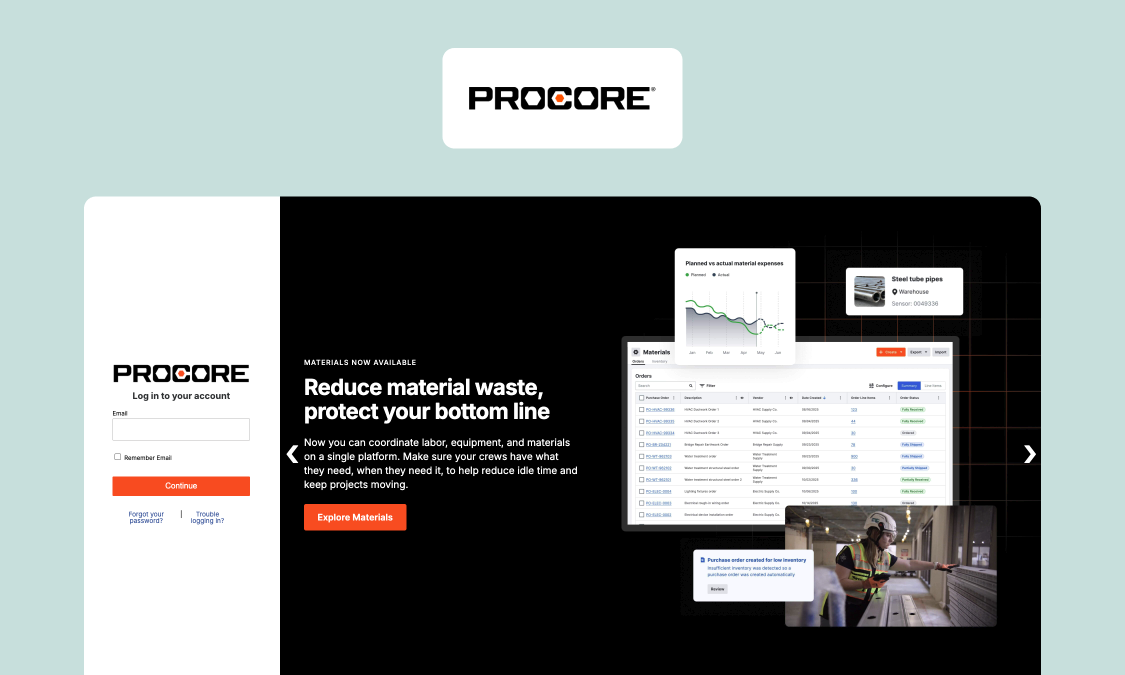
Procore is construction management software covering projects, documents and financial reporting, with scheduling as one of its tools.
What it does well: Procore Scheduling has real-time multi-user editing, role-based permissions, and APIs. Importing a read-only master schedule from P6, Microsoft Project or Phoenix gives field teams an editable lookahead (which schedules built in Procore don't get). Every contract includes unlimited users, and the App Marketplace has more than 500 integrations.
Where it hits a ceiling: Resource fields mainly show crew density rather than drive resource allocation, and assigning one doesn't notify anyone. The schedule also sits inside a wider suite, so it makes most sense if you're already on Procore.
Pricing: Custom quote as of October 2026, as an annual fee per product based on your annual construction volume.
Verdict: Procore Scheduling is the natural construction scheduling tool if Procore is already your system of record.
Website: procore.com
5. Autodesk Forma Build (formerly Autodesk Build)
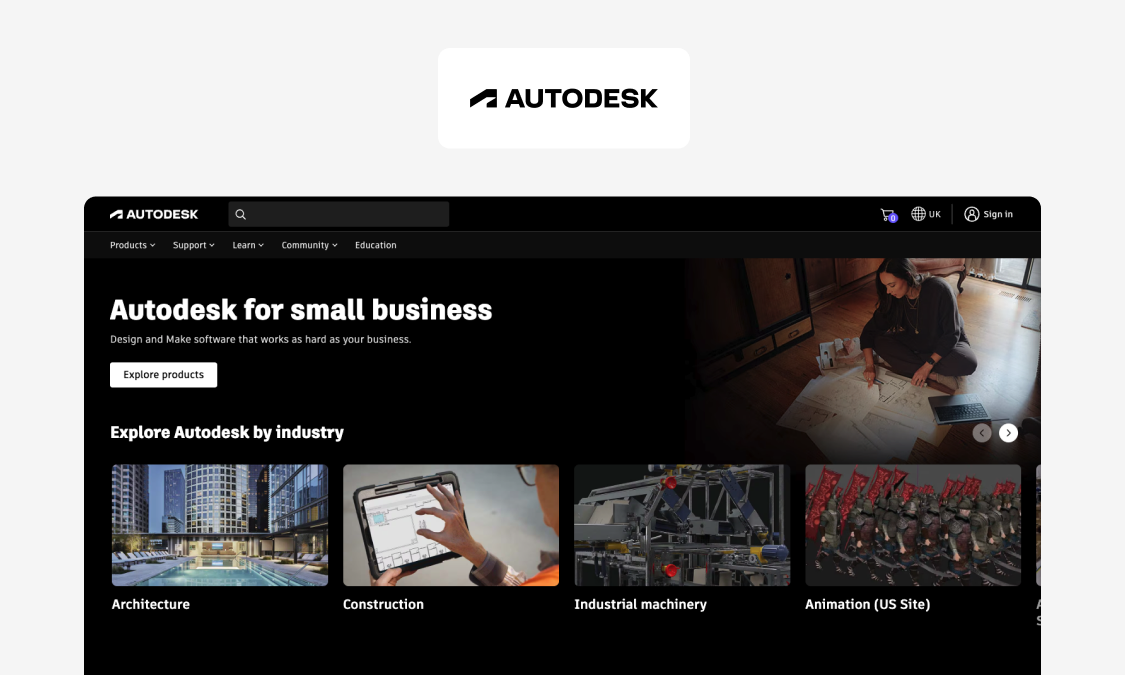
Autodesk Forma Build (formerly Autodesk Build) is Autodesk's construction management platform for office and field teams. It took its new name in March 2026, when Autodesk Construction Cloud became Autodesk Forma. Its functionality is unchanged.
What it does well: Forma Build brings project management, cost management, safety and quality into one platform. Its lighter Essentials tier still features issues, forms, photos, sheets and files, with offline sync in its mobile app. The Schedule tool imports schedules from P6, Microsoft Project and Asta Powerproject, lets you connect work plans to them, and lets field teams suggest updates from their phones.
Where it hits a ceiling: Scheduling is one part of a wider platform built primarily around documents and models, so it doesn't get the same amount of love. Autodesk describes accepted suggestions being made in the external scheduler and re-imported, we found no crew scheduling, and per-user licensing adds up for large field teams.
Pricing: Forma Build is £106 and Essentials £60 per user per month, billed annually, as of October 2026.
Verdict: For aligning your drawings with the reality on site, Forma Build is unassailable, but crew planning isn't its specialty.
Website: autodesk.com
6. ControlBoard
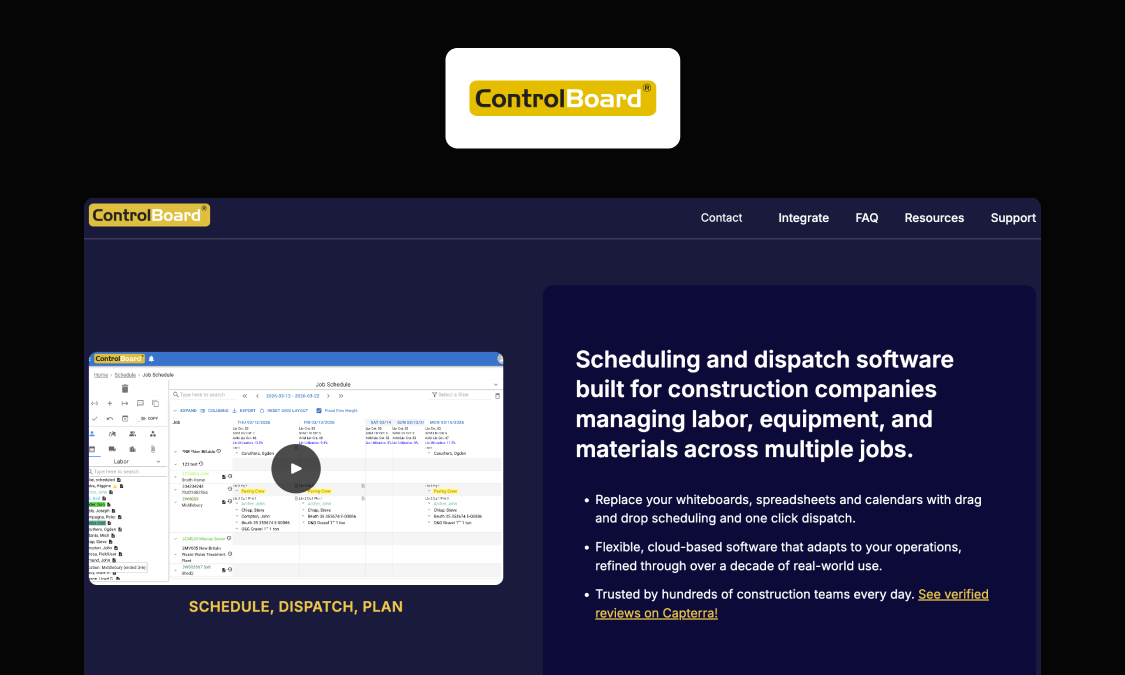
ControlBoard is a Connecticut-based scheduling and dispatch tool for self-performing contractors, especially in civil, paving and earthworks, who assign crews, equipment and plants to jobs by the day.
What it does well: ControlBoard lets you schedule crews, labor, equipment and plants in one schedule, with asphalt, batch and crushing plants scheduled against their own capacity. Operator and equipment certifications carry expiry alerts, while bid quantities attach to jobs, and actuals recorded in the field show the variance against the estimate. Its API integrates with Procore, Sage, and fleet trackers such as Samsara.
Where it hits a ceiling: ControlBoard's FAQ mentions that teams who think in task sequences may be better off with Gantt or CPM tools. For UK teams, it mentions nothing about UK support, hosting or offline use.
Pricing: Typical figures from ControlBoard's FAQ as of October 2026:
- Schedulers: about $105 per user per month
- Field users who receive assignments: about $40 per year
- Field users who also submit time: about $150 per year
Verdict: ControlBoard is specifically for dispatchers rather than sequencing trades.
Website: controlboard.app
7. Workyard
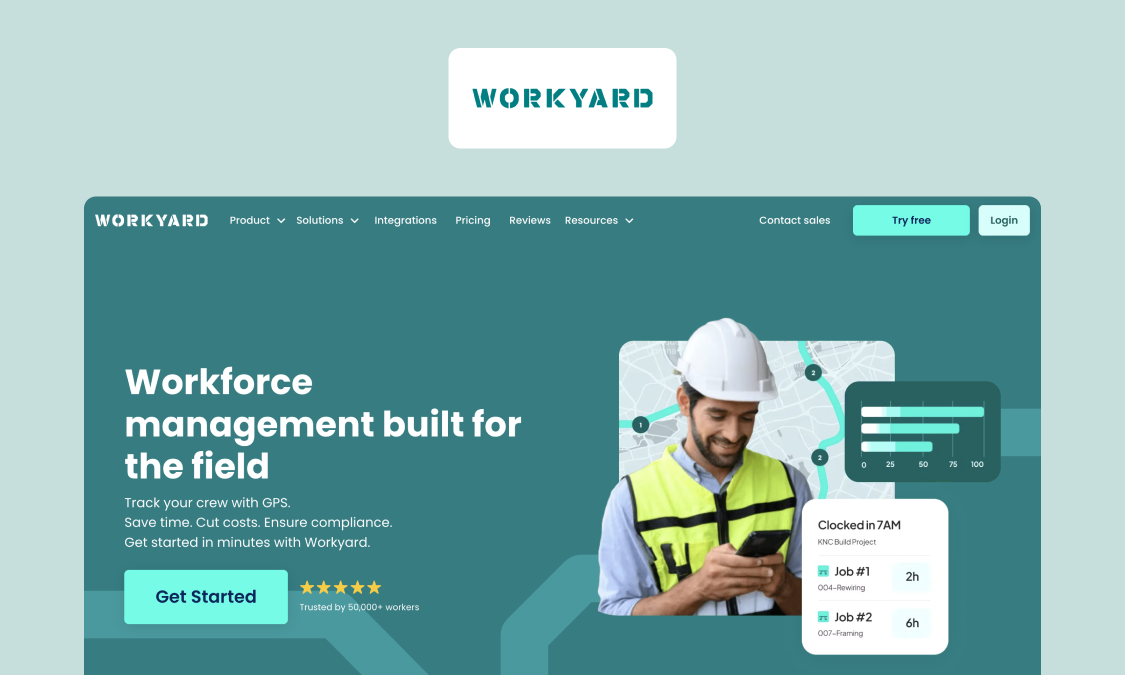
Workyard is a time tracking tool with crew scheduling for contractors and field services teams, built around knowing where crews are and what hours they've worked.
What it does well: It provides global positioning system (GPS) time tracking with geofences, break and overtime rules. Its time clock works offline. On Pro tier and above, it has office-to-field scheduling of projects and work orders, with notifications for scheduled tasks, plus recurring tasks and checklists.
Where it hits a ceiling: Workyard's definition of scheduling is putting crews and tasks on a team calendar, and we found no dependencies or Gantt charts. It's built around US payroll and overtime rules, so check payroll capability if buying in the UK.
Pricing: Paid plans start at $6 per user per month, billed annually, as of October 2026, with higher tiers unpriced. There's a 14-day free trial.
Verdict: Workyard is a time clock first, with scheduling attached, which is fine if your problem is proving who was where and for how long.
Website: workyard.com
8. Plaky
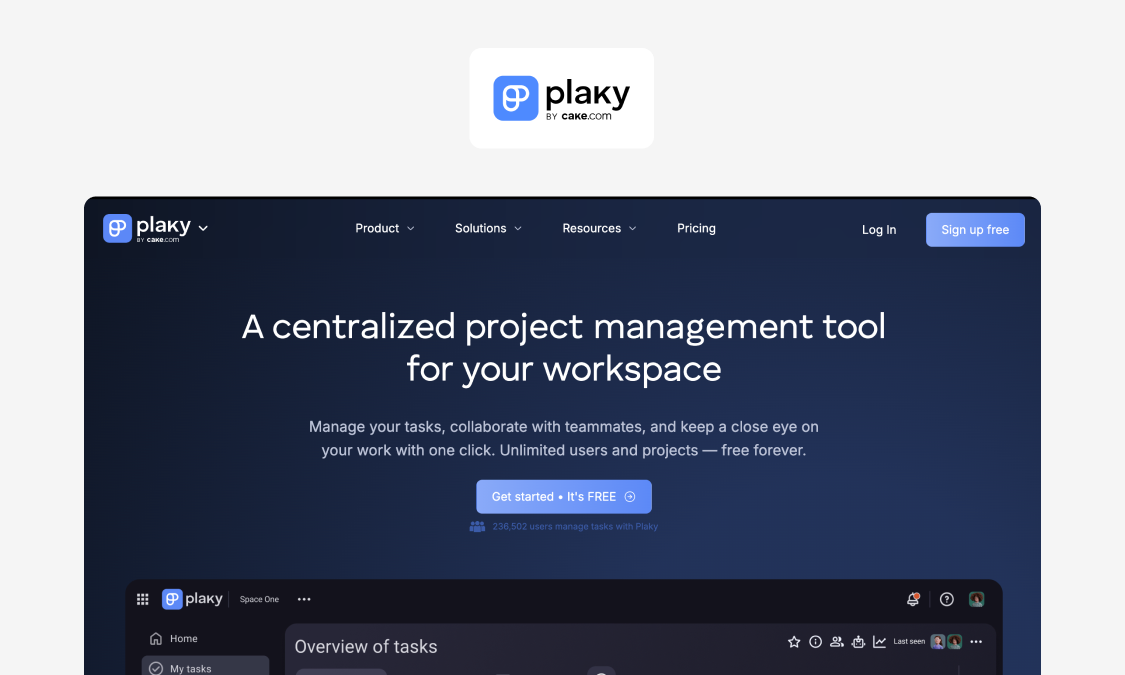
Plaky is a general project management tool from CAKE.com, built around shared boards where teams manage tasks. We've included it as our simple-tool benchmark, for small teams on one or two simple jobs.
What it does well: Plaky offers a free plan with unlimited users, boards and items, as well as a construction schedule template, and Table, Kanban and Chart views. It has iOS and Android apps, ISO 27001 on every plan, an API, and integrations with Clockify for time tracking and Pumble for chat.
Where it hits a ceiling: The Gantt view starts at Pro, and board-level permissions need Enterprise. We found no task dependencies, crew capacity or dispatch logic, which causes problems when scaling.
Pricing: As of October 2026:
- Free: unlimited users
- Pro: $3.99 per seat per month, billed annually
- Enterprise: $8.99 per seat per month, billed annually
Verdict: Plaky's digital whiteboard is free and easy for the smallest sites, but you'll outgrow it the moment jobs become interdependent.
Website: plaky.com
Free construction scheduling software: what "free" covers, and where it breaks
Searching for free construction scheduling software makes sense on the smallest projects, where you can sometimes avoid agonizing over budgets. A free plan or trial is good for simple project tracking, or just trialing the interface, but the headline scheduling features are usually reserved for paid plans: Plaky's free plan doesn't offer a Gantt chart, for instance. Appfarm is the only other tool here with a free tier, while Asta and Workyard offer 14-day trials.
Free software falls down when it comes to the features most important to scale: permissions, audit trails, integrations, offline use, rolling up several projects, and coordinating subcontractors. If you're running weekly re-plans and daily crew moves, trying to save money here is a false economy.
On Appfarm's free tier, the 400 AI credits are roughly enough to build one app. That means you can test your own construction workflows before you pay.
The free-to-paid tipping point. It's time to pay when:
- More than one project runs at the same time
- More than one crew or subcontractor works from the schedule
- You need to control who can change the plan
- You need a record of who changed what, for claims or audits
- Crews work where the signal drops out
- Schedule data has to reach payroll, ERP or procurement
- Someone retypes updates from the board into a spreadsheet every week
Rollout and change management (getting construction teams to actually use the schedule)
A schedule only stays current if foremen and crews use it to track progress, which is why the rollout actually matters more than the feature list. Here's how you get buy-in:
- Start with one pilot project and one or two pilot crews.
- Define the non-negotiable updates, such as daily task completion status by 4 pm.
- Keep field inputs minimal: a photo and an optional voice note.
- Train foremen and supervisors first, because they set the habit for everyone else.
- Make adoption visible by running daily huddles from the app, so it becomes the single source of truth.
- Remove double entry: no retyping into spreadsheets, and faster approvals.
- Handle resistance head-on: tell crews the point is fewer surprises and fewer rework days, and show them exactly what the app records.
- Measure success by counting schedule changes sent in-app against those sent by phone or text, and by tracking "wrong version" incidents week by week.
Implenia took this route with its crew coordination app, built with Appfarm. It started with basic functionality, found that ease of use drove adoption, and added features as more people came on board. It took under three months to build, and project coordinator Tom Gulliksen says "it has become a business-critical system for our operations." Read how Implenia started small and grew its crew coordination app with adoption.
Ask yourself the questions from the top of this article after the pilot is completed. One channel and no phantom older versions hanging around is a good sign your setup is ready to roll out to future projects without further tweaks.
Why Appfarm is our top pick for construction scheduling software
If your plan has five different versions being followed by different parts of your workforce, you're in big trouble. With Appfarm, head office and field teams all follow one current plan, with roles and permissions to prevent confusion. Progress from the field updates the schedule automatically so crews, resources, and deliveries aren't caught out.
You decide what the app does, and Appfarm runs everything underneath it, including hosting, security, scale and availability. Appfarm or a partner can build the first version for you, and data is hosted in the EU/EEA on an ISO 27001-certified platform, all set out in Appfarm's security and compliance documentation.
It doesn't have to replace what you've already got, either. If your master schedule is in P6 or Asta, Appfarm's site app can connect with it alongside your ERP and payroll systems. One plan covers multiple apps, and you only pay for active users, while you can export your data at any time.
Off-the-shelf software is fine for generic needs, but where a workflow is critical to your construction business, it makes sense to build around it. See Appfarm for construction teams.
FAQs
What is the most used scheduling software?
It depends on whether you mean planning or daily site work. Oracle Primavera P6 is a long-standing choice for large programs, while Eleco says Asta Powerproject supports more than 100,000 professionals worldwide. The best scheduling software is the one that fits your criteria, not the one with the biggest market share.
What is the best scheduling app for tradesmen?
The best construction scheduling app for trades crews is one they'll update without prompting. Look for easy updating, offline use, one-handed operation, a simple interface, and voice notes.
What's the difference between construction project scheduling software and construction crew scheduling software?
Construction project scheduling software plans the sequence of tasks and what depends on what. Construction crew scheduling software (or construction crew management software) assigns people, plant and equipment to jobs on specific days. You usually need both so a delayed task moves the crews who are assigned to it.
What should construction employee scheduling software include for compliance and safety?
It should check certifications before someone is assigned, preventing bookings if they are expired. It also needs clear roles, permissions over who can change task assignments, and an audit trail of who was scheduled where.
Can construction labor scheduling software handle overtime rules and skills constraints?
Some can, but many need tweaking. Workyard includes break and overtime rules and ControlBoard tracks certification expiry. Test with your real-world constraints and a simulation of your worst week to see how they perform.
Is there free construction scheduling software that works for multiple projects?
Not for long. Free plans cover simple task tracking fine but break on permissions, audit trails, integrations and multi-project rollups. Once several projects and crews share the schedule, it's probably time to pay up.
What is the best timesheet app for construction, and should it connect to scheduling?
The best timesheet app absolutely connects to scheduling. Showing planned and clocked hours side by side is key to improving labor forecasts, keeping labor costs in check and settling disputes over who worked where. Check out more options in our comparison of construction time tracking apps.
How do you stop crews and subcontractors working to old versions of the schedule?
Retire the whiteboard and the emailed PDF, stop sending copies of the schedule, and ensure it can only be accessed in one digital location. Control who can change it, notify affected crews when it does, and capture progress from the field. Then nail the rollout so teams don't fall back into their old habits.
More reading

There are no items matching your filters. Please try another filter to view results.
We have a lot of helpful resources. Try another filter or reset the filters to find the resource for you.
Digital transformation without disruption