


Best construction time tracking apps in 2026
Compare the best construction time clock apps of 2026 by features, integrations, and real-world fit – with honest verdicts on each tool.

TL;DR
- The best construction time tracking software depends on your hardest constraint. If speed and standard payroll processing matter most, a packaged tool like ClockShark or ConstructionClock wins. If your cost codes, approvals, and ERP rules are complex, a custom-built app fits better.
- Off-the-shelf time tracking tools are fast to roll out and integrate with common payroll software, but they hit a ceiling on customization for unique business processes, deep cost-code structures, and native ERP writes.
- A custom app built on Appfarm models your real workflow and ships as a Progressive Web App (PWA, a website that installs and works like an app) hosted on EU/EEA infrastructure.
- Criteria we scored these apps against: time-capture accuracy, cost-code depth, approval controls, payroll and ERP integration, field usability, data residency, and total cost as you scale.
Why "best construction time clock app" is the wrong question
Your crews still fill in paper timesheets, or they tap a generic tracking app that has no idea what a cost code is. So your quantity surveyor or project accountant rekeys hours into a spreadsheet, guesses which job each entry belongs to, and hopes the statutory deductions come out right, whether that is CIS (the UK's Construction Industry Scheme), certified payroll, or your own local equivalent. That is the real problem, and no ranking of apps solves it on its own.
The cost of that gap is not abstract. Every rekeyed timesheet is a chance for payroll errors, and every disputed entry costs a supervisor an afternoon at the end of the pay period. Rounded-up starts, buddy punching (one worker clocking in for another), and off site clock ins quietly inflate labor hours across a construction project. Verified labor hours from the job site remove most of that in one step, because the payroll data your finance team receives is the same accurate time data the crew captured on the day. Accurate payroll is downstream of accurate capture; nothing you do in the back office fixes a number that was wrong when it was written down.
Payroll is only half of it. On projects staffed with agency and subcontracted labor, you are not running payroll for those hours at all, you are approving an invoice against them. That changes what "accurate" means. You need hours you can total by supplier for a given period, and a way to see which days and which people account for a discrepancy, before someone signs off on a number they cannot defend.
"Best" only means something against your constraints. A construction timesheet app that captures hours cleanly can still fail if it cannot map hours to the right project, phase, and cost code. A tracking system with strong GPS can still force a rigid approval flow that your commercial team refuses to use. This article ranks eight tools honestly, tells you where each one hits a ceiling, and explains when a custom app is the better call.
How we ranked these construction time tracking apps
A fit-for-purpose construction time clock app captures accurate hours in the field, ties every entry to the right project and cost code, and moves approved time into payroll and your finance system without rekeying. It works offline on site, respects your approval hierarchy, and keeps data where your compliance team needs it. Anything short of that is a stopwatch with a logo.
We scored each tool against eight criteria groups.
1. Time capture and accuracy
- Clock-in and clock-out, breaks, and overtime rules
- GPS time tracking and geofenced job locations, so you can confirm crews clock in where the work is
- GPS verification against off site clock ins, and photo or biometric facial verification where buddy punching is a live risk
- Offline time tracking when there is no signal on site, with automatic sync once the device reconnects
2. Workforce mix: employees, agency, and subcontracted labor
- Whether the tool can hold non-employees at all. Most HR and payroll systems are built for people on your books, and many simply cannot carry agency or subcontracted workers, which is why the time-tracking gap tends to be concentrated in exactly the workforce your existing systems exclude
- Hours aggregated by supplier, not just by person or job, so you can reconcile against an incoming invoice
- Rotation awareness. On a large project you may have 700 hired-in workers registered but only 300 on site in any given week, because crews run twelve or sixteen day rotations. Knowing who is actually on shift is what tells you whose timesheet to chase
- Onboarding at volume, including whether you can import a workforce from a spreadsheet rather than typing in several hundred people one at a time
3. Cost codes and project assignment
- Depth of cost-code structure (project, phase, task, cost type)
- Who assigns the cost code, and when. Most tools assume the worker picks it at clock-in. In practice the tradesman doing the work does not know the divisions the commercial team needs, so you are choosing between a dropdown they will guess at, free text someone cleans up later, or coding applied after the fact by whoever verifies the hours. Check that your tool supports the model you actually want
- Assigning hours to the right job for crews that move between multiple sites in a day
- Comparing registered hours against planned hours, so you can see drift while the project is still running
- Support for work-in-progress (WIP) reporting downstream
4. Approval workflows and edit controls
- Multi-level approvals (foreman, then project manager, then commercial)
- Edit history and audit trails on changed entries, giving you audit ready documentation when a client, an auditor, or a tax authority asks
- Controls over who can amend time after submission, and who has data access to other people's entries
5. Integrations and payroll export
- Payroll export that matches your own compliance regime. In the UK that means CIS and HMRC (His Majesty's Revenue and Customs) RTI reporting; in the US it means prevailing wage compliance and certified payroll on public works; elsewhere in Europe it means local collective agreements and social-security filings. Vendors rarely cover more than one natively, so check for yours specifically
- Accounting software and ERP (Enterprise Resource Planning) connections, including QuickBooks Online for smaller construction businesses
- Open APIs (application programming interfaces) and clean data exports for custom syncs
6. Mobile and field usability
- A mobile time clock for construction crews who are not office workers
- Simple flows for low digital confidence and gloved hands, plus kiosk mode on a shared tablet where the entire crew clocks in at one point
- Mileage tracking for travel between sites, where the tool supports it
- Language and accessibility on shared or personal devices
7. Compliance, governance and data residency
- QHSE (Quality, Health, Safety and Environment) and audit needs
- Data-protection posture and where data is hosted. Continuous tracking of a worker's GPS location outside working hours, and biometric data such as facial recognition, are both high-risk under the GDPR (General Data Protection Regulation) and its UK equivalent, and need a DPIA before rollout. US buyers face a parallel problem in state biometric privacy laws
- Certifications such as ISO 27001, the international standard for information security management
8. Total cost and scalability
- Pricing model (per user, active user, flat, or quote-only)
- What it costs as crews grow and seasons peak
- Admin overhead to keep the tool running, and whether dedicated support is included or sold separately
- What happens in dead periods. Construction work is lumpy. If a project winds down for three months, does your bill wind down with it, or are you paying per seat for people who are not logging in?
- The cost of the next thing. Time tracking is rarely the last requirement. Check what it costs to add checklists, deviation reporting, or a news feed later, and whether that arrives as another per-seat subscription
- Cost of full interface translation (not just a language setting on a login screen) – when you onboard several hundred workers at once, whether the app speaks Polish, Romanian, or Lithuanian determines whether the data comes back clean
No tool wins every category. The right pick is the one that scores well on the criteria your business cannot compromise on.
The 8 best construction time tracking apps in 2026
This guide is, obviously, written by Appfarm. We build an AI-powered visual development platform, and Appfarm appears in this list. We have tried to be straight about where packaged tools beat a custom build, and where they do not.
Below is a quick at-a-glance table, then a detailed entry for each tool. Prices are shown in each vendor's own published currency (USD or EUR) as of August 2026, with no conversion, so you compare like for like. If you are buying outside the vendor's home currency, budget for exchange-rate movement and local VAT or sales tax on top.
| Tool | Best for | Pricing model | Entry price (as of Aug 2026) | GPS geofencing | Cost-code depth | Offline / app type | Key integrations | Custom workflows |
|---|---|---|---|---|---|---|---|---|
| Appfarm | Teams whose workflows off-the-shelf tools cannot fit | Active-user, public | Free tier; paid from €2,350/mo (EUR) | Buildable | Fully custom | Offline; PWA | Any API, ERP-native | Fully custom |
| ClockShark | Fast rollout with standard payroll | Per active user | From $40/mo base + $9/user/mo (USD) | Yes | Moderate | Offline; native + web | QuickBooks, ADP, Gusto | Configurable |
| ConstructionClock | Small crews wanting a free start | Per user | Free tier; Team $12/user/mo (USD) | Yes | Moderate | Offline; native + web | QuickBooks, payroll | Configurable |
| busybusy | Free unlimited-user tracking | Per user + admin license | Free tier; Pro from $9.99/user/mo annual + $40/mo admin (USD) | Yes | Moderate | Offline; native + web | QuickBooks, payroll | Configurable |
| Workyard | GPS accuracy and labor cost | Per user, annual | From $6/user/mo billed annually (USD) | Yes | Moderate to deep | Offline; native + web | QuickBooks, ADP, Gusto | Configurable |
| Procore Time | Firms already on Procore | Quote-only, ACV-based | Custom quote (not public) | Yes | Deep in Procore | Offline; native + web | Procore ecosystem | Configurable in-platform |
| Raken | Daily reports plus time | Quote-only | Custom quote (not public) | Yes | Moderate | Offline; native + web | Payroll, accounting | Configurable |
| Timesheet Mobile | Punch-based hourly tracking | Per employee + company sub | From $3.49/employee/mo + $14.99 company sub (USD) | Yes, incl. geofence autopunch | Basic | Offline; native + web | QuickBooks, payroll | Limited |
1. Appfarm – Best for Teams Whose Workflows Off-the-Shelf Tools Cannot Fit
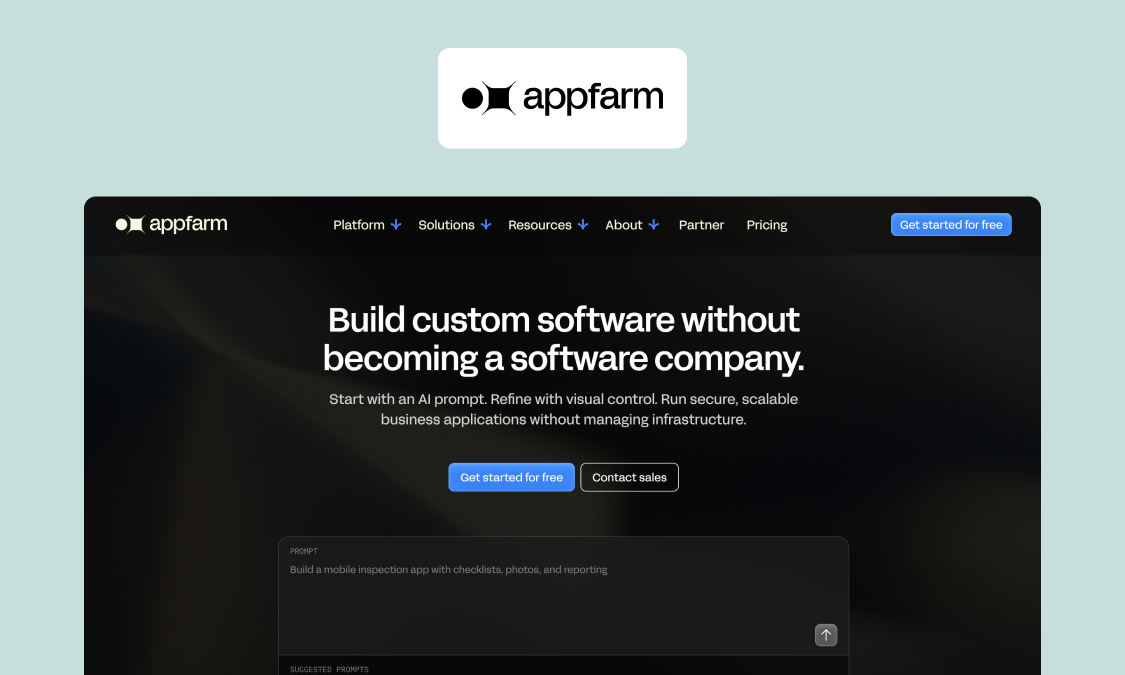
Best for: Construction and IT leaders who need time tracking to match their real cost codes, approvals, and ERP rules, not the other way round.
What it is: Appfarm is an enterprise no-code platform that builds custom business apps. You start from an AI prompt and refine on a visual canvas in one platform, moving back and forth freely, then deploy a Progressive Web App (PWA), a web app that installs on a phone and works offline like a native app. For construction operations, that means a field operations time app shaped around how your business actually runs.
Genuine strengths:
- Cost-code depth and project assignment built to your structure, down to phase, task, and cost type, so hours land in the right place at capture.
- Custom approval hierarchies that mirror your chain, from foreman to project manager to commercial, with edit history and audit trails.
- ERP-native and any-API integration through the platform's unlimited API support, so approved time can write straight into finance systems as integrated payroll input rather than a CSV someone re-uploads.
- Offline capability by default, with automatic sync when a device comes back into coverage, so basement and rural job site work is not lost.
- Fully EU/EEA-hosted, ISO 27001 certified, and GDPR-aligned, a real difference for European buyers when US-hosted rivals treat EU residency as a paid extra. Teams outside Europe should weigh EU hosting against their own residency rules rather than assume it is a plus.
- Active-user pricing counts only users who log in during a month, with public pricing you can read on the pricing page.
Where it hits a ceiling:
- You build the app, or work with a partner, so there is a scoping step a packaged tool does not have. A working prototype takes hours, and a scoped first phase in production is a matter of weeks. That is still slower than downloading an app this afternoon.
- You need to know your own cost-code structure and approval chain before you build. If you are still deciding those, a packaged tool will make the decision for you, which is sometimes what you want.
- Appfarm has no code export, so it carries the same theoretical lock-in as comparable hosted tools. Be honest with yourself about that trade-off.
- It is a platform, not a pre-packaged timesheet product, so a tiny crew that needs a clock-in button tomorrow may prefer something off the shelf.
Pricing (verified as of August 2026): Free tier at €0/mo (400 AI credits, enough to build and deploy your first app). Essential €2,350/mo (5 apps, 5,000 AI credits, 100 active users included, unlimited guest users). Professional €3,550/mo (unlimited apps, 10,000 AI credits, 200 active users). Dedicated from €5,950/mo (800 active users, dedicated infrastructure). All in EUR.
Verdict: If a packaged app cannot model your cost codes, approvals, or ERP writes, Appfarm lets you build custom software without becoming a software company. Your team owns what the app does; the platform owns keeping it running, including hosting, patching, uptime, and disaster recovery. Godig team working with Skanska switched from Power Apps to a custom Appfarm field-operations app, work that won an internal innovation award (see the case study).
2. ClockShark – Best for Fast Rollout With Standard Payroll
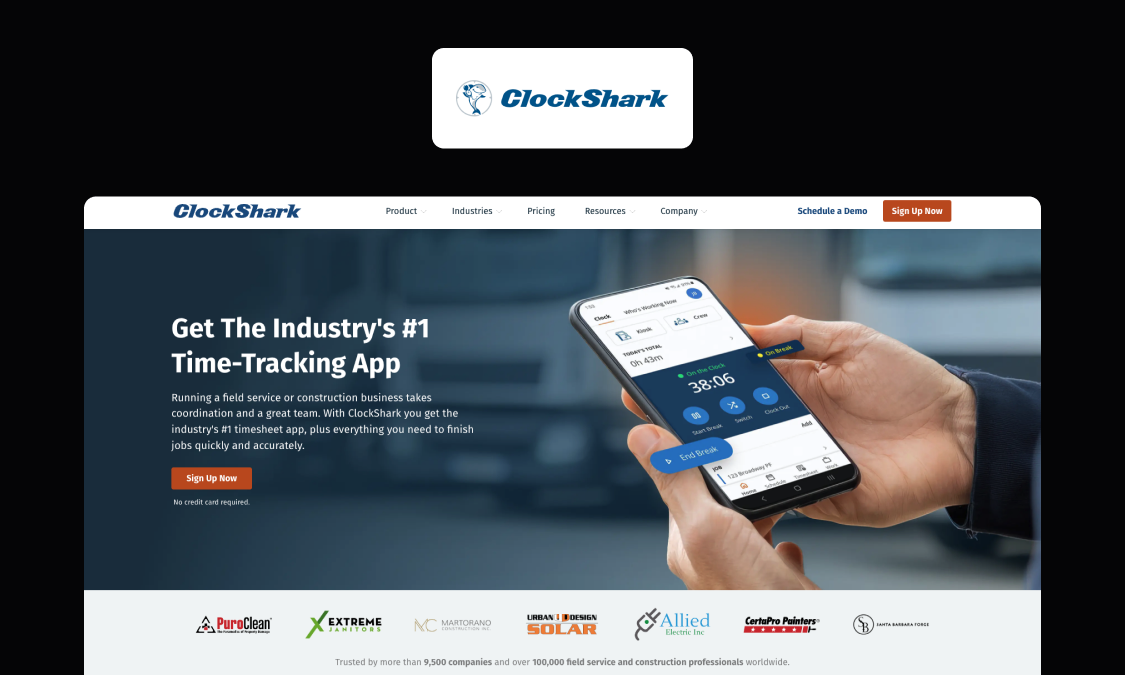
Best for: Crews that want construction time tracking software live this week, with clean exports to common payroll systems.
What it is: ClockShark is a packaged time-tracking and scheduling app built for construction and field service businesses. It offers a GPS time clock for construction sites, geofencing, and job and task tracking, with native mobile apps and a web dashboard.
Genuine strengths:
- Quick setup and a simple mobile time clock for construction crews.
- GPS tracking and geofencing to confirm workers clock in on site rather than from the van halfway there.
- Job, task, and basic cost tracking that covers standard needs.
- Direct exports to QuickBooks, ADP, and Gusto, so payroll processing does not start with a rekey.
Where it hits a ceiling:
- Cost-code depth is moderate, so complex project, phase, and cost-type structures can feel cramped.
- Approval flows are configurable but not built for multi-level commercial sign-off.
- Payroll integrations are built around US systems, so teams elsewhere may need an extra step to land CIS, RTI, or local social-security data in the right shape.
Pricing (verified as of August 2026): Standard $40/mo base plus $9/user/mo. Pro $60/mo base plus $11/user/mo. Per-active-user billing. No free tier, with a 14-day trial. All in USD. Check the current contract term before you sign, as ClockShark's published terms have referenced multi-year commitments.
Verdict: ClockShark is a strong pick when your process is standard and you want speed. If your cost codes or approval chain outgrow it, a custom Appfarm app can carry the same field usability while modeling your commercial rules.
3. ConstructionClock – Best for Small Crews Wanting a Free Start
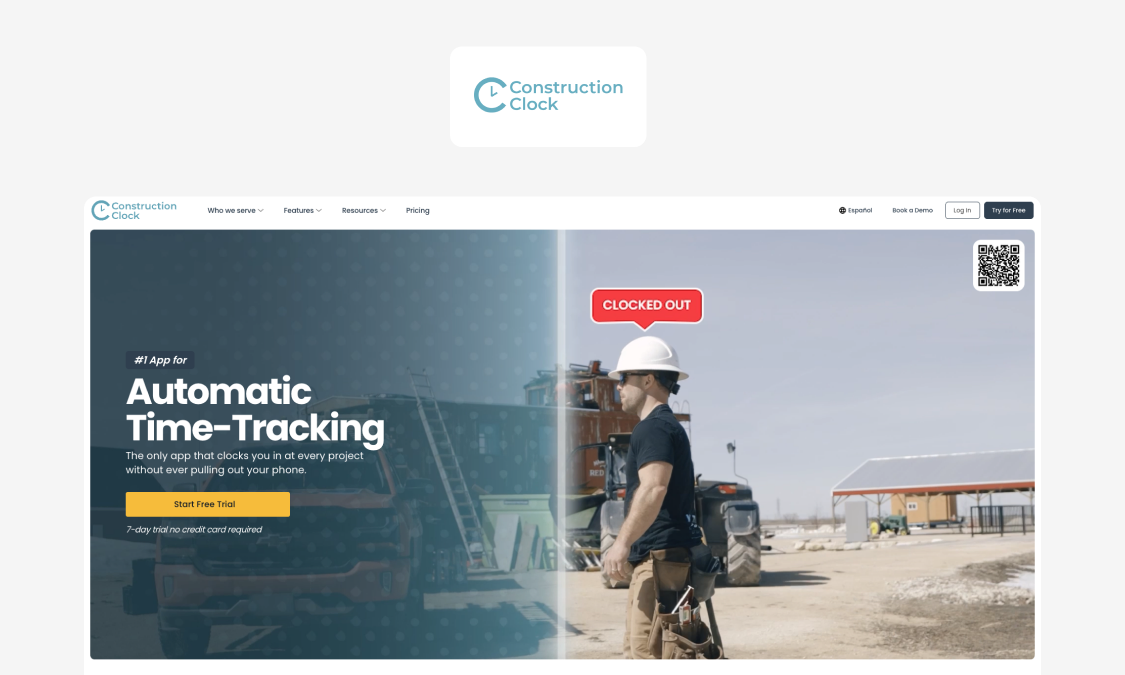
Best for: Small teams testing digital time tracking without upfront cost, anywhere the vendor's currency switcher covers your currency.
What it is: ConstructionClock is a construction-specific solution built around automatic time capture, with GPS, job costing, and scheduling. It has a free solo tier and paid team plans, and its pricing page includes an on-page currency switcher covering USD, EUR, GBP, CAD, AUD, and NZD, which is unusual in a category where most vendors quote USD only.
Genuine strengths:
- A genuine free tier to start with no spend.
- GPS and geofencing for site verification, with automatic clock-in and clock-out on the Solo plan.
- Job costing and scheduling aimed at construction rather than retrofitted from generic tracking software.
- Payroll and QuickBooks connections for standard exports.
Where it hits a ceiling:
- Cost-code depth is moderate and may not hold complex structures.
- Approval and audit controls suit smaller teams more than large commercial functions.
- ERP-native writes are limited compared with a custom build.
Pricing (verified as of August 2026): Solo $0. Team $12/user/mo. Pro $18/user/mo, which is where enhanced storage and dedicated support sit. Free tier plus a trial. Prices published in USD, with an on-page switcher for EUR, GBP, CAD, AUD, and NZD.
Verdict: ConstructionClock is a low-risk starting point for small crews. When you scale and your approvals or ERP needs deepen, that is the point where a custom Appfarm app earns its keep.
4. busybusy – Best for Free Unlimited-User Tracking
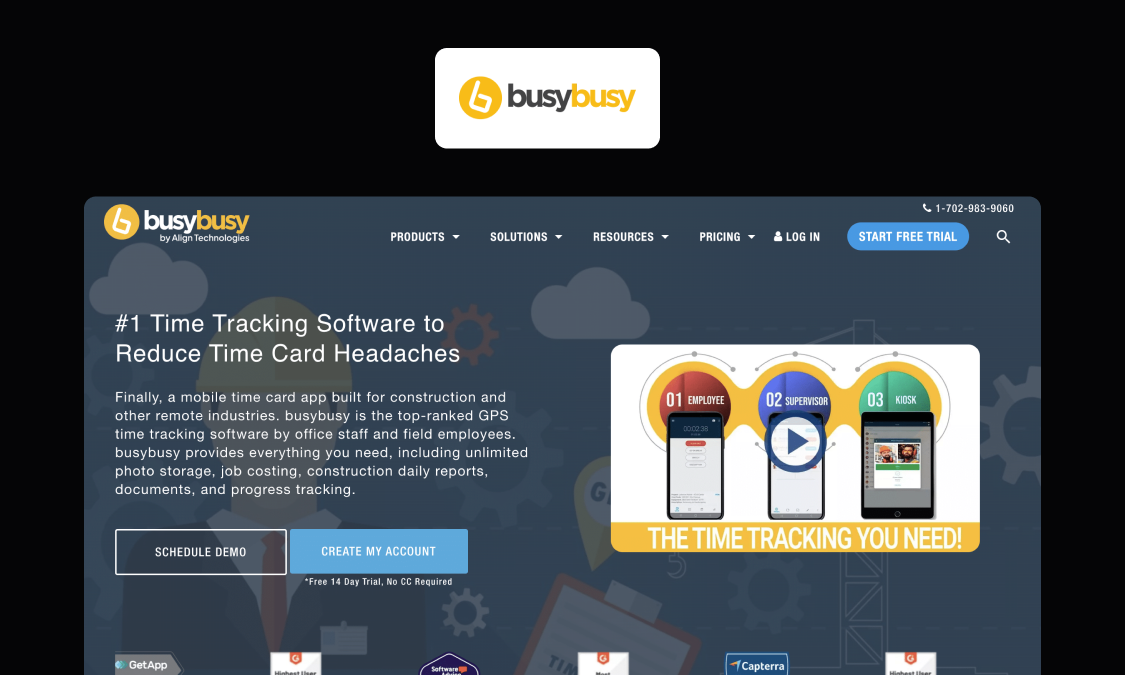
Best for: Growing crews that want to track time for many workers without paying per head on a free tier.
What it is: busybusy is a construction time tracking app with GPS, equipment tracking, and job costing. Its free plan supports unlimited users, with paid tiers adding features and an admin license.
Genuine strengths:
- Free plan with unlimited users, unusual in this category.
- GPS time clock, geofencing, and GPS breadcrumbing on paid tiers for real time tracking of where hours are being logged.
- Kiosk mode and photo verification at clock-in on Pro and Premium, which is the practical answer to buddy punching when the entire crew shares one device.
- Equipment and job-cost tracking alongside labor, plus offline mode on every tier.
- QuickBooks and payroll exports for standard flows.
Where it hits a ceiling:
- Paid tiers add a per-user fee plus a monthly admin license, so costs climb with scale.
- Cost-code depth and approval hierarchy are moderate.
- ERP-native integration is limited without extra work.
Pricing (verified as of August 2026): Free at $0 with unlimited users. Pro $11.99/user/mo, or $9.99/user/mo billed annually, plus a $40/mo admin license. Premium $17.99/user/mo, or $14.99/user/mo billed annually, plus the same $40/mo admin license. 14-day trial, no card required. All in USD.
Verdict: busybusy is a good value entry for large crews on a budget. If your commercial approvals or finance writes get complex, a custom Appfarm app models those without a per-head ceiling, using active-user pricing.
5. Workyard – Best for GPS Accuracy and Labor Cost
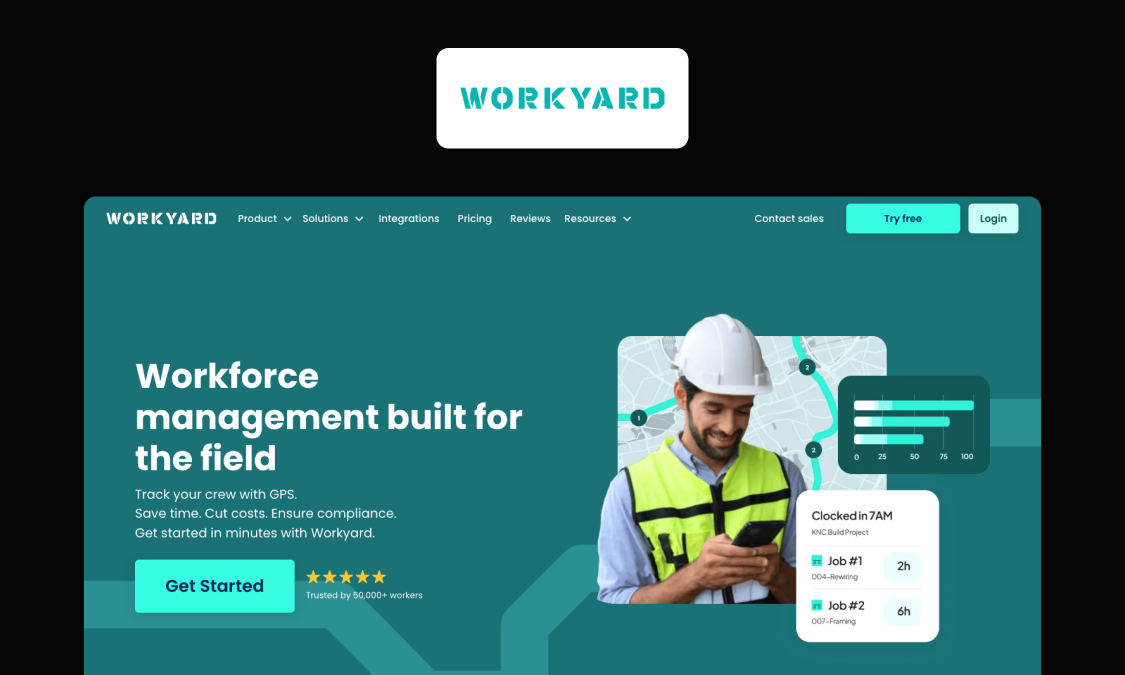
Best for: Teams that care most about precise GPS location data and accurate labor-cost reporting.
What it is: Workyard is a construction time tracking app known for high-accuracy GPS and labor cost reporting. It offers geofencing, job costing, and payroll integrations across tiered plans.
Genuine strengths:
- High-accuracy GPS time clock and detailed GPS data for construction site tracking.
- Detailed labor-cost reporting and real time data to control job margins mid-project rather than at the end.
- Facial photo verification at clock-in from the Pro tier, plus a time clock kiosk for shared-device sites.
- Mileage tracking and travel time reporting on every tier, which matters when crews cover multiple locations in a day.
- Integrations with QuickBooks, ADP, and Gusto.
Where it hits a ceiling:
- Only the Starter price is published; Pro, Autopilot, and Enterprise require you to contact sales, so budgeting past the entry tier is not self-serve.
- No free tier, so evaluation is time-limited to the 14-day trial.
- Deep cost-code and multi-level approval needs may still exceed a packaged tool.
Pricing (verified as of August 2026): Plans start at $6/user/mo billed annually (Starter). Tiers run Starter, Pro, Autopilot, and Enterprise, but only the $6 starting figure is publicly published. No free tier, with a 14-day trial and no card required. All in USD.
Verdict: Workyard suits teams that treat GPS accuracy and labor cost as the priority. When your cost-code or approval structure grows past its limits, a custom Appfarm app extends the same rigor into your own rules and ERP.
6. Procore Time – Best for Firms Already on Procore
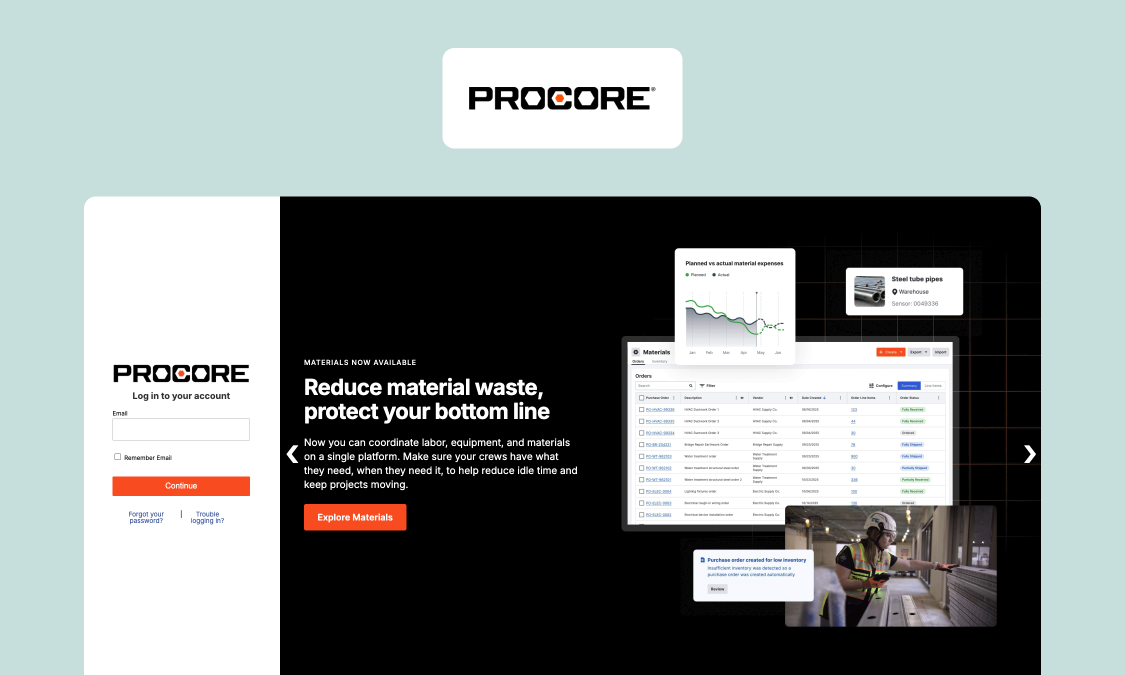
Best for: Contractors already running Procore who want time capture inside one construction platform.
What it is: Procore Time is the time-tracking module within Procore's construction management platform. It ties field time to projects, budgets, and cost codes already set up in Procore, with mobile capture and approvals.
Genuine strengths:
- Deep cost-code and budget links when your projects already live in Procore.
- Time flows into project financials without a separate export.
- Mobile capture and approvals inside a familiar platform, next to the project management tools your PMs already use daily.
- One vendor for project management and time, which simplifies data access and admin.
Where it hits a ceiling:
- Pricing is quote-only and based on Annual Construction Volume (ACV), so smaller construction companies may find it heavy.
- Value depends on already committing to the wider Procore platform.
- Less useful as a standalone time app if you do not use Procore for management.
Pricing (verified as of August 2026): Custom quote, not public. Procore prices annually on Annual Construction Volume (ACV), with unlimited users, no per-user fee, and annual contracts only.
Verdict: Procore Time makes sense when Procore already runs your projects. If you want that cost-code depth without buying a full construction platform, a custom Appfarm app gives you focused time tracking wired to your finance system.
7. Raken – Best for Daily Reports Plus Time
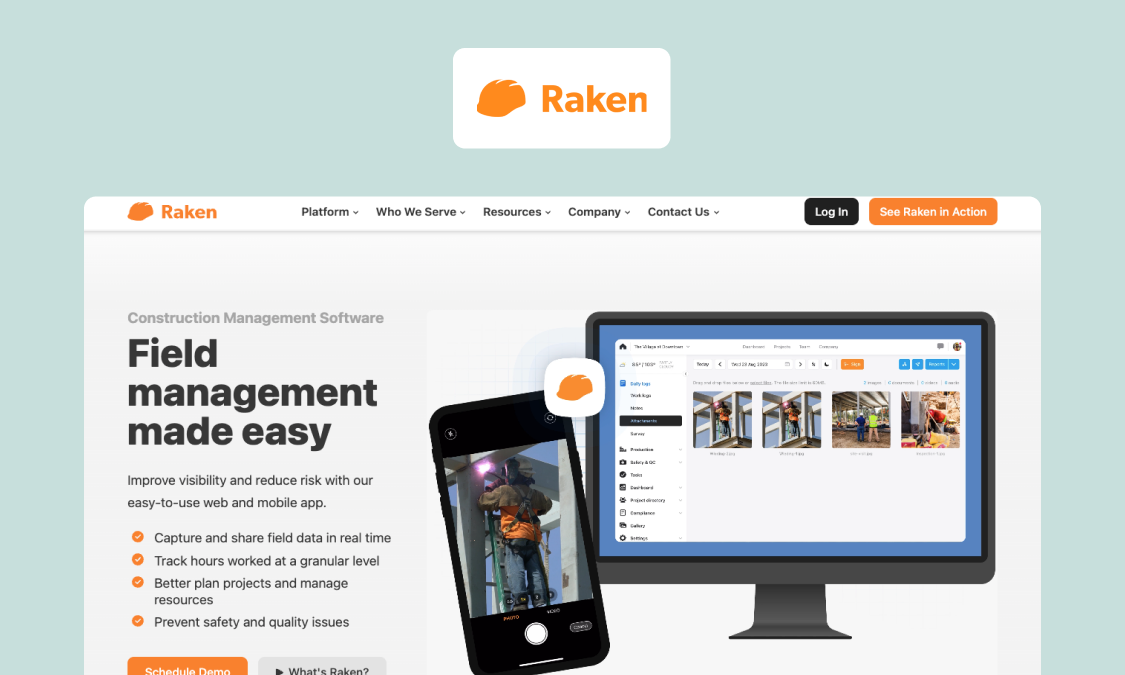
Best for: Site teams that live in daily reporting and want time capture attached to it.
What it is: Raken is a field management app centered on daily reports, production tracking, and safety, with time tracking built in. Crews log time alongside progress, photos, and QHSE (Quality, Health, Safety and Environment) notes from the same mobile app.
Genuine strengths:
- Time tied to daily reports, production, and safety in one flow.
- Simple mobile capture built for site foremen.
- Photo and progress logging that supports WIP (work-in-progress) visibility and audit ready documentation on disputed days.
- Payroll and accounting connections for standard exports.
Where it hits a ceiling:
- Pricing is quote-only with no published tiers, so you have to contact sales before you can budget.
- Cost-code depth is moderate compared with finance-led tools.
- Multi-level commercial approvals and ERP-native writes may need extra work.
Pricing (verified as of August 2026): Custom quote, not public. Raken publishes no tiers or prices.
Verdict: Raken fits teams whose center of gravity is daily reporting, with time as a companion. When your finance rules and approval chain need to lead, a custom Appfarm app puts cost codes and sign-off at the core and still captures field data.
8. Timesheet Mobile – Best for Punch-Based Hourly Tracking
Best for: Teams that want low-cost punch-in and punch-out tracking for hourly workers.
What it is: Timesheet Mobile is a punch-clock app with GPS geofencing and several pricing combinations built around per-employee and per-punch models. It targets straightforward hourly time capture rather than deep construction cost management.
Genuine strengths:
- Low per-employee entry cost for punch-based tracking.
- Geofence autopunch, which clocks workers in and out automatically as they enter or leave a job site boundary.
- Multiple pricing combinations to match different team sizes.
- QuickBooks and payroll exports for standard runs.
Where it hits a ceiling:
- Cost-code depth is basic, so complex project structures do not fit well.
- Custom workflows and multi-level approvals are limited.
- It is a general workforce punch clock rather than a construction-specific solution, so job costing and WIP reporting are thin.
Pricing (verified as of August 2026): $3.49/employee for unlimited punches plus a $14.99 company subscription. Other combinations include $0.15/punch plus $29.99, $9.95/employee plus $29.99, and $2.49/employee plus $149 for 15 or more employees. No free version, with a free trial. All in USD.
Verdict: Timesheet Mobile works for simple hourly punch tracking on a tight budget. Once you need cost codes, approvals, or ERP writes, a custom Appfarm app gives you a construction-shaped system instead of a general punch clock.
Conclusion: match the app to your hardest constraint
There is no single best time tracking software for construction, only the best fit for the constraint you cannot compromise on. If your process is standard and you want speed, a packaged tool like ClockShark, ConstructionClock, or Workyard gets you live fast with solid GPS verification and payroll exports. That is a good outcome when your cost codes are simple and your approvals are flat.
The ceiling shows up when your business is not standard. Deep cost-code structures, multi-level commercial approvals, region-specific payroll reporting (CIS and HMRC RTI in the UK, prevailing wage and certified payroll in the US, collective-agreement rules across much of Europe), and native ERP writes are where packaged tools ask you to bend your process to their design. At that point you are choosing between two forms of lock-in, so choose with eyes open. Appfarm has no code export, and in return you get an app built around your workflow, hosted on EU/EEA infrastructure with ISO 27001 and GDPR built in.
For IT directors accountable for governed, production systems, the managed lifecycle matters as much as the features. Your team owns what the app does; the platform owns keeping it running, with hosting, security patching, uptime, and disaster recovery handled for you. See more examples and case studies of operations teams that built exactly what they needed.
Try Appfarm for free
Ready to build time tracking around your real workflow? Try Appfarm for free and see how a custom app fits your cost codes, approvals, and finance systems. Explore what teams have built with AI-assisted app creation.
FAQs about construction time tracking apps
What is a construction time clock app, and how is it different from a generic time tracker?
A construction time clock app captures hours in the field and ties each entry to a project, phase, and cost code, then moves approved time into payroll and finance. A generic tracker records hours but has no concept of cost codes, so someone has to reassign every entry by hand afterward.
Which construction time tracking app is best in 2026?
It depends on your hardest constraint. For fast rollout with standard payroll, ClockShark or ConstructionClock fit well. For GPS accuracy and labor cost, look at Workyard. For complex cost codes, multi-level approvals, or ERP writes, a custom app built on Appfarm fits your workflow instead of forcing you to change it.
How do these apps stop time theft and buddy punching?
Three mechanisms, in increasing order of strength. Geofencing flags or blocks off site clock ins. Photo verification at clock-in makes a worker's identity visible on the entry. Biometric facial verification, offered by several US vendors, matches a face against an enrolled template. Be careful with that last one. Under the GDPR and its UK equivalent, facial recognition processes special-category biometric data, so you need a lawful basis, a DPIA, and a viable non-biometric alternative for anyone who objects; several US states impose their own consent and retention rules on biometric data. Geofencing plus photo verification clears most buddy punching without that burden.
What happens when there is no signal on site?
Every tool in this list offers some offline mode, but the depth varies. Ask two questions of any vendor: can a worker start and end a shift with no connectivity at all, and does the app sync automatically when signal returns, or does someone have to open it and press a button? For basement, tunnel, and rural work, offline time tracking is a hard requirement, not a nice-to-have.
Do these apps handle construction payroll compliance, like CIS or prevailing wage?
Rarely on their own. Most packaged tools export to a payroll system that then handles the statutory work, whether that is CIS (Construction Industry Scheme) deductions and HMRC reporting in the UK, prevailing wage compliance and certified payroll reports in the US, or local social-security filings elsewhere in Europe. Vendors are usually built around one country's regime, so check yours directly rather than assuming. A custom Appfarm app can be built to structure and export the exact data your payroll and finance systems need.
What about QuickBooks Time, Connecteam, and the other names on comparison sites?
QuickBooks Time (formerly TSheets) is a strong general option if you already run QuickBooks Online, and Connecteam and Buddy Punch appear on most shortlists too. We left them out because they are workforce tools with construction features rather than construction-first products, so their job costing and cost-code depth is thinner. Review sites such as Software Advice and Capterra are useful for checking current user feedback on any of them before you commit.
Does Appfarm build a native mobile app?
No. Appfarm generates a Progressive Web App (PWA), a web app that installs on a phone and works offline like a native app. It supports offline capture, custom workflows, and integrations with any API.
Where is my data hosted?
With Appfarm, in the EU/EEA, on infrastructure that is ISO 27001 certified and GDPR-aligned. Several US-based rivals host in the US and offer EU data residency only as a custom or higher-tier add-on. Whichever side of that you are on, confirm data location with any vendor you shortlist rather than inferring it from where the company is headquartered.
How does Appfarm pricing work compared with per-user tools?
Appfarm uses public, active-user pricing that counts only users who log in during a given month, with a bucket of active users included in each plan. That differs from per-user billing, where every named worker adds cost. You can review the tiers on the pricing page and start on the free tier, where apps are uncounted until you deploy them to production.
More reading
There are no items matching your filters. Please try another filter to view results.
We have a lot of helpful resources. Try another filter or reset the filters to find the resource for you.
Digital transformation without disruption

