


The Excel alternative guide for operations and IT teams
Outgrown Excel for approvals, planning, or operational workflows? Compare 11 Excel alternatives for governance, automation, integrations, scale, and cost.

TL;DR
The best Excel alternative depends on what you’re really replacing. If you’re mainly using Excel to analyze data or as a personal tracker, another spreadsheet tool, even a free one, may be all you need. But if you’re using it to run requests, approvals, inspections, planning, or other business processes, these criteria matter far more:
- Governance: roles, audit trails, and change control
- Workflow: forms, approvals, validation, and automation
- Integrations: ERP, identity systems, and APIs
- Scalability: user numbers, data volume, and performance
- Maintainability: no fragile macros, Access files, or processes only one person understands
If you need all five in one Excel alternative, shortlist Appfarm first.
Our Excel alternatives shortlist at a glance
- Appfarm – governed operational apps that replace Excel processes
- Power Apps – simple internal apps in Microsoft-standardized orgs
- Smartsheet – spreadsheet-style work and project tracking
- Airtable – spreadsheet-database hybrid for lightweight apps
- Zoho Sheet – cloud spreadsheet inside the Zoho suite
- Google Sheets – collaborative spreadsheets and shared analysis
- Baserow – open-source, API-first database for structured data
- LibreOffice Calc – free, offline desktop spreadsheet
- Microsoft Access – legacy baseline, not a modern answer
- SharePoint/Microsoft Lists – documents and simple lists, not process apps
- Retool – internal tools developers build over existing databases
Comparison table – all tools at a glance
Use this table to shortlist three tools, then read the detailed reviews below. It compares the main differences that matter once Excel is doing more than analysis: tool category, governance, workflow, integrations, scale, and pricing.
| Tool | Best for | Category | Governance | Workflow/automation | Integrations | Scale fit | Pricing notes |
|---|---|---|---|---|---|---|---|
| Appfarm | Governed operational apps replacing Excel/Access around ERP | Workflow app platform | RBAC, identity + governed deployment | Flows, AI automation + scheduled jobs | REST, SOAP, GraphQL + MCP | Mid-market to enterprise | Tiered + active-user based; public pricing |
| Power Apps | Simple internal apps in Microsoft organizations | Workflow app platform | Entra + Power Platform controls | Power Automate + app logic | Microsoft stack + premium connectors | Departmental to enterprise | Per-user + PAYG; volume discounts |
| Smartsheet | Spreadsheet-style project and work management | Spreadsheet | Admin controls; deeper controls on higher tiers | Forms, approvals, alerts + automations | 175+ integrations | Team to enterprise | Per-member tiers; custom Enterprise |
| Airtable | Relational data and lightweight apps | Database | Permissions; Enterprise audit logs | Automations, interfaces + scripting | APIs, webhooks + integrations | Team to enterprise | Per-seat tiers; custom Enterprise Scale |
| Zoho Sheet | Low-cost collaborative spreadsheets | Spreadsheet | Sharing, range locks + audit trail | Review/approval workflows + spreadsheet automation | Zoho ecosystem | Team spreadsheet use | Free; also included with Zoho Workplace |
| Google Sheets | Collaborative analysis and shared trackers | Spreadsheet | Sharing + protected ranges | Forms + Apps Script | Drive, Docs + BigQuery | Team to enterprise spreadsheet use | Free personal; Workspace per-user |
| Baserow | Open-source/self-hosted relational data | Database | RBAC + audit logs on higher tiers | Application + Automation Builders | REST API + webhooks | Small teams to enterprise | Free + per-user tiers; custom Enterprise |
| LibreOffice Calc | Free offline spreadsheet replacement | Spreadsheet | File-level controls; no process audit | Macros; no process workflow | File-based; no managed ERP integration | Desktop spreadsheet use | Free and open source |
| Microsoft Access | Maintaining or migrating legacy departmental databases | Database | Limited modern permissions + auditability | Macros + VBA | SQL Server, SharePoint + Excel | Departmental desktop use | Selected M365 plans; standalone Windows purchase |
| SharePoint/Microsoft Lists | Documents and simple structured lists | List/document platform | M365 identity + item-level permissions | Rules + Power Automate | Teams + Microsoft 365 | Team to enterprise M365 use | Included in M365; standalone SharePoint available |
| Retool | Developer-led apps over databases and APIs | Workflow app platform | RBAC + audit controls on higher tiers | Custom logic + workflows | SQL, REST, GraphQL + SaaS | Developer-led internal apps | Builder/internal-user seats; free + custom Enterprise |
How to read the comparison table (what each column actually means)
Each column in the table you’ve just seen measures something different, and those differences should shape your shortlist. They run from how a tool structures its data, to what it does with that data, to who keeps it running once it’s live.
Data model: table thinking beats cell thinking
Operational work is easier to manage when data is stored as connected records rather than isolated cells. For example, an inspection can link to an asset, site, technician, work order, and deviation without relying on duplicated values or fragile lookup formulas across multiple Excel files.
Spreadsheets are mainly cell-based, databases are built around related records, and workflow app platforms add the process logic around those records.
Most relevant column: Category
Forms and validation: stop bad data at the door
Good forms give you the ability to control what users can enter before errors reach the rest of the process. Required fields, lookup lists, ranges, and conditional logic help standardize records and reduce cleanup later, especially when that data feeds into your ERP.
Most relevant column: Workflow/automation
Workflows and automation: from tracker to process
Workflow automation controls what happens after a request or record is submitted. Approvals, SLAs, notifications, scheduled jobs, and exception handling can take it from intake through validation, approval, and logging to reporting without somebody chasing each step manually.
Most relevant column: Workflow/automation
Permissions and audit trails: governed operations, not shadow IT
Permissions control who can submit, approve, edit, or view each record. Audit and change history show what changed, when, and who did it, and what was deleted. IT still has to review and sign off on what reaches production, including apps built quickly with AI.
Most relevant column: Governance
Integrations: ERP, identity, and no more CSV imports
A good Excel alternative should move data between systems without somebody retyping it. Look for REST/SOAP APIs, scheduled syncs, and event-driven updates that connect to ERP, CRM, identity systems, project management software, and other core tools.
Most relevant column: Integrations
Production and lifecycle: who keeps it running
Once an app is live, someone has to deploy it, secure it, monitor it, patch it, back it up, and recover it if something fails. You also need to know whether it’ll keep performing as user numbers, data volumes, and workload increase.
Raw-code and self-hosted routes leave more of that work with your team. With Appfarm, your team owns what the app does, and the platform owns keeping it running.
Most relevant columns: Scale fit, Governance
The 11 best Excel alternative tools for operational teams (ranked)
1. Appfarm
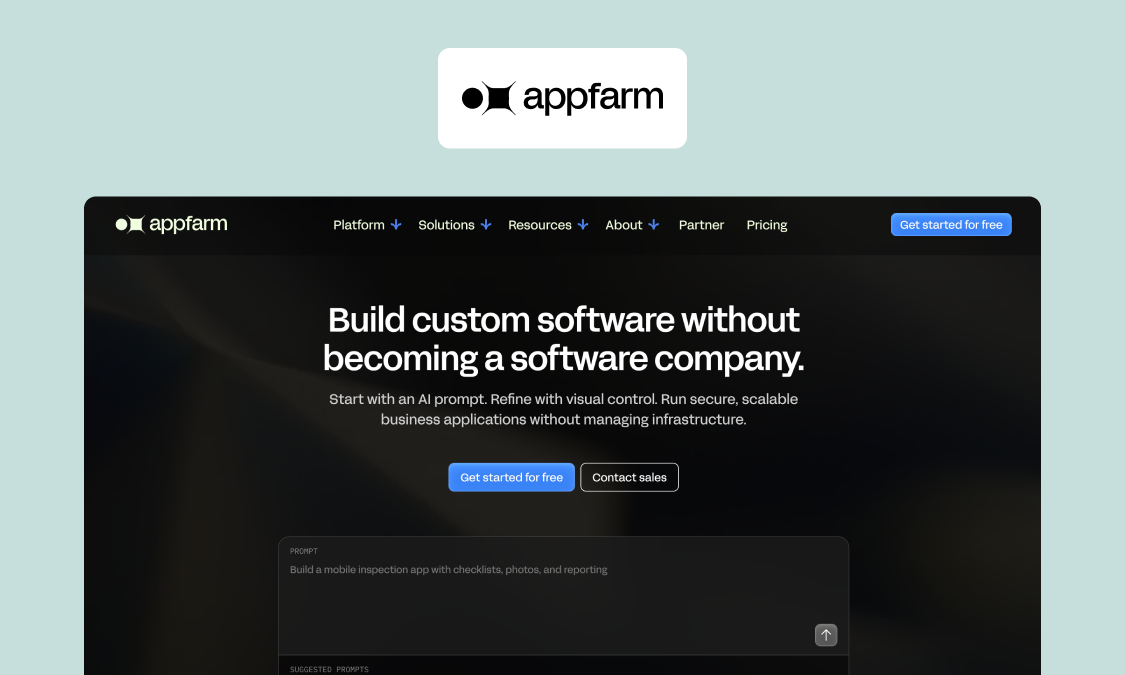
Best for: Mid-market operations and IT teams replacing Excel or Access-driven processes with governed, business-critical apps that integrate with ERP software.
Appfarm is an AI-powered visual development platform for building and running governed operational apps around how your business works. If Excel’s become the place for teams to submit requests, update plans, approve exceptions, or reconcile ERP data, you can replace the spreadsheet with a tailored app and keep your ERP as the source of truth.
The bigger difference comes post-launch. Go the raw-code route, or use an AI code generator that leaves you with a codebase, and someone still has to secure it, deploy it, patch it, and keep it running. With Appfarm, that’s handled: hosting, uptime, security, backups, patching, and recovery all sit with the managed cloud. Your team owns what the app does; Appfarm owns keeping it running. That’s how construction firm Implenia runs a business-critical system for coordinating project staff, payroll, and sick leave across projects and locations, after replacing spreadsheet tracking that lacked real-time updates and integration with other systems.
You can start from a prompt, then refine the app on a visual canvas where the data model, UI, logic, and workflows stay visible and editable. AI and visual development work in tandem, so you shape and evolve the application without losing visibility into how it works.
Key features:
- Role-based access control (RBAC), identity-provider integration, and governed deployment across development, test, staging, and production
- Server-side Flows for reusable logic, integrations, automation, and scheduled jobs
- REST, SOAP, and GraphQL integrations for ERP and other business systems
- Appfarm AI, with Build mode for creating and changing apps and Ask mode for help grounded in Appfarm documentation
- Visual canvas for reviewing and editing the data model, UI, logic, and workflows
- Fully managed EU/EEA cloud infrastructure with ISO 27001 certification
- Progressive Web Apps (PWAs) that run in the browser and on mobile devices
- Offline support for mobile and field work, with local caching and sync on reconnect
Watch-outs: Appfarm isn’t for personal projects, single-user productivity apps, or native mobile apps that rely heavily on OS-level APIs. There’s also no code export, so the same theoretical lock-in applies as with comparable hosted platforms.
Good fit if:
- You’re replacing Excel or Access processes that have become business-critical
- You need to fill workflow gaps around an ERP or other core system
- Multiple roles need different permissions, views, or actions
- Governance, security, integrations, and maintainability matter in production
Not a fit if:
- You only need a basic spreadsheet or personal productivity tool
- You need a native mobile app with deep access to OS-level APIs
Pricing: Tiered plans with active-user pricing (September 2026) – check the public pricing page for full details.
Verdict: Arguably the best Excel alternative when the spreadsheet has become a business-critical process and you need a governed app that fits the work, integrates with your ERP, and stays maintainable in production.
2. Power Apps
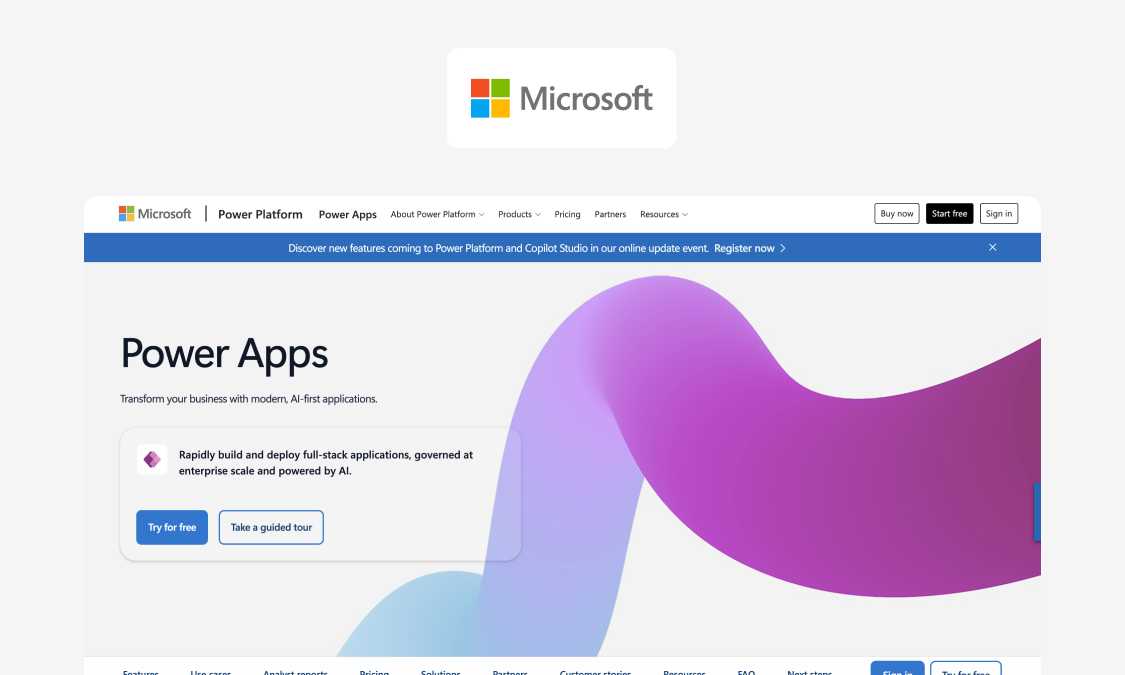
Best for: simple internal apps in Microsoft-standardized organizations.
Power Apps is a natural next step if your Excel processes already sit inside Microsoft 365. It lets teams turn spreadsheet- and SharePoint-based workflows into internal apps, while keeping the familiar Microsoft technology stack around them.
Key features:
- Canvas and model-driven apps for building internal tools around existing processes
- Dataverse for moving operational data out of spreadsheets and into a managed data layer
- Power Automate for approvals, notifications, and other workflow automation
- Deep integration with Excel, SharePoint, Teams, and the wider Microsoft 365 stack
- Microsoft Entra identity and Power Platform admin controls for access and governance
Watch-outs: Complexity grows fast once the app moves beyond a simple Microsoft-centric workflow. Premium capabilities can mean moving beyond Microsoft 365 use rights, while extra Dataverse capacity, AI usage, and some Power Automate scenarios can add further costs. For a fuller look, see our guide to moving beyond Power Apps.
Pricing: Per-user subscription, with a pay-as-you-go option per active user per app and heavy volume-based discounting (September 2026)
Verdict: A solid choice for simple, Microsoft-centric apps. It tends to make less sense when the app becomes a complex operational platform. That’s what happened with Skanska: Godig moved Skanska’s tunnel-management solution from Power Apps to Appfarm, and the finished solution won an Innovation Award.
3. Smartsheet
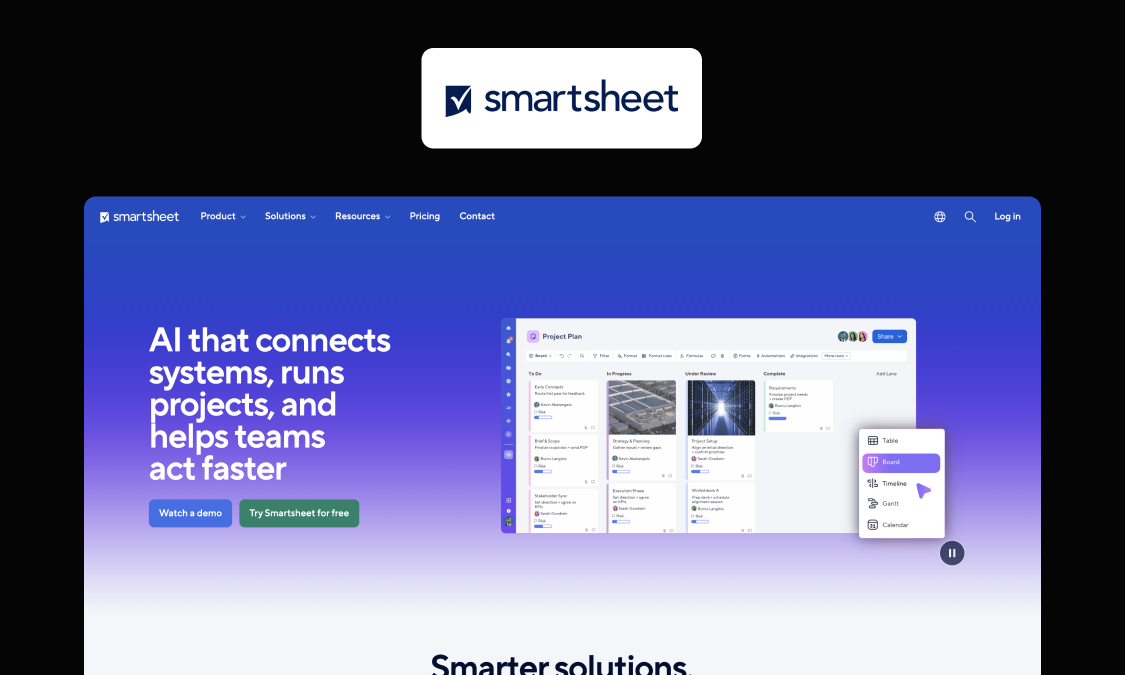
Best for: teams that’ve outgrown a shared Excel tracker for project and work management and want a familiar grid with collaboration, views, and reporting on top.
Smartsheet is one of the easier Excel alternatives to switch to because the core experience still feels spreadsheet-like. Keep work in rows and columns, then create forms and add multiple views, dashboards, reporting, and automated workflows without jumping straight to a custom app platform.
Key features:
- Grid, Gantt, board/card, calendar, and table views over the same work
- Forms for structured intake, with conditional form logic on higher plans
- Automated approvals, alerts, update requests, and recurring workflows
- Dashboards and reports for rolling up work across sheets
- 175+ integrations, including Microsoft Teams, Power BI, Salesforce, Jira, and Google Workspace tools
Watch-outs: Smartsheet remains sheet-shaped; a benefit for some, but a limitation for most who feel they’ve outgrown Excel. Relational data, like an inspection linked to an asset linked to a site, has to be flattened or cross-referenced rather than modeled properly.
Pricing: Per-member tiered subscription; custom Enterprise pricing (September 2026)
Verdict: A strong Excel alternative and relatively quick step up when the job is collaborative project or work tracking and you want to keep the familiar grid.
4. Airtable
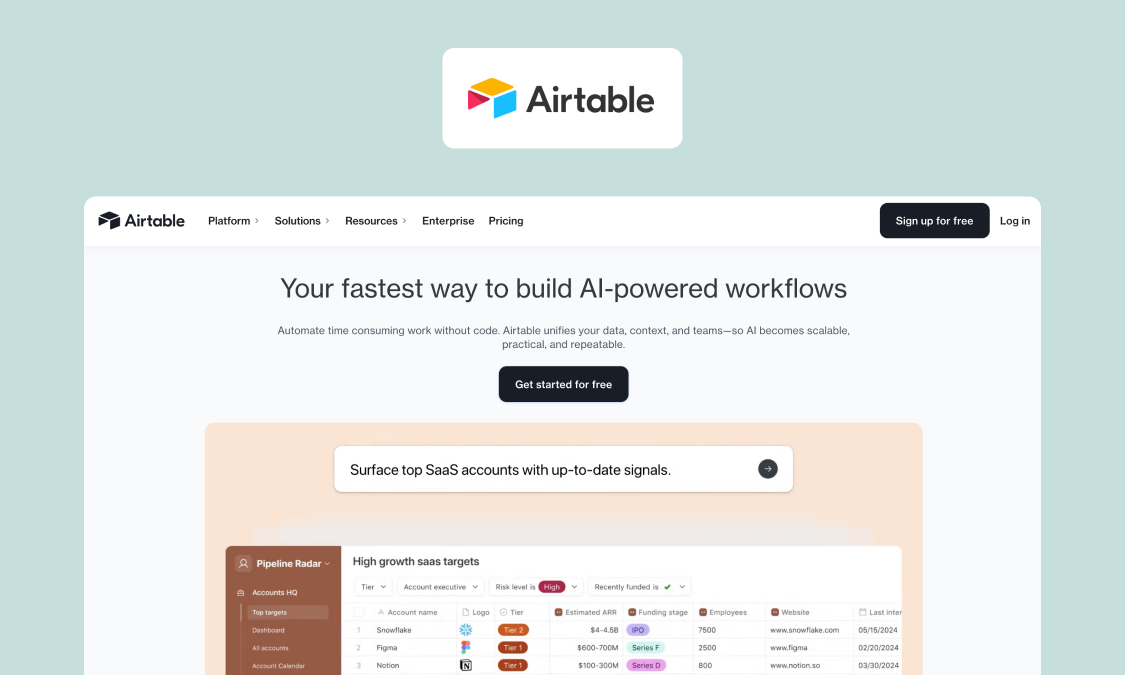
Best for: teams that need relational structure and multiple views of the same data without asking IT to build anything.
Airtable merges traditional spreadsheets with relational database functionality. It’s a natural step up when Excel’s rows and formulas start to struggle with connected data, keeping the familiar grid while letting you organize information across linked tables and build interfaces and workflows around it.
Key features:
- Linked tables, records, lookups, and rollups for relational data, and support for rich data types like attachments and checkboxes
- Grid, Kanban, calendar, gallery, timeline, and Gantt views
- Interface Designer for building app-like front ends over your data
- Automations, scripting, APIs, and webhooks for connecting workflows and other tools
- Omni AI for creating and editing tables, interfaces, and automations from natural-language prompts
Watch-outs: An Airtable base that runs a real process in place of a spreadsheet can recreate the same "only one person knows how it works" problem you’re trying to escape, just in a nicer interface with extra automations.
Also, Airtable was recently acquired by Bending Spoons, known for introducing very aggressive pricing strategies for software they acquire. In a recent article, we covered the acquisition and potential paths for migrating out of Airtable.
Pricing: Per-seat tiered subscription; custom Enterprise Scale pricing (September 2026)
Verdict: A strong Excel alternative when you need connected data, flexible views, and super-lightweight apps without taking on a traditional development project.
5. Zoho Sheet
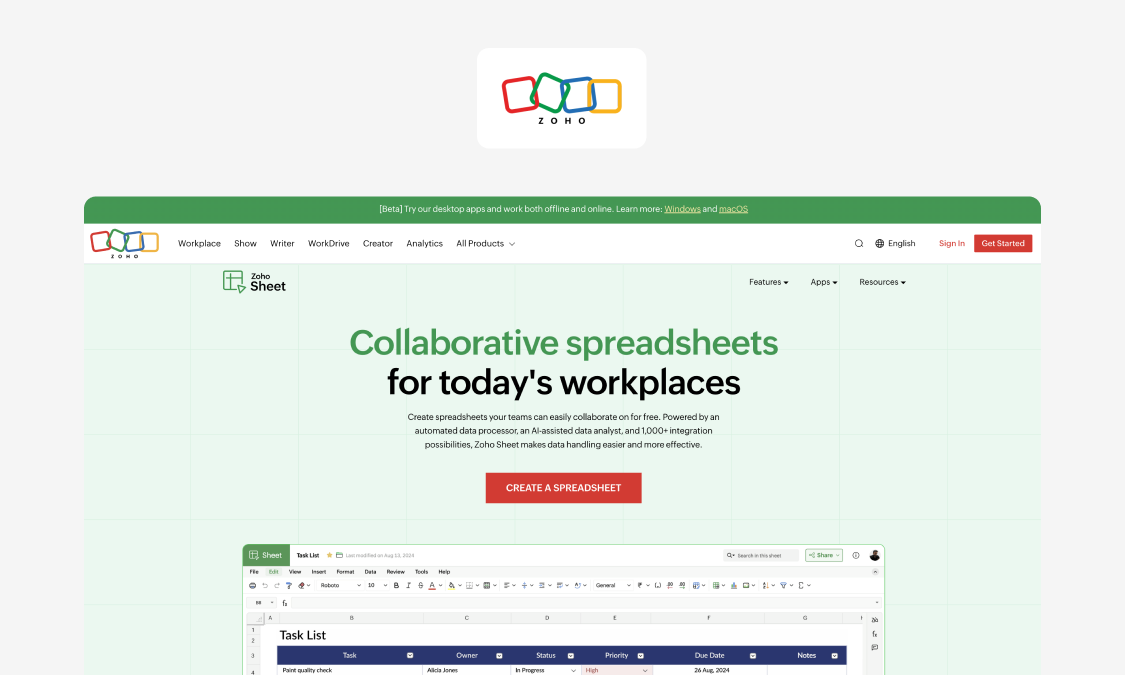
Best for: organizations already in the Zoho suite that want a capable, low-cost cloud spreadsheet with good Excel-file compatibility.
Zoho Sheet is a strong cloud spreadsheet alternative if you want something that still feels like Excel, especially if your team already works in the wider Zoho suite. The appeal here is familiarity: it’s a true spreadsheet experience, but in a browser-first tool built for shared work.
Key features:
- Excel-file support for XLSX, XLS, and XLSM, including VBA macros
- Real-time co-editing, comments, sharing permissions, and version history
- Audit Trail for tracking spreadsheet changes by user, date, sheet, or range
- Data validation, conditional formatting, and cell/range locking
- Zia for data cleaning, analysis, chart and pivot recommendations, and AI-assisted formulas
Watch-outs: It’s still a spreadsheet, which may or may not suit you. If you need record-level permissions, complex multi-step workflows, or ERP-grade integration, you’re asking it to do a different job.
Pricing: Free standalone; also included with Zoho Workplace subscriptions (September 2026)
Verdict: A practical free Excel alternative if you want the same basic spreadsheet model with more built-in collaboration, change tracking, data controls, and AI-assisted analysis.
6. Google Sheets
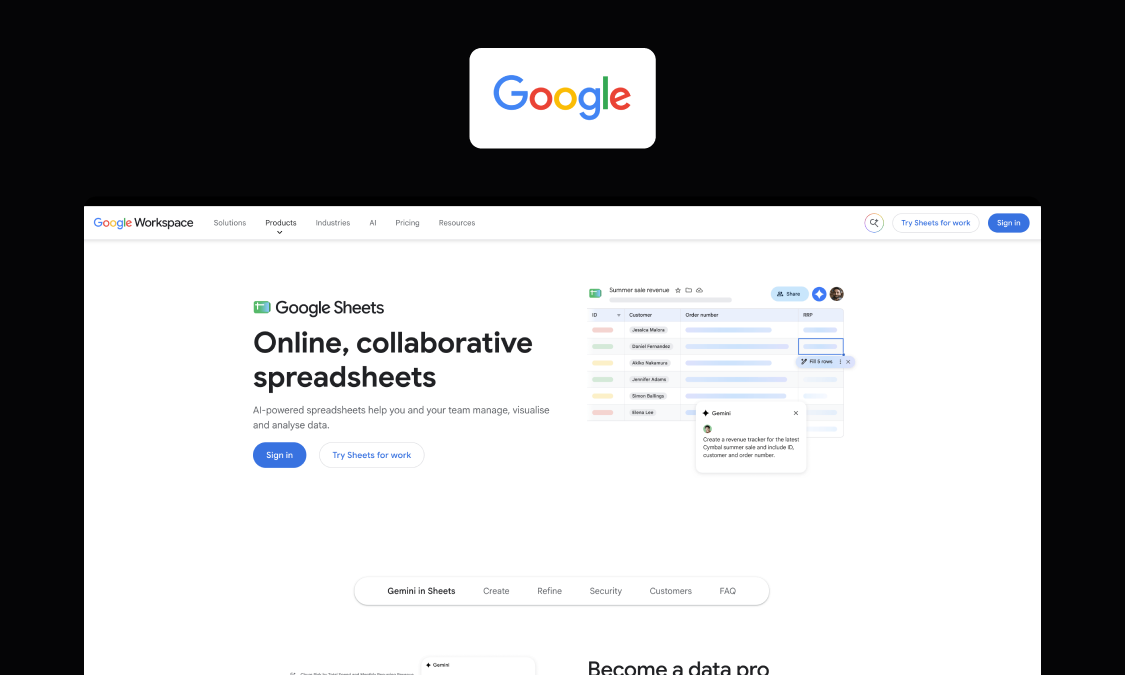
Best for: collaborative analysis and shared trackers where multiple people need to enter or work with data in one central place.
Google Sheets is the tool teams reach for when the real problem with Excel is getting several people into one file at once. It runs in the browser with no install, it’s familiar to almost everyone, and it connects natively to Google Drive, Google Docs, and BigQuery for larger data analysis.
Key features:
- Real-time co-editing with revision history, comments, and assigned tasks
- Data validation and protected ranges
- Apps Script triggers and a large add-on ecosystem for automation
- Google Forms as a structured intake front end
- Admin controls and sharing policies inherited from Google Workspace
- Gemini for AI-assisted formulas and analysis
Watch-outs: The things that make Sheets easy also cap it as a system of record. Protected ranges aren’t role-based access, revision history isn’t an audit trail, and Apps Script is essentially just the new fragile macro to worry about. In short, moving from Excel to Sheets fixes version chaos, not governance.
Pricing: Free with a personal Google account; included in per-user Google Workspace tiers for business (September 2026)
Verdict: If your main goal is to share files and collaborate more easily, with live co-editing and built-in version history, Google Sheets could be your ideal new solution. But a governed operational process still needs more than a shared grid.
7. Baserow
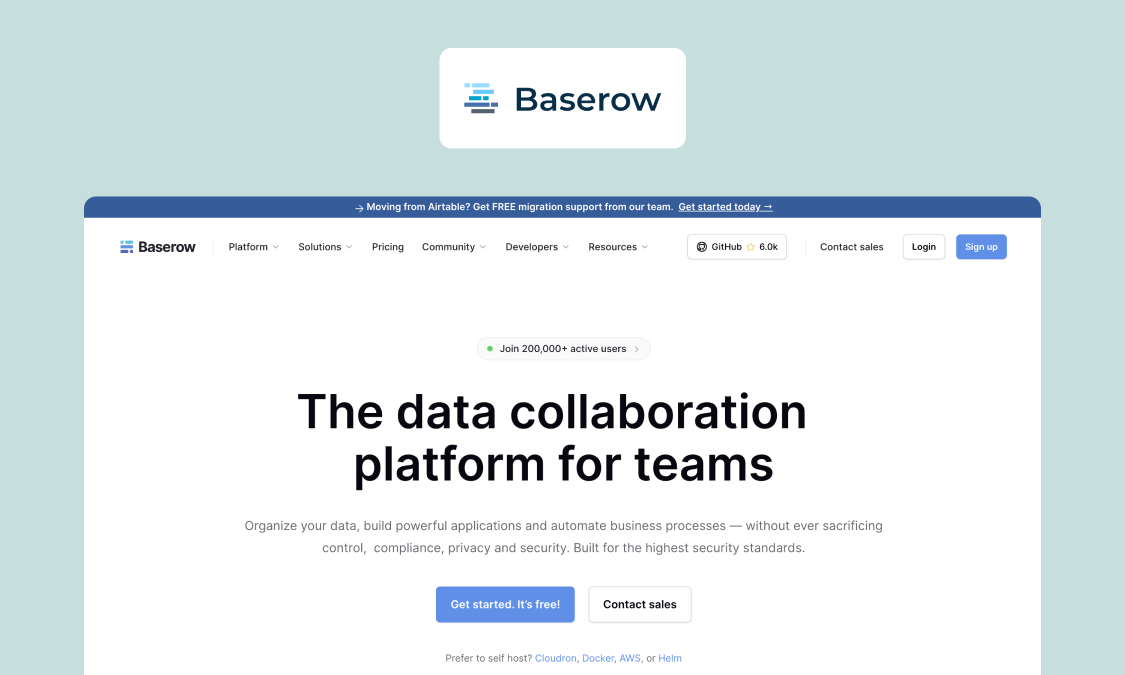
Best for: technically comfortable teams that want an open-source, self-hostable database with a spreadsheet-like interface and full data ownership.
Baserow is a bigger step away from Excel than the spreadsheet tools above. You still work with a familiar grid, but underneath you’re building tables instead of managing everything as cells in one workbook.
Key features:
- Relational tables with linked records, lookups, formulas, and rollups
- Grid, form, gallery, Kanban, calendar, and timeline views
- REST API with automatically generated documentation, plus webhooks
- Application Builder and Automation Builder for apps and workflows around your data
- Cloud and self-hosted (open source alternative) deployment options
Watch-outs: Self-hosting gives you much more control over your data and infrastructure, but your IT team then owns the servers, maintenance, updates, backups, and recovery. Governance also varies by tier: granular RBAC and audit logs sit on higher plans.
Pricing: Free cloud and self-hosted tiers; paid per-user plans; custom Enterprise pricing (September 2026)
Verdict: Well worth considering as an Excel alternative if you want to move from cells to a proper relational database and value open source or self-hosting.
8. LibreOffice Calc
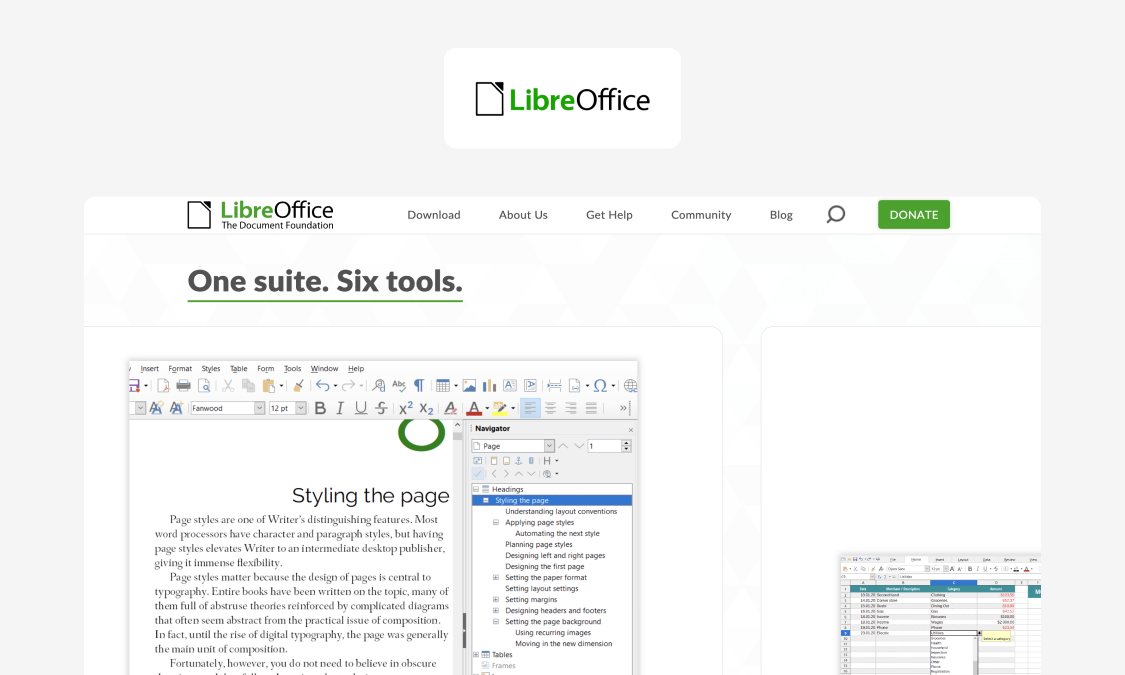
Best for: replacing the Excel license, not the Excel process – offline desktop spreadsheet work where cost or open-format requirements rule out Microsoft 365.
LibreOffice Calc is the spreadsheet in the free LibreOffice suite, one of the best-known open-source alternatives to Microsoft Office. It’s genuinely free with no seat counting, runs on Windows, macOS, and Linux, and uses the OpenDocument Format by default, while supporting XLS and XLSX files.
Key features:
- Free and open source, with no per-user licensing
- Formulas, charts, pivot tables, filtering, and other familiar analysis tools
- Macro support through LibreOffice Basic and Python
- Desktop versions for Windows, macOS, and Linux
- Full offline support
Watch-outs: Calc is still a desktop spreadsheet, so switching from Excel doesn’t solve the governance gaps: no record-level permissions, process approvals, audit trail of business decisions, or managed ERP integration.
Pricing: Free and open source (September 2026)
Verdict: If the problem pulling you away from Excel is the Microsoft licensing cost, LibreOffice Calc is a real answer. If the problem is that a spreadsheet is running a business process, switching spreadsheets changes nothing.
9. Microsoft Access
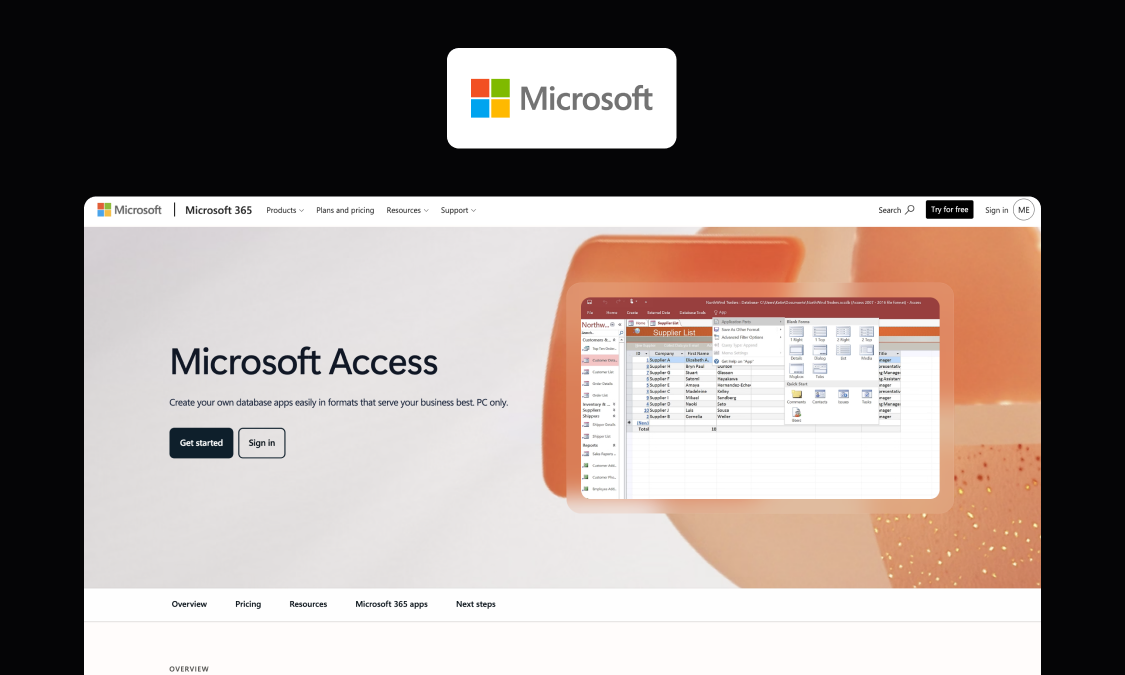
Best for: Existing departmental databases you need to maintain or migrate; a legacy baseline rather than a worthwhile recommendation for new operational systems.
Microsoft Access got the data model right decades before many current tools: tables, relationships, queries, and forms in one file. It’s still powerful for a single-team departmental application, hence why so many business processes have stayed in MS Access for years. It’s also still shipped and supported in Microsoft 365.
Key features:
- Relational tables with enforced relationships between records
- Query designer for building queries visually or editing them in SQL view
- Forms for structured data entry and reports for formatted output
- Macros and Visual Basic for Applications (VBA) for automating tasks and adding custom logic
- Linked tables for connecting Access to SQL Server databases, SharePoint, Excel, and other data sources
Watch-outs: Access can become hard to maintain when the forms, queries, and VBA depend on knowledge held by one person or a small team. It’s also still a desktop, file-based database, so browser access, modern permissions, and auditability are limited compared with newer app platforms.
All that said, your existing Access file is still useful during migration: its tables, relationships, forms, and queries already document much of the process you need to rebuild.
Pricing: Included with selected Microsoft 365 subscriptions; also available as a one-time Windows purchase (September 2026)
Verdict: A sensible legacy database to keep running where it still fits, but if you’re rebuilding for web access, stronger governance, and easier maintenance, it’s time to move to a modern app platform.
10. SharePoint/Microsoft Lists
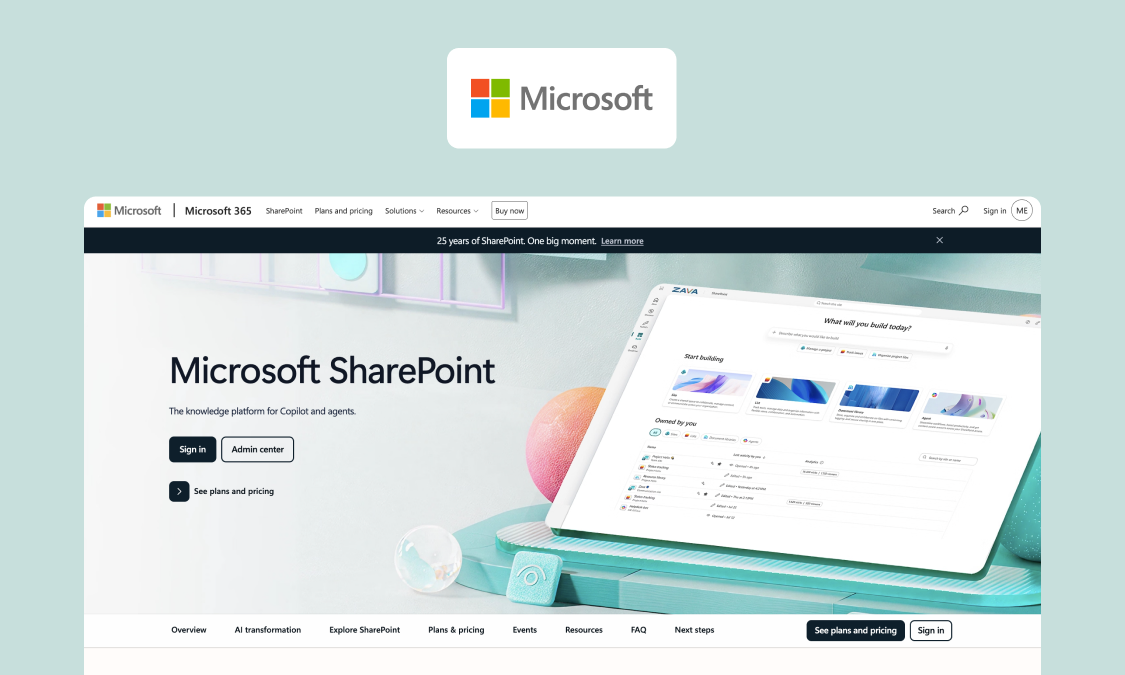
Best for: document management, intranet content, and simple structured lists inside a Microsoft-standardized organization.
SharePoint’s already embedded in a lot of Microsoft 365 organizations, providing excellent document management with versioning, co-authoring, retention, and search. Microsoft Lists adds a decent structured-list experience too, with views, simple rules, and forms.
Key features:
- Site, library, list, and item-level permissions within the Microsoft 365 identity and governance model
- Power Automate integration for approvals and more involved workflows
- Deep Teams integration, with lists, libraries, and SharePoint pages available inside channels
- Often already licensed and governed in Microsoft 365 organizations, which can reduce procurement and IT approval friction
Watch-outs: Lists work well for structured tracking, but they’re not a full relational data model. At scale, item-level permissions and larger lists become harder to manage. More complex workflows can push you into Power Automate, too. That can leave you with a list, form, flow, and attachments nobody really owns.
Pricing: Included in Microsoft 365 subscriptions; standalone SharePoint plans are also available (September 2026)
Verdict: Most teams searching for a SharePoint alternative don’t need to replace SharePoint. Keep it as paperless office software for documents and knowledge; move the operational process to a purpose-built app and integrate the two.
11. Retool
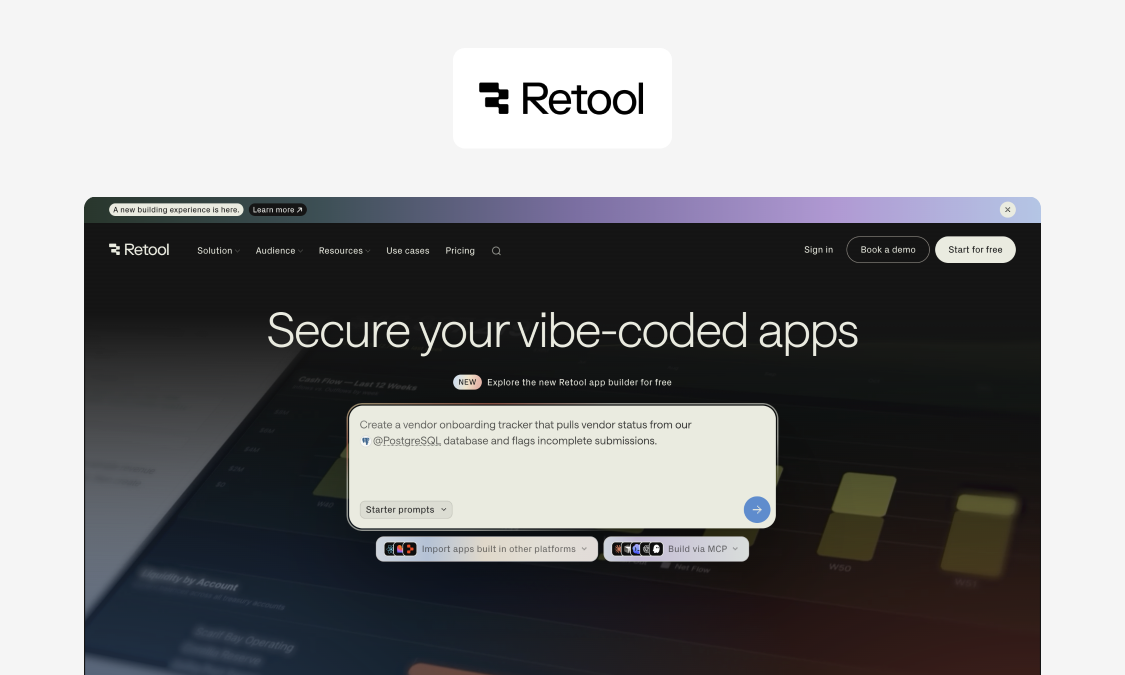
Best for: Engineering and technical-ops teams that already have their data in a database or behind an API and want a fast, governed UI over it.
Retool is logical when the spreadsheet has become a clumsy window into data that already lives somewhere better. Developer teams can build CRUD apps (create, read, update, delete), admin panels, and dashboards directly over databases and APIs, giving business users a cleaner way to work with live systems.
Key features:
- Drag-and-drop component library for building internal apps over existing data
- Native connectors to SQL databases, REST and GraphQL APIs, and SaaS tools
- Built-in PostgreSQL database, so Retool can store app data as well as sit over existing systems
- JavaScript and SQL for custom logic, queries, and more complex app behavior
Watch-outs: Retool assumes technical skill, so it’s a better fit for developer-led teams than operations managers replacing their own planning spreadsheet. Seat-based pricing can also get expensive with large frontline user bases.
Pricing: Seat-based pricing split between builders and internal users, with a free tier and custom Enterprise pricing (September 2026)
Verdict: Choose Retool if you have developers in-house who are tired of feeding business teams Excel exports and want to give them a proper interface over the data instead.
Excel limitations that create real operational risk
Excel is great at what it was built for: analysis and modeling. Problems start when a spreadsheet becomes the system that runs a business process, because the features that make Excel easy to start with are the same that make it risky to depend on. Seven of those risks come up time and time again in operations; you’ll probably recognize a few:
- Version chaos. Multiple copies, broken links, and files with names like "final_v7_reallyfinal.xlsx" make it hard to know which data is current and trustworthy. Manual follow-ups then slow decision-making.
- No record-level access control. You can protect files, sheets, and ranges, but controlling which individual records each role can see or edit is harder. You end up choosing between giving people too much access or locking too much down. This also frequently means a single person becomes the gatekeeper, which can create a very fragile dependency.
- Weak auditability for compliance. Excel can track changes but doesn’t give you a process-level audit trail of who approved a record or why it changed. Need to reconstruct a decision later? The context is probably in an email chain or Teams chat.
- Data integrity problems. Free-text fields let the same site get entered as "Site 4," "site-4," and "S4," so duplicates build up and records stop matching the codes used in your ERP. A formula can also end up pointing at the wrong range or a pivot table can go stale. By the time it shows up in a report, good luck tracing the source.
- Workflow fragility. Macros, add-ins, Access file links, other workbooks: they’re all moving parts prone to breaking after an Office update or folder restructure. If only one person understands how they all fit together, that person becomes a single point of failure.
- Poor workflow support. Requests, approvals, exceptions, and escalations happen over email and chat alongside the sheet, not inside it. The spreadsheet holds the data, but the process that data should drive lives inside people’s heads.
- Integration pain. Getting data into the ERP usually means CSV exports, copy/paste, or manual re-keying. It’s slow and error-prone, and means the spreadsheet and the real system of record for your company are never quite in sync.
Let’s be clear: none of these are reasons to stop using Excel for analysis. They’re signs that your process has outgrown its spreadsheet. The cost of that is easier to see when you put each everyday symptom next to its business impact, like so:
| Operational symptom | Business impact |
|---|---|
| Planner spends two hours each morning reconciling sheets | Equipment sits idle and crews are misallocated before the day starts |
| Two people edit the same tracker offline | Conflicting versions, and decisions based on stale numbers |
| The week’s schedule is sent out once, then changes are relayed by phone call and text | Crews work from a superseded plan, and no one can confirm who was told what |
| A frontline user can open the entire workbook | Sensitive cost data exposed, and accidental edits to live records |
| Site codes entered as free text | Reports don’t reconcile and the ERP import fails on bad values |
| A macro breaks after an Office update | The process stops until the one person who wrote it is available |
| Approvals handled over email next to the sheet | No record of who signed off, so reviews and audits have gaps |
| Data moved to the ERP by a mix of export and paste | Typos, duplicates, and repeated data entry |
When Excel is enough: honest use cases
Not every spreadsheet needs replacing. Excel is still the right tool in plenty of cases, especially these:
- One-person work. A model, a calculation, or an analysis that you own and nobody else edits. If you’re the only user, most of the risks above don’t apply.
- Short-lived planning. A sheet you build to work through a decision, use for a few weeks, and then set aside. It never becomes a system, so it never carries the weight of one.
- Small datasets with no governance needs. A list that a couple of people share, where it doesn’t matter who changed what and nothing downstream depends on it being right.
The line to watch is when other people, approvals, and your ERP get involved. Once a spreadsheet has multiple users submitting and editing, decisions that need signing off, and data that has to line up with the ERP, you’ve moved past what a grid can handle without manual checks and workarounds. And that’s the point to start looking at an Excel alternative built for the job, such as resource planning apps.
How to choose the right Excel alternative for your operation (a 6-step shortlist)
Choosing well comes down to understanding what you’re actually replacing and what has to be true for the replacement to work. Work through these six steps in order; there’s a ready-to-use checklist below to help you shortlist at speed.
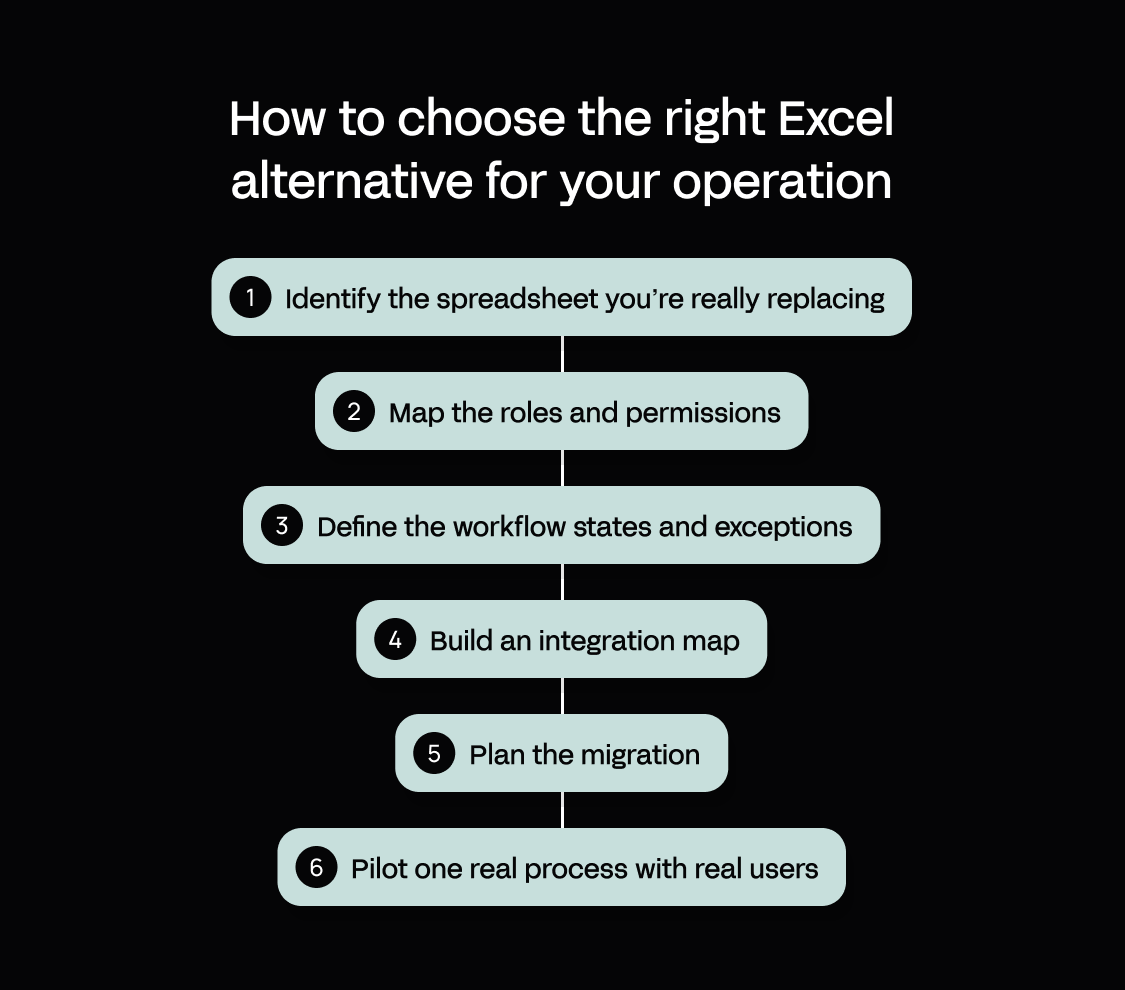
- Identify the spreadsheet you’re really replacing. Is it a system of record that runs a process, or just a report that summarizes one? The two need very different tools. A reporting sheet might only need better analysis, while a system of record needs governance, workflow automation, and integrations.
- Map the roles and permissions. List who submits, who approves, who edits, and who audits, then name the IT owner accountable for signing the app off into production. If you can’t say who does each of these, it’s a gap to fix first.
- Define the workflow states and exceptions. Write out the path a record takes from start to end (for example, draft > submitted > approved > closed), and decide what should happen when a step fails. Exceptions are where a lot of spreadsheet-based processes fail first; plan for them as carefully as the normal route.
- Build an integration map. Note down which ERP records the process touches, what shared data it relies on, and how people will log in (identity or SSO). This shows you whether a tool can keep the ERP as the single source of truth, and not leave you with a second copy of the data to reconcile.
- Plan the migration. Decide how you’ll clean the existing data, map it to the new structure, and validate it after import. Your current spreadsheet or Access file is useful here: its columns, tables, formulas, and forms already document much of what the replacement needs to handle.
- Pilot one real process with real users. Put the shortlisted tool in the hands of the people who’ll actually use it, and run one live process through it over a few weeks. Real use shows the gaps a demo hides, so you learn whether the tool actually fits before you commit to a wider rollout.
For a faster first pass, copy this checklist into your shortlist document:
| Step | What to capture | You’re done when |
|---|---|---|
| 1. Identify the spreadsheet | System of record or report? | You can say clearly which one it is |
| 2. Map roles | Submits, approves, edits, audits, IT owner | Every role has a named owner |
| 3. Define the workflow | Main states, approvals, exceptions, escalations | The normal path and failure paths are mapped |
| 4. Build the integration map | ERP records, master data, identity/SSO, other systems | You know what reads, writes, and stays the source of truth |
| 5. Plan the migration | Data cleanup, field mapping, validation, testing | You know what moves, what changes, and how you’ll check it |
| 6. Pilot one real process | Real users, real data, real integrations | The process works end to end before wider rollout |
Why Appfarm is the best fit for operations leaders and ERP owners
If Excel is filling gaps around your ERP, Appfarm lets you replace the spreadsheet with an app that fits the process exactly. Shape the data model, UI, permissions, and workflows around how teams actually work, then integrate with ERP so the real system of record stays where it belongs. Appfarm can integrate with any API, so the ERP stays authoritative.
Expect more control once the app becomes business-critical, too. Your team owns what the app does; Appfarm owns keeping it running, including hosting, uptime, security, patching, backups, and disaster recovery. No raw codebase for IT to maintain. That is how Skanska’s Godig team moved a business-critical solution onto the platform.
Building stays flexible. Appfarm combines AI-assisted development with a visual canvas in one platform: start with AI, then inspect and refine the data, logic, UI, and workflows directly without switching contexts. Ask provides analysis and help, Build creates and changes apps. Manual work on the visual canvas doesn’t consume AI credits, either.
For operations teams, that comes with production performance, EU/EEA hosting, and active-user pricing that only counts people who actually log in during the month. You can move quickly without turning your operations team into a software company, while IT keeps the governance and control a business-critical app needs. If the table has convinced you that you are in app-platform territory, our roundup of no-code platforms built for enterprise operations goes wider.
FAQs
What is a better alternative to Excel?
It depends on what you’re replacing. For analysis, another spreadsheet may be enough; for medium sized businesses running approvals, planning, inspections, or other processes in Excel, a governed app platform is usually a better fit.
What is the best free alternative to Excel?
Google Sheets and LibreOffice Calc are both solid free options. Sheets is the better one for collaboration and file sharing; or Calc if you want familiar desktop spreadsheet functionality without a Microsoft Office subscription.
Running Linux? A specialist open-source spreadsheet like Gnumeric (known for its calculation accuracy) is also worth considering. We didn’t include it in the main list because it’s a narrower desktop option, less relevant to Windows and macOS users.
What is going to replace Excel?
Excel isn’t going anywhere for analysis. But when a spreadsheet starts running a business process, the better replacement is often a web app developed around that process, with forms, permissions, automation, and integrations built in.
What is the best Microsoft Access alternative for business processes?
If you’re replacing MS Access, preserve the useful parts, its relational structure, forms, and business logic, rather than the desktop DB engine itself. A modern app platform adds browser access, stronger governance, integrations, and easier deployment.
What is a good SharePoint alternative for workflow and approvals?
You might not need to replace SharePoint. Keep it for content management, document libraries, search, and the team site; move the operational workflow into a purpose-built app and integrate the two.
Alternatively, tools like Airtable and Smartsheet blend data management with project tracking features, if running smooth projects is the current challenge.
How do you keep ERP as the source of truth when replacing Excel trackers?
Keep master records in the ERP and let the replacement app read and write through integrations. The app provides the interface, workflow, and logic layer, while the ERP remains the authoritative system.
More reading


There are no items matching your filters. Please try another filter to view results.
We have a lot of helpful resources. Try another filter or reset the filters to find the resource for you.
Digital transformation without disruption

