The best AI app builders for enterprises in 2026, ranked by production readiness
Compare 9 AI app builders on what matters to enterprises (data model, permissions, integrations and governance) and discover which thrive in production.

TL;DR
- Generative artificial intelligence (AI) is now capable of building working apps from a natural language description in minutes. But while building a demo is easy, production is where most AI app builders fall down.
- Production-ready, enterprise-level apps require AI app builders with strong controls around data models, permissions, integrations, reliability, and governance.
- We've applied ten key criteria to nine platforms, building a weighted scorecard to help you shortlist your choices before detailed reviews confirm your final choice.
What is an AI app builder?
Most of us have had app ideas we could describe but couldn't build without technical skills. AI app builders turn a written description into a real app. After describing what you want, the software generates the user interface (UI), data, and app logic necessary for a working app. Then it's a case of going through as many rounds of refinement as necessary, with no coding required, until you have a deployment-ready app.
Unfortunately, there's a catch. Enterprise innovation, IT, and operations teams will find that their generated app is often superficially impressive but lacks the governance, maintainability, and integrations that long-term deployment needs.
If it can't handle permissions, data modeling, integrations and reliability, it's not a real enterprise app builder. It's a prototype machine.
How an AI-powered app builder differs from AI coding tools
Vibe coding and AI coding tools like Cursor or GitHub Copilot are proven multipliers for developer productivity, and the best are capable of creating fully functional apps. But their output is source code, while your team owns the rest: review, testing, security, infrastructure, and lifelong maintenance.
An enterprise-grade AI-powered app builder gives you speed plus guardrails in the form of roles, environments, auditability, integration patterns and a managed runtime operated on your behalf.
Inside a large organization, speed without governance becomes shadow IT and technical debt. We've covered vibe coding tools separately, judging them by what happens after the prototype stage.
How a no-code AI app builder differs from traditional low-code platforms
Before the advent of AI, the main step up from traditional development was enterprise low-code: powerful, but often heavier to implement and more dependent on developers. That suits a big application portfolio better than a few operational apps.
A no-code AI app builder gets you started faster, but unless the solution is built for enterprise, you're likely to experience weaker governance and shallower integrations. Building a form is not the same as modeling a process with roles, approvals, audit trails and enterprise resource planning (ERP) data.
Evaluation criteria for the best AI app builder (enterprise scorecard)
Any of the tools we're covering in this article can produce a convincing demo. Our scorecard judges each solution on how far you have to go from that demo to an app in production, which is why data modeling, permissions and integrations carry the most weight. For more on our reasoning, jump ahead to "Where AI app builders break in production."
We applied the same weighted scorecard to every tool:
| Criterion | Weight | Scores 5 when |
|---|---|---|
| AI generation and editability | 4 | It generates a whole working app, and every part can be inspected and changed afterward |
| Production data modeling depth | 5 | It has a relational model with constraints, history and attachments you can inspect |
| Permissions and role-based access control (RBAC) + identity | 5 | Roles, data-level permissions and single sign-on (SSO) are on the evaluated plan |
| Integration depth (any application programming interface (API), webhooks, exposing your own APIs) | 5 | It connects to any API, with scheduled and triggered server-side integration |
| Reliability tooling (monitoring, logs, error handling) | 4 | Monitoring, logs and error handling are built-in |
| Environments + deployment governance | 4 | It has multiple environments, controlled deploys and rollback |
| Extensibility | 3 | Custom code components and APIs take over where the model runs out |
| Security/compliance signals (certifications, hosting region, transparency) | 4 | It publishes certifications, offers region choice or European Union and European Economic Area (EU/EEA) by default, and runs a trust center |
| Long-term maintainability (how you change it in year 2) | 4 | The platform maintains the stack, and changes don't need a rebuild |
| Pricing model and cost at scale | 4 | Public pricing scales predictably with real usage |
A 3 means the capability is partial or sits on a higher tier, and a 1 means it's basic or absent.
How we scored: Our scores come from vendor pricing pages, documentation and announcements, checked in October 2026. Criteria we couldn't confirm from public sources are left out of a tool's total rather than scored 1, and totals show each tool's share of the maximum it could score.
| Tool | AI | Data | Access | Integrations | Reliability tooling | Environments | Extensibility | Security | Year 2 | Pricing | Score |
|---|---|---|---|---|---|---|---|---|---|---|---|
| Appfarm | 5 | 4 | 5 | 5 | 4 | 5 | 5 | 5 | 5 | 5 | 201/210 (96%) |
| Power Apps | 5 | 5 | 5 | 4 | 5 | 5 | 5 | 5 | 5 | 3 | 197/210 (94%) |
| Mendix | 4 | 5 | 5 | 4 | 4 | 4 | 5 | 5 | 4 | 2 | 177/210 (84%) |
| OutSystems | 5 | 4 | 4 | 4 | 4 | 5 | 5 | 5 | 4 | 1 | 171/210 (81%) |
| Appian | 3 | 4 | 5 | 5 | 5 | 4 | 4 | 5 | 4 | 1 | 170/210 (81%) |
| Retool | 5 | 4 | 3 | 5 | 3 | 3 | 5 | NC | 4 | 3 | 147/190 (77%) |
| ServiceNow App Engine | 3 | 4 | 5 | 4 | 4 | 4 | 4 | 5 | 4 | 1 | 161/210 (77%) |
| Quickbase | 3 | 4 | 3 | 3 | 3 | 3 | 3 | 4 | 4 | 2 | 135/210 (64%) |
| Lovable | 3 | 3 | 3 | 3 | NC | NC | 5 | 3 | 3 | 3 | 108/170 (64%) |
Comparison table: best AI app builder tools at a glance
Use this table to shortlist three tools, then read the detailed reviews below.
| Tool | Best for | AI build approach | Governance (RBAC and environments) | Data model depth | Integrations/APIs | Deployment/hosting (incl. region) | Mobile support | Pricing (own currency, as of October 2026) |
|---|---|---|---|---|---|---|---|---|
| Appfarm | Governed operational apps across departments | Whole working app; adjust visually or by prompting | Data-level permissions; four environments with rollback (Professional, Dedicated) | Relational built-in database, support for both data and files | Any API; workflows can expose APIs | Fully managed, EU/EEA | Progressive web app (PWA), offline-capable; not native | Active-user tiers; from €2,350/mo (EUR); free tier |
| Power Apps | Microsoft 365 estates | Copilot builds the app and Dataverse tables | Security roles; Managed Environments and pipelines (Premium) | Dataverse relational tables | Prebuilt, premium and custom connectors | Microsoft cloud, region per environment | Power Apps mobile app | Per user; from $20/user/mo (USD) |
| Mendix | Developer-led app portfolios | Maia generates domain model and pages | Access rules; three environments per app (Standard) | Domain model with access rules | REST, SOAP; publishes services | Mendix Cloud, Azure, Kubernetes, SAP BTP, StackIT, own servers | Web, PWA, native | Per app + per user; from €918/mo (EUR) plus compute |
| OutSystems | Complex apps built by pro developers | Mentor generates full-stack apps | Roles; three runtimes and deployment pipelines included | Relational entities | APIs, AI agents | OutSystems Developer Cloud; self-hosting add-on | Web and mobile | Not published |
| Appian | Regulated, process-heavy enterprises | AI-assisted development (Advanced, Premium) | Roles; environments by tier | Data fabric; one data source on Standard | Integrations, robotic process automation (RPA) | Cloud, hybrid or on-premises | Mobile; offline on Advanced, Premium | Per user, per app; not published |
| Retool | Engineering teams' internal tools | Assist generates apps on your data; edit on canvas | Resource permissions; SSO on Enterprise | Managed PostgreSQL plus your databases | Any database or API; workflows | Retool Cloud; full self-hosting on Enterprise | Native iOS and Android app; PWA | Per builder + user; from $10/builder/mo (USD) |
| ServiceNow App Engine | Existing ServiceNow customers | Otto for Creator | Platform roles; Management Center (Prime) | Custom tables on the Now Platform | Platform integration tools | ServiceNow cloud | Mobile publishing (Prime) | Not published |
| Quickbase | Operations teams leaving spreadsheets | AI Chat-to-App | Roles; SSO and sandbox on Business | Relational tables | Pipelines, API | Quickbase cloud | iOS and Android app | Per user; from $35/user/mo plus minimum (USD) |
| Lovable | Fast web prototypes | Generates full-stack web app code | SSO, RBAC on Business and up; environments not confirmed | Generated database on Lovable Cloud | Generated API calls, connectors | Lovable Cloud: EU, US or Australia | Web | Credits; from $25/mo (USD); free tier |
What you can trust vs what is directional.
Trust published vendor documentation like security and compliance pages, pricing pages, and official feature lists. Third-party pricing roundups and claims of apps "built in an afternoon" should be treated as directional until you validate them for yourself.
The best AI app builder tools for enterprises (ranked)
1. Appfarm
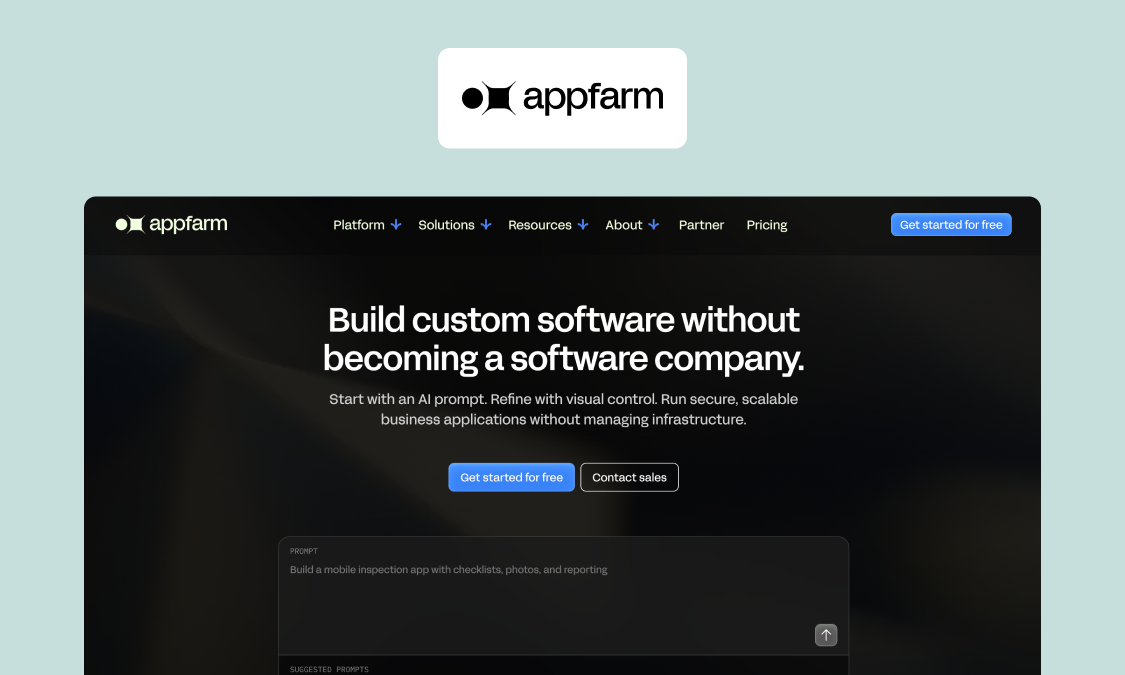
Appfarm is a platform for building and running custom operational software. One common use is governed internal apps, such as those used for deviation reporting with approvals.
Best for: IT, operations and innovation teams running AI-built apps in production across departments.
What it does well: You keep full control over what the app does, from the data it holds and who can see and approve what to the workflow steps and which systems it talks to. Appfarm then runs everything underneath, including deployment, hosting, security, performance, availability, backups and recovery. Appfarm's AI-built apps remain transparent, auditable and production-ready.
You don't have to build it yourself. Most teams start with Appfarm or an implementation partner building the first version, then take it in-house later if they want to. Tide is one such example. After Appfarm built the first version, Tide took over development following a three-day introductory course for its internal team.
A major benefit comes from the fact that field inspections, resource planning, and stakeholder and customer portals can sit on the same platform, rather than requiring individual subscriptions (the Essential plan includes five apps). Tide runs five operational apps for 5,000+ bus drivers on one platform.
Appfarm also combines AI and visual development on one platform. You describe what you need, Appfarm AI interprets the description and generates a whole, working app, and you then fine-tune it by reprompting or edit visually on the canvas. In a deviation-reporting app, that might entail adding in a second approval for high-severity cases, routed to the site's quality, health, safety and environment (QHSE) manager, with an ERP lookup filling in the asset field.
Key features:
- AI app generation. See how Appfarm AI builds and changes apps.
- Visual development for UI, app data and backend logic
- RBAC with data-level permissions; custom SSO on paid plans
- Third-party integrations with any API, including REST and SOAP, with scheduled or triggered server-side workflows
- Up to four environments with scheduled deploys and rollback
- Built-in database; apps work across devices, install on a phone and update automatically
- Managed EU/EEA hosting, ISO 27001 and General Data Protection Regulation (GDPR) compliance
Watch out for: Appfarm isn't for personal projects, or for native mobile apps that rely heavily on operating system (OS)-level features. While you can export your data at any time, there's no code export, so Appfarm carries the same theoretical lock-in as other hosted platforms.
Good fit if:
- Your operational workflows span departments.
- You need integrations and governance in production.
- You want one foundation for several apps.
Not a fit if:
- You're building a hobby or personal app.
- You need a native-only mobile app.
Pricing (as of October 2026): Only users who log in that month count, and one allowance covers every app. For a handful of users, a seat-based tool will cost less. See Appfarm's public, active-user pricing.
- Free €0: 400 AI credits, enough to build and deploy one app
- Essential €2,350/month: five apps, 100 active users included
- Professional €3,550/month: unlimited apps, 200 active users included
Website: Explore the Appfarm platform
2. Power Apps
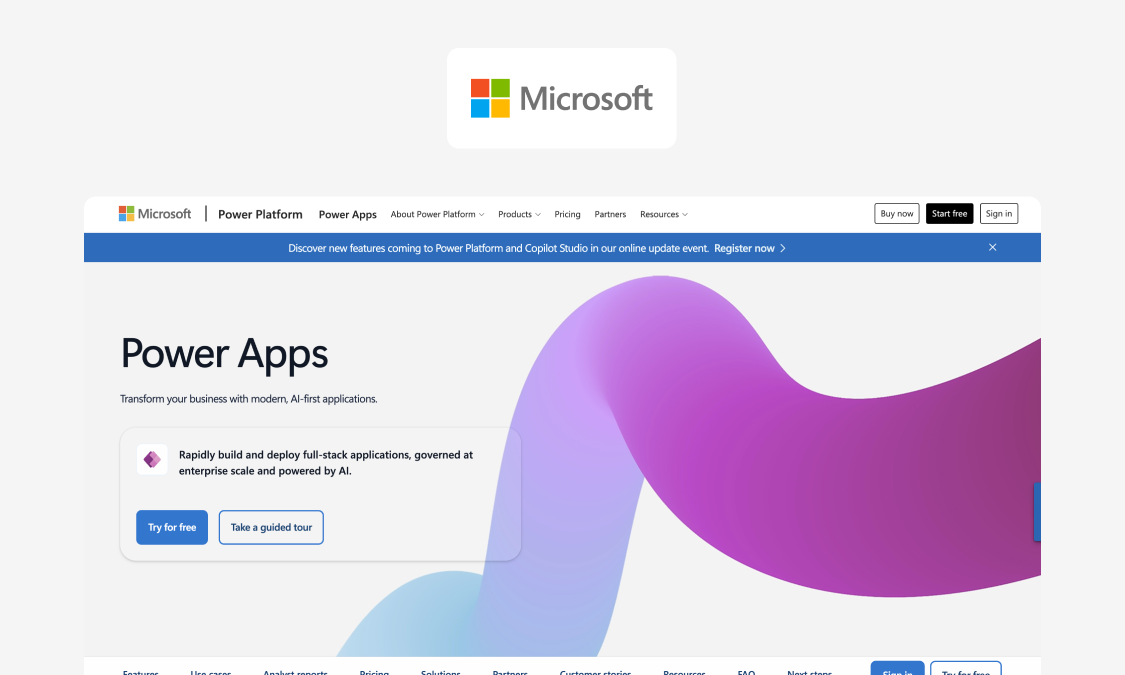
Power Apps is a go-to choice for simple, Microsoft-centric apps, but hits a ceiling when an app needs to be core operations software.
Best for: organizations already using Microsoft 365 and Dataverse.
What it does well: Copilot turns descriptions into apps built on Dataverse tables, with deep Microsoft 365, Teams and SharePoint integration. Managed Environments, built-in pipelines, source control and centralized monitoring are also available, albeit on Premium.
Key features:
- Canvas and model-driven apps
- Dataverse, with customer-managed keys
- Premium and custom connectors
- Copilot and code apps
Watch out for: On per-user plans, every end user needs a license, tied to the wider Microsoft agreement. Premium list prices rise on January 1, 2027.
Good fit if: users are on Teams and SharePoint and the app can stay within that ecosystem.
Not a fit if: the app is operationally critical. That's when Appfarm partner Godig moved Skanska's app from Power Apps to Appfarm, winning the Skanska Innovation Award. See how Appfarm compares with Power Apps.
Pricing (as of October 2026):
- Premium: $20 per user/month, billed annually
- Premium at 2,000+ seats: $12 per user/month
- Pay-as-you-go: $10 per active user per app/month
- From January 1, 2027: $22, and $14 at 2,000+ seats
Website: See Power Apps plans and features
3. Mendix
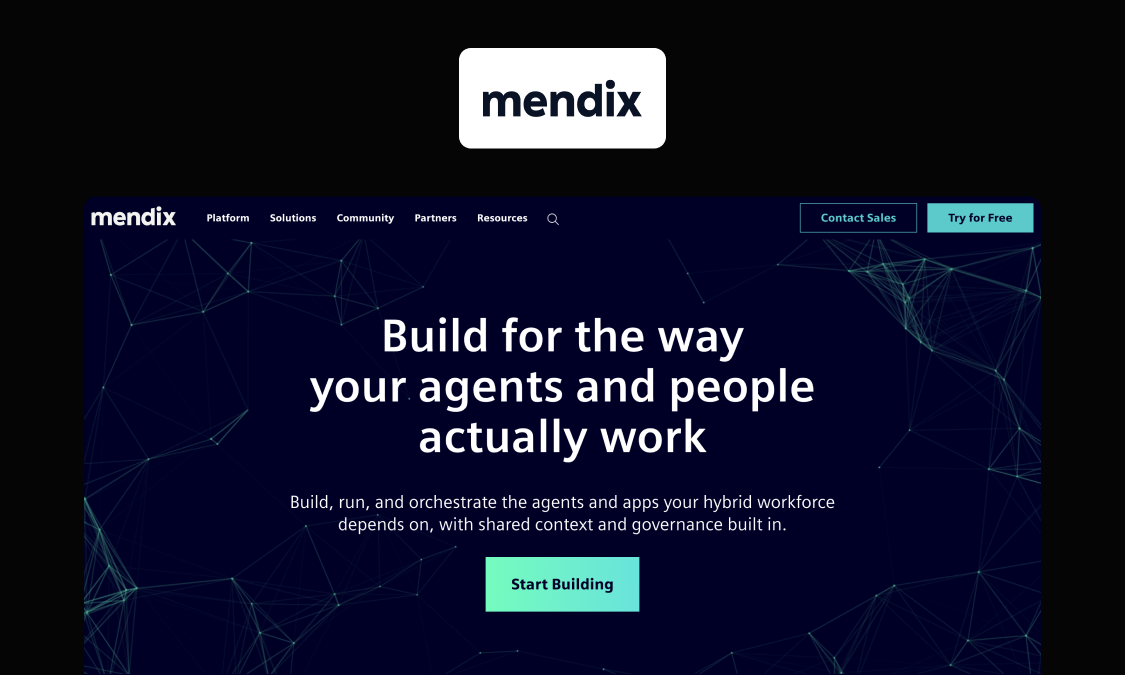
Mendix offers a traditional enterprise low-code platform.
Best for: large enterprises building a portfolio of complex apps.
What it does well: Widest choice of deployment options, from Mendix Cloud and Azure to Kubernetes, SAP BTP, StackIT and your own servers. "Start with Maia" lets you generate a domain model, data pages, and a homepage from a description, which developers can then refine in Studio Pro.
Key features:
- Up to three environments per app on Standard
- Identity provider integration from Standard
- Web, PWA and native mobile apps
- High availability and multi-region failover on Premium
Watch out for: Cloud compute isn't included in the license. Per-user fees come on top, but Mendix doesn't publish the rate. It's typically delivered by certified Mendix developers.
Good fit if: you're building an enterprise app portfolio with Mendix-skilled developers.
Not a fit if: you only need a handful of operational apps.
Pricing (as of October 2026):
- Free: €0
- Standard: from €918/month (one app) or €2,295/month (unlimited apps)
- Premium: by quote; cloud resources extra
Website: Compare Mendix plans and deployment options
4. OutSystems
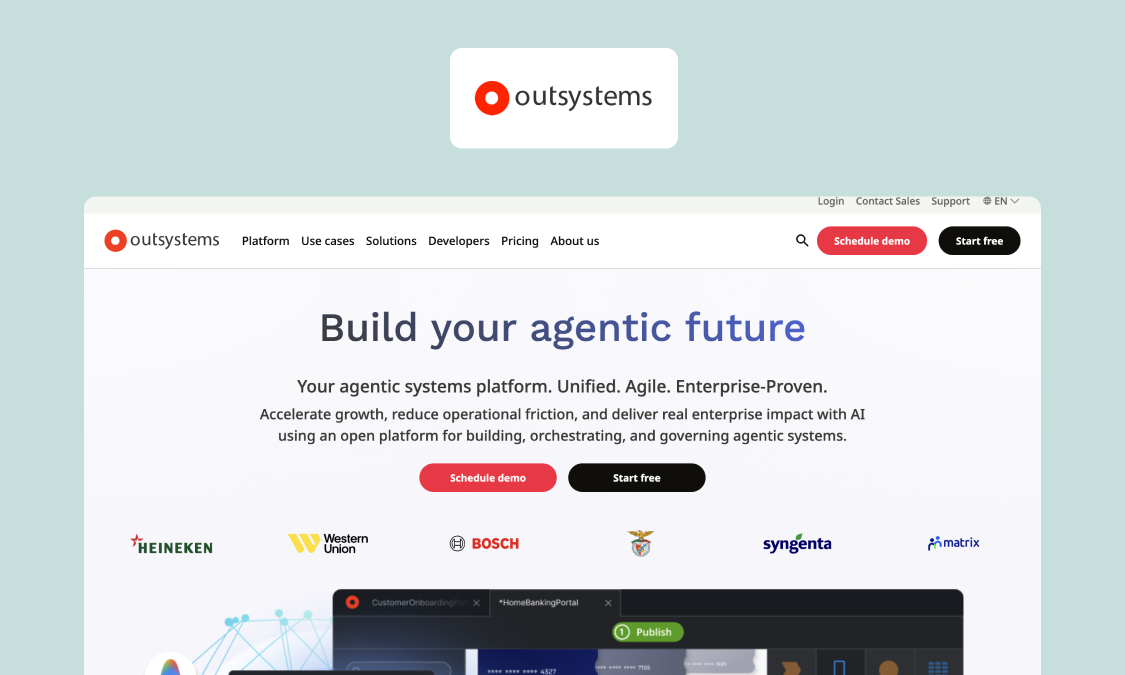
OutSystems is an enterprise low-code solution for professional developers, with a growing focus on AI-generated apps and agents.
Best for: enterprises with professional developers building complex, high-scale apps.
What it does well: Its Mentor AI generates full-stack apps from a prompt or a requirements document. Three runtimes come with every subscription, alongside continuous integration and delivery (CI/CD) tooling.
Key features:
- OutSystems Developer Cloud (ODC)
- 99.5% uptime, 99.95% as an add-on
- ISO 27001 included; System and Organization Controls (SOC) 2 Type II as an add-on
- Self-hosting as an add-on
Watch out for: Cost scales with Application Objects such as screens, tables and API methods and with users (internal and external counted separately). The free Personal Edition is for test apps only.
Good fit if: operational scale requires a dedicated developer team and an enterprise budget.
Not a fit if: you want published, predictable pricing for a growing set of smaller apps.
Pricing (as of October 2026): Not published. ODC is priced "per application, user, and advanced add-ons," with an estimate from sales.
Website: Explore OutSystems editions and pricing
5. Appian
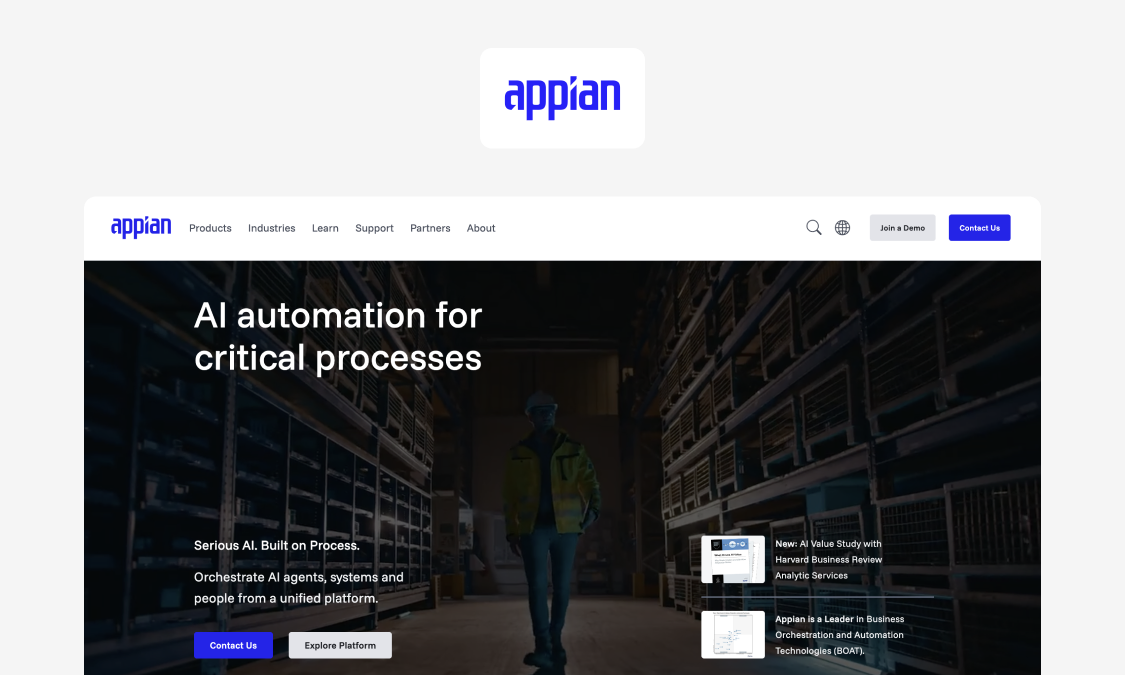
Appian offers process orchestration and business process management (BPM), with a strong track record in regulated industries.
Best for: insurers, public bodies and other process-heavy enterprises needing end-to-end automation of regulated processes.
What it does well: RPA, document processing and case management are combined in one platform, with AI features such as agents and AI-assisted development on Advanced and Premium tiers. Has the broadest compliance list, from SOC 1, 2 and 3 to Federal Risk and Authorization Management Program (FedRAMP) authorization. The Appian Guarantee promises a first app in eight weeks or fewer.
Key features:
- Low-code process and app development
- Data fabric and portals
- Mobile apps
- Process intelligence (Process HQ)
Watch out for: Licensing is per user, per month, per app, with no published figures, so cost grows with each app's user base. Offline mobile needs Advanced or Premium tier, while Standard is limited to a single data source.
Good fit if: the process itself is the product.
Not a fit if: you need a few lighter apps with predictable costs.
Pricing (as of October 2026): "Priced per user, per month, per app," with no figures published. A free Community Edition covers personal development.
Website: See Appian's platform tiers
6. Retool
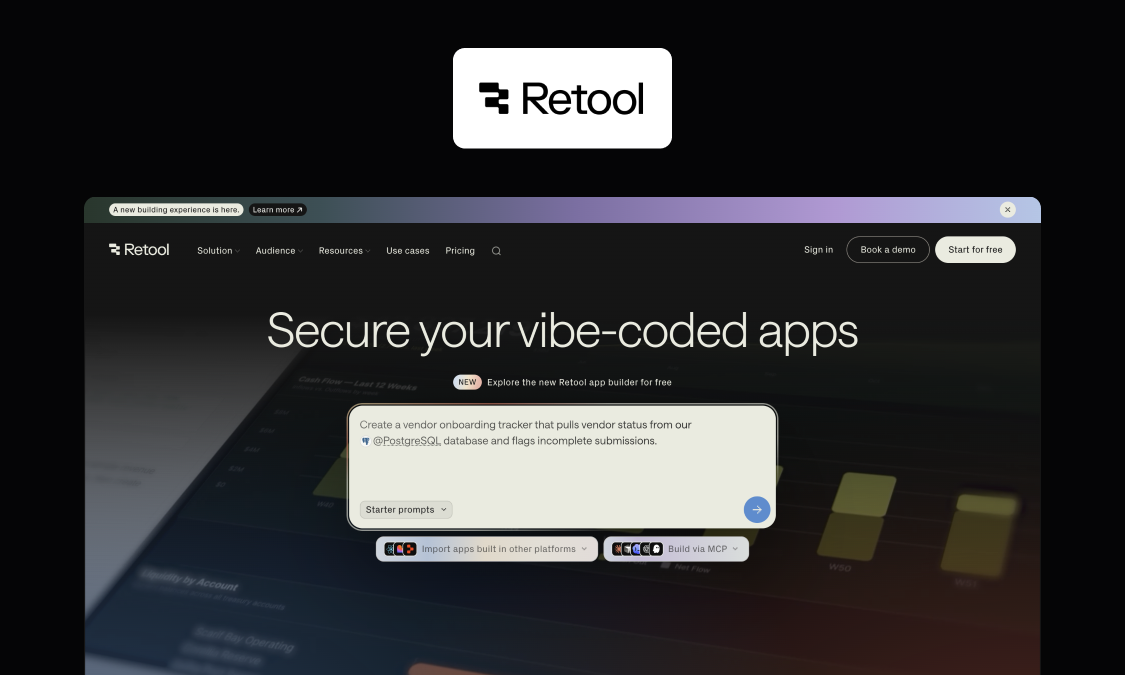
Retool offers an intermediate internal tool builder that assumes some coding experience.
Best for: engineering teams building internal tools on existing databases and APIs.
What it does well: Retool's Assist AI generates an app connected to your data from a prompt, with further adjustments made on a visual canvas. Retool Database adds a managed PostgreSQL database with multiple environments and resource permissions.
Key features:
- Database and API connectors
- Workflows and agents
- Custom components and JavaScript
- Retool Mobile for native Android and iOS apps
Watch out for: Retool is built for people comfortable with structured query language (SQL) and JavaScript. Cost grows with builders and users, and advanced features like SSO, source control and full self-hosting are Enterprise-only.
Good fit if: engineers want a fast way to put interfaces on existing data.
Not a fit if: operations staff will build and change the apps themselves.
Pricing (as of October 2026):
- Free: up to five users
- Team: $10 per builder/month, plus $5 per internal user/month
- Business: $50 per builder/month, plus $15 per internal user/month
- Enterprise: custom
Website: Compare Retool plans
7. ServiceNow App Engine
ServiceNow App Engine is the low-code layer of the ServiceNow platform.
Best for: enterprises running IT service management (ITSM), human resources (HR) or customer service on ServiceNow.
What it does well: Comes in two packages, with Foundation for AI-assisted low-code, and Prime for AI agents and enterprise-scale governance. New apps share the platform's existing data, users and workflows, which helps you save time on integration work.
Key features:
- App Engine Studio and Creator Studio
- ServiceNow Otto for Creator
- App Engine Management Center (Prime)
- Mobile publishing (Prime)
Watch out for: The value proposition depends on your existing ServiceNow footprint, with standalone buyers taking on a large platform for a few apps. Governance tools and mobile publishing require Prime tier.
Good fit if: ServiceNow is already your system of record for IT or HR work.
Not a fit if: you're starting from scratch, with apps outside service workflows.
Pricing (as of October 2026): Not published for either package; quotes from sales.
Website: See the App Engine packages
8. Quickbase
Quickbase's no-code platform for database-backed apps is built for operations teams and business professionals without coding knowledge.
Best for: operations teams replacing spreadsheets and Access databases without a development team.
What it does well: AI Chat-to-App turns a description into a custom app. SSO, automated user provisioning and a sandbox on Business, with encryption and six months of audit logs from Team plan.
Key features:
- Relational tables and forms
- AI Chat-to-App, plus an optional AI Intelligence Pack
- Workflow automation and dashboards
- Mobile app for iOS and Android
Watch out for: Listed prices exclude an unpublished platform minimum. All users must be on the same plan, so needing SSO moves everyone to Business.
Good fit if: you need operational data out of spreadsheets fast, without developer support.
Not a fit if: your apps need deep ERP integration or heavy custom logic.
Pricing (as of October 2026):
- Team: from $35 per user/month, plus the platform minimum
- Business: from $55 per user/month, plus the platform minimum
- Enterprise: custom; 30-day free trial, no free plan
Website: See Quickbase plans
9. Lovable
Lovable's AI app generator builds full-stack web apps from AI prompts.
Best for: founders, product and innovation teams wanting to get to a working minimum viable product (MVP) fast.
What it does well: Lovable Cloud bundles the database, authentication and hosting in the EU, US or Australia. Automatic security scans included with every published app.
Key features:
- Full-stack web app generation by prompting
- Two-way sync with GitHub or GitLab
- Unlimited workspace members
- No model training on Business and Enterprise data
Watch out for: Outputs a generated codebase your team must maintain in the long-run. SSO and role-based access start on the Business tier, while audit logs are on Enterprise.
Good fit if: you need a working prototype or a lighter internal tool as soon as possible.
Not a fit if: the app must run as a governed production system without a team maintaining its code.
Pricing (as of October 2026):
- Free: 5 daily credits, up to 30 a month
- Pro: from $25/month
- Business: from $50/month
- Enterprise: custom
Website: See Lovable's plans and credits
Also considered
A few other choices didn't make it to the list. Bolt and Blink both get a live app up fast from a prompt, but we couldn't confirm enough of their governance features from public sources to score them fairly. Pega's Blueprint takes an idea to an app design built on the Pega platform. Unqork offers enterprise no-code for insurance, financial services, healthcare and government. Bubble is a no-code app builder that combines AI generation with visual development.
Where AI app builders break in production
Most AI app builders follow the same pipeline: prompt, plan, generate the UI, data and logic, connect services, then deploy. Demos usually excel in the first three steps, which is why building the first version is now the easy part. The tricky part is the second half of the pipeline.
Data model and relationships
This relates to our production data modeling depth criterion.
A data model covers what your app tracks, how records relate and the rules they follow. AI tools are prone to oversimplifying these, resulting in inconsistent records, broken reports, and fragile automations. Always compare a generated app's model against a real case. In the case of deviation reporting, check that:
- Deviations, sites, assets, photos and approvals are separate, linked records.
- Severity, site and asset are required before submitting.
- Status only moves forward: submitted, reviewed, approved, closed.
- Every approval records who decided what, and when.
Permissions and role-based access (RBAC)
This relates to our permissions and identity criterion.
Enterprises need roles, least privilege and clean offboarding so users see only what they need to. Don't let everyone become an admin purely because it's the path of least resistance.
Several AI generators also put SSO and role-based access on business tiers only, so include those tiers in your price comparison.
Integrations and APIs (ERP, identity, line-of-business systems)
This relates to our integration depth criterion.
While an AI app builder is certainly capable of spitting out a demo app that calls a simple software-as-a-service (SaaS) API with a couple of API keys, production integrations with ERP and other third-party tools are far more involved, requiring retries, idempotency, schedules, error handling, and monitoring.
Data governance is also a big concern with AI-built apps. Check if it stands up to GDPR, data location, and access audits. Appfarm is fully EU/EEA hosted and ISO 27001 certified, while many others offer regional hosting. Ask each vendor for its region and certifications in writing.
Reliability, environments, and change control
This relates to our reliability tooling and environments criteria.
AI is fantastic at getting you a working version 1.0, but adding new features can cause regressions as each new prompt changes parts of the app you didn't intend. Separate development, test and production environments (plus rollback) are vital to ensuring accidental changes are caught before being presented to users.
Web vs mobile: AI web app builder vs AI mobile app builder
Many solutions that describe themselves as "AI mobile app builders" actually produce web apps or PWAs, which run in the browser, rather than native iOS apps and Android apps published through the App Store or Google Play. That means they lack some of the OS-level features inherent to native apps like background location.
For most internal operations, that's fine (Appfarm builds PWAs, for instance), but if your app depends on OS-level APIs, they're not the right choice.
Why Appfarm is the best fit for enterprise teams evaluating an AI app builder
Those considering AI app builders do so because important work is being performed across spreadsheets and emails, in systems that don't talk to each other, and they need a route out. But tools that promise an escape often don't make it past the prototype stage. A demo is easy. Production is where most AI builders break.
Appfarm generates a whole working app from a description, then keeps it governed, integrated and running long term on managed EU/EEA infrastructure. If you'd rather not build the first version yourself, Appfarm or a partner can do it, and your team can take over later.
You decide what the app does: the workflows, roles and data structure. Appfarm runs everything underneath it, including hosting, security, scaling and uptime. And because it's a foundation for a suite of operational apps, the next app starts from the users, data and integrations the first one already set up.
FAQs
Can I really build an app with AI?
Yes. Many tools now let you create apps from a plain-language description. For enterprises, however, the question is whether it can run in production, with a real data model, permissions, integrations and change control. Pilot one real workflow to find out.
Can ChatGPT build me an app?
ChatGPT can draft code, specs and small working apps. You still need a platform and a process to secure, deploy and maintain what it produces, which is where a governed app builder comes in handy.
Which AI app builder is best?
It depends on whether you need prototype speed or production governance. For fast web prototypes, Lovable is a strong choice. For governed production apps run by operations and IT teams, Appfarm ranks first in our scorecard, with Power Apps the natural choice inside a Microsoft estate.
Is there a free AI app builder I can use at work?
Most tools have a free tier or free starter plan, though these usually leave out SSO, audit logs, separate environments and support. Appfarm's free tier includes 400 AI credits, enough to build and deploy one app. Whatever you choose, pilot it with non-sensitive data.
How much does an AI app builder cost?
Three pricing strategies are common. AI generators charge in credits or tokens, enterprise low-code charges per user or per app, and Appfarm charges by active users across all apps. Our comparison table above lists each tool's entry price.
What should IT require before approving an AI app builder?
At a minimum, IT should check:
- Data residency and hosting region
- Access control (RBAC and SSO)
- Audit logs and separate environments
- Integration controls and monitoring
- Data export and portability
- How the vendor uses AI and your data, and what support you get
More reading
There are no items matching your filters. Please try another filter to view results.
We have a lot of helpful resources. Try another filter or reset the filters to find the resource for you.
Digital transformation without disruption