


From spreadsheets to software: a practical guide to digitizing business processes
Spreadsheets are often the right starting point for managing a business process — until they aren’t. This guide covers the five warning signs a spreadsheet has outgrown its role, the hidden costs of staying with it, and a practical migration path to purpose-built software, with real examples from POB Entreprenør, Implenia, and Bertel O. Steen.
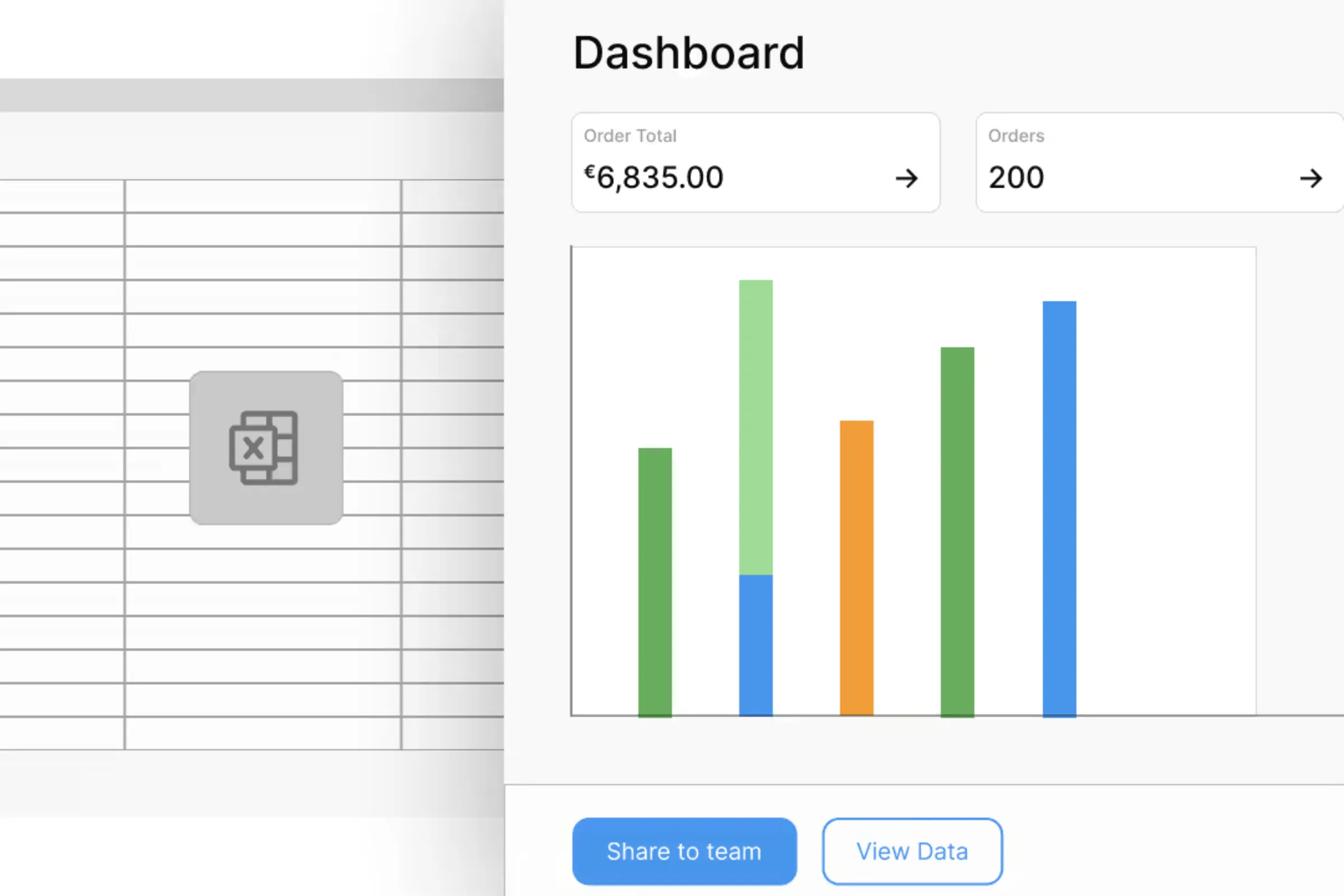
The spreadsheet started simply enough. Someone on the operations team needed to track project assignments, so they opened Excel and built a quick grid: names, dates, status columns. It worked. Other team members asked for access. New columns appeared. Conditional formatting made it colorful. Macros automated a few calculations. A VLOOKUP connected it to another sheet tracking budgets.
Eighteen months later, that quick grid has become the system of record for the entire department. It has 40 tabs, weighs in at 35 MB, and crashes when more than two people have it open. The person who built the original macros left six months ago. Nobody is sure which version on the shared drive is current. And yet, every Monday morning, the team spends the first two hours of the week updating it because nothing else captures the full picture of what’s happening.
If this sounds familiar, you’re not alone. And you’re not doing anything wrong. Spreadsheets are often the right starting point for managing a business process. The challenge is knowing when that starting point has become a bottleneck, and what to do about it when it has.
This guide is designed to help you make that call. It covers the warning signs that a spreadsheet has outgrown its role, the hidden costs of keeping it there, and a practical path forward for transitioning to purpose-built software without disrupting the work that depends on it.
Why spreadsheets become the default
Spreadsheets earned their place. They’re familiar to nearly everyone in a business context. They require no procurement process, no IT ticket, no approval chain. You open a file, start typing, and within an hour you have something that works. For operations managers, project leads, department heads, and teams responsible for keeping work moving, that speed and flexibility is genuinely valuable.
The pattern is remarkably consistent across industries. A team identifies a tracking need. Someone builds a spreadsheet. It gets shared around. Complexity accumulates: new tabs, cross-references, pivot tables, data validation rules. Before long, the spreadsheet isn’t just supporting a process. It is the process.
This happens with project tracking and resource allocation. It happens with procurement workflows, inventory management, quality control records, and field inspection logs. It happens with customer data, sales pipelines, employee schedules, and budget reporting.
None of this is a failure. Spreadsheets let you prototype a process quickly and prove its value before investing in dedicated tools. The trouble starts when a prototype gets treated as permanent infrastructure.
Five signs a spreadsheet has outgrown its role
Not every spreadsheet needs to be replaced. Plenty of them do exactly what they should. But certain patterns indicate that a process has evolved past what a spreadsheet can reliably support.
Version confusion is eating hours
You know the pattern: “Q3_Report_Final.xlsx” becomes “Q3_Report_Final_v2.xlsx,” then “Q3_Report_Final_v2_REVISED.xlsx,” then “Q3_Report_Final_v2_REVISED_USE_THIS_ONE.xlsx.” Multiple copies circulate through email and shared drives. People work from outdated versions without realizing it. Reconciling differences between copies becomes a weekly chore.
The real cost isn’t just wasted time, though that’s considerable. It’s the decisions being made on stale data. When a project manager allocates resources based on a version that doesn’t reflect last week’s changes, the ripple effects compound downstream.
What this tells you: your process needs real-time collaboration with a single source of truth, not file-based sharing.
Communicating changes has become manual work
A spreadsheet may hold the data, but it often doesn’t communicate what changed or who needs to act on it. A project manager updates next week’s staffing allocation, then has to call, text, or email the affected employees. If the allocation changes again, the same messages have to go out again. One change can create a domino effect of manual follow-up.
This is where spreadsheet-based processes become fragile. The data may be technically correct, but the process depends on someone remembering to tell the right people at the right time. If they miss a message, use an outdated contact list, or forget one affected resource, the work breaks downstream.
What this tells you: your process needs workflow automation, notifications, and role-specific views, not a static file that requires manual communication around it.
One person has become the system
Many spreadsheet-based processes depend on a single person who understands the formulas, macros, hidden tabs, naming conventions, and workarounds. Everyone else knows how to enter data, but only one person knows how the system actually works.
That creates real operational risk. If that person leaves, changes roles, goes on vacation, or is simply unavailable during a critical period, the organization loses more than spreadsheet knowledge. It loses the process logic itself.
What this tells you: your business process needs to be visible, documented, and maintainable by more than one person.
Data quality has become unreliable
A 2024 literature review published in Frontiers of Computer Science examined 35 years of research on spreadsheet quality and found that approximately 94% of business spreadsheets contain errors (Poon et al., 2024). The errors range from mistyped values to broken formulas to copy-paste misalignments. Lead researcher Prof. Pak-Lok Poon attributed the problem in part to the fact that most spreadsheet creators lack formal training in software development and testing.
For individual calculations, a spreadsheet error might be minor. For a process that feeds into financial reporting, compliance documentation, or operational decisions, those errors accumulate. Teams start double-checking everything manually, which defeats the purpose of having a spreadsheet in the first place. When people stop trusting the data, they stop using the tool as intended, and decisions slow down or get made on gut feeling instead.
What this tells you: your process needs built-in data validation, structured data entry, and version-controlled logic that multiple people can verify and trust.
Security and compliance can’t keep up
Spreadsheets with customer data, employee records, financial figures, or health information get emailed, downloaded to laptops, saved to personal drives. There is no audit trail showing who accessed or changed what. Access control is binary: you either have the file or you don’t. There’s no way to restrict visibility to specific rows, columns, or records based on a person’s role.
For organizations operating under GDPR, the gap is particularly stark. GDPR Article 5 requires organizations to process personal data lawfully, securely, accurately, and transparently, and to demonstrate compliance with those principles. Spreadsheets offer no native mechanism for proving how sensitive data was accessed, changed, shared, or retained. SOX, HIPAA, and industry-specific regulations present similar challenges. When an auditor asks for an access log or a change history, “we use a spreadsheet” is not a reassuring answer.
What this tells you: your process needs role-based access control, audit trails, and the ability to prove compliance with data handling requirements.
The hidden costs of the status quo
Spreadsheet-based processes feel inexpensive because the tool itself is essentially free. The actual costs are distributed across the organization in ways that rarely appear on a line item.
Time costs are the most measurable. If three team members each spend five hours per week maintaining, updating, and reconciling a spreadsheet (a conservative estimate for many operational processes), that’s 780 hours per year. Multiply by a blended labor cost, and you’re looking at tens of thousands in annual maintenance for a single process.
Error costs are harder to quantify but often larger. JPMorgan’s 2012 “London Whale” incident, where a copy-paste error in a risk-modeling spreadsheet contributed to losses exceeding $6 billion, is an extreme example. But smaller-scale errors in pricing, inventory counts, resource allocation, and financial reporting happen constantly in spreadsheet-dependent organizations. Each one carries a cost in rework, missed opportunities, or flawed decisions.
Communication costs are easy to overlook because they feel like part of the job. Every phone call, SMS, email, Slack message, and follow-up conversation required to communicate spreadsheet changes is part of the process cost. When the underlying data changes often, those communication loops become a major source of delay and fragility.
Opportunity costs are the quietest drain. Every hour spent wrangling a spreadsheet is an hour not spent improving the process, analyzing results, or pursuing new initiatives. Teams get stuck in maintenance mode instead of adding value.
Risk costs hover in the background. Compliance fines, data breaches, audit findings, and legal exposure tied to inadequate record-keeping are low-probability events with high consequences. A spreadsheet offers no protection against any of them.
Choosing the right digitization approach
The right path depends on the nature of the process you’re replacing, but the recommendations are clearer than they often sound.
For processes that match common patterns, off-the-shelf SaaS tools should be the first option to check. Standard sales pipelines, expense management, leave tracking, and invoicing workflows have mature, affordable software options. If the process is generic enough and your customization needs are limited, a purpose-built SaaS product can be running within days.
For processes that are specific to your organization, a no-code or low-code platform is usually the better fit. Multi-step approval workflows, cross-system integrations, industry-specific logic, complex validation rules, resource allocation, field work coordination, and role-specific communication are exactly the kinds of requirements that off-the-shelf tools handle poorly or not at all. No-code platforms like Appfarm let you build applications visually, handling the data modeling, business logic, user interfaces, notifications, and integrations that your spreadsheet was trying to manage, without writing code. Business stakeholders and end users can see and validate the logic directly because it’s all visible on the canvas, not buried in proprietary code.
For highly specialized processes with extreme computational performance requirements or deep technical constraints, custom development may make sense. But most spreadsheet-based processes don’t need custom code. Many of the workflows that make a company distinct are not differentiated because they were hand-coded. They are differentiated because they encode the organization’s specific way of operating. Those workflows can often be built, refined, and scaled faster in Appfarm than through custom development.
The practical assessment: start by checking whether a SaaS tool covers your need. If not, evaluate Appfarm or another enterprise no-code platform. Reserve custom development for cases where those options genuinely can’t deliver.
A practical migration path
Moving from a spreadsheet to a dedicated application is a project, not an event. Here’s a realistic sequence based on what works in practice.
Map the current process
Before building anything, document what the spreadsheet actually does. Walk through the workflow end-to-end. Identify every user and their role. Note where data comes from, what calculations or logic are applied, and what outputs (reports, notifications, decisions, communications) the process produces. Record the pain points and workarounds people have developed.
This documentation becomes your requirements. It also surfaces assumptions that different users have about how the process works, assumptions that frequently turn out to conflict with each other. Better to discover that now than during testing.
Allow one to two weeks for this, depending on the process complexity.
Prioritize ruthlessly
Don’t try to digitize every spreadsheet at once. Rank your spreadsheet-dependent processes by two dimensions: business impact and current pain. The intersection of high impact and high pain is where to start. Processes with compliance or security risks should also move to the front.
Some spreadsheets may not need replacing at all. A one-off analysis or a personal tracking sheet used by a single person is fine where it is. Focus energy where the return is real.
Build a sequenced roadmap spanning three to six months. This gives you enough scope to show meaningful progress without overcommitting.
Select your tool and build a minimum viable version
Using the decision framework above, choose the approach that fits. For complex, custom processes on a no-code platform, the build phase focuses on the core workflow first: the primary data model, the main user interactions, the essential integrations. Leave edge cases and advanced reporting for iteration.
With visual development tools, you can build alongside the people who actually use the process and iterate in real time. A field worker, project manager, operations coordinator, or department lead can see the application taking shape, validate logic against their day-to-day work, and flag issues before they’re baked in. This feedback loop is one of the biggest advantages of the no-code approach over traditional development, where stakeholders typically don’t see anything until a formal demo weeks or months later.
Plan two to twelve weeks for this phase, depending on complexity. Keep the existing spreadsheet running in parallel as a safety net.
Test, train, and roll out
Validate the new system rigorously. Compare its outputs against the spreadsheet. Test every user scenario. Verify integrations. Get the actual daily users (not just the project sponsor) to run through their workflows and confirm the system handles their needs.
Training matters more than most teams expect. People who have been using a spreadsheet for years have muscle memory and mental models built around it. Investing in clear documentation, walkthroughs, and hands-on training sessions reduces friction and accelerates adoption. Starting with a pilot group before the full rollout gives you a chance to catch issues at a manageable scale.
Plan two to four weeks for training and rollout, with close monitoring for the first few weeks after go-live.
Migrate data and cut over
The final data migration from spreadsheet to application is the critical moment. Validate that all records transferred correctly. Set a clear go-live date and communicate it widely. Keep the spreadsheet available in read-only mode for a transition period so people can reference historical data, but make the new system the official record from day one.
Monitor and improve
Post-launch, track adoption metrics: who’s using the system, how often, and where they’re getting stuck. Gather feedback actively and address issues quickly. Early responsiveness builds trust and reinforces the decision to move away from spreadsheets.
Measure the improvements over the first 90 days. Time saved on data entry and reconciliation, reduction in errors and rework, faster process cycle times, fewer manual communication loops, and improved reporting visibility are all worth tracking. These numbers will help build the case for digitizing the next process on your roadmap.
Making the business case
Getting organizational buy-in for this kind of change requires making the invisible visible.
Quantify current pain. Track how many hours per week your team spends on spreadsheet maintenance, manual data entry, communication, and error correction. Estimate the cost of decisions delayed by data uncertainty. Note compliance risks. Even rough numbers make the case more concrete than a general appeal to “efficiency.”
Project realistic benefits. Time savings, error reduction, faster cycle times, better visibility, reduced manual follow-up, and risk mitigation are all legitimate, but be specific. “We expect to reclaim 15 hours per week in the operations team” is more persuasive than “we’ll be more efficient.”
Compare the costs honestly. The spreadsheet status quo isn’t free. Once you factor in the hidden costs of time, errors, communication, and risk, the investment in a platform approach often pays back within six to twelve months. Research on no-code platform adoption suggests typical payback periods in that range.
Address the objections head-on. “Spreadsheets are free” ignores the hidden costs you’ve now calculated. “We don’t have time to change” ignores the compounding cost of not changing. “Our process is too unique” is worth testing against a no-code platform demo; most organizations discover that uniqueness comes from how the workflow operates, not from a need to build everything from scratch. “It’s too risky” is mitigated by a phased rollout with parallel running.
What this looks like in practice
The strongest proof comes from real organizations that have moved spreadsheet-dependent work into purpose-built applications. When evaluating examples, look for outcomes tied to operational improvements rather than vague transformation claims.
POB Entreprenør, a Norwegian construction company, were managing resource planning for over 100 employees, 80 vehicles, and 300 simultaneous projects using physical whiteboards and Excel spreadsheets. Resource allocation decisions were documented manually, communicated via PDF exports, and distributed through their intranet. This led to misunderstandings, delays, and an over-reliance on key individuals who had access to the “source of truth.”
POB replaced this fragmented system with a custom application built on Appfarm. The new system integrates directly with their existing tools for project data and HR information, providing a single source of truth. It handles real-time allocation and scheduling, sends instant notifications when over-allocations or conflicts occur, and includes a field application for employees to view schedules and report absences. Since adopting the solution, POB has seen measurable improvements: weekly meetings are still valuable, but much of the allocation now happens dynamically throughout the week. All stakeholders work from the same up-to-date data, reducing errors and miscommunication. Real-time time tracking integration helps flag and manage overwork proactively, helping POB avoid labor law violations.
Similar patterns appear across industries. Implenia, another construction firm, moved from spreadsheet-based tracking to a solution that eliminated time-consuming email chains and phone calls, with information now retrievable in seconds rather than days. Bertel O. Steen, managing over 40,000 vehicles annually, replaced manual damage inspection processes that relied on cameras, emails, and Excel with an integrated application that provides faster inspections, clearer documentation, and better control across their value chain.
The pattern is consistent: when the process gets the right tooling, teams spend less time maintaining the system around the work and more time doing the work itself.
Why Appfarm fits this transition
Appfarm was built for exactly the kind of complexity that pushes organizations beyond spreadsheets. The platform handles sophisticated data modeling, multi-step workflows with approvals and notifications, role-based access control with audit trails, and integrations with the systems your spreadsheet was manually pulling data from.
For teams used to seeing their logic laid out in spreadsheet formulas, Appfarm’s visual development approach translates naturally. Business logic, UI design, and data relationships are all visible on the canvas. There’s no hidden code layer. When a business stakeholder asks “why does this calculate that way?”, you can show them directly.
Appfarm AI can accelerate the early stages of the transition. Describe the process your spreadsheet manages or upload the requirements you mapped earlier, and the AI generates an initial application structure that you can refine and customize visually. It’s a faster way to get from “here’s what we do in Excel” to “here’s a working prototype” without starting from a blank screen.
For field-based processes, Appfarm supports mobile and offline access, meaning teams working on construction sites, in warehouses, or on the road can capture data where the work happens instead of transcribing it later. For compliance-sensitive processes, ISO 27001 certification, GDPR-aligned data handling, conditional permissions, and full audit trails provide the governance that spreadsheets can’t.
The transition is worth the effort
Moving away from a spreadsheet that your team depends on is real work. It takes planning, coordination, and change management. People will miss the familiarity and flexibility of their old tool, at least initially.
But the cost of staying is also real, and it compounds. Every week spent reconciling versions, communicating changes, fixing broken formulas, and questioning data accuracy is a week that could have been spent on higher-value work. Every compliance gap is a risk that hasn’t materialized yet.
The good news: you don’t have to migrate everything at once. Start with the process that causes the most pain. Build a minimum viable version. Let the results speak for themselves. Then move on to the next one.
Spreadsheets got you here. They deserve credit for that. The question is whether they’re still the right tool for where you’re going.
More reading

There are no items matching your filters. Please try another filter to view results.
We have a lot of helpful resources. Try another filter or reset the filters to find the resource for you.
Digital transformation without disruption