


Field inspection app buyer's guide: 7 top solutions and how to stress-test them
Compare the 7 best field inspection app options for 2026. Shortlist three tools, then stress-test them on offline capture and back-office integration.

TL;DR
- When field managers run inspections on paper forms, clipboards, and Excel, the back office pays for it in retyping and reports that never quite reconcile
- Field inspection apps replace that patchwork with one workflow, and a record you can actually stand behind.
- This guide ranks seven of the best field inspection apps and helps you shortlist three to trial for yourself
- You’ll also learn how to pressure-test apps on two of the most common breaking points: offline capture and clean back-office integration
You’re in the right place if:
- Your crews often work where coverage is poor, so reliable offline capture matters
- Your assets and rules don’t fit standard vendor templates
- Your back office needs clean sync into ERP or CRM software and dashboards, without any manual re-entry
What is a field inspection app?
A field inspection app is software that lets field workers (inspectors, technicians, drivers, etc.) log checks, evidence, and follow-up items on a phone or tablet and submit the results straight to the back office.
A strong inspection app replaces paper forms, PDFs, spreadsheets, and email threads with one consistent process. It validates what crews enter and keeps all records tied to the right asset or job.
These apps sync structured data automatically, eliminating duplicate entry – where the same information is retyped into multiple systems.
In many cases, the data never gets captured at all. Crews ignore or work around poorly designed systems and leave the back office with no clear view of what’s happening on the ground. And no audit trail, either. That’s why field usability is a core requirement: if crews don’t adopt an app, it has no value.
How a field inspection app differs from generic form builders and rigid inspection apps
Lots of field teams build generic forms to capture information because they’re quick to implement. But those forms rarely bend to fit business-specific requirements or integrate with back-office systems, so the manual rekeying issue remains.
Rigid inspection apps are a step up, with strong template libraries and some helpful integrations. Their limits show when your assets and rules differ from the template: conditional logic, dependencies, role-based steps, and deviations become harder to shape around how your business actually works. You end up changing your inspection process just to fit the software.
After all, your forklift inspection isn’t the same as your HVAC unit inspection. It has different components, pass-and-fail rules, and follow-up protocols. Any flexible field inspection app respects that.
Field inspection app evaluation criteria (use this to shortlist fast)
Copy, save, or even print this table to use as your evaluation scorecard, then dig deeper into each aspect below.
These criteria come from the questions we hear often from companies like yours on sales calls.
| Criterion | Score (1–5) |
|---|---|
| Two surfaces (field app + back-office view) | |
| Adoption likelihood | |
| Fit to your assets and rules | |
| Offline reliability where coverage is poor | |
| Governance and control | |
| Back-office sync (ERP/CRM, dashboards) | |
| Total cost fit at rollout scale | |
| Total (out of 35) |
Now, those criteria in more detail.
1. Two surfaces, one system: a simple field app plus a back-office view
An inspection app is really two apps: the mobile surface the field uses and the back-office interface where work is planned and reviewed.
A brilliant field app without a back-office view fails because its data never reaches the right people cleanly. In reverse, a back-office app with no clean link to the field forces decision-makers to source information via phone, message, or email.
Score each tool on these two questions:
- Can each surface be tailored to its own user?
- Do both run on the same data?
2. Adoption: capture your crews will actually complete
If an app is so unintuitive or poorly regarded that people ignore or work around it, the data problem starts before anything is captured.
The mobile surface must be simple. A technician standing at a machine won’t put up with a clunky screen that slows their work.
Equally, if staff can’t easily find the data they need in the back-office view, they’ll chase it manually, creating extra back-and-forth and more rekeying.
Here’s what to check:
- How many taps does a routine inspection take?
- Do photos arrive with enough context (exact location, asset, note) for the office to act without a phone call?
- Can subcontractors and other external users be given access?
- Can adjacent tasks like time registration live in the same app?
Voice input could also speed up data capture in some cases. It’s not a must-have just yet, but worth checking on your shortlist.
3. Fit to your assets and rules (custom data, not just custom forms)
An inspection app should fit how your assets are actually organized.
Let’s say you manage multiple sites. Each has its own buildings, each building has several units, and each unit has its own components. The app should keep those relationships clear so that every check ties to the exact asset, not just “Site A.”
Beyond the hierarchy, each asset should connect to the wider job, linking it to its work order, customer, and assigned technician.
The app should be smart enough to dig for more information if it’ll strengthen a record. For instance, if an item fails, you want the app to ask more questions, request more evidence, or escalate the case. That’s how you’ll keep site data complete.
4. Offline mobile inspection app reality check (a 10-minute test)
Plenty of tools claim full offline support. Can it hold up in a real dead zone? If you don't find out now, your crew will, mid-job
A quick 7-step test shows either way:
- Put the phone in airplane mode
- Start a new inspection
- Add three photos and notes
- Fail two items and assign corrective actions
- Save, close, reopen, and edit the inspection
- Reconnect, then check the record synced and the report and dashboard updated
- On a second device, edit the same record offline, then reconnect and watch how the conflict resolves
Run this offline-mode reality check for every app you try. It should only take ten minutes.
5. Governance and control (permissions, audit trail, versions)
If your inspections happen across multiple crews, you need full control over who can change what and a record of every action.
Check three things:
- Permissions. Who can edit a checklist, push a new version out to the field, and view reports?
- Audit trail. Is each inspection stamped with who completed it and when, so it’ll hold up in an audit or dispute?
- Version control. When a checklist changes, can you see what changed, when, and who did it?
Without these controls, edits by the wrong person could weaken months of inspections before anyone notices.
6. Back-office sync as a non-negotiable (ERP, CRM, dashboards)
Data sync with the back office must be clean, instant, and automatic. That means consistent IDs and structured data, transferred without prompting so no one has to retype a single character.
Manual CSV imports and exports won’t cut it. Ask these questions to get what you need:
- Where does the data live?
- Can we push the data to our ERP/CRM automatically?
- Can we build dashboards without exporting to a spreadsheet first?
Good field inspection software kills duplicate data entry. If a non-conformance still has to be retyped into a second system before anyone can act on it, you haven't bought an inspection app but an expensive notepad.
7. Total cost mechanics (where inspection apps get expensive)
Before you sign anything, get absolutely clear on how a tool actually charges. The sticker price is rarely the real price.
Most pricing works one of three ways: per user, per site, or per inspection. Each suits a different pattern of use, so the most cost-effective option for you depends on how many people inspect and how often.
Then factor in any costs that don’t show in the pricing page headlines: add-ons, premium integrations, required training, implementation fees, storage allowances, etc. Not all platforms have these costs, but some do and the worst hide them.
Appfarm prices on active users, counting monthly logins rather than per seat or per app. Plus, rates are published on the Appfarm website.
Time-saved estimator
Add real numbers here to see what you could save:
(inspections per week) x (minutes saved per inspection) / 60 x (loaded hourly rate) x (weeks per year) = annual saving
Example: 40 inspections/week x 15 min / 60 x $45/hour x 48 weeks = $21,600/year
Comparison table – field inspection apps at a glance
Use this table to shortlist three tools, then read the detailed reviews below.
| Tool | Best for | Offline mode | Checklist logic | Media capture | Corrective actions | Reporting | Integrations | Governance | Pricing notes |
|---|---|---|---|---|---|---|---|---|---|
| Appfarm | Apps shaped to your rules and assets | Yes (PWA with offline support) | Full custom data + conditional logic | Build your own (Photos, videos, signatures, file attachments, etc.) | Build your own (workflows) | Custom dashboards; real-time updates | Any API + server-side workflows | RBAC, SSO, audit, ISO 27001, GDPR, EU/EEA | Active-user, public, from €2,350/mo |
| Mitti | Standardized audits; fast rollout | Yes | Templates; asset depth limited | Photos, videos, annotations | Yes (assign, track) | Basic analytics free (advanced paid) | Yes (paid tiers) | SSO on higher tiers | Free ≤10 users; Premium ~$24/seat/mo |
| GoAudits | Affordable multi-site scored audits | Yes | Custom checklists + conditions | Photos, annotations, signatures | Yes (assign, track) | Branded PDFs; dashboards | API | SSO add-on / higher tiers | Per user, ~$10–30/mo |
| InspectAll | Inspections + asset/equipment tracking | Yes | Configurable forms; calculated fields | Photos, sketches, signatures, voice | Priorities + follow-up tasks | Dashboards; PDF/Excel reports | API + Zapier | MFA + roles; no documented SSO | Not published |
| Mobile form builders | Digitizing paper forms, data collection | Yes (most) | Conditional logic (varies by vendor) | Photos, signatures, attachments | Basic; varies | PDF exports; dashboards vary | Varies; often higher plans | Varies by vendor | Mostly per user, some quote-based |
| DroneDeploy | Construction site imaging | Capture offline, upload later | Not checklist-driven | Imaging: aerial, 360, 3D, thermal | Issue tracking | Progress reports, maps | Procore, Autodesk, Esri | Enterprise / SSO higher tiers | Quote-based (for team use) |
| Power Apps | Microsoft-centric IT builds | Yes, with limitations | Build your own | Build your own | Build your own | Via Power BI | Broad connectors; deep Microsoft integration | Strong (Entra ID SSO, DLP) | From $20/user/mo; extra services add cost |
Pricing models differ, so compare on the model, not just the headline price. For example, Appfarm publishes active user rates; the others mainly price per user in their own currencies. Confirm current figures or quoting processes on each vendor’s page before you decide.
7 of the best field inspection app options (ranked)
The list of field inspection apps below spans four categories:
- Build-your-own platforms (Appfarm, Power Apps)
- Dedicated inspection and auditing apps (Mitti, GoAudits, InspectAll)
- Mobile form builders (GoCanvas, FastField)
- Construction-capture tools (DroneDeploy)
Appfarm tops the list because it lets you build an inspection app around your assets and rules, rather than forcing you to bend to off-the-shelf templates.
1. Appfarm
Best for: Mid-market field operations and IT teams who need an offline-capable inspection app shaped to their assets and rules, with results synced into their ERP, CRM, and dashboards.
Appfarm is an AI-powered visual development platform that turns enterprise ideas into fully governed, production-grade business software – including custom field inspection apps for crews and back-office teams.
What it does well: By generating visual models rather than hidden code, Appfarm lets businesses build custom software quickly and fully own what they create without relying on a large dev team.
Whether you create a custom field inspection app, a daily reporting tool, or multiple functions rolled into one, AI and visual development stay part of the same platform.
Describe what you need in plain language and Appfarm AI builds a first working version in minutes. Keep adjusting how it works with prompts and visual building blocks, switching between the two as needed, and then deploy to Appfarm’s managed cloud when you’re ready.
As both field and back-office apps get built on the same data model, whatever field staff record on-site shows in real time for the office to review.
Bertel O. Steen switched from manually tracking fleet damage with pictures, emails, and spreadsheets to collecting data on 40,000 vehicles in a custom inspection-and-reporting app. Inspections are faster, documentation is clearer, and smoother collaboration saves internal teams and external transporters time.
Key features:
- Offline-capable PWA, with photo and video capture, as well as geo capture tied to the record
- AI-assisted building (Agent mode) and AI-assisted troubleshooting (Ask mode) so you can prompt your way to a working app and get explanations along the way
- Custom data models that mirror your real assets and inspection logic
- Server-side workflows, scheduled or on-demand, that process and sync inspection results automatically
- Integrations with any API to connect ERP, CRM, and other back-office systems
- Role-based permissions controlling who can see, edit, and approve records
- Fully EU/EEA-hosted managed cloud, with ISO 27001 certification and GDPR compliance
- AI-generated summaries of inspection results, surfacing findings, non-conformances, and required actions for the back office
Watch-outs: Appfarm creates cross-device progressive web apps (PWAs) for enterprise teams – it wasn’t built for single-user programs or native mobile apps that rely heavily on iOS and Android APIs.
Good fit if:
- You frequently inspect on offline sites and need clean sync into ERP or CRM software
- Your assets and logic are too complex for rigid templates
- You want enterprise-grade governance without a big dev team
Not a fit if:
- You only need a simple checklist with no integrations
- You need a deep native mobile app built around device-level features
Pricing: Appfarm uses public, active-user pricing, so you pay based on users who actually log in during a given month rather than every provisioned seat. Plans start at €2,350 (August 2026). Visit pricing to find the best fit for your team.
Website: appfarm.io/book-demo
2. Mitti (formerly SafetyCulture, iAuditor before that)
Best for: Teams looking to standardize audits and inspections fast using a large library of customizable templates.
Mitti – which many people still know as SafetyCulture, and originally iAuditor – is one of the market’s most popular inspection apps, known for its vast template library.
When SafetyCulture rebranded to Mitti in August 2026, its safety-and-inspections tool evolved into a broader frontline operations system – but inspections remain a core part of the new version.
What it does well: Fast standardization with minimal effort and a low entry barrier. Checklist templates let teams upgrade from spreadsheets in hours rather than days or weeks, with drag-and-drop design to rearrange form elements.
Key features:
- A library of 60,000+ inspection templates, many built by industry experts (number based on an announcement published in August 2026, not yet reflected on Mitti’s product page)
- Build new forms by uploading PDFs or prompting with AI
- AI-generated report summaries show findings, non-conformances, and required actions
Watch-outs: General checklist customization is a breeze but Mitti hits a ceiling when asset logic and deep integrations become the main job. Governance, SSO, and the most useful integrations also sit on the higher plans. Smaller operations should feel these limitations less.
Pricing: Free for small teams (up to 10 active users), Premium paid plan from $24/seat/month (August 2026)
Website: mitti.com/inspections-and-reports
Mitti fits well when standardized checklists are enough and rollout speed is the priority; Appfarm is the logical option when inspections need to match your own asset model, logic, and back-office systems.
3. GoAudits
Best for: Multi-site teams looking for affordable, scored audits with corrective actions and branded reporting.
GoAudits is a relatively young field inspection solution (founded in 2016) with a global presence and many big-name customers in hospitality, food, retail, and facilities – including PepsiCo, Hilton, and CBRE.
What it does well: Standardizes audits across multiple sites without a heavy rollout or major investment. Setup is fast and automated scoring plus branded PDFs turn a walk-around into a clear final report.
Key features:
- Online and offline inspections with conditional questions and smart scoring
- Corrective actions with assignees, priorities, due dates, and notifications
- Instant reports with photos and annotations
- Dashboards comparing audit scores and actions across locations
Watch-outs: Single Sign On (SSO) is an add-on to the general tiered pricing (Starter + Enterprise). GoAudits names major global customers on its site, though its public case-study library gives less detail on large, enterprise-wide deployments.
Pricing: Per-user pricing from $10–$30 with annual billing (August 2026)
Website: goaudits.com
GoAudit is a quick, low-effort way to bring order to audits. If an inspection demands more context on a unit’s history, or needs to push structured data into your ERP, Appfarm’s custom data model and open integrations make it possible.
4. InspectAll
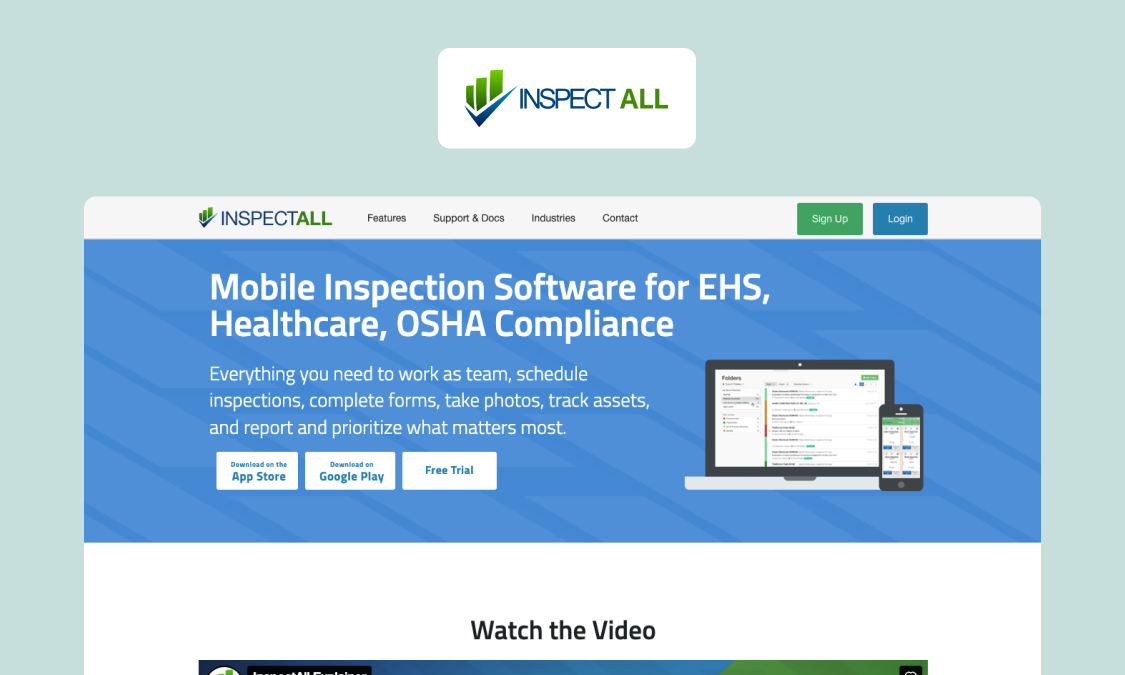
Best for: Field service and regulated teams that want inspections, audits, and asset and equipment tracking in the same system.
InspectAll focuses more heavily on asset inspections than most checklist tools. It suits teams that inspect the same equipment repeatedly and need each check tied to a specific asset’s record.
What it does well: Links inspections to assets and tracks them over time using barcodes, QR codes, or GPS, so the history stays in one place per client or piece of equipment. Configurable forms offer calculated fields and routing, and repairs and follow-up tasks flow from failed items – which suits maintenance-style workflows.
Key features:
- Asset and equipment tracking via barcode, QR, or GPS
- Configurable forms with calculated fields and routing
- Photo, sketch, signature, and voice capture
- API, Zapier, and ERP/CRM integrations
Watch-outs: Setup and form building can take effort, and some report customization costs extra. SSO and finer governance controls aren’t clearly documented, so confirm those if IT deems them important.
Pricing: Not published (August 2026)
Website: inspectall.com
InspectAll handles asset-based inspections well out of the box, but it’s a fixed product. Appfarm offers the same asset-to-inspection structure plus the freedom to shape workflows around how your operation actually runs.
5. Mobile form builders (GoCanvas, FastField)
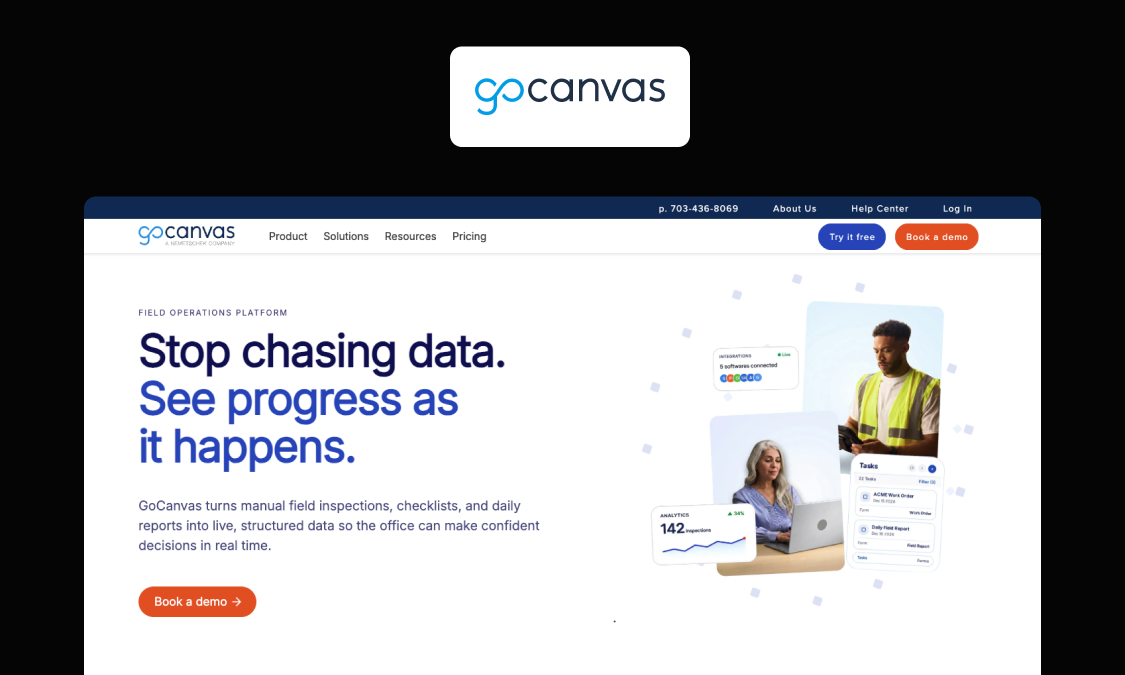
Best for: Teams whose primary goals are to digitize paper forms and speed up field data collection.
Mobile form builders digitize checklists and field data capture well, making them a natural step up from spreadsheets for teams running simpler projects with limited tech resources. Most work offline and export branded PDFs.
What they do well: Adding structure with minimal effort to make inspection data collection more manageable – although strengths still vary across tools. For example, GoCanvas is mature, with dispatch and invoicing alongside forms – and now owns Device Magic, so the two sit under one roof. FastField (part of app-dev platform QuickBase) keeps form-building simple and affordable for smaller teams.
Key features to expect:
- Offline form capture with photos, signatures, and attachments
- Conditional logic (depth varies by vendor)
- Basic workflows, task routing, or follow-up actions
- Integrations or API access on higher plans
Watch-outs: These are form-first tools. Asset modeling, governance depth, and back-office workflows are thinner than in all-in-one or build-your-own platforms, and the limits get more noticeable as you scale. It’s also a category in flux, with some tools evolving into broader platforms (e.g., Fulcrum, TrueContext) and others consolidating, so what you invest in today may shift over time.
Pricing: Mostly per user, from roughly US$20–55/user/month depending on vendor and tier (as of August 2026). Confirm current rates on each vendor’s site.
Websites: gocanvas.com · quickbase.com/fastfield · devicemagic.com (GoCanvas)
A form builder digitizes data collection. When the job is more than capture – linked assets, back-office workflows, governance – you need the same data model powering the field app and everything behind it. That’s where Appfarm wins.
6. DroneDeploy
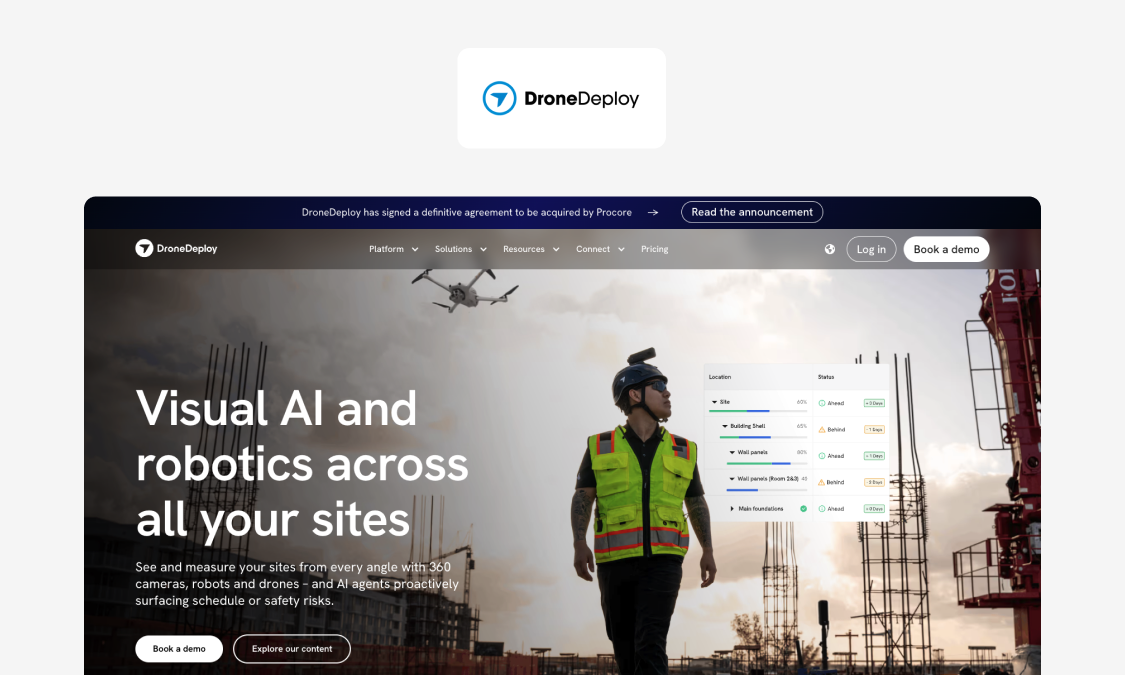
Best for: Construction and infrastructure teams working on large, complex projects where visual site capture and progress documentation matter more than deep checklist-based inspection workflows.
DroneDeploy is a reality-capture platform. Rather than fill in a checklist, crews use drones, 360 cameras, or ground robots to record a site. Software then adds the data to maps, 3D models, and progress reports, and uses AI to track issues and progress.
What it does well: Visual inspections in hard-to-reach locations – at height, in tunnels, underground, or in unsafe structures. The app generates measurable maps to compare against plans, and ties images to site locations automatically using GPS.
Key features:
- Aerial, 360, and ground reality capture using drones, robots, and other advanced hardware
- 2D maps, 3D maps, and thermal imaging
- AI progress tracking and issue detection, with automatic GPS tags
- Ready to integrate with major construction platforms (e.g., Autodesk and Procore)
Watch-outs: DroneDeploy serves construction and infrastructure teams directly. If you’re not in that space, it won’t fit. It’s also overkill if you mainly need structured checks and corrective actions – two jobs that very rarely warrant robots or drones.
Pricing: Quote-based (August 2026)
Website: dronedeploy.com
If you need to know what a construction site or property looks like, DroneDeploy is the way. Appfarm is better for answering questions like “what did we inspect, what failed, and what happens next?”. And if you need both in the same system, build the general inspection app in Appfarm and pull visual site data from DroneDeploy via its API.
7. Power Apps
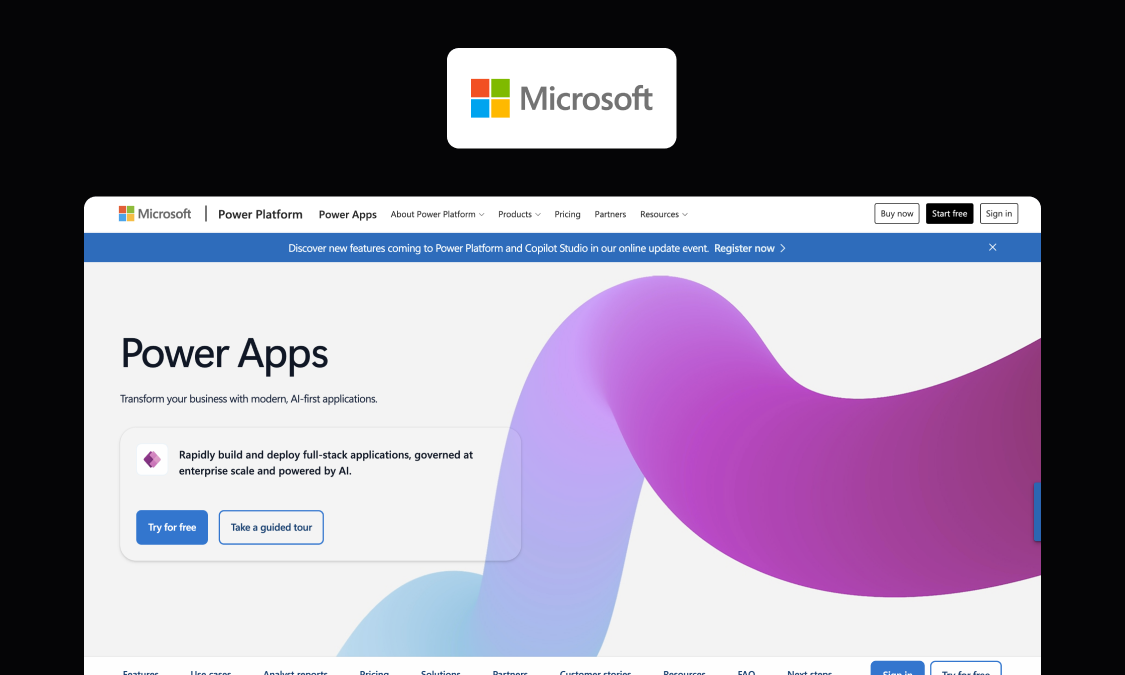
Best for: Microsoft-centric organizations building simple internal apps on tooling they already own.
Power Apps is the default corporate low-code choice for many Microsoft shops, particularly those running IT-governed citizen development.
What it does well: It’s easy to procure (where Microsoft is an approved vendor already), relatively cheap for simple apps, and backed by a huge partner and talent ecosystem. Deep integration with Teams, SharePoint, Microsoft 365, and Dataverse also makes it straightforward to build inspection apps around data and workflows that already sit in a Microsoft stack.
Key features:
- Strong governance tooling (Entra ID SSO, DLP, admin center)
- Power Automate workflows and Power BI reporting
- Broad connector ecosystem, with deeper Microsoft integration out of the box
- Built-in AI tools make it easier to add Copilot-style assistance, summaries, prompts, and agents to apps
Watch-outs: Power Apps can strain on more complex field apps, particularly around offline use and UX flexibility. Licensing gets harder to predict at scale: M365-included rights cover only standard connectors – premium connectors, Dataverse storage, and other services add to the cost. Per-user pricing gets expensive across large frontline workforces.
Pricing: From $20/user/month, with lower rates for large deployments. Premium connectors and other services add to the cost (August 2026).
Website: powerapps.microsoft.com
Power Apps is a solid choice for simple, Microsoft-centric apps. Appfarm is for when the app becomes an operational platform. That’s the difference the Godig team found when helping its customer, Skanska, switch from Power Apps to Appfarm – an upgrade that ultimately won an internal innovation award.
Build vs buy for inspection software (when to choose a platform vs an off-the-shelf tool)
Every tool on this list is either something you buy off-the-shelf and use largely as-is, or something you build to fit. Neither is automatically better. The right call generally depends on how far your inspections stray from the standard.
Buy an off-the-shelf inspection app if:
- Your checks are fairly standard (some customization is usually still possible)
- You want to be running in a day (most make it possible – not all)
- You can live with the vendor’s data model and integrations
For many safety, quality, and compliance inspection processes, that’s the sensible, low-effort choice.
Build on a platform if your inspections carry real structure – linked assets, their history, conditional logic, role-based steps – or if the data has to flow cleanly into your ERP, CRM, and dashboards.
There’s real risk in choosing a cheaper tool because it covers most of the job, then filling the gaps with workarounds and poor-quality data. Even if one platform costs more to set up, the extra investment makes sense if it fits how your field and back-office teams actually operate.
Use-case mapping: EHS inspection app vs HVAC inspection app vs construction inspection app
What you need from an inspection app changes with the work you’re doing.
EHS audits, HVAC service checks, and construction site walks are three distinct jobs that require entirely different inspection processes. A rigid app built for one won’t necessarily fit the others.
Given how typical those jobs are for field teams, let’s look at what each asks of an inspection app:
| Use case | What the work involves | What to look for |
|---|---|---|
| EHS audits | Safety, health, and environmental rounds that need consistency and a record that holds up later | Standardized checklists, corrective actions tracked to closure, and a clear audit trail. Template tools suit straightforward sites. Varied hazards and follow-up rules need logic that you can shape yourself. |
| HVAC service checks | Asset-heavy work built on repeat visits to the same equipment | Asset tracking that ties each check to a specific unit and surfaces its service history and past faults. Reliable offline capture matters, since plant rooms and basements often have no signal. |
| Construction site walks | Two jobs at once: structured checks (safety, quality, snagging) and visual site capture for progress | A flexible platform for asset-linked inspections that feed the back office. Potentially also a reality capture specialist (e.g., DroneDeploy) for progress and imaging. |
Some all-in-one and custom-built apps handle all three. Appfarm, for example, can cover EHS, HVAC, and site walks in one place, as you shape each workflow to the job.
Why Appfarm is the best fit for service-operations and field managers
Maybe you’ve already felt the pain of running inspections on a patchwork of apps. Data stuck on individual devices, forms that don’t fully match field work, data syncs failing whenever the signal drops. Or maybe you’re just determined to stop those issues before they hit profitability.
Either way, Appfarm gives you the flexibility to build a custom field inspection app around your own assets, rules, and workflows. Crews can capture checks, photos, videos, and follow-up items in an offline-capable app, while the same data feeds into ERP, CRM, and dashboards for the office to review and act on. You control the data model and logic, so the app can reflect how your sites, equipment, work orders, and inspection rules actually fit together.
You can start with a plain-language prompt in Appfarm AI, then keep working on the same app in visual development. There’s no hand-off to a separate tool or generated codebase. You can get something working quickly, then keep changing the logic, data, and workflows as your business evolves or you learn more about what your teams need.
As the app grows, role-based access controls who can view, edit, and approve records. Appfarm also handles deployment and infrastructure in its managed EU/EEA-hosted cloud, with ISO 27001 certification and GDPR compliance. So, you get room to expand the inspection process without having to rebuild it for every operational change.
FAQs
What is the best field inspection app?
There isn’t one best app. It depends on how standard your inspections are.
Template-driven tools like Mitti roll out quickly for routine safety or quality rounds, and GoAudits is good value for scored multi-site audits. If you need custom assets and rules with clean ERP or CRM sync, Appfarm is built for that.
What should a mobile inspection app do offline?
It should let a crew complete a full inspection with no signal: open the form, capture photos and notes, fail items, and assign corrective actions, all saved on the device.
When the connection returns, it should sync on its own and cope sensibly if two people edited the same record. Plenty of tools claim this and fall short, so test it during a trial.
What is the difference between an inspection checklist app and an inspection management system?
A checklist app digitizes the form: you answer questions and produce a report.
An inspection management system does more, linking inspections to assets, routing corrective actions, feeding other systems, and reporting across the whole operation.
Google Forms is an example of the checklist end, while platforms like Appfarm are built for the management end. Which one you need depends on whether inspections are a task or a core process.
What should I look for in an EHS inspection app?
Look for standardized checklists, corrective actions that route to an owner and get tracked to closure, and an audit trail you can defend, whatever your team calls the function: EHS, or just health and safety (HSE).
If hazards and follow-up rules differ by site, conditional logic and the freedom to adapt inspections to your own requirements matter more than a fixed template.
What should I look for in an HVAC inspection app?
Look for proper asset tracking that plugs into your planned preventative maintenance (PPM) schedule. Each check should tie to a specific unit and bring up its service history and past faults, rather than just repeating a checklist.
Reliable offline capture helps too, since a lot of HVAC work happens in basements and plant rooms with no signal. It saves manual effort to have failed items automatically trigger follow-up work, too.
What should I look for in a construction inspection app?
Work out which job you’re solving first. Structured checks such as safety, quality, and snagging require asset-linked inspections that feed back to the back office, while visual site capture and progress tracking work better with a reality-capture tool such as DroneDeploy. Bigger projects often use both, so check how well the two connect.
How do you start doing field inspections?
Start by mapping what you inspect, how often, and what should happen when something fails. Turn that into a standard checklist, then pick a tool that can accommodate your assets and rules, however complex they are.
Trial it with a small crew before a wider rollout, and use the offline and integration tests from this guide while you do. Those two things break first, and they break at the worst possible moment: mid-rollout.
What is a Quiktrak field inspector?
Quiktrak is a US company that provides field inspection and verification services, sending inspectors to check assets, collateral, and sites, often for lenders and financial institutions.
A Quiktrak field inspector is one of those contracted inspectors. It's a service rather than a software product, so it's a different thing from the inspection apps compared in this guide.
More reading
There are no items matching your filters. Please try another filter to view results.
We have a lot of helpful resources. Try another filter or reset the filters to find the resource for you.
Digital transformation without disruption

