


What shipped in 2026, what is shipping now, and what comes next
We kicked off Developalooza in the morning with an hour on the platform. The 2026 releases people may have missed, the four things landing now in Flows and four in Appfarm AI, including the Agent Action node and semantic search, and where Appfarm is heading next.

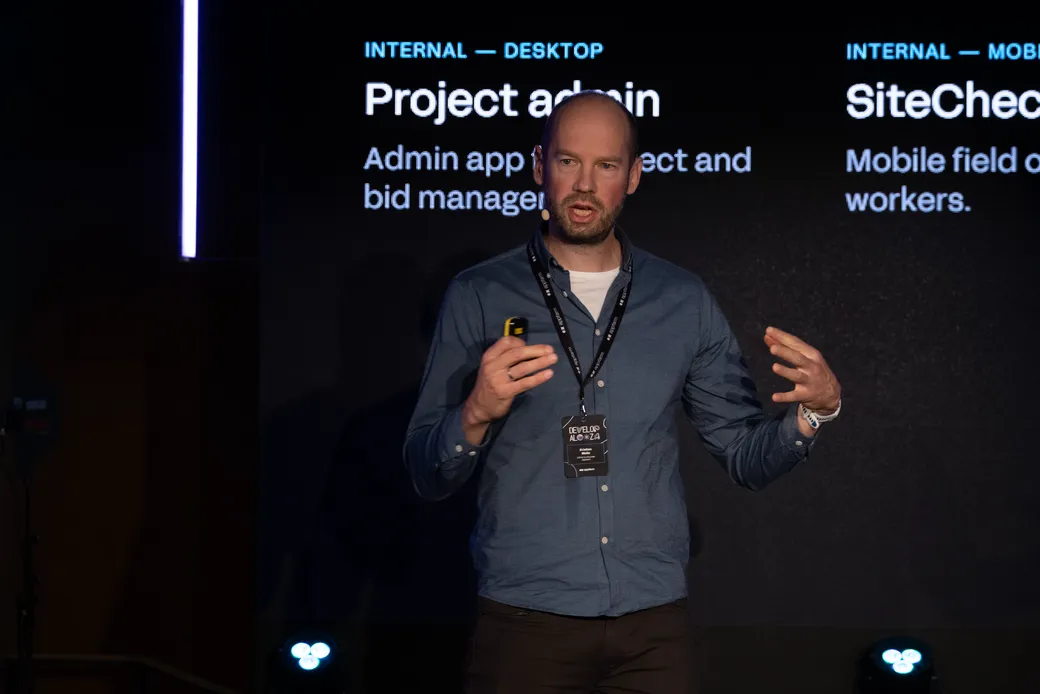
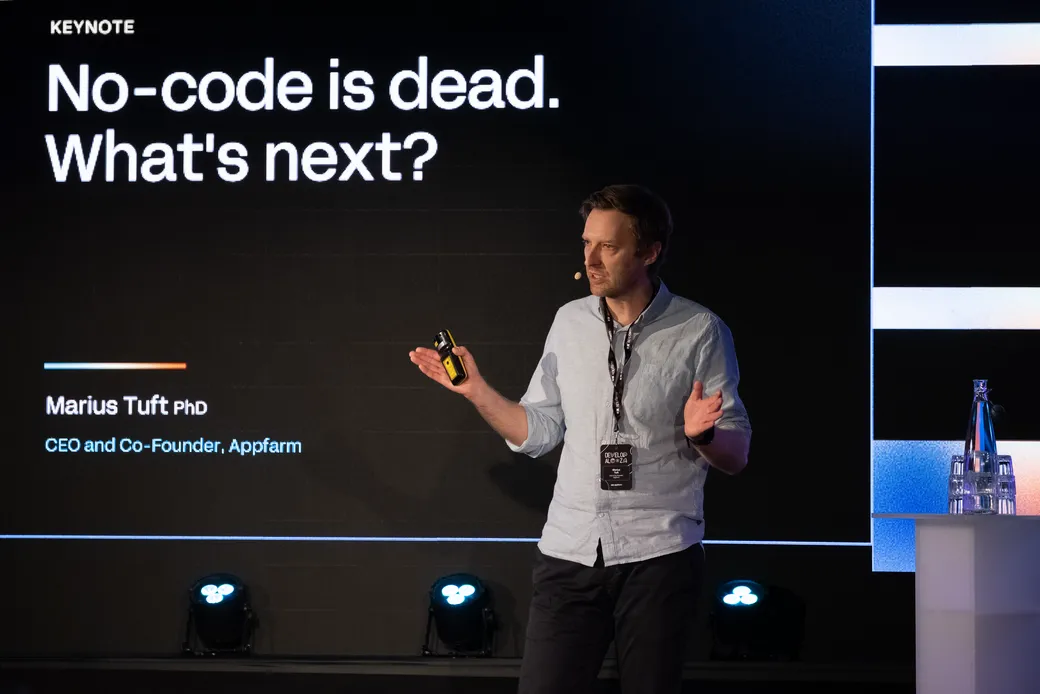
Developalooza 2026, Rebel, Oslo. In-depth product session.
This year we held a dedicated product session before the main program. But we retained tradition in the split: the big changes so far in 2026, the four things in Flows and four things in Appfarm AI that are landing now, and where Appfarm is heading next.
The 2026 releases
Flows picked up API endpoints, scheduled triggers, data streaming from a Flow straight to an app, and the ability to set up custom MCP servers.
Appfarm AI reached general availability in early February and has kept growing since, including the addition of subagents. It builds richer and more complex applications, it works on existing Solutions without running out of context window, and there is a fullscreen planning mode for bigger builds.
Data modelling got a redesigned designer with auto-layout, a minimap and search. Filtering is now usage-based and the legacy scope concept is gone. There is also a data table for generating and editing development data inside Appfarm Create, so new apps preview full of realistic data rather than empty.
Appfarm Create got a redesigned main menu that collapses and opens on hover, a calendar view for schedules, deploys and maintenance, and the ability to group actions into folders in the action editor. A wider UI refresh landed alongside it.
Four things coming in Flows
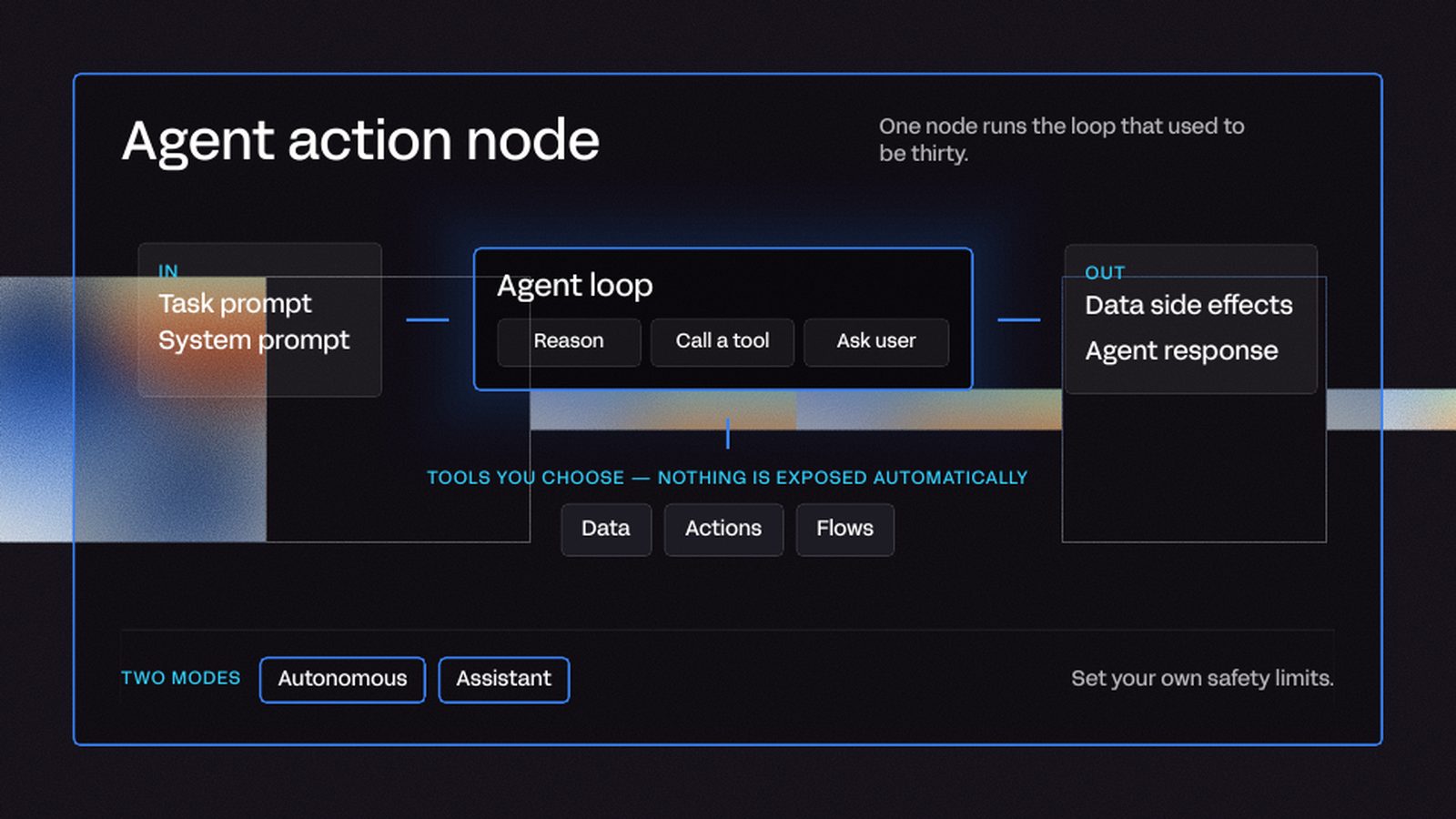
The Agent Action node is our answer for how to build AI agents in Appfarm. You write the instruction, choose exactly which data sources the agent can reach and what it is allowed to do with each one, and expose your existing Actions and Flows as tools it can call. Run it autonomously behind a webhook, or as an assistant your users chat with inside the app.
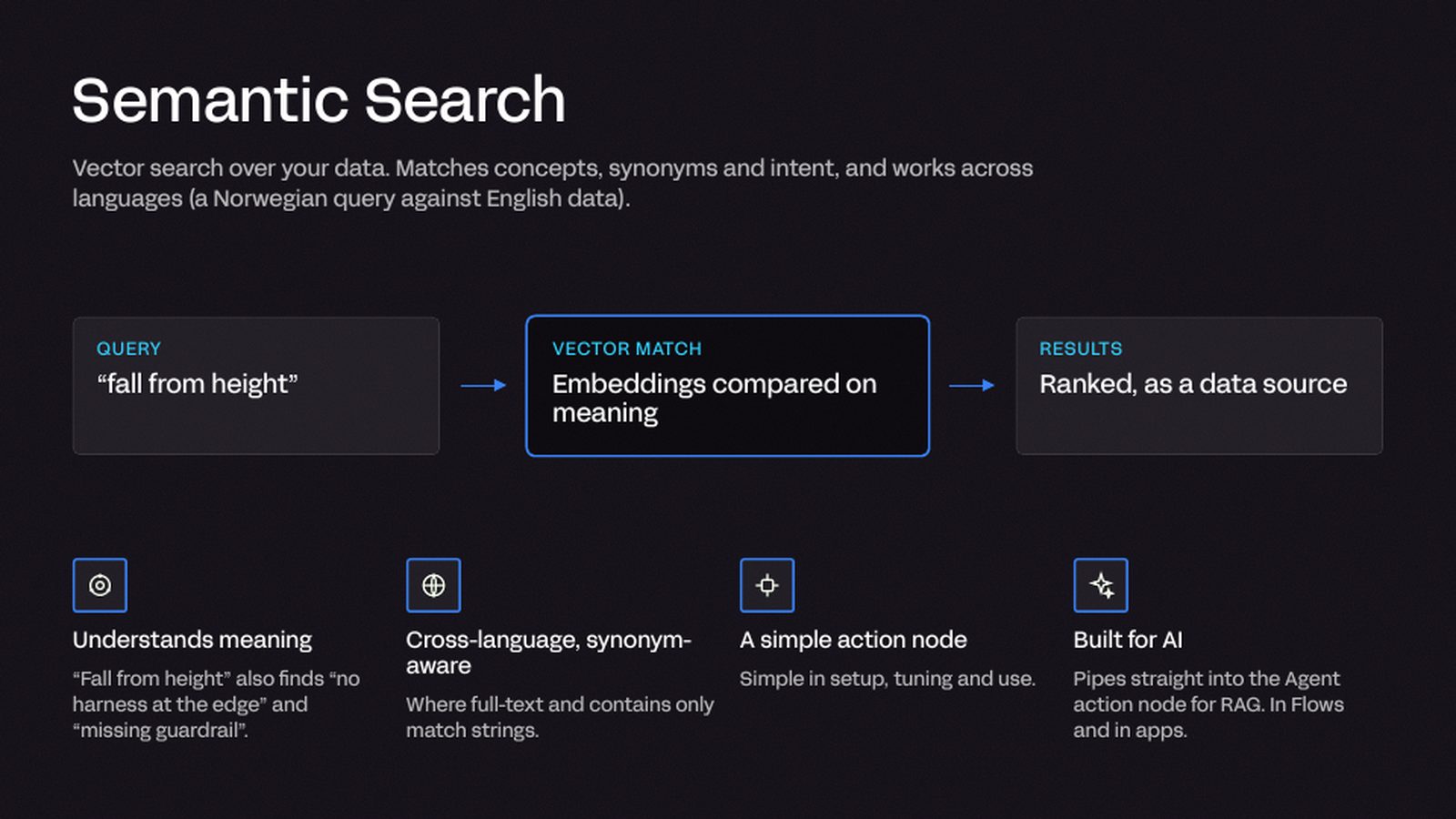
Semantic search searches on meaning rather than exact matches. You enable vectorization on the properties you want to search, and a query about falling from height will also surface incidents about working without safety equipment. It works across languages, so a Norwegian query finds English records. Paired with the Agent Action node, it gives you a working retrieval setup.
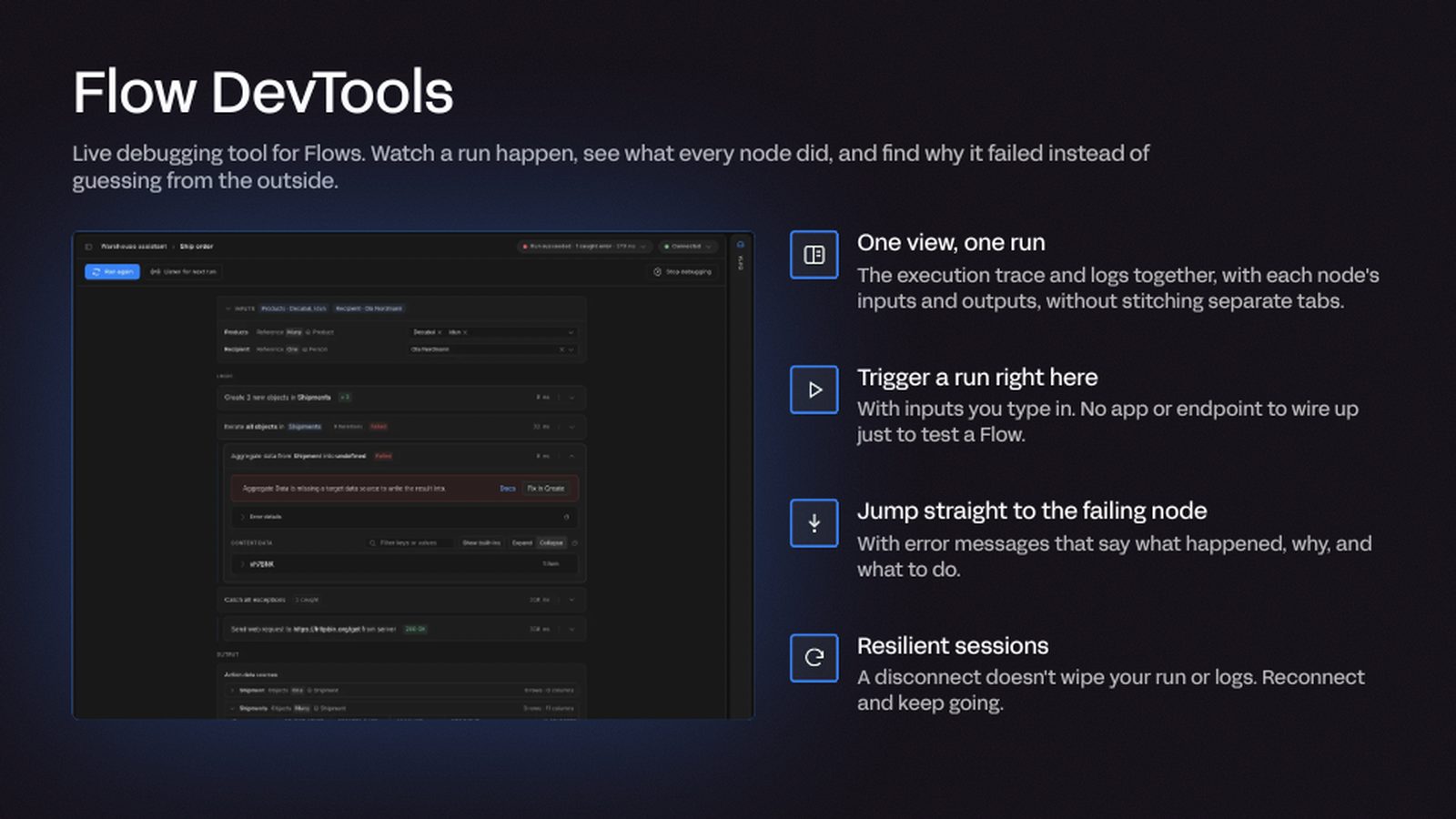
Flows DevTools brings live debugging for Flows. Test a Flow directly with your own input, without going through an app or an endpoint. Watch the run happen, see what every node did, and jump straight to the node that failed instead of guessing from the outside. If your session disconnects, your runs and logs are still there when you come back.
Extended logging puts Action runs, schedules, API calls and client performance in one place, including how much data loads when an app starts. You can enable logging per Action and add custom log fields to carry your own context.
Four things coming in the AI panel
A new AI harness. The model does the thinking and the harness does everything around it, so this is a rewrite of the system that decides what the model sees. Appfarm AI now reads a Solution the way a developer would, starting with a lightweight map and fetching detail through tools as it needs it, rather than being handed everything up front. It uses real tools rather than text commands, so every action is a tool call that is structured, validated and applied on its own transaction. Explorer agents can be sent out to roam a Solution, find connections and report back before a plan is made, which significantly improves performance in large Solutions. Errors are turned around on the spot, and the intelligence panel shows the work as it happens rather than after it stops.
Automated AI testing. Ask Appfarm AI to test a process or a whole app. It opens a session in a new browser tab, works through the app the way you would, reads the logs and documents what failed. It often tries inputs a human tester would never think of. It works in the development environment, and you can scan a QR code to run a test on your own phone or tablet.
MCP server support connects Appfarm AI to the tools you already use, such as your project management and issue tracking apps. You authenticate once, choose which of that service’s tools to enable, and the AI can work with them while it builds.
Full language support. Appfarm AI can add a language to an app and translate every string in it. Because it understands the context each string sits in, the results are usually better than a word-for-word translation.
Where Appfarm is heading
The last part of the session focused on the direction for the rest of the year.
Appfarm AI as an assistant that learns your business and keeps what it learns. Four things sit under that.
- Production-grade output, so what the AI builds is ready to ship.
- Security setup, with guidance for configuring security in Create.
- A self-improving memory, so the more you use it the better it gets at your business and your preferences.
- Build from intent, where you describe the change and get agents, a data model and apps built with the conventions your team already uses.
Opening up the black box. More insight into what happened and who did it, for troubleshooting and for compliance. Three logs are coming.
- Login events, so you can see why a user never got their PIN code.
- A data audit log, tracking data changes across all your data.
- A security audit log, covering account movements such as users added or removed, and role and permission changes.
Organization level. One place to run a whole portfolio of solutions, and portfolios across several organizations. Six things sit under that.
- Portfolio management, with every solution in one view.
- Access, granting each person the solutions they should have from one place.
- Single sign-on, configured once at organization level.
- Consumables, showing AI credits, SMS and other limits across solutions, with usage down to the individual user.
- Health, with aggregated health checks run over the whole portfolio.
- Connectors, set up once for every solution beneath.
Everything announced
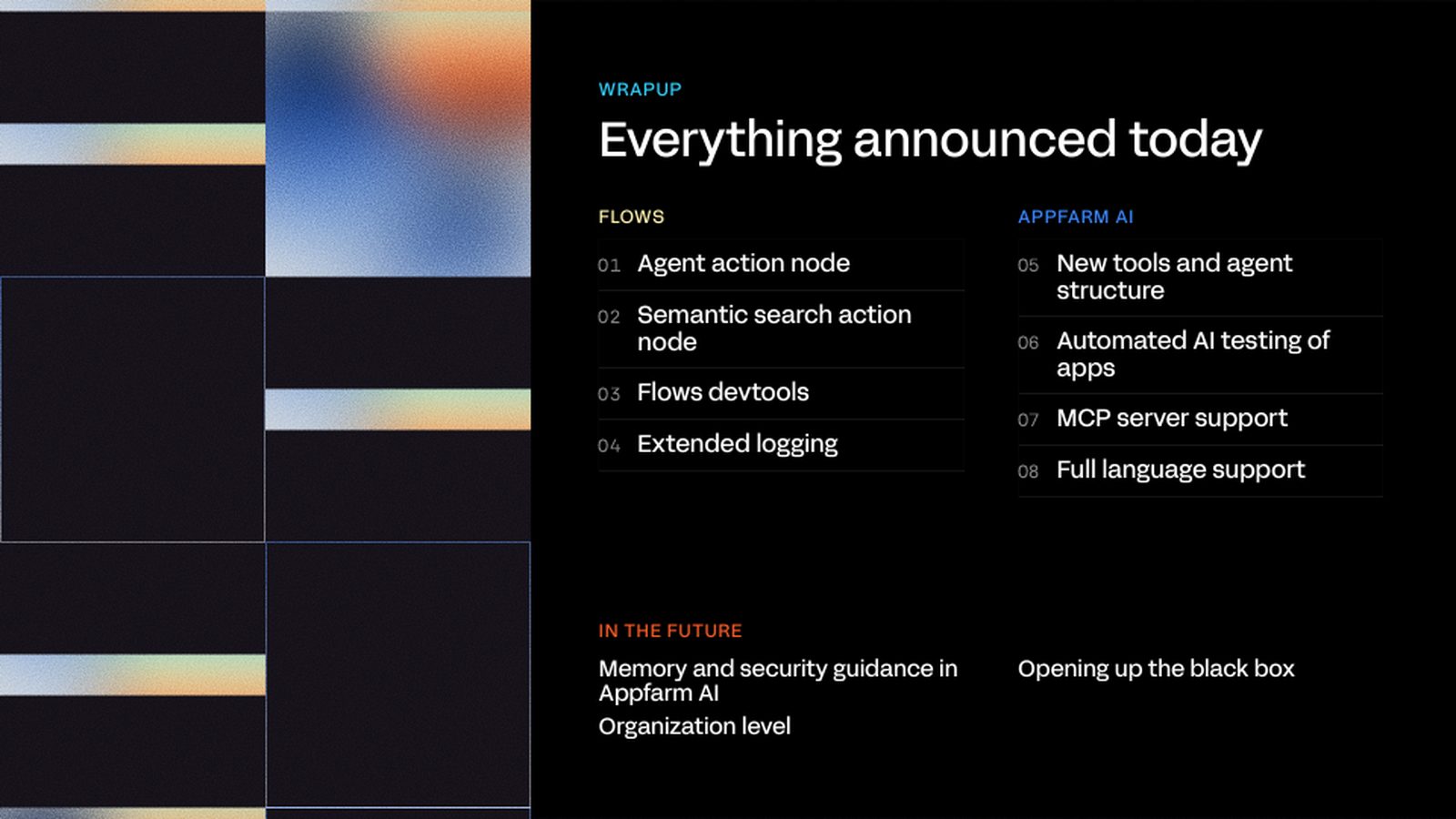
Documentation and demos will follow for each of these as they land. If you have questions in the meantime, post in Community or get in touch.
Part of our series of recaps from Developalooza 2026. Read the rest of the series, or sign up to our newsletter so you don’t miss an invitation to next year’s edition.
More reading
There are no items matching your filters. Please try another filter to view results.
We have a lot of helpful resources. Try another filter or reset the filters to find the resource for you.
Digital transformation without disruption

