


Construction daily report: template, checklist, and tool comparison
Build dispute-ready construction daily reports with a field-by-field checklist, free template, and honest comparison of seven software options.

A construction daily report has to consistently capture labor, weather, deliveries, and delays with timestamps or it won’t hold up when a dispute or variation order arises months later.
The fastest way to standardize records is to swap memory-based notes for a simple template. Once you’re running reports across multiple sites or crews, you’ll need software that keeps audit trails automatically and pushes records into the systems your team depends on.
This guide covers both paths. Compare approaches, get a field-by-field checklist of what belongs in every report, and build your software shortlist with a ranked review of seven daily reporting systems.
What a construction daily report is (and why “written from memory” fails)
A construction daily report is a structured record of everything that happened on a building site during a single shift or day. It logs work performed, equipment used, weather, deliveries, and delays against a specific project and date.
Many teams record this in notebooks, Word files, emails, or group chats, usually from memory, after crew members go home. That’s how gaps creep in. Missed or blurred details become disputes about what actually happened and who’s responsible.
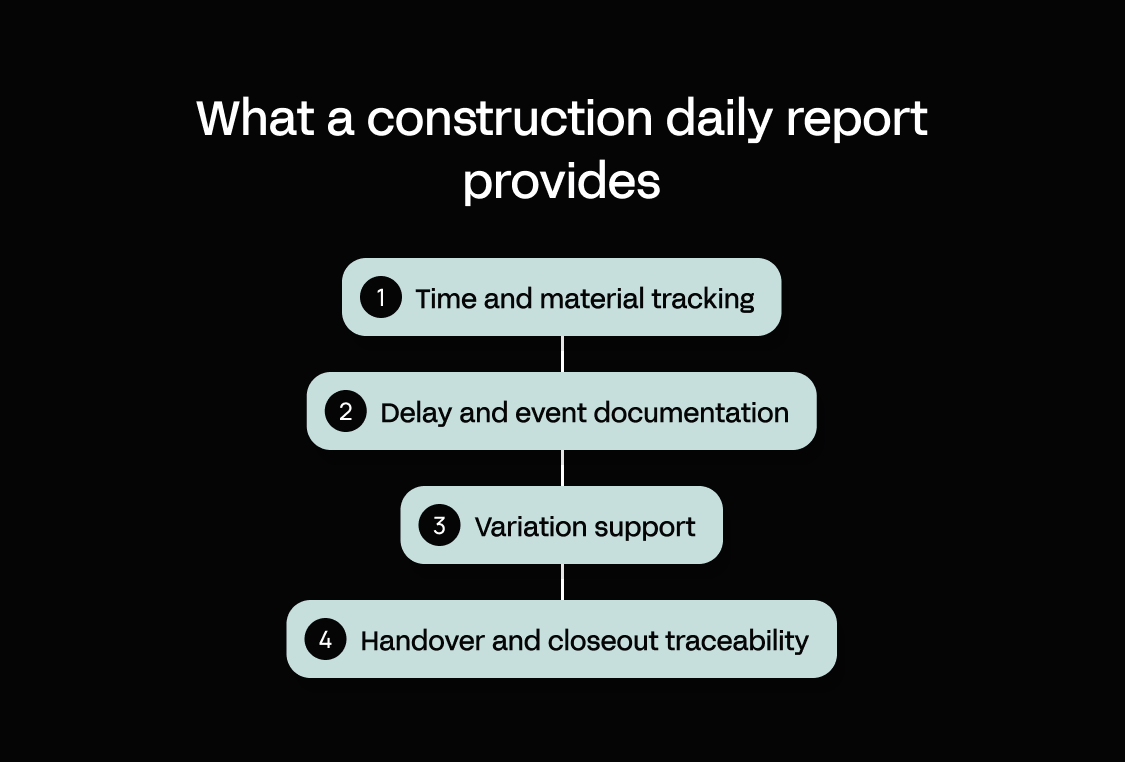
A more consistent, standardized daily report protects four things:
- Time and material tracking – labor hours and equipment usage get logged as they happen
- Delay and event documentation – timestamped, so cause and impact aren’t reconstructed from memory
- Variation support – a reliable record of extra work to bill or justify later
- Handover and closeout traceability – the record can survive a change in construction project manager or the job closing out
Construction daily report vs. site diary: the key differences
Though many site teams use them interchangeably, a daily report isn’t the same as a site diary.
A daily report is a structured, shareable project record that captures the same relevant information every time.
A site diary is more personal and less consistent. It records whatever one person – a foreman, site manager, or project lead – notices in whatever order they write it down.
A site diary is a useful memory aid for the author, but it rarely serves other team members. A daily report’s consistent structure makes gaps easy to spot, giving everyone a complete record they can search and trust months later.
Comparison table – template vs. software vs. building a custom app
There are three main ways to make construction industry reports more consistent: use a Word/Excel template, buy off-the-shelf software, or build a custom app.
Use this table to land on one path for this quarter, then read the tool reviews below.
| Daily report template | Off-the-shelf software | Custom-built app | |
|---|---|---|---|
| Best for | A single site or crew upgrading from paper quickly | Standard reporting across multiple crews, out of the box | Reporting that must match a specific contract, cost structure, or workflow |
| Speed to roll out | Immediate; fill it in today | Days to weeks, depending on setup and training | First version in minutes with AI; full rollout takes longer |
| Consistency across crews | Relies on everyone using the same file the same way | Enforced by the product’s fixed fields | Enforced by fields you define |
| Photos + timestamps | Manual; attach separately | Built in, tied to entries | Built in, tied to entries |
| Audit trail + approvals | None; last edit overwrites the file | Built-in review and sign-off | Role-based review and sign-off you configure |
| Offline readiness | Works offline as a file; no sync | Usually syncs when back online | Offline capture, syncs when back online |
| Integrations | None; manual copy into other systems | Fixed set of prebuilt connectors | Any system with an API |
| Reporting/searchability | Manual; one file or sheet per day | Searchable within the product | Searchable, and reportable on your own data |
| Cost pattern | Free or near-free | Per-user subscription, rising with crews and features | Platform subscription; build cost front-loaded, not per-report |
| Watch-outs | Breaks down past one or two crews | You adapt to the product’s structure | Someone must own the build and rollout |
Some digital tools are more capable than others. This comparison table provides a high-level overview only. Fully inform your decision using the list below and by visiting vendors’ websites.
The 7 best construction daily report software and apps (ranked)
If your operation is big enough to need software, there are still two big decisions to make: whether to build or buy your app and which platform fits best.
The following list covers five approaches:
- Dedicated daily-report apps (Raken, CDR)
- Field-management suites with building information modeling (BIM) at their core (Dalux)
- Broader construction suites where daily reporting is one module (Autodesk, Procore)
- Form-first digitization (GoCanvas)
- Build-your-own-app platform (Appfarm)
Appfarm leads because it’s the only option that builds the app around how you work, instead of making you work around the app.
1. Appfarm – best for teams that need a tailored daily construction report app (not another rigid tool)
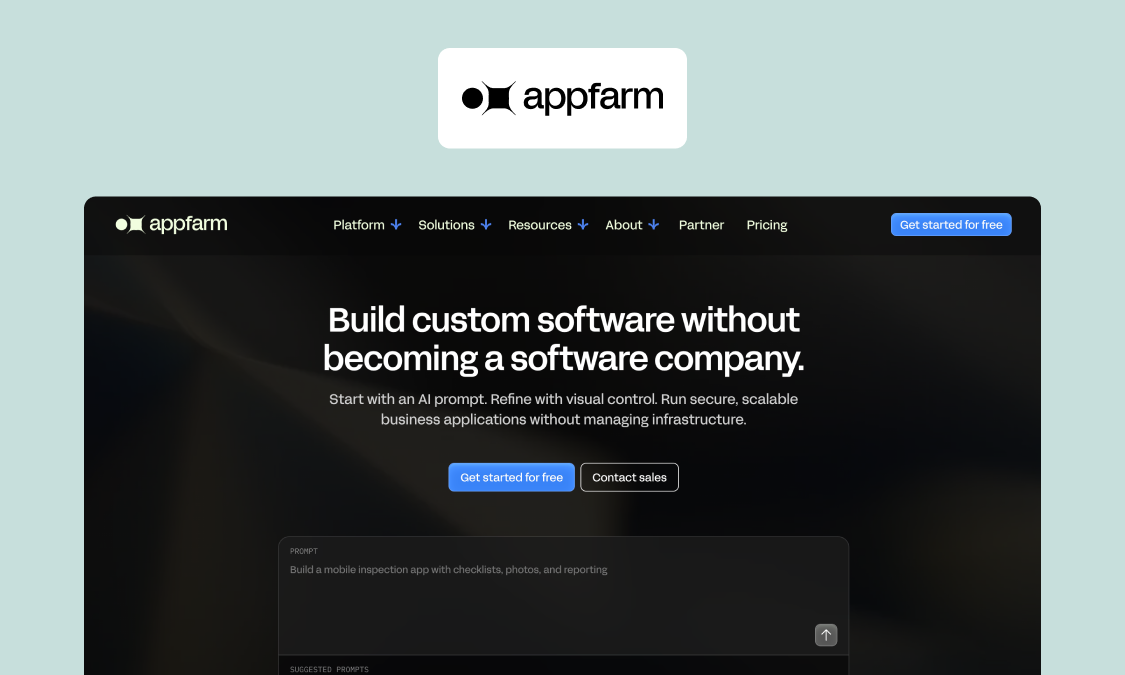
Best for: Mid-market construction and infrastructure teams who need consistent, dispute-ready reporting across sites, with governance and integrations.
Appfarm is an AI-powered visual development platform for building custom business software without having to become a software company first.
Rather than adapt your reporting to a fixed template, you can build a daily report app that matches your contracts, your cost codes, and how your crews actually work.
What it does well: Above all, simplicity and control. You start with Appfarm AI in Build mode, describing the reporting app your company needs – including how it needs to capture information – and the platform returns a first working version in minutes. Then refine the output on a visual canvas, with transparent visual models you can inspect and change rather than hidden code, so the app stays maintainable as your projects evolve. When ready, deploy on Appfarm’s managed cloud with enterprise governance built in. No more reports written from memory, no more missing fields, and full control over every update, in the first build or years from now.
Key features (what the platform gives you):
- Role-based permissions for who can submit, review, and approve data across your app
- Version control and change tracking, so you can update the app safely as projects evolve
- Server-side workflows to automate tasks like emailing compiled PDFs on a schedule
- Integrations with any API, so report data flows into the systems you already run
- Managed hosting and deployment, with ISO 27001 certification and GDPR support
- Offline support, so field crews keep working without a reliable signal
What you can easily build on top:
- Real-time logging of labor, plant, progress, and site events
- Photos with timestamps on every entry
- The exact fields, layout, and logic your contract and cost codes need
- Auto-compilation into a shareable daily record tied to the project
For teams in Europe with data residency requirements, the fact that Appfarm stores customer data in the EEA is another advantage over platforms hosted primarily outside the region. Many keep data in the US, for instance.
Watch-outs: Appfarm apps are progressive web apps (PWAs), so they aren’t built for use cases that lean heavily on native device features. And while a first version comes together fast, rolling it out across crews still requires someone to own adoption.
Good fit if:
- You need a daily report that matches your contract, client, and cost structure
- You want structured data you can search and report on later
- You need governance and maintainability without a big dev team
Not a fit if:
- You only need a one-off single-site template with no integrations
- You need a native mobile app deeply tied to device APIs
Pricing: Appfarm provides a free tier for solo developers. The “Essential” plan starts at €2,350/month for 100 active users, 5 apps, and 5,000 AI credits (Sep 2026). See pricing to choose the best plan.
Website: Start for free at discover.appfarm.io/register
Appfarm in action: Godig, working with its customer Skanska, moved a complex site-management solution off Power Apps and onto Appfarm and went on to win an internal innovation award for it. Reporting on the app matched the team’s exact workflow because that’s how it was built – no compromises means no information gaps.
2. Raken – best for field-first reporting in a dedicated construction daily log app
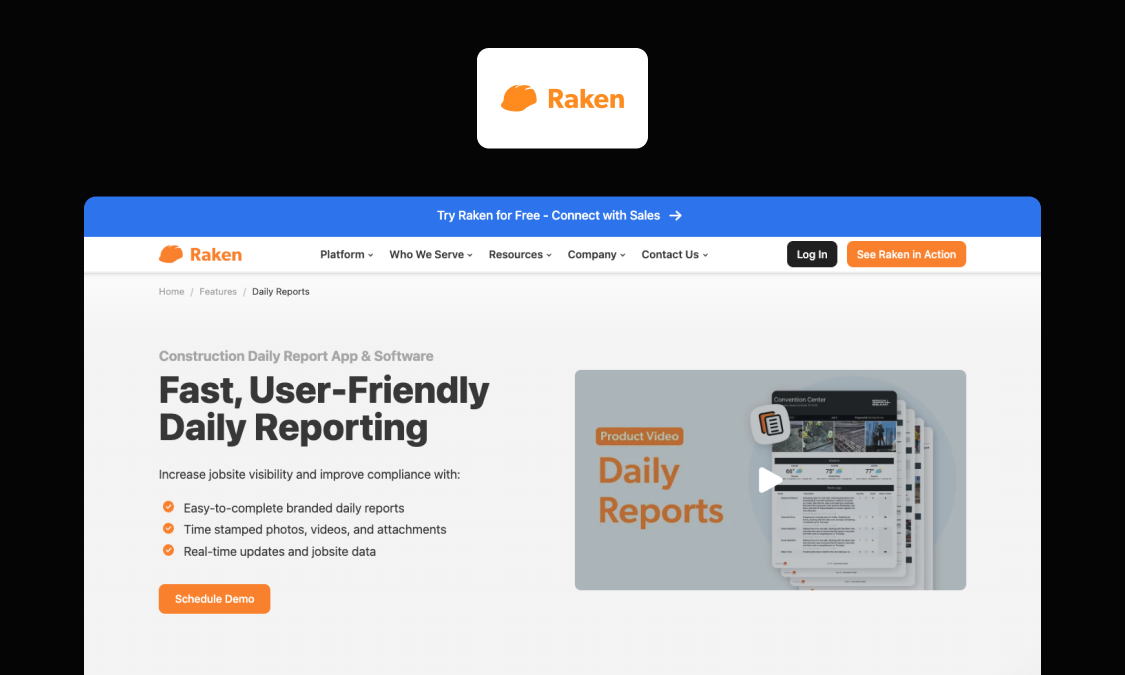
Best for: Field crews and general contractors who want fast, mobile daily reports without training or setup overhead.
Raken is built around daily reporting. It’s field-first by design: crews complete a report on a phone or tablet with minimal typing, which the office receives the moment it’s signed.
What it does well: Capture is quick, voice-to-text speeds up entry, and subcontractors file their own records straight into one master report so you’re not chasing.
Key features:
- Mobile capture of work logs, time, materials, equipment, and safety concerns/items (including timestamped photos, videos, and attachments)
- Branded PDF reports with automatic weather and email distribution
- Segmented reports for multi-crew or multi-shift jobs
- AI daily report summaries that flag key issues
Watch-outs: Raken’s workflows and fields are prebuilt, so you adapt to them rather than the reverse. Some reviewers note deeper customization is limited to higher-tier plans.
Good fit if:
- You want standard daily reporting up and running fast, with subcontractors filing their own dailies into one report
Not a fit if:
- You need reporting shaped to a nonstandard contract format
Pricing: Quote-based (Aug 2026)
Website: rakenapp.com/features/daily-reports
Other options on this list offer more flexibility. While Raken shapes your reporting to its product, a platform like Appfarm lets you build around your own contract, cost codes, and systems.
3. Dalux – best for UK and European contractors who want daily field records inside a broader field-management suite
Best for: UK and European contractors who want daily site records, defects, snags, and handover documentation in one place.
Dalux is a Danish construction platform built around what it calls the “world’s fastest BIM viewer”, with field management and document control layered on top. Its daily log is within that wider suite, so a day’s record lives alongside the drawings, models, and inspections for the same project.
What it does well: Connecting site records to the model. Daily logs are configurable and split by trade, form setup is drag-and-drop, and each entry runs through an approval flow before closing.
Key features:
- Configurable daily logs (manpower, equipment, weather, custom fields), separated by trade
- Approval workflow with up to two reviewers before a log is closed
- Fast BIM viewer with mobile snagging, checklists, and RFIs across the suite
Watch-outs: Daily reporting is part of a broader platform here. That’s useful in the right circumstance, but your ROI ultimately comes down to how much you’ll use Dalux’s other features.
Good fit if:
- Drawings and BIM are at the center of how you run your projects
- You also need new field-management software
Not a fit if:
- You want to add daily reporting to an already-established construction stack
- You’re not in the UK or Europe
Pricing: Quote-based (Aug 2026)
Website: dalux.com/products/dalux-field
Dalux is a credible suite choice for UK and European field teams. Appfarm offers a smoother path to daily reports that match your exact workflow and sync with other systems.
4. Autodesk Forma – best for teams already standardized on Autodesk
Best for: Larger contractors and project teams already working in the Autodesk ecosystem who want daily reporting inside a full design-to-construction platform.
Autodesk’s construction platform recently rebranded: Autodesk Construction Cloud is now part of Autodesk Forma, and its daily reporting sits within Forma Build (formerly Autodesk Build). If your design, models, and documents already live in Autodesk, keeping field reporting in the same environment is the main draw here.
What it does well: Template-driven reporting connected to the wider platform. Start from preset templates, add custom fields, schedule recurring reports, and get aggregated visibility into project trends instead of isolated PDFs.
Key features:
- Preset, configurable daily report templates with custom fields
- Scheduled, recurring report distribution by name, company, or role
- Aggregated reporting across the same platform as your documents and models
Watch-outs: Daily reporting is one workflow inside a large platform. It pays off if you’re committed to Autodesk across the project. But for reporting alone, it’s more cost and complexity than the job needs.
Good fit if:
- You already use Autodesk for project management and need to add reporting
Not a fit if:
- You’re not Autodesk-centric and mainly need dependable daily reporting that fits your process
Pricing: Quote-based (Aug 2026)
Website: construction.autodesk.com/tools/construction-daily-reports
Autodesk Forma suits teams already in its ecosystem. Appfarm is the better path when you want just the reporting app you need, integrated with the systems you already run.
5. Procore – best for teams already running Procore for project management
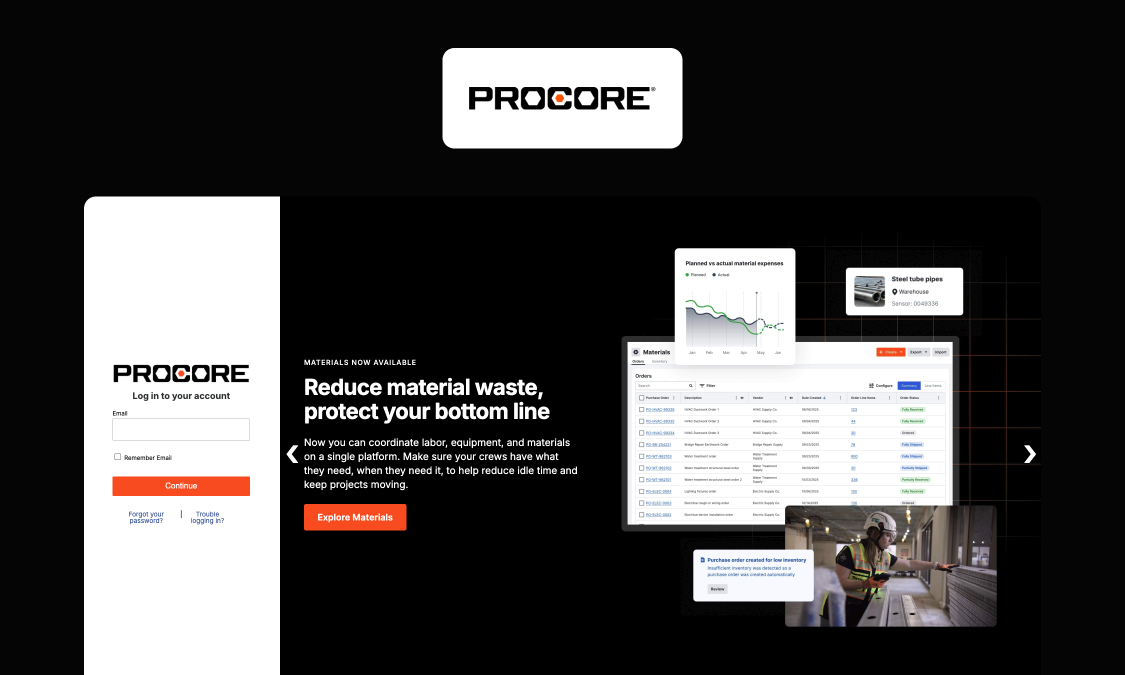
Best for: Mid-to-large contractors already running Procore who want daily logs in the same system as the rest of their project.
Procore is an “end-to-end” construction management solution that handles reporting in its Daily Log tool. As with Autodesk, the main appeal here is the single system: a day’s log connects to the same schedule, cost, and directory data as the rest of the project. Stakeholders (with access) see everything in one place.
What it does well: Weather logs automatically by location, layouts are drag-and-drop configurable, and manpower hours feed planned-versus-actual cost tracking, so the daily log doubles as a cost signal.
Key features:
- Daily Log tied to the project schedule and planned-versus-actual cost tracking
- Automatic weather capture by location
- 500+ pre-built integrations spanning accounting, analytics, field comms, and more
Watch-outs: Procore is priced and built as a full platform. It’s more than most mid-market teams need for reporting alone: more expensive with a bigger learning curve.
Good fit if:
- Procore is already your system of record and you want daily reporting to live there too
- Your projects’ stakeholders need better visibility into what happens on-site
Not a fit if:
- You’d be adopting a full construction management platform just to handle daily reporting
Pricing: Quote-based (Aug 2026)
Website: procore.com/quality-safety/daily-log
If you’re running Procore already, using its Daily Log feature makes sense. If not, Appfarm lets you build a bespoke reporting tool to fit the stack you already trust.
6. GoCanvas – best for form-based daily reports that start from templates
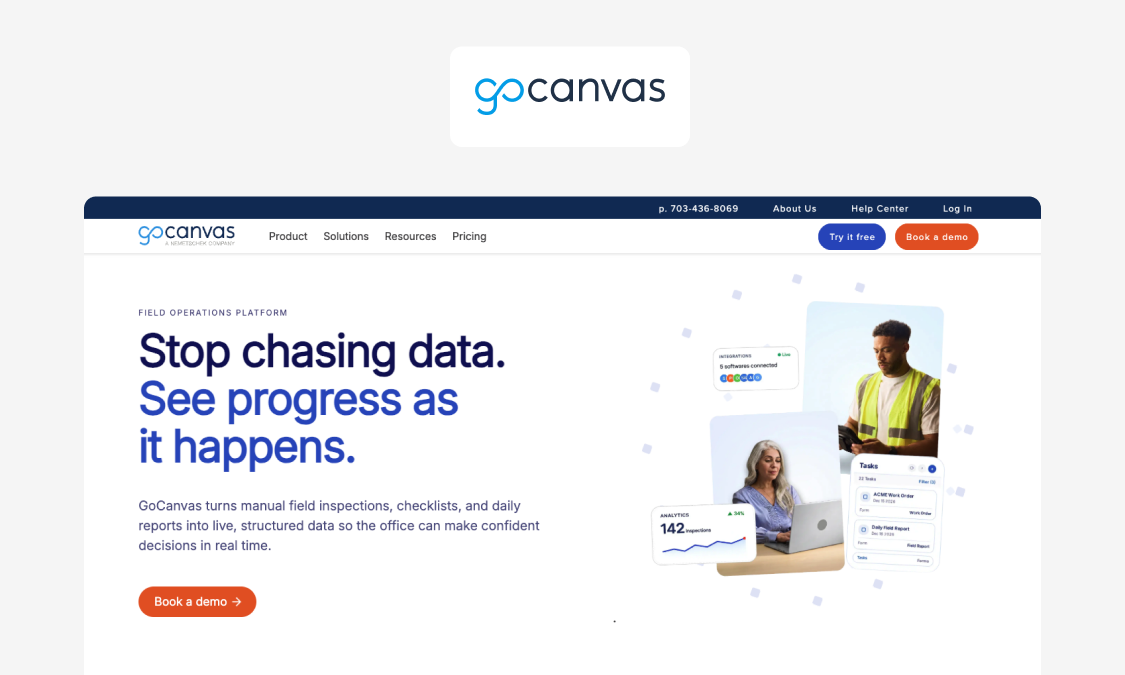
Best for: Teams digitizing paper daily reports who want to design their own forms without adopting a full construction platform.
GoCanvas is a mobile forms and workflow platform, now part of the Nemetschek Group. Its approach is simpler than most: you build a daily report as a customizable form, crews complete it on a phone or tablet.
What it does well: Building the exact reporting forms you want, fast, without demanding any coding skills – ideal for a first upgrade away from paper records.
Key features:
- Customizable daily report forms from a large template library
- Enterprise-grade security and privacy – including ISO 27001 compliance, SOC 2 Type II certification, and role-based controls
- Multi-step workflows to route reports between field and office teams for review
Watch-outs: Digitizing forms is just one part of reporting. As needs grow into governed workflows, ERP integrations, or cross-project reporting, a forms-first tool hits its limits.
Good fit if:
- You mainly need to replace paper and PDFs with clean, user-friendly mobile capture
Not a fit if:
- Reporting needs to become a governed, integrated system across projects
Pricing: Quote-based (Aug 2026)
Website: gocanvas.com/solutions/industries/construction/daily-weekly-reports
GoCanvas is a solid option for digitizing quickly. If reporting needs to become a connected system, Appfarm lets you build a full application – not just a set of forms – while keeping the flexibility to match your process.
7. CDR (Construction Daily Reports) – best for simple, dedicated daily report capture and PDFs
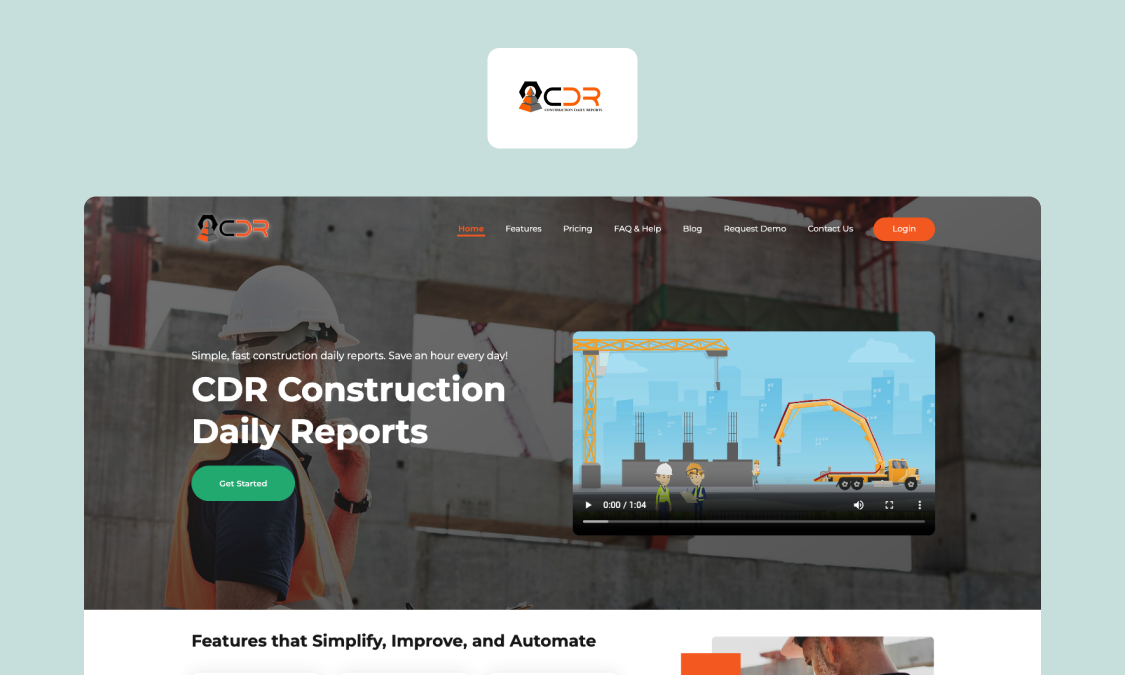
Best for: Small to mid-size contractors and subcontractors who want professional daily report PDFs at a low price, with minimal setup.
CDR is a dedicated daily reporting app that doesn’t try to be a project management platform. The whole product is built to get your branded daily report filled in and sent with as little friction as possible.
What it does well: A quick, guided workflow that anyone can run. Enter hours worked and notes, answer custom yes/no questions, and sign. Prior-day carryover (names, hours) and voice-to-text reduce typing, and the finished PDF emails itself and saves to cloud storage.
Key features:
- Custom, branded report templates assignable per project
- Real-time PDF generation, auto-email, and cloud storage upload
- Live project dashboards that pull valuable data from daily field entries
Watch-outs: CDR does one job well and stops there. It’s built for capturing and sending daily reports, not for connecting into accounting or ERP systems.
Good fit if:
- Your small team needs dependable daily PDFs without a major new tech rollout
Not a fit if:
- You need reporting to scale across multiple crews or feed data into other systems
Pricing: From $30/user/month (Aug 2026)
Website: constructiondailyreports.com
CDR is a fast, affordable starting point for daily PDFs – but its simplicity is also a ceiling. Appfarm gives you room to add crews, integrations, and access control without switching tools. As your operation grows, your reporting keeps up.
What should be in a construction daily report? (field-by-field checklist and free template)
Every daily report should capture the same core fields, every time. That consistency is what makes reports comparable across days and projects and searchable months later.
Use this checklist as the baseline, then add fields specific to your contract or project type (there’s a customizable template to use in Excel or Google Sheets below).
| Field | Why it matters |
|---|---|
| Project name and number | Ties the record to a specific job, so reports don’t get mixed across sites or contracts |
| Date, day, and shift | Anchors everything to a point in time – essential for any disputes or variation claims later |
| Prepared by (name and role) | Establishes who’s accountable for the record (for following up) |
| Weather (conditions, temperature, precipitation, wind, ground conditions) | Documents delays caused by weather, with the detail and timing that make them defensible |
| Labor on site (company or trade, headcount, hours, notable absences) | Records who worked, in what trade, and for how long, and who was expected but absent – feeding both job progress and cost tracking |
| Equipment and plant (type, hours, idle or downtime) | Logs what was on site, used, or idle, which matters for hire costs and productivity |
| Work performed (areas, quantities, milestones, constraints) | What progressed, where, and by whom – helps managers keep projects on track |
| Deliveries (supplier, ticket or PO reference, time in and out, issues) | Confirms what arrived and when, with the reference numbers that support cost and delay claims |
| Additional or changed work (instructed by, instruction reference, description, labor, and materials used) | Records extra work as it happens, with the reference and resource detail needed to bill it as a variation later |
| Delays, disruptions, and stoppages (cause, start and stop time, impact, responsible party) | Captures what held up work and its knock-on effect – the single most valuable evidence in a dispute |
| Health, safety, and quality events (near misses, incidents, NCRs, toolbox talks) | Records incidents, near-misses, inspections, and any non-conformances raised or closed |
| Photos and attachments (what and why) | Provides visual proof, timestamped and tied to the day’s entries |
| Sign-off (prepared by, reviewed by, approved) | Confirms the report is complete and approved, turning a log into an official record |
Measure twice, cut once is a site mantra for a reason. The same discipline should apply to the document that protects your margin and your position in a dispute.
Two of these fields are worth extra care:
- Log delays with the activity affected and the start and stop times, and you have the timestamped record an extension-of-time claim needs later
- Log extra work with the instruction, who gave it, and the hours and materials used, and you can bill it as a variation instead of absorbing the cost
Whatever you log, keep it objective. “Observed standing water in the trench” holds up as a fact. “Groundworks caused a flood” is an opinion someone will challenge.
Start now with a construction daily report template (Excel, Google Sheets)
Rather than build new forms from scratch, you can download the checklist above as a ready-to-use template here: Construction_Daily_Report_Template
This template turns every vital field into a fillable construction daily report form, laid out section by section. Adapt it to your projects and start logging today.
How construction daily report software and apps actually work: what to expect in the field
Whatever tool you choose, the high-level workflow is the same: capture on site, review and approve, compile and distribute, then store somewhere searchable.
Here’s what to expect at each stage:
Real-time capture: photos, timestamps, and “log it when it happens”
Crews log entries during the day, not from memory at 6pm, with automatic timestamps and photos in context. Some apps also record the weather by date and location, removing a manual, disputable field from the process.
Offline, the app should hold entries on the device and sync later without dropping timestamps or duplicating records.
When your only site record lives in a supervisor’s WhatsApp thread, instead of a daily report, you have someone’s personal diary, and it walks out the door the moment they do. A dedicated company app keeps that data with the business, which also supports GDPR and offboarding.
Review and approvals: turning a log into an official record
A supervisor logs the day, a project manager reviews it, and an approval step locks it. That lock, plus a change history with no silent edits, turns a running log into a definitive record that survives a dispute months later.
Output: branded PDFs, distribution lists, and storage
Completed reports compile into a branded PDF, transfer to the owner, consultant, or relevant internal, and file into a consistent project folder – all automatically.
Integrations then push new data into systems you already run – payroll, ERP, project management – keeping records in sync without manual CSV exports.
What you can trust vs. what’s directional: some fields in a construction daily report are verifiable, like timestamps, author, and photo metadata. Others just estimate, like percent complete or a narrative summary. A strong report keeps the two apart so the hard evidence stays clear and easy to rely on.
Why Appfarm is the best fit for construction teams who are done with Word, chat apps, and backfilled reports
In construction, reporting is the last thing that happens on a busy day. Supervisors run crews, chase deliveries, and handle whatever went wrong, then write the report from memory once everyone’s gone home. It’s how fields get skipped, and how key details turn into vague recollections that help no one in a dispute or audit later.
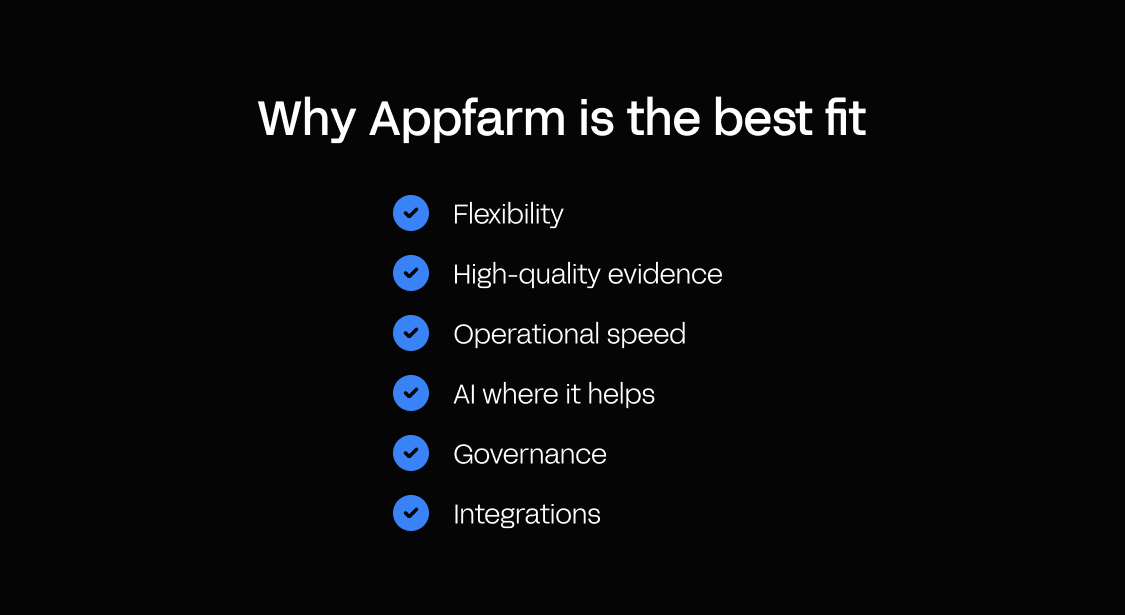
Appfarm is different because it lets you build a reporting app around your exact workflow. On site, that means you get:
- Flexibility – shape your own fields, logic, and layout to match how your crews actually report
- High-quality evidence – real-time logging captures labor, plant, and delays with photos and timestamps, so the record is evidence, not recollection
- Operational speed – approved reports compile and distribute themselves, cutting end-of-day admin
- AI where it helps – add AI to summarize a day’s entries or classify site photos, reducing manual work
- Governance – role-based permissions, sign-off, and managed cloud hosting, scalable to every site
- Integrations – reports flow into the cost and document systems you already run instead of dying as PDFs, protecting margin on variations and speeding up closeout
Teams in construction and beyond build this way up to 10x faster than with traditional development. Bertel O. Steen replaced its manual, spreadsheet-and-email vehicle inspection process with a single Appfarm app that now handles field inspections and reporting for more than 30,000 vehicles a year.
Conform, another Appfarm customer, created an internal workday app for construction workers. Key results included improved control, quality, HSE, and compliance toward labor law, as well as strengthened employee satisfaction and engagement.
FAQs
What should be in a construction daily report?
At the very least, a construction daily report should capture the date and shift, weather, labor on site, equipment used, work performed, deliveries, delays, health and safety events, photos, and a sign-off.
The aim is to record what happened, who was there, and anything that affected progress, in the same fields every day. Use the field-by-field checklist above as a baseline, then add fields specific to your contract.
How do you make a daily site report that holds up in a dispute?
Record events as they happen, not from memory at the end of the day, and keep the language factual rather than assigning blame.
Timestamp entries, attach photos, and note the cause and impact of any delay along with who was responsible.
What is the difference between a construction daily report and a construction daily log?
The two terms essentially mean the same thing: a record of a single day’s site activity. “Log” sometimes refers to the raw running entries and “report” to the compiled, shared version, but most tools and teams treat them as one.
Can I use a construction daily report template in Excel, or do I need construction daily report software?
An Excel or Google Sheets template is a good starting point for a single site or crew, and this guide’s free template will do the job.
You’ll need software once you’re running reports across multiple crews, need photos and approvals tied to each entry, or want the data to feed other systems.
What does a good construction daily report sample look like?
A good sample fills every field with specific, factual detail. Think of it as an objective record a stranger could follow. Our easily accessible template shows the structure, with an example row for each section.
What should you look for in a construction daily report app or construction daily log app?
Look for fast on-site capture, photos with automatic timestamps, offline working, and a clear review and approval step.
Also, check whether the data can leave the app. Integrations with your cost, program, or document systems save time and stop reports dying as isolated PDFs.
Governance and permissions matter once more than one crew is involved.
How do photos and timestamps change the quality of daily reporting?
They turn a claim into evidence. A timestamped photo shows the condition of the site at a specific moment, which is far more defensible than a written note recalled later.
What is the fastest way to roll out daily reporting across multiple construction sites?
Standardize on one set of fields first, so every site records the day’s activities and significant events in the same way, then choose a tool that enforces that structure.
Starting from a template gets crews consistent immediately. Moving to an app adds approvals, integrations, and searchable history as you scale.
More reading

There are no items matching your filters. Please try another filter to view results.
We have a lot of helpful resources. Try another filter or reset the filters to find the resource for you.
Digital transformation without disruption

