


Appfarm AI subagents: a team of specialists building your app
Appfarm AI now builds the way a development team does, with a lead agent that delegates to specialist subagents for design, logic, and the data model. The result is faster, higher-quality builds and far more visibility into what’s being created. Here’s what the upgrade includes, and what it means if you’re newer to building with AI.

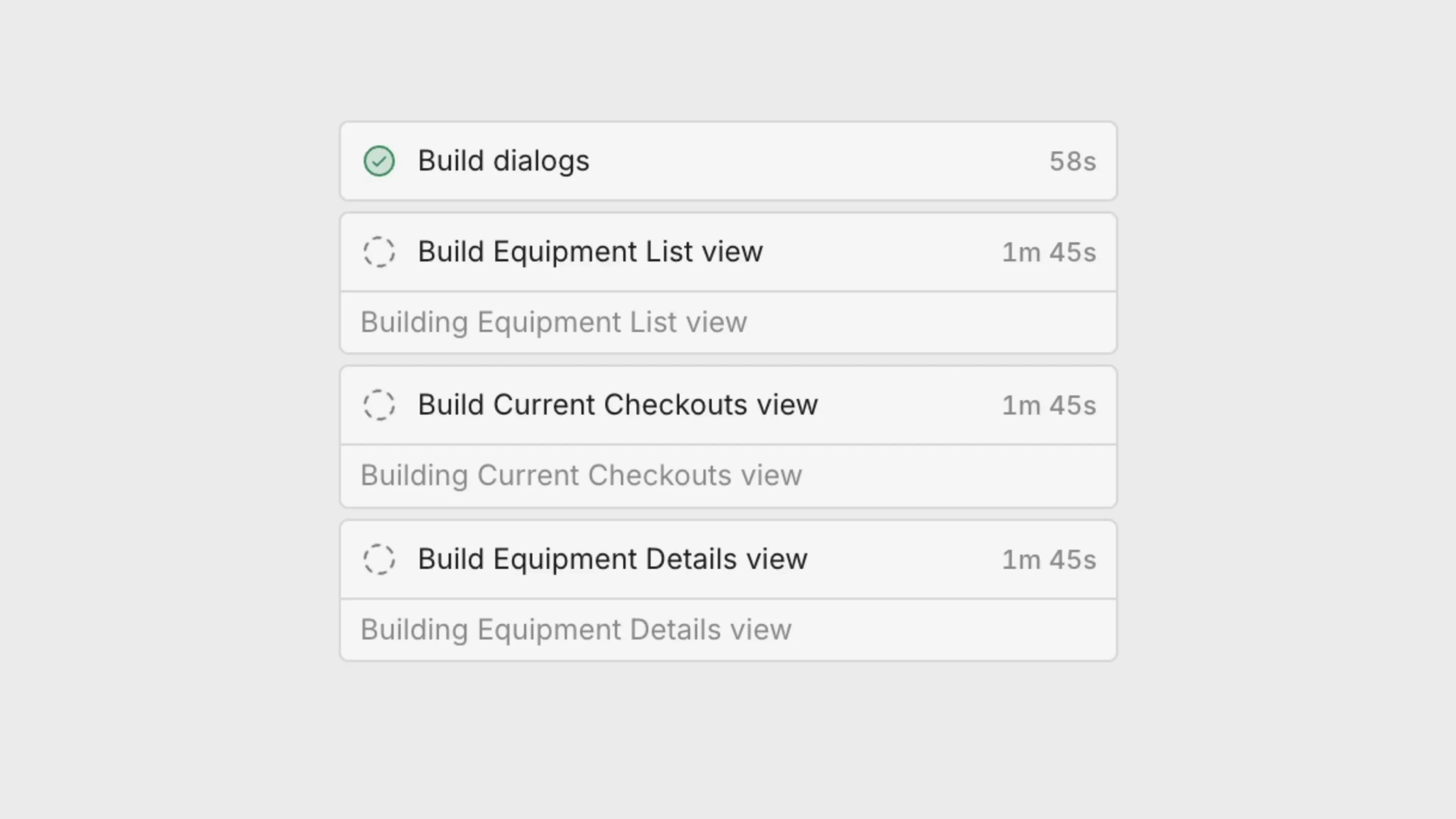
When we introduced Appfarm AI, the idea was simple. Describe the enterprise app you need in plain language, and watch it take shape inside Appfarm Create. This release makes that experience meaningfully better. Instead of one full-stack developer doing everything, Appfarm AI now works like a small development team, with specialists who each focus on the part of your app they know best.
So what does that actually mean for you? In short, faster builds, higher-quality results, and far more visibility into what’s being created as it happens.
What changed, and why it matters
In practice, you now talk to a single lead agent, or orchestrator, like a tech lead who understands the whole platform. Rather than building everything itself, it hands each piece of work to the specialist subagent best suited for that job, whether that’s designing the interface, modeling your data, or wiring up the logic that makes the app run.
You don’t have to manage any of this. You describe what you want in one conversation, and the right experts get pulled in automatically. Each part of your app is built by a subagent that specializes in that part, which means cleaner results and fewer rough edges.
This focus also pays off in a second way, related to how each subagent handles information. Every subagent runs in its own context window, which is all the text a model can reference when generating a response. Think of it as the model’s working memory. That memory isn’t unlimited, and when it fills up with material that isn’t needed for the task, quality tends to suffer. So the lead agent is deliberate about what it passes along. The subagent building your data model receives the data model brief, not the full picture of your views and actions, and it works from a clean slate each time.
Tighter instructions and a leaner context let each specialist give the task its full attention, and the system as a whole gets more done while using fewer tokens. That efficiency is a large reason the builds come out sharper and the agent keeps up its pace on larger apps.
What’s new in this release
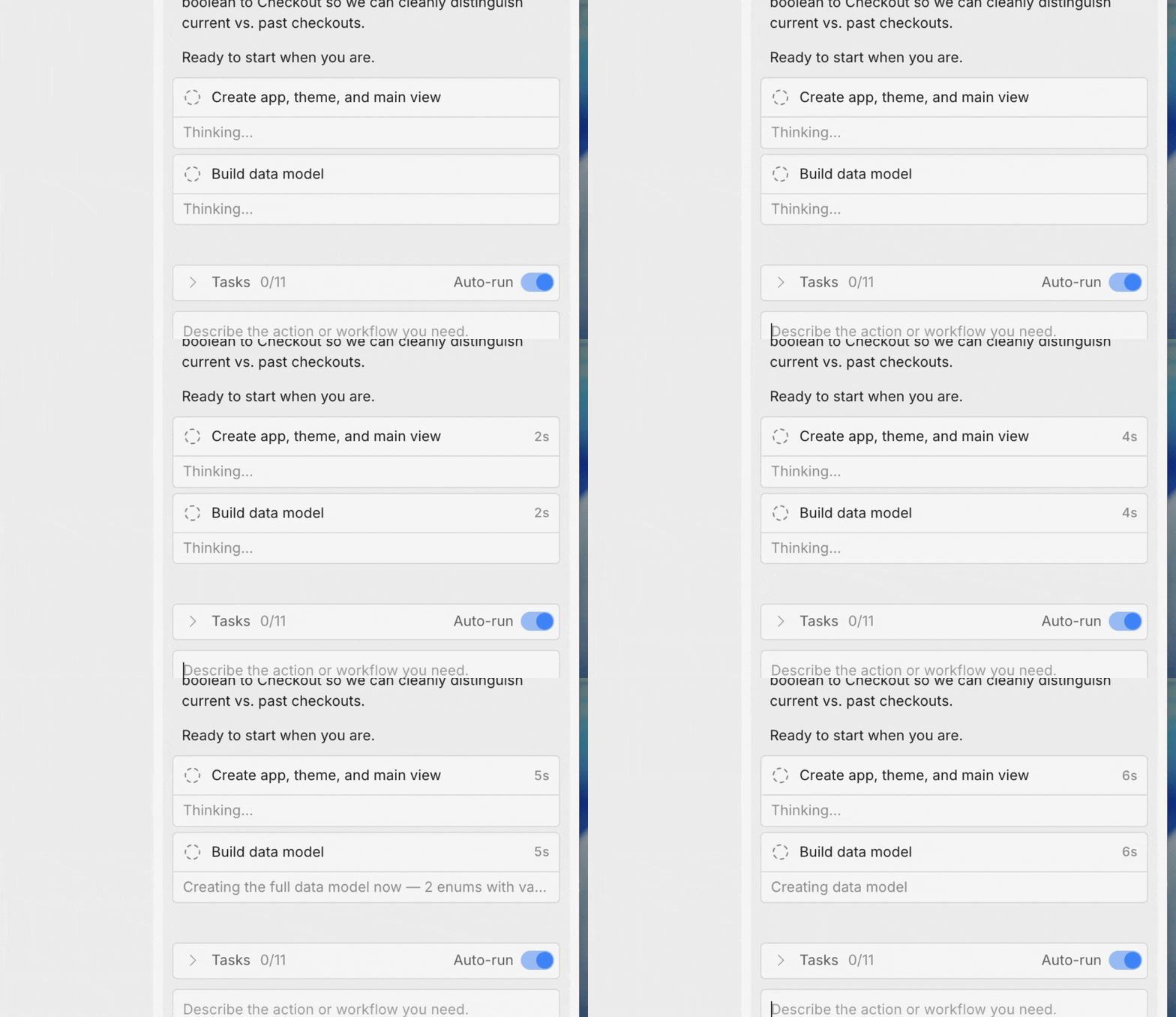
Specialist subagents. Your app is now built by focused experts, each with deeper knowledge and dedicated tools for its own area of design, logic, and the data model. You still have one simple conversation. The specialists work behind it. The result is richer, more polished output across the board.
Parallel tasks. Previously the agent worked through your app one step at a time. Now it can build independent pieces simultaneously, the way a team divides up work. That means you get to a working app in less time.
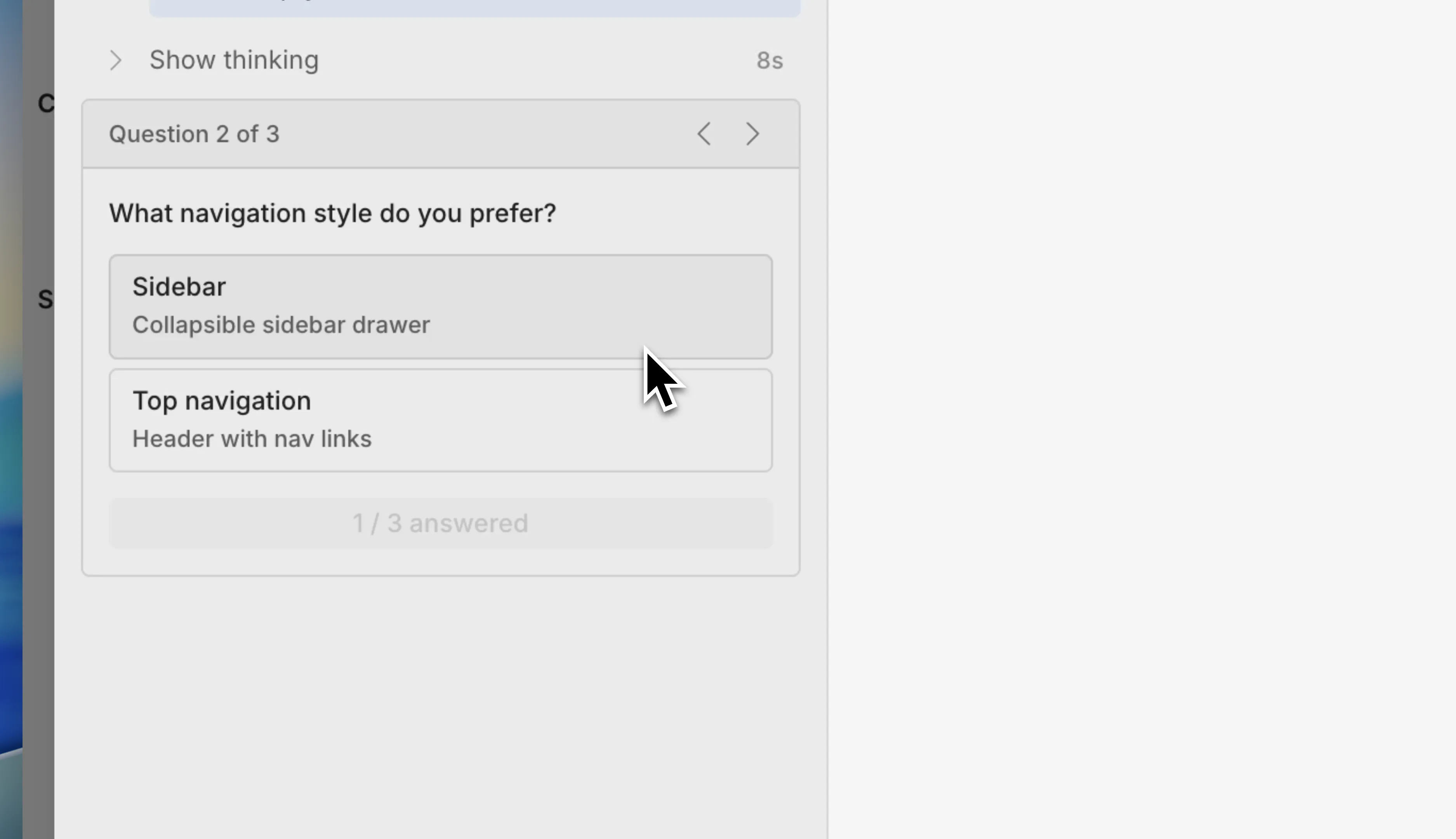
User questions. When the agent reaches a genuine fork in the road, it now asks you instead of guessing. A clear prompt appears, you make the call, and it carries on. You stay in control of the direction without having to watch over every step.
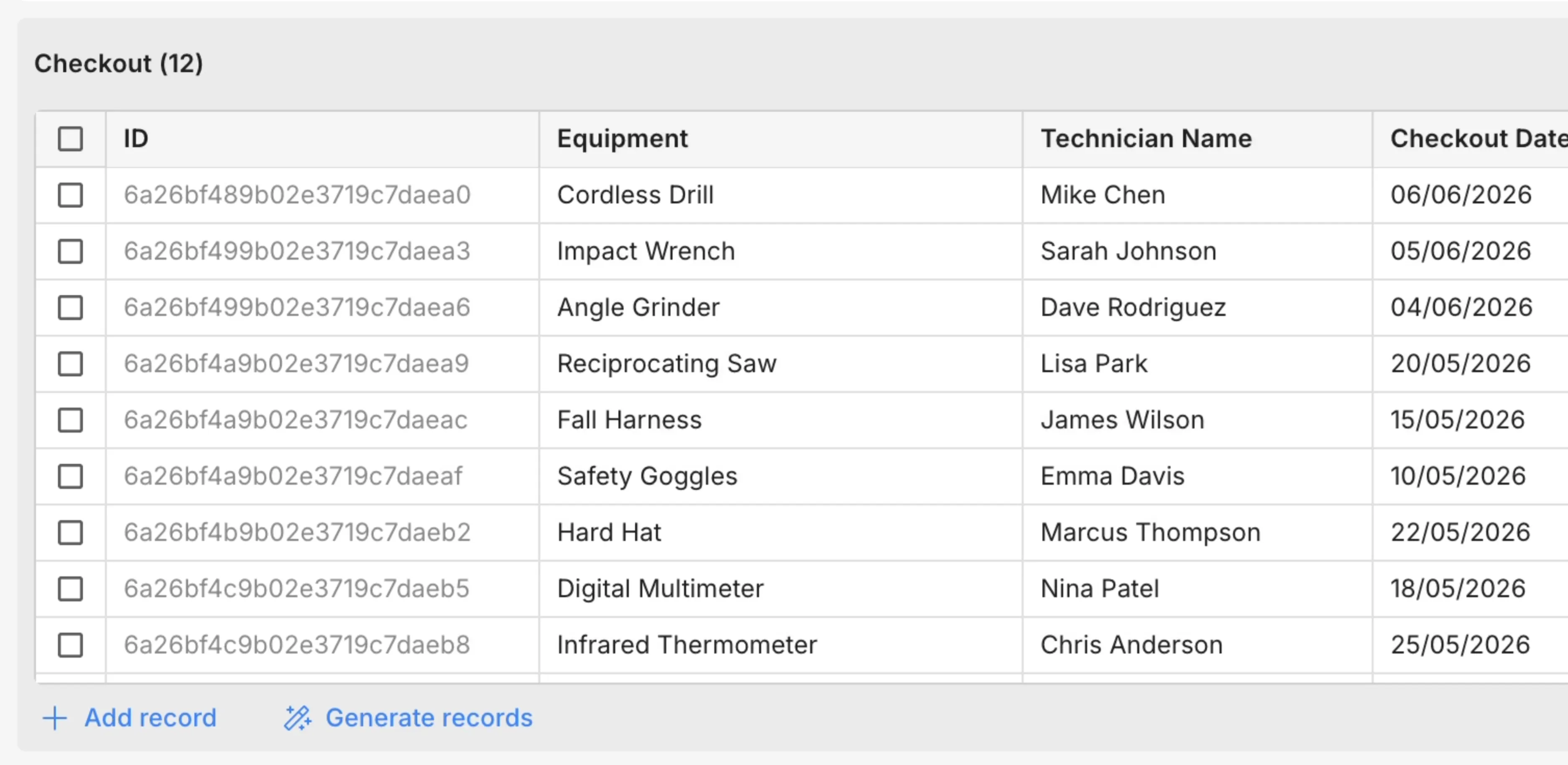
Sample data (opt-in). Testing an app against empty screens never tells you much. Appfarm AI can now generate realistic sample records and store them in your development environment, so you can see how your app looks and behaves with data that resembles the real thing, instantly. Your existing data stays private. Appfarm AI doesn’t read it, apart from the technical IDs needed to connect referenced records. This feature must be enabled in your Solution Settings.
More transparency and more range
Beyond the headline features, this release widens what the agent can build and how clearly you can follow along.
You can now see exactly what each specialist is doing and how long it’s spending, so the build is never a black box. If you want to work directly with one expert, you can focus a single specialist, whether that’s the one handling design and the interface, the one handling logic and data, the one building Flows, or the one handling your data model.
The agent also builds more of your app end to end. It can now create Flows, build responsive apps that adapt to different screen sizes, reuse shareable components, and even set up user management, guiding you through enabling the right permissions when they’re needed. New apps are assembled in a sensible order, starting with a simple shell, then the data model, then a fully connected interface, which is part of why the quality is noticeably higher.
You can now also view your development data directly inside Appfarm Create, in a table in the data model. It’s a handy way to check your records, including the sample data the agent generates, without having to use your app.
What this means for you
If you’re new to Appfarm, here’s the takeaway: You can describe the app you need, like a tool for tracking inventory or managing customer requests, in everyday language and get a working, well-built version of it without writing code or managing the details. This release makes that result better and faster, and it keeps you informed and in control the whole way through.
Everything the agent creates stays visual and editable inside Appfarm Create, exactly as before. You’re never locked into what the AI produced. You can keep refining through conversation, or take over and edit directly whenever you like.
These updates are already available in our Early release channel and will continue rolling out over the next couple of weeks.
Ready to build through conversation?
Start your free trial with 400 AI credits and put the new Appfarm AI to work on your first app.
More reading

There are no items matching your filters. Please try another filter to view results.
We have a lot of helpful resources. Try another filter or reset the filters to find the resource for you.
Digital transformation without disruption