Build faster. Work smarter.
Developalooza ’26 is a half-day event for IT and operations leaders and the Appfarm community on the two ways AI is changing enterprise software: how you build it, and how it makes your operations more productive.


Developalooza ’26 is a half-day event for IT and operations leaders and the Appfarm community on the two ways AI is changing enterprise software: how you build it, and how it makes your operations more productive.
The program is built for IT and operations leaders working out what AI means for building software and boosting productivity, with perspectives from the companies and builders already doing it.
What building enterprise software with AI looks like in practice, what it means for no-code, and how to think about build vs. buy now that almost anything can be built.
How to move past individuals using AI chatbots and toward an agentic organization with AI embedded in real business processes.
Companies who’ve built with AI and put it to work, telling you what worked, what didn’t, and what they’d do differently.
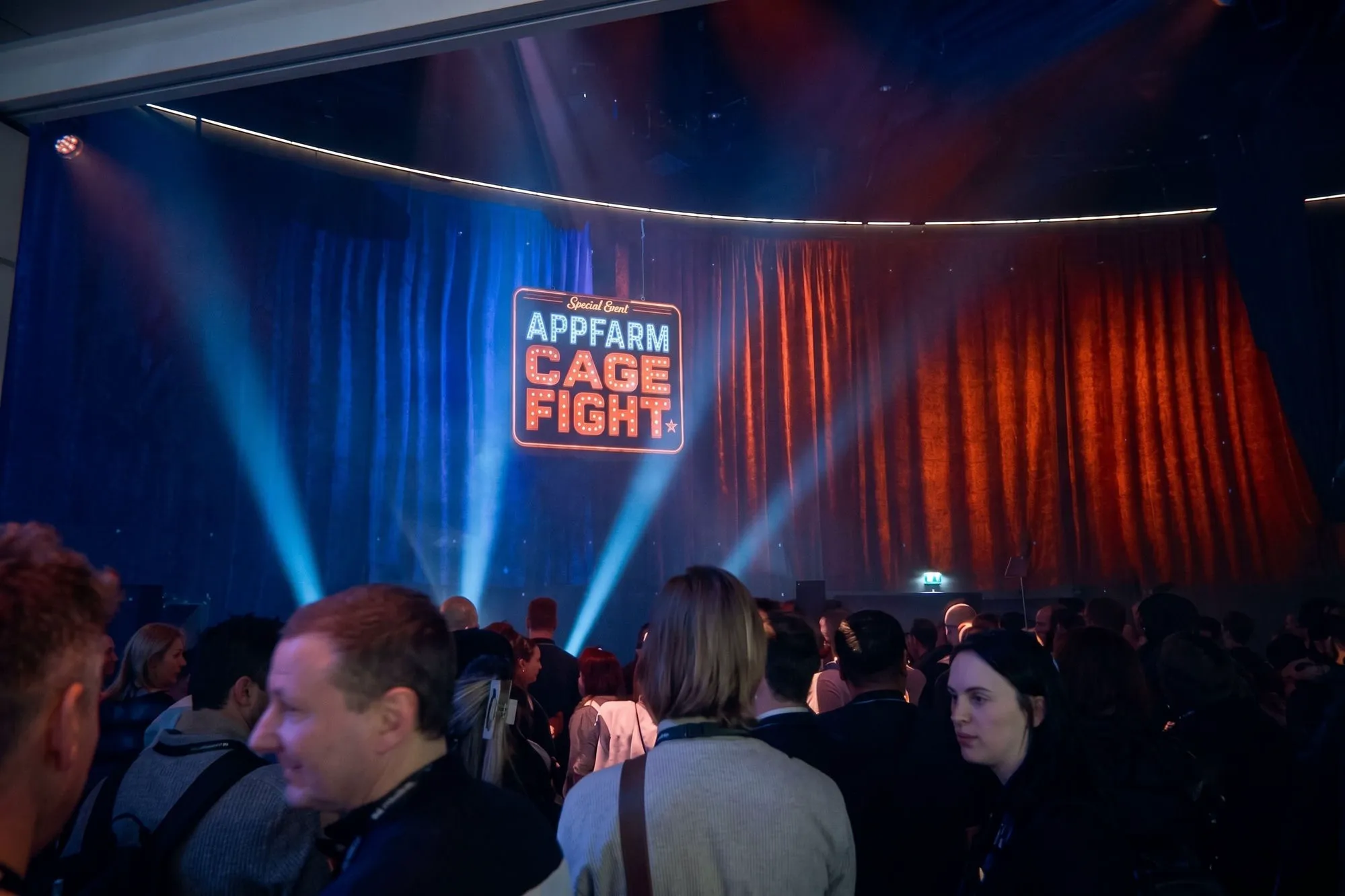
Keynotes, demos, and honest conversations, followed by the Appfarm Cage Fight, dinner, and an afterparty worth sticking around for.
Doors open at 12:00. Half-day program followed by dinner and afterparty.
Welcome to the home of Appfarm, right in the heart of Oslo.
Join leaders, customers, partners, and builders.










We’re kicking things off with an exclusive morning of specialist sessions before we move to the main stage. We’ll round off the day with a bang with the traditional Appfarm Cage Fight and afterparty.
To attend these sessions you must register your interest when signing up for the event.
An exclusive, interactive morning before doors open to everyone at 12:00.
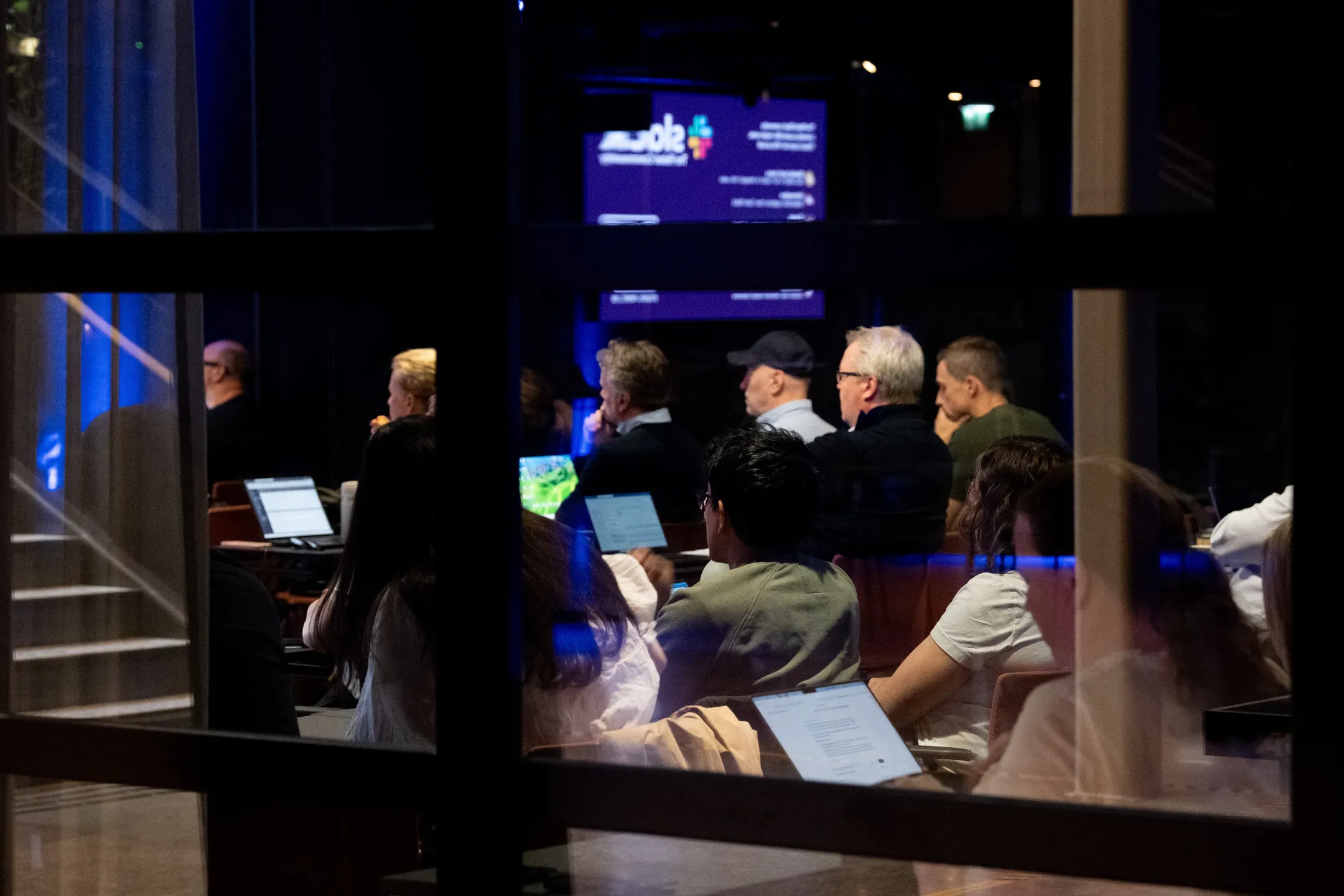
We’ll first look at using AI to build faster, then AI for working smarter. Customers and industry leaders will share their perspectives live on stage.
Times are indicative and subject to change.

For a decade, analysts predicted an enterprise surge in low-code and no-code that never quite arrived. What changed was not the cost of building but the interface to it. Eighteen months of vibe coding have done what a decade of platforms could not, and almost every business can now see a path to software of its own.
Creating the first version was never the hard part, though. Marius looks at what AI has genuinely made easier in enterprise software, what it has not touched at all, and why the question is shifting from who can build it to who is accountable for it once it runs.

RingsakerKompasset set out to give refugees arriving in Ringsaker a way into local life. When the team got tired of being told their digital platform couldn’t be done, they opened Appfarm to find out for themselves. What they built, the collaboration with the Appfarm team, and how a small project far down in Nav made it all the way to launch.
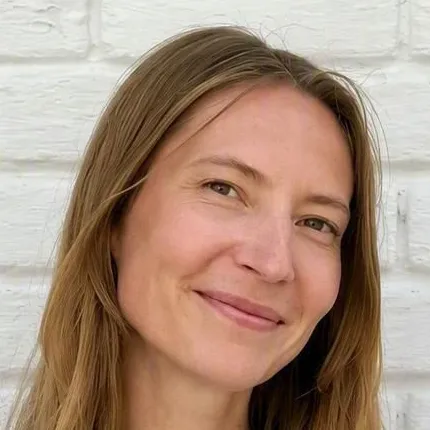
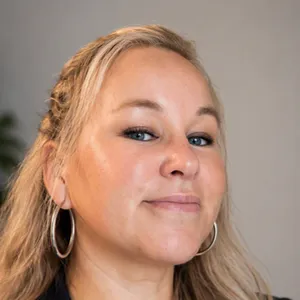
Energima shares what months of heavy usage of Appfarm AI has taught them. The credits used, the hours saved, and where in an app’s lifecycle the value really sits, along with a demo and their practical tips.
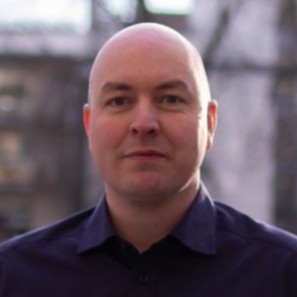
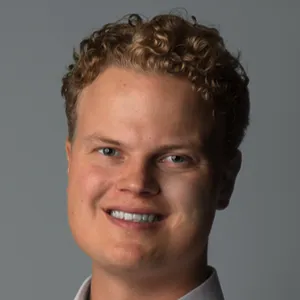
AI has made building your own software cheaper than ever, and at the same time raised the bar for what off-the-shelf products are expected to deliver. The panel looks at where the line between build and buy sits now, what it really costs to own what you’ve built, and what AI is doing to the SaaS market.
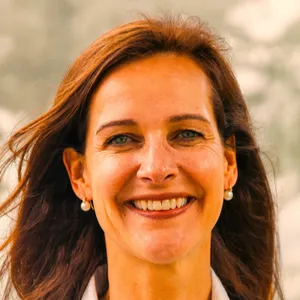




Most organizations have given employees access to an AI assistant, but how do you put AI to work in the business itself? Kristian draws the line between personal and process productivity, sets out the four levels of enterprise AI that live on the other side of it, and demonstrates each one running in Appfarm.
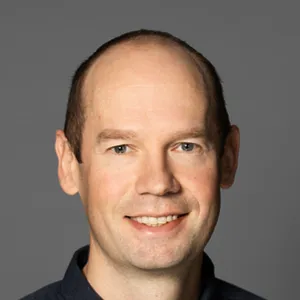
Mowi and Avo Consulting present how they are approaching the use of MCP Servers in Appfarm to interact with their data.
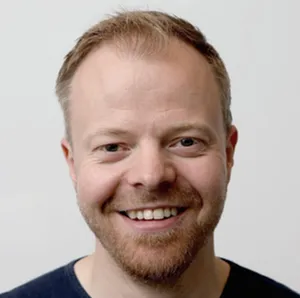

Every large organisation says it’s doing AI, and far less of it is actually running in production. The panel looks at how wide that gap really is, the tension between personal and process productivity, and what governance, security and data sovereignty have done to the pace.
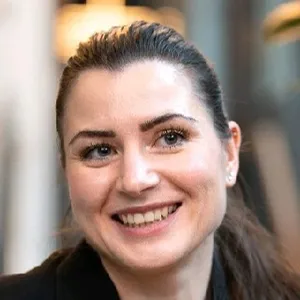



We’ll wrap up the stories from the day and prepare for the 4th ever Appfarm Cage Fight!
Spots are limited. Save yours before they’re gone.
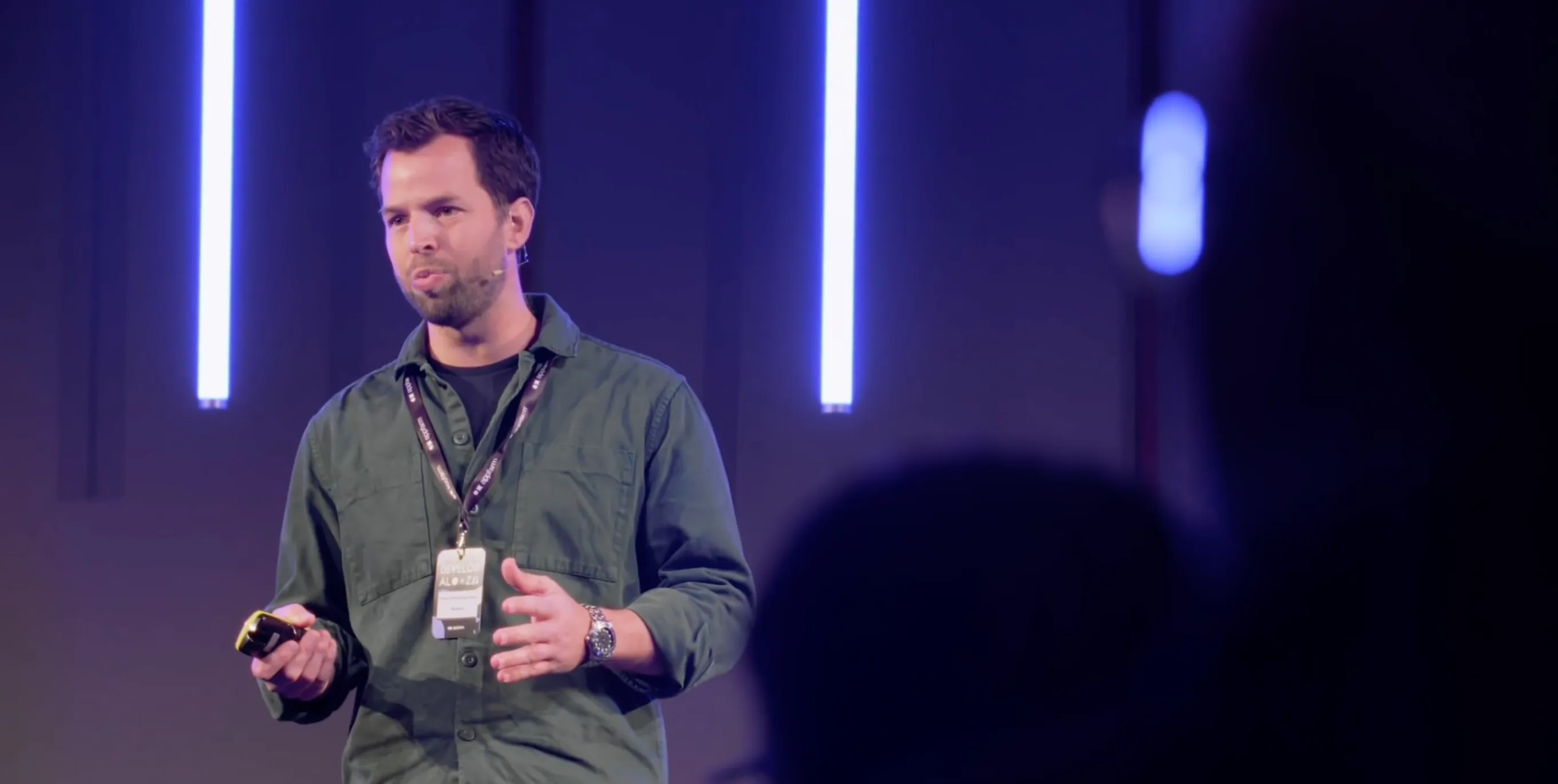
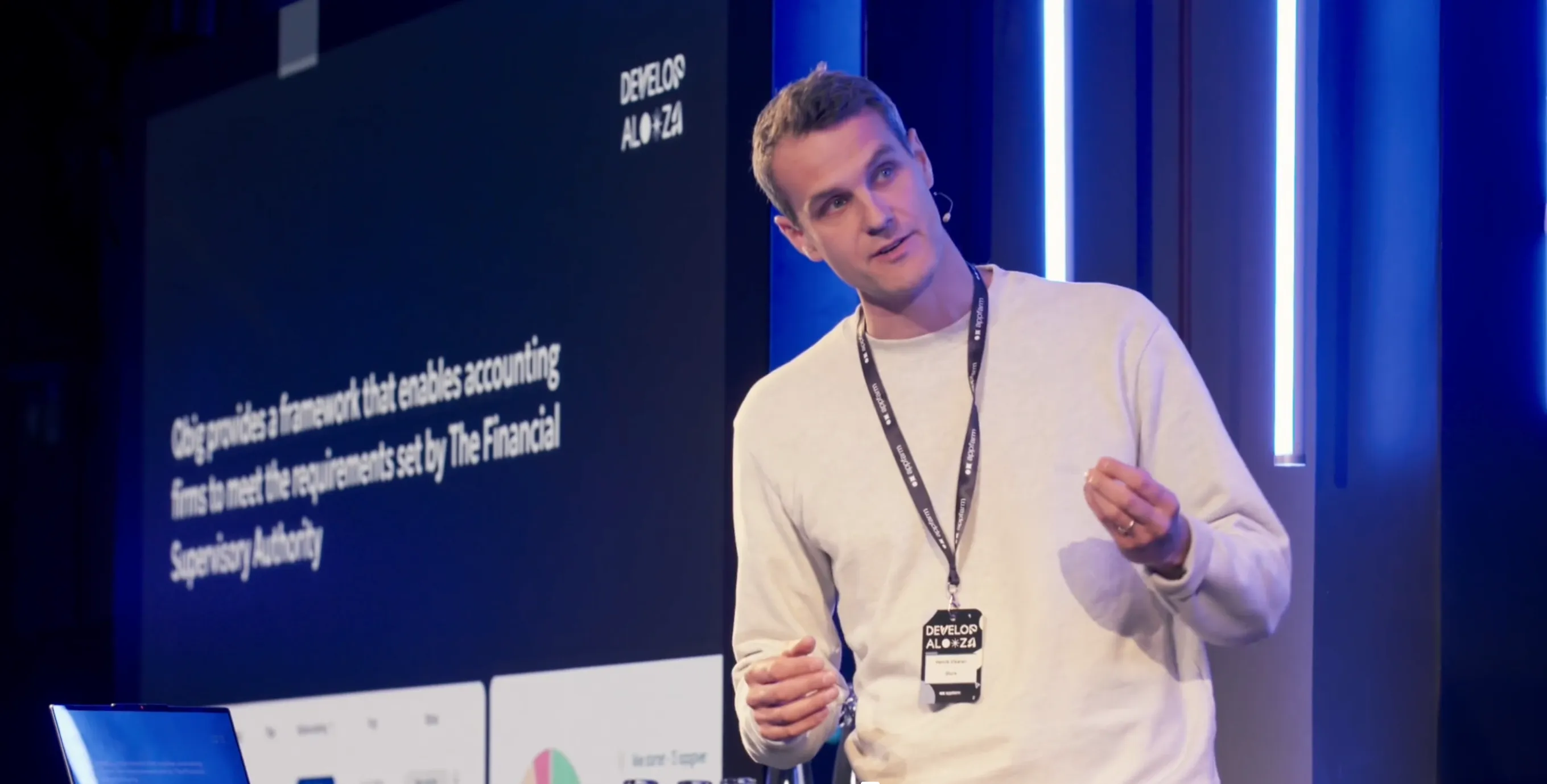
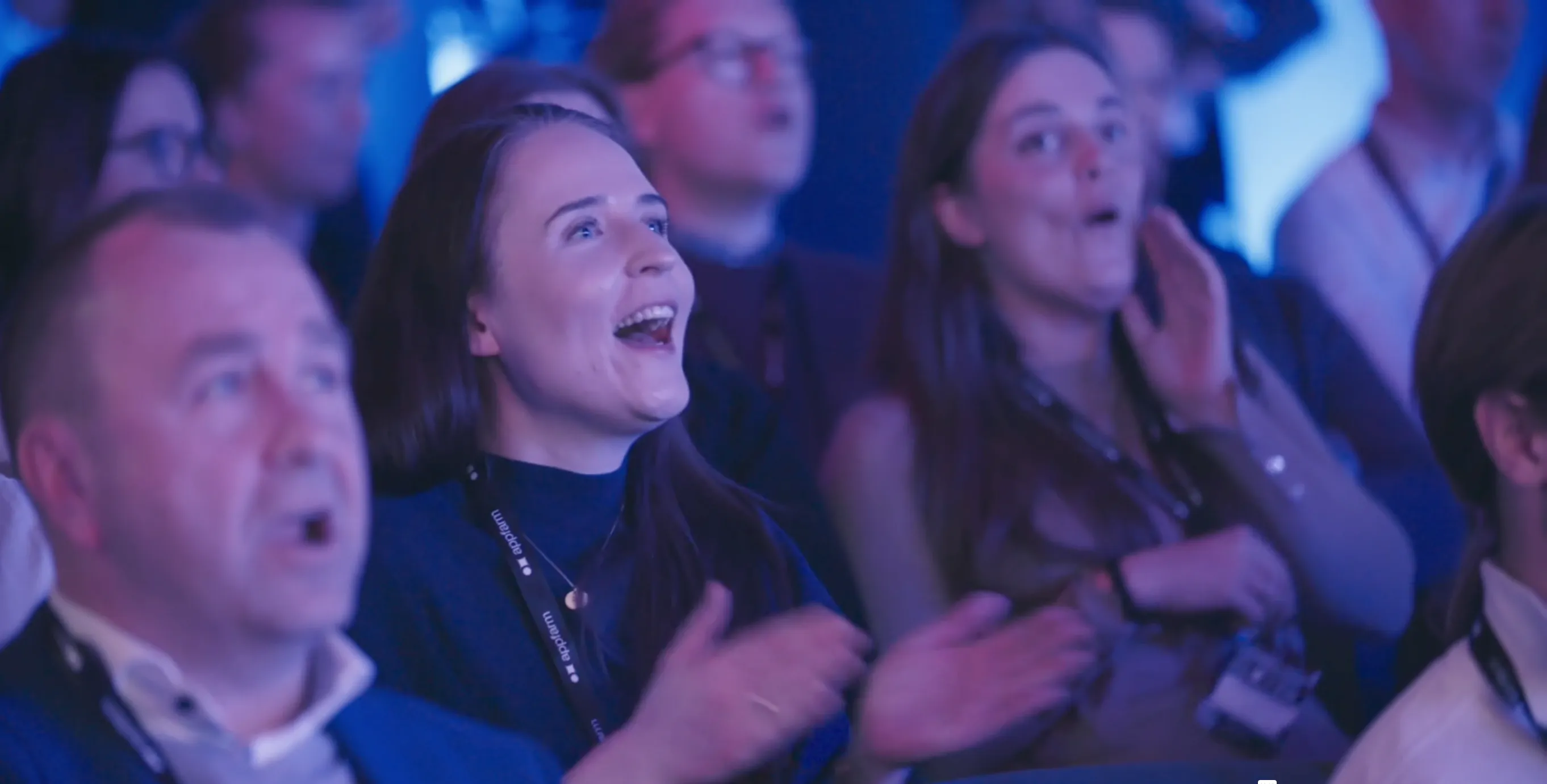
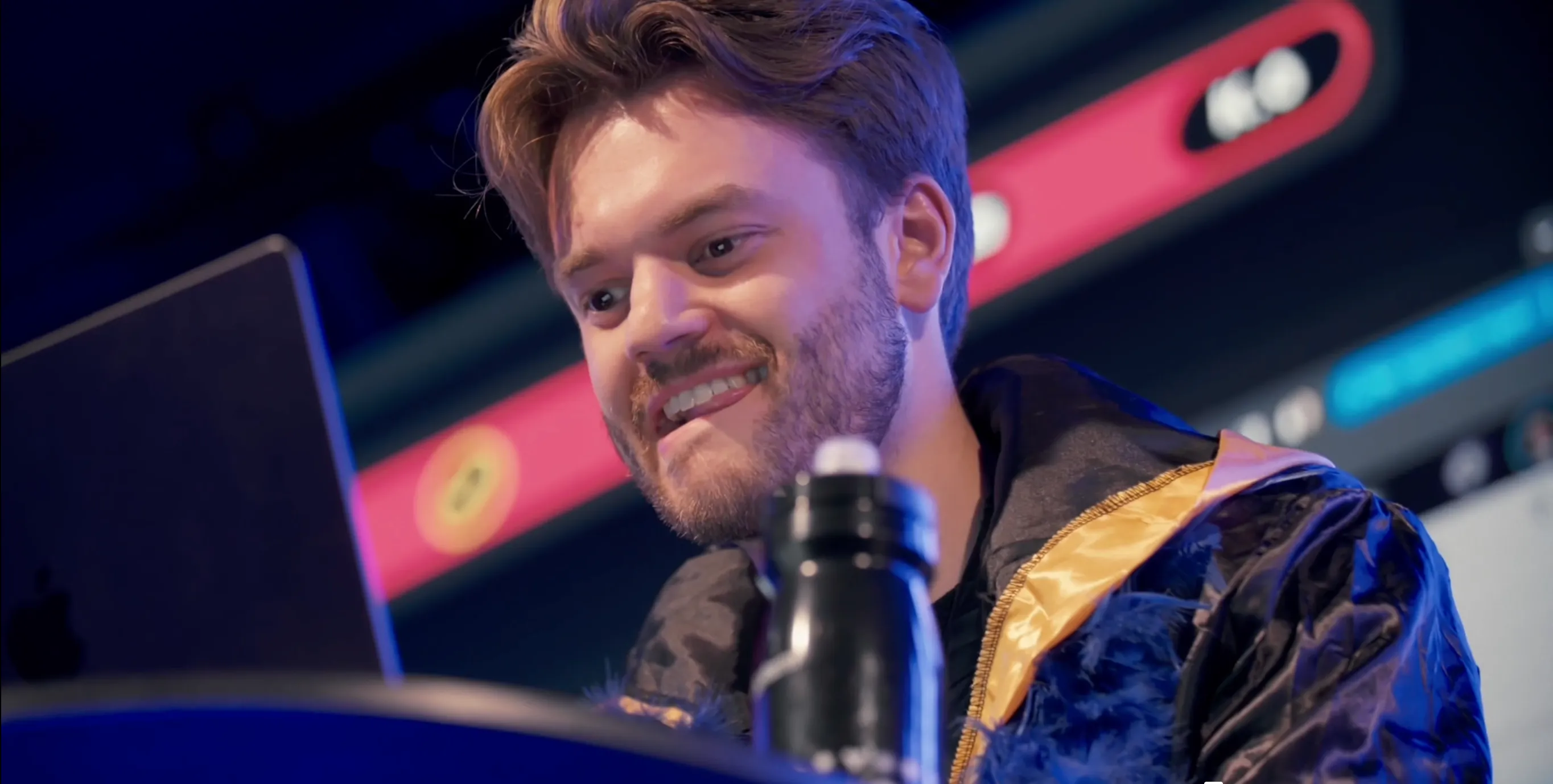
The main reason to come to Developalooza is to see the growing community around Appfarm and learn from what others are building on the platform.
Developalooza is the one day a year where everything comes together – the product, the people, and the energy. We save our biggest releases for this moment, and this year will be no different.

This is one of the year's highlights for us who work with Appfarm's platform. There are always exciting releases and new functionalities to look forward to.

Watch the recap from last year’s event.
Developalooza is nearing max capacity. With only 250 spots available, save yours now.
