Some Form Elements
hs-form
form-columns-1
form-columns-2
hs-form is main form class.
form-columns-1 is class of wrapper with 1 column for inputs.
form-columns-2 is class of wrapper with 2 columns for inputs.
input and label
hs-input
Field Description / Help text
hs-field-desc
This is help text for the field
Field error message
hs-error-msgs inputs-list
hs-error-msg
  • Error message label
hs-error-msgs inputs-list is an HTML list element.
hs-error-msg is a text span inside HTML List Item element.
Text area Input
hs-input hs-fieldtype-textarea
hs-fieldtype-textarea is added as combo class.
Checkboxes
hs-form-booleancheckbox
hs-form-booleancheckbox-display
inputs-list
hs-input
Note: HubSpot uses basic HTML checkboxes, Webflow checkboxes work differently than the default HTML checkboxes, hence in order to style HubSpot checkboxes you need custom CSS.
you can use Webflow checkbox to style and then copy CSS from it.
Radio Buttons
inputs-list
hs-form-radio
hs-form-radio-display
inputs-list
hs-input
Success message
submitted-message
RecaptCHA
hs-recaptcha
Submit button
hs_submit
hs-button
Oops! Something went wrong while submitting the form.
Webinar

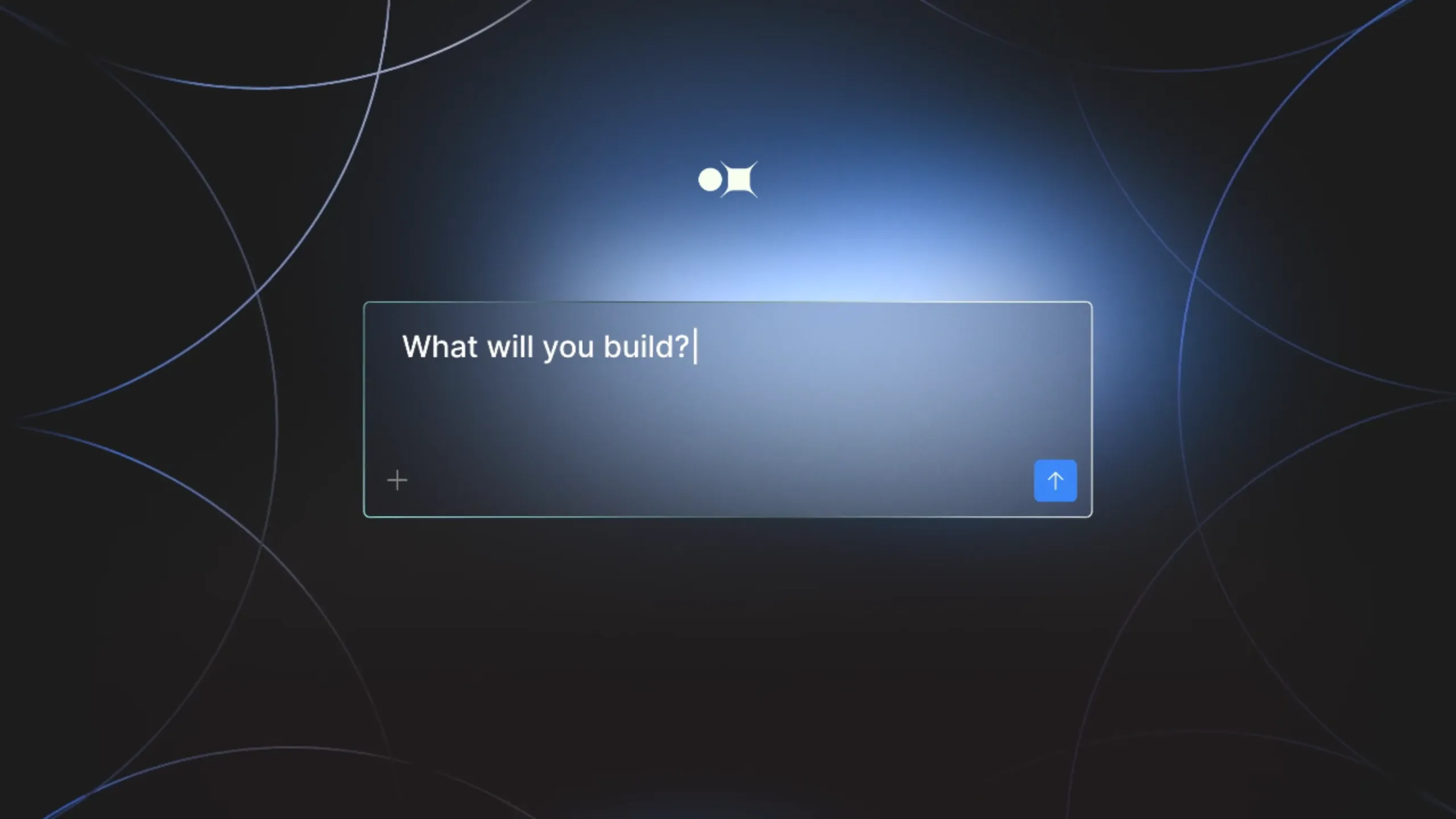
Get started with Appfarm AI (Demo + AMA)

With Appfarm AI entering General Availability, we’re hosting a live webinar for customers and partners. See what’s possible with Appfarm AI, how it works, and how to enable it on your existing Solutions.

  • Date: Thursday, February 12, 2026
  • Time: 14:00 CET
  • Duration: 45 minutes
  • Language: English
Save your spot

Join a 45‑minute live session with a product demo, practical usage tips, and an open Q&A with members of Appfarm's Product, Customer Success, and Partner Success teams.

What you’ll get from this session

This is an “all-in-one” webinar designed to help you get the information you need to move forward with Appfarm AI.

  • A clear view of what Appfarm AI can do in real workflows
  • How Appfarm AI works in practice: access, credits, and control
  • How to get Appfarm AI enabled on your Solution(s) and start using it

Speakers

  • Simon Larsen, Chief Product Officer at Appfarm
  • Kristian Mella, Chief Information Officer at Appfarm
  • Nejra Brcaninovic, Partner Success Technical Lead at Appfarm
  • Øyvind Håbrekke, Product Success Manager at Appfarm

Agenda (45 minutes)

  • Live demo: How Appfarm AI works
  • Short walkthrough: Credits, data handling, and usage considerations
  • Pre-submitted Q&A: Answers to the most common questions
  • Live AMA: Bring your questions

Topics we’ll cover

  • How Appfarm AI works end to end
  • Strengths, limitations, and best practices
  • Credits: how they work and what you can expect
  • Context management and getting better outputs

Who should attend

  • Customers building or maintaining Solutions on Appfarm
  • Partners supporting customers on Appfarm
  • Developers and builders looking to understand practical AI-powered development on a secure foundation


Watch some of our other webinars: