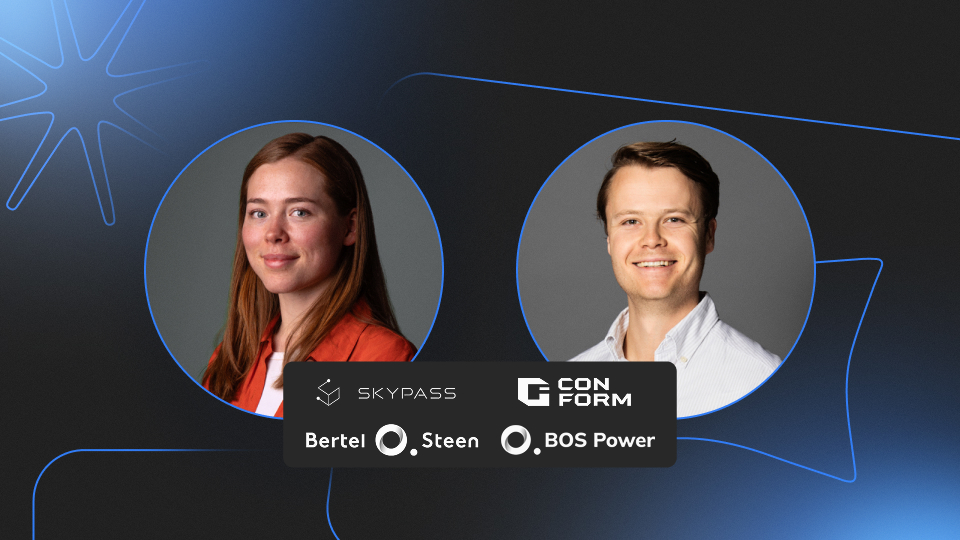
AI has made building software feel effortless. Describe what you want, and an app appears. The more interesting question is what happens next, when that app has to handle real data, real users, and real consequences. This session is about what becomes possible when you can see how your app works, change it with confidence, and put it into production without crossing your fingers.
We’ll show how building apps with AI in Appfarm works in practice: you describe what you want in natural language and watch it become something you can see, understand, and adjust. Not a black box you hope behaves, but a transparent application you stay in control of from the first prompt all the way to production.
Why it’s safe to run in production
The reason you can trust it in production comes down to how it’s built. Appfarm’s AI works on governed building blocks for data, logic, and UI, separated from your data and security layers. The AI accelerates the building, but it never touches the parts that have to stay safe. And because Appfarm is a fully managed platform, the hosting, scaling, security, and maintenance are handled for you, so your team builds the applications that matter without taking on the infrastructure underneath them.
What we’ll cover
- What it feels like to build an app with AI in Appfarm, from a prompt to a working application
- How to get the most out of Appfarm’s AI, and where it excels
- Why building with AI in Appfarm is different from vibe coding, and why that matters when an app has to last
- What safe AI app development looks like in practice: governed building blocks, visual verification, full control, and confident deployment
- A look at the latest additions, including subagents that build in parallel, generated sample data, change tracking, and Ask mode
Who should attend
- Teams curious about how AI can help them build real, business-ready applications
- Existing Appfarm users who want to see how AI app building works in the platform today, plus the latest updates and practical tips
- Anyone weighing up AI development tools who wants to see one built for production, not just prototypes
- Business and IT leaders thinking about where AI fits in how their organization builds and governs software
Why attend
- See it live. Watch an idea go from a natural-language description to a running app, not slides about one.
- Leave knowing what to do next. Less about the feature list, more about what you can now build that you couldn’t before.
- Bring your questions. Come with your own scenarios and get answers from the team.
It’s a good moment to experiment. Before the summer break, we want to leave you with a clear sense of what you could build, and the confidence to open Appfarm Create and try it yourself.
The webinar will be in English.



%20(1).png)
.png)