Some Form Elements
hs-form
form-columns-1
form-columns-2
hs-form is main form class.
form-columns-1 is class of wrapper with 1 column for inputs.
form-columns-2 is class of wrapper with 2 columns for inputs.
input and label
hs-input
Field Description / Help text
hs-field-desc
This is help text for the field
Field error message
hs-error-msgs inputs-list
hs-error-msg
  • Error message label
hs-error-msgs inputs-list is an HTML list element.
hs-error-msg is a text span inside HTML List Item element.
Text area Input
hs-input hs-fieldtype-textarea
hs-fieldtype-textarea is added as combo class.
Checkboxes
hs-form-booleancheckbox
hs-form-booleancheckbox-display
inputs-list
hs-input
Note: HubSpot uses basic HTML checkboxes, Webflow checkboxes work differently than the default HTML checkboxes, hence in order to style HubSpot checkboxes you need custom CSS.
you can use Webflow checkbox to style and then copy CSS from it.
Radio Buttons
inputs-list
hs-form-radio
hs-form-radio-display
inputs-list
hs-input
Success message
submitted-message
RecaptCHA
hs-recaptcha
Submit button
hs_submit
hs-button
Oops! Something went wrong while submitting the form.
The AI visual development platform

Build apps with AI.
See everything it does.

Start with a prompt. Refine visually. Deploy to secure, scalable infrastructure without hidden code or DevOps overhead.

Get started for free
Schedule a tailored enterprise demo

The AI app builder with full visual control

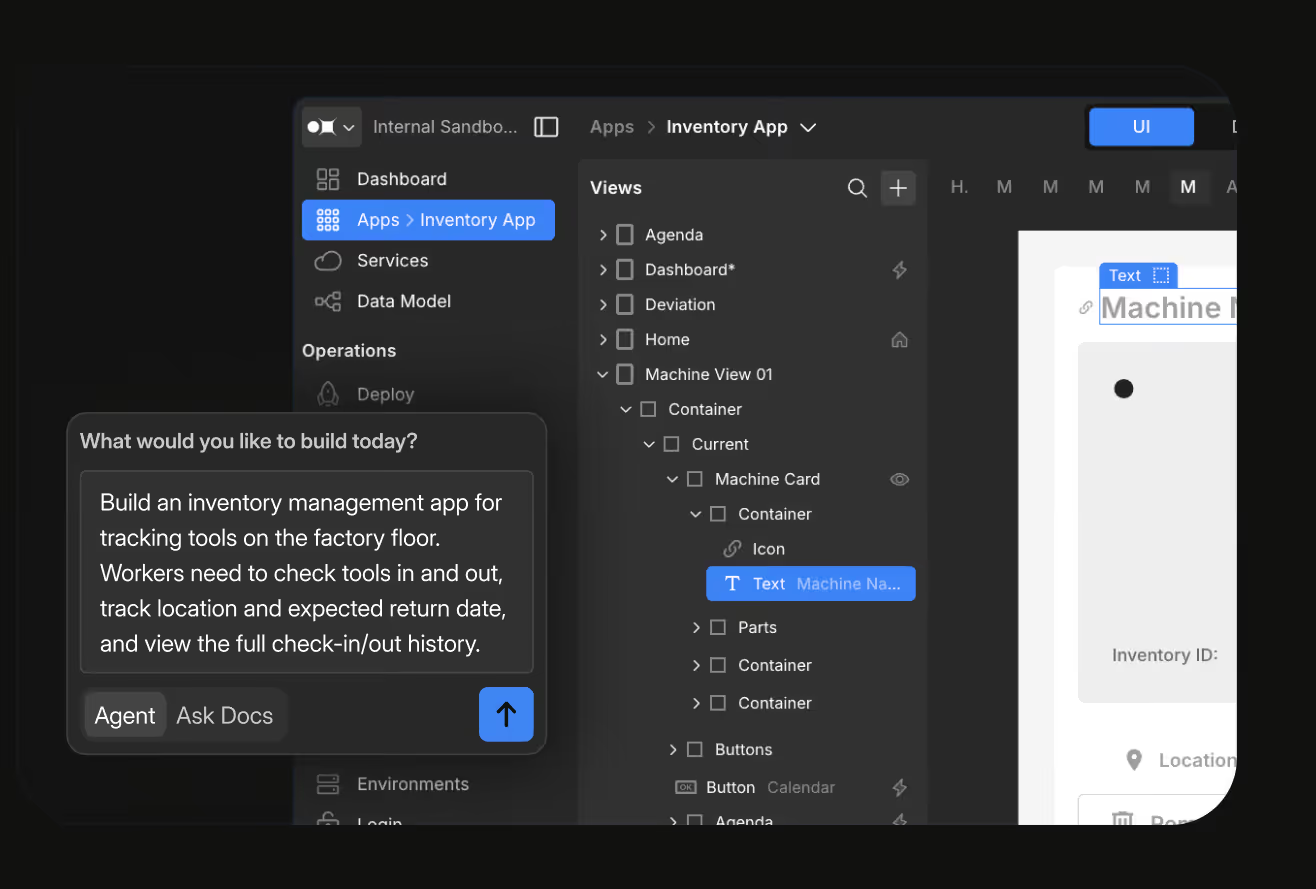
Describe what you need. Appfarm AI generates a complete visual model — data, UI, logic, integrations — not code files. Review everything before it goes live. Refine through conversation or switch to the visual editor at any point.

01 - Describe

Tell the AI what you want to build in plain language. A compliance tracker, an inventory system, a field service app. Be as specific or as general as you like.

02 - Review

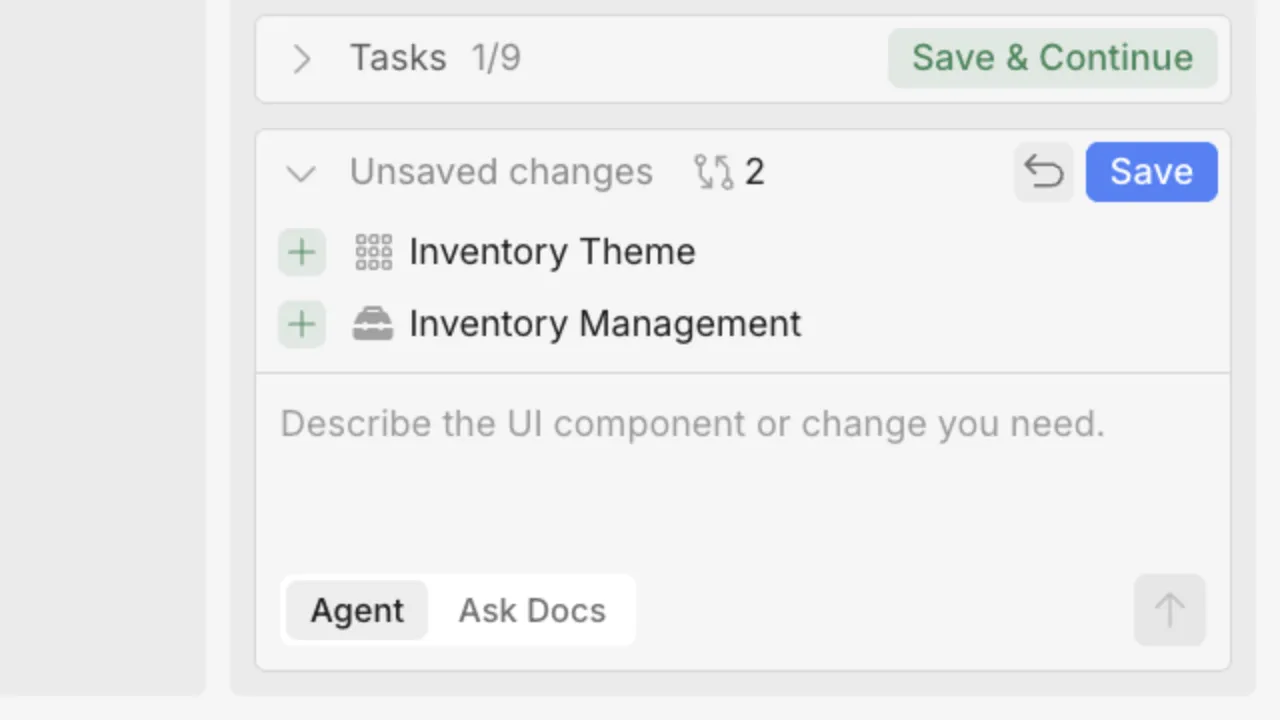
Appfarm AI produces a visual model you can inspect — data structures, screen layouts, business logic, permissions. Nothing is hidden. Nothing is generated behind the scenes.

03 - Refine

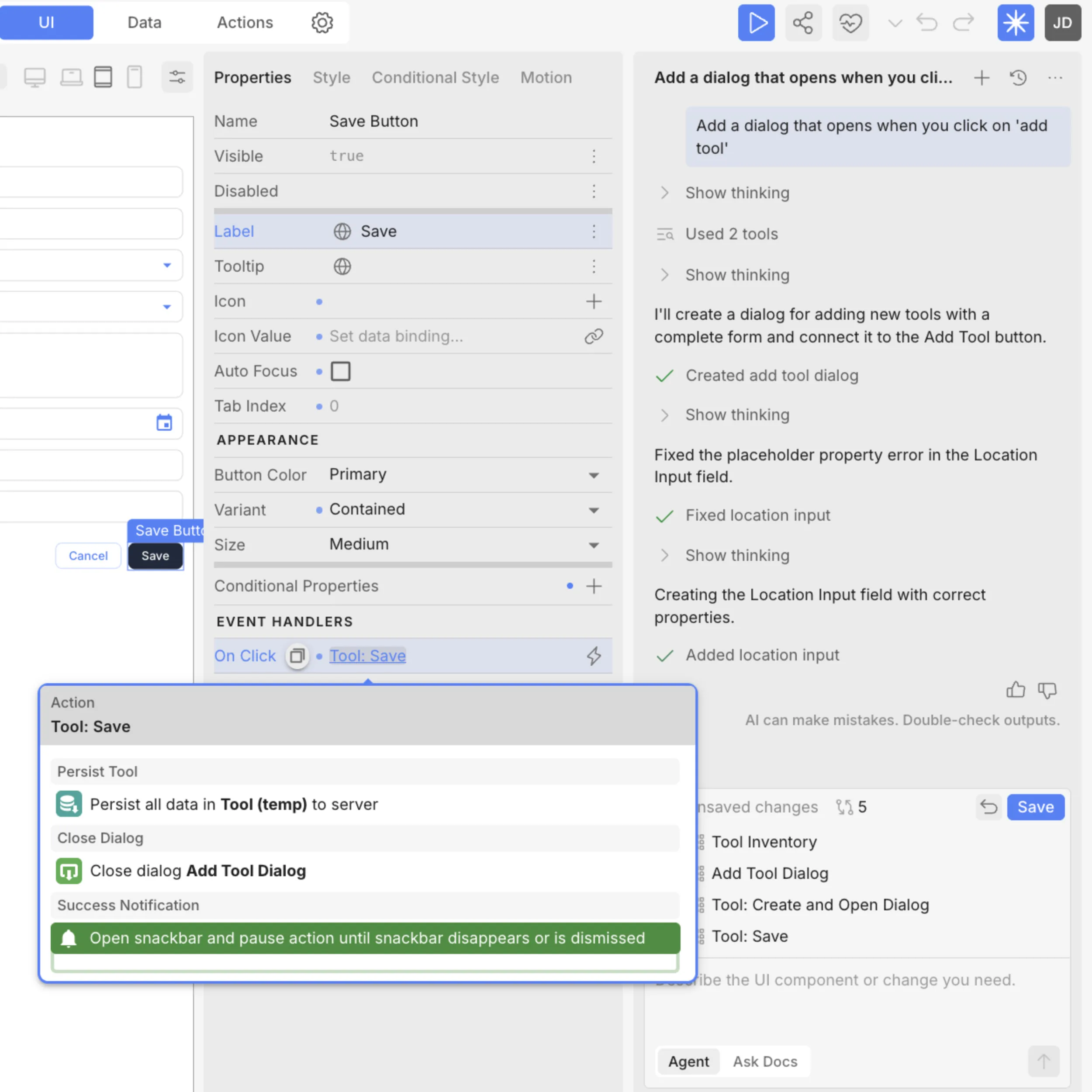
Continue the conversation to adjust, or switch to the visual editor. Change a data model, tweak a workflow, redesign a screen. Move between AI and manual editing freely.

04 - Ship

Deploy to Appfarm's managed infrastructure. Security, scaling, backups, governance — handled. No handoff to another stack.

Two ways to work with AI

Appfarm AI has two distinct modes. Choose the right level of AI involvement for each task.

Build mode

Describe what you want and AI builds it. Full data models, UI flows, business logic, integrations — generated as a visual model you control. This is where you create new applications or add substantial features to existing ones.

Ask mode

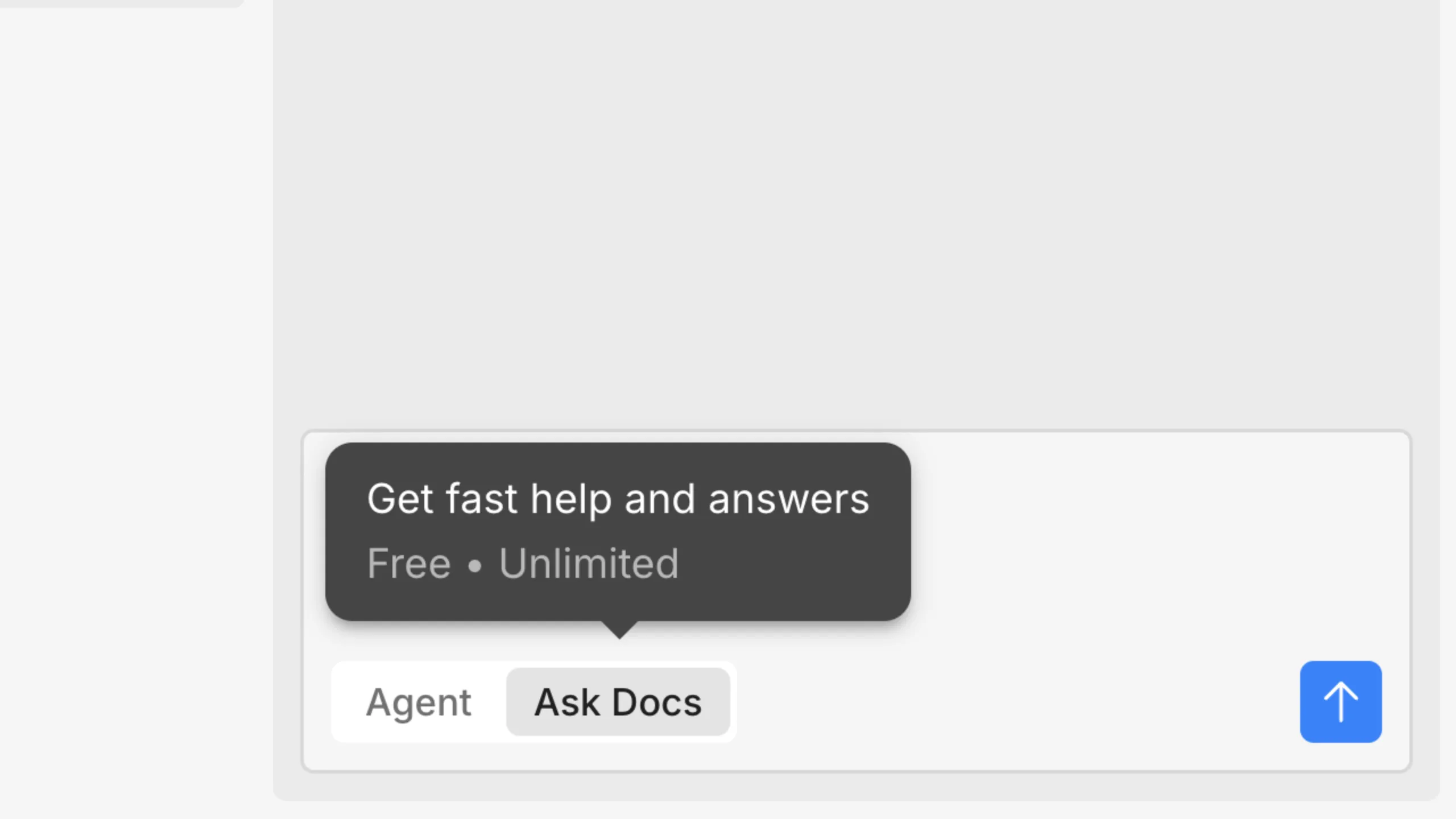
Query the AI about your existing application without changing anything. How does this workflow work? What's the best way to implement this feature? Get explanations and recommendations, then decide what to act on.

Visual transparency, not hidden code

Most AI tools generate source code you never see. You prompt, you get output, you hope it works. When it doesn't, you're debugging someone else's code — or the AI's code, which is worse.

Appfarm AI generates visual models. Every data structure, every workflow, every integration is visible in the development environment. Your team can review, adjust, and govern everything the AI creates — including people who don't write code.

No generated code to inherit. No technical debt you can't see. No black boxes running your business.


AI that your security team will actually approve

Building with AI is fast. Getting AI-built applications approved for production in a governed environment is the hard part. Appfarm handles both.

Change tracking

Every change, by either AI or by your team, is auditable and reversible. See who modified what, and when.

Role-based access

Control who can use AI features, who can deploy to production, who can access what. AI-generated changes go through the same permission model as manual ones.

Environment governance

Separate development, testing, staging, and production. Promote changes through governed workflows. No shortcuts to production.

Managed infrastructure

ISO 27001-certified. Scaling, backups, security, uptime — handled. The apps AI builds are production-ready from day one.

FAQs

What is an AI app builder?

A platform that lets you create software applications by describing what you need instead of writing code. Appfarm generates transparent visual models, not hidden source code, so you can see and control everything the AI creates.

Can I build production-ready apps, or is this just for prototypes?

Production-ready. Appfarm AI generates complete application structures on managed, secure infrastructure with governance, role-based access, change tracking, and deployment built in.

What is conversational development?

Appfarm's approach to building apps with AI. Describe what you want in natural language, refine visually, deploy. Combines the speed of AI generation with the precision and transparency of visual development.

What AI features are available in Appfarm Create?

Appfarm AI includes Build mode for conversational development of full-stack apps, and Ask mode for free AI assistance grounded in Appfarm documentation. Build mode consumes AI credits while Ask mode is completely free.

Can I use AI on existing Appfarm apps?

Yes. Use conversational development to extend what you've already built — new features, new modules, redesigned workflows — with full context of your existing application.

How is Appfarm different from vibe coding tools?

Vibe coding generates source code from prompts. Appfarm generates visual models — data structures, UI, logic, integrations — all visible and editable. Anyone on your team can review what the AI built, not just developers who read code.

Build the apps your operations actually need.

Start with AI. Refine visually. Deploy to managed infrastructure.

Get started for free