


The best construction safety management software for jobsite teams in 2026
Compare 8 construction safety management software tools for field use, audit readiness, governance, and integrations. Find the best fit for your team.

TL;DR
- If your safety records live on clipboards, phone photos, and spreadsheets in site trailers, warning signs won’t show until an audit forces a scramble. And by then, it’s too late to correct anything.
- The fix is construction safety management software: it captures observations, permits, toolbox talks, and incidents once in the field, then routes each finding to an owner and closes it out with proof.
- Off-the-shelf construction safety management tools handle standard programs well. If your workflows differ by client or site, building offers far more control. Take Appfarm, with its transparent visual models, role-based access controls, EU/EEA managed hosting, and active-user pricing.
- This guide compares eight construction safety management tools and gives you a six-point framework to assess them on offline capture, workflow fit, corrective-action closeout, dashboards, governance, and integrations.
What construction safety management software is (and why spreadsheets fail on live sites)
Construction safety management software digitizes the core safety processes behind your health and safety program, capturing observations, inspections, risk assessments, permits, toolbox talks, and safety incidents in one place before routing each finding to an owner until it’s closed. Recording safety data as work happens means the same information serves daily site safety and end-of-project compliance.
Without a shared system, safety data ends up fragmented across paper, photos, spreadsheets, and ad hoc discussions. One hazard on a clipboard, a near miss mentioned in passing, an inspection filed away in a drawer; the right information might exist, somewhere, but none of it’s visible together. So you never have a clear view of what needs follow-up or corrective action.
Deloitte Access Economics found that 62% of construction data that’s collected and analyzed – including safety data – still isn’t used to make business decisions. Construction leaders also spend 11.5 hours each week looking for and analyzing data. That’s more than a full working day spent finding and interpreting information instead of acting on it.
Construction safety software closes that gap by making capture fast enough that crews use it and the safety data searchable, assignable, and reportable for back-office teams. That gives you the basis for proactive safety management instead of waiting for an audit or incident to expose the problem.
How construction health and safety management software differs from EHS software
EHS software – environmental, health, and safety – is built for the enterprise: tracking emissions, occupational health, and safety across fixed facilities like plants and warehouses, where the operating environment is generally more stable.
Construction health and safety software is field-first, because almost nothing on a jobsite stays still. Sites are temporary, the workforce changes weekly, subcontractors share jobs, and high-risk work has to be controlled across changing locations, crews, and project phases. Those needs shape the tool: capture has to work offline in the field, and be crew-friendly. Records also have to tie to specific jobs and dates, and safety data has to span multiple employers on the same site.
You can adapt a general EHS platform to construction, but it’s likely you’ll spend more time configuring it around project work. Construction safety compliance software starts from the jobsite, so it tends to fit project-based, subcontractor-heavy work with less forcing.
Whichever route you take, the software still has to reflect the safety regulations, health and safety standards, and internal safety protocols that apply to the work. It can support compliance, but it can’t define those requirements for you.
How these tools work in practice (field capture → follow-up → proof)
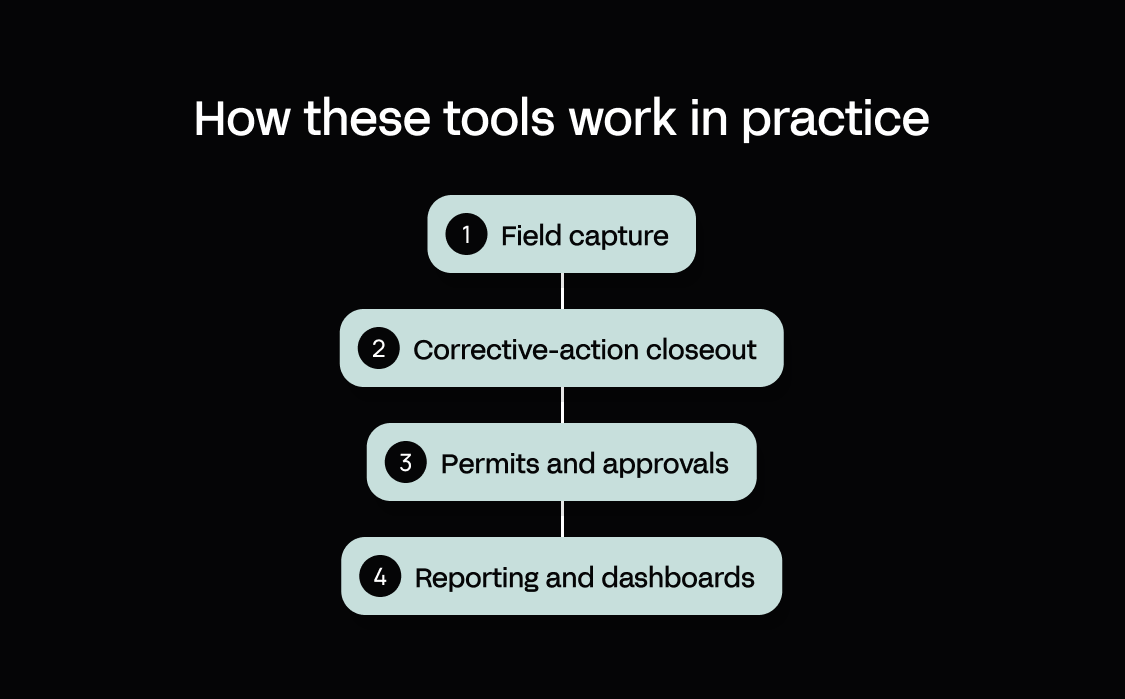
Most construction safety software follows the same arc: capture a finding, route it to the person responsible for fixing or following up, keep the proof. Where the tools differ is how well they handle each stage of that workflow. Here’s what should happen:
- Field capture. It has to work without a signal. Short forms on mobile devices, completed one-handed on a site walk with photos attached, let crews log hazards, observations, near miss reports, risk assessments, and site inspections offline and sync later. When capture is slow or needs a connection, crews fall back to paper and the data never lands anywhere central without rekeying.
- Corrective-action closeout. This is the stage that decides whether findings actually get fixed. Each one goes to a named owner with a due date and is tracked until verified, with overdue items escalating rather than being marked done and forgotten. Field-documentation tools tend to be thinnest here.
- Permits and approvals. The control shouldn’t create unnecessary delays. Digital permit-to-work keeps the check for hot work, confined space, or working at height but moves approval to a phone, with the active permit visible to everyone who needs it. The check stays, the bottleneck goes.
- Reporting and dashboards. Lagging indicators (e.g., total recordable incident rate, or TRIR) tell you what went wrong too late to prevent it. Dashboards earn their place by surfacing safety metrics such as overdue actions, repeat hazards, and inspection and toolbox-talk completion. That lets managers monitor safety performance, identify trends, and act earlier to prevent incidents while keeping the evidence needed to show compliance. Over time, that trend analysis gives teams a clearer basis for continuous improvement.
The evaluation checklist that matters on real construction projects
Knowing how the stages work is one thing; holding six vendors to the same standard is another. A fixed checklist makes it easier to see past grand demo claims and get what your business needs.
Score each candidate 0–2 on the items below (categories marked “×2” count double):
0 – no, or not available
1 – partial, or requires custom work
2 – yes, out of the box
| Category | What to check | Score (0–2) |
|---|---|---|
| Field adoption (×2) | Offline capture: crews complete inspections, observations, and incidents with no signal, syncing cleanly on return | |
| Fast forms with photo and video attachments, usable one-handed on a site walk, also usable via voice input | ||
| Frictionless logins, plus multilingual support if your crews need it | ||
| Workflow fit (×2) | Configurable forms, permit types, and approval steps that match how your sites run | |
| Corrective actions route to a named owner with due dates, and overdue items escalate | ||
| Handles variation by client or site without a custom rebuild each time | ||
| Evidence and audit readiness (×2) | Audit trail with timestamps and e-signatures on records | |
| Verified closeout: an action shows as checked and confirmed, not just marked done | ||
| Exportable records with a defined retention period | ||
| Visibility | Dashboards and reporting tools surface leading indicators – overdue actions, repeat hazards, inspection and toolbox-talk completion – not just TRIR | |
| Views across multiple projects, regions, or clients, with consistent reporting across each | ||
| Governance and data residency | Role-based access control (RBAC) for crews, subcontractors, and back office | |
| Known hosting location and GDPR / ISO 27001 posture – EU/EEA residency matters for many European teams | ||
| Integrations and scalability | Connects to ERP, project systems, and identity providers for single sign-on (SSO), via a documented API | |
| Scales across multiple sites, clients, and subcontractor access patterns |
Double the score in the three categories marked “(×2)” – field adoption, workflow fit, and evidence and audit readiness – before you total. These are what decide whether a construction rollout sticks.
And keep it honest. Mark any item you scored from a vendor's marketing page, rather than a demo or trial, as unverified. Offline capture is the most over-claimed capability in this category, so it's the one to confirm on a real site before you trust the score.
How to improve ROI: Once you choose a platform, rollout matters too. A phased approach lets you test it on one or two projects before expanding, while role-based training helps adoption and collecting feedback from field teams gives you a practical loop for improving forms and workflows after launch.
Comparison table – construction safety management software at a glance
Use this table to shortlist 3 tools – then read the detailed reviews below.
| Tool | Best for | Offline capture | Core workflows | Corrective actions + closeout | Dashboards / leading indicators | Configurability | Governance | Hosting / data residency | Integrations approach | Pricing notes |
|---|---|---|---|---|---|---|---|---|---|---|
| Appfarm | Custom, governed multi-site safety workflows | Yes – offline-capable PWA with reconnect sync | Custom observations, permits, talks + incidents | Custom routing, escalation + closeout | Custom real-time dashboards | Fully custom apps + workflows | RBAC, SSO + controlled changes | EU/EEA hosted; ISO 27001 | Any API + server-side workflows | Public; active-user pricing from €2,350/month |
| Raken | Daily reporting + field safety capture | Yes – syncs on reconnect | Checklists, toolbox talks, observations + incidents | Assigned observations; open-to-closed tracking | Safety & QC Insights | Custom checklists + forms | Plan-based access controls | AWS; US data centers | Prebuilt accounting, project management, storage + reality-capture integrations | Quote-based |
| HeavyJob Safety | HCSS heavy civil + infrastructure teams | Yes – disconnected capture | Inspections, observations, near misses + incidents | Assignable follow-up + corrective actions | Safety reporting + dashboards | Custom forms + prebuilt templates | User roles + job/business-unit access controls; SOC 2 Type 2 | Microsoft Azure; data may be processed in the US and elsewhere | Native HCSS ecosystem | Quote-based within HCSS/HeavyJob |
| HammerTech | Subcontractor-heavy, multi-employer sites | Yes, with offline limitations | Orientations, permits, JHAs, inspections + incidents | Assignment, notifications + closeout | Issue + compliance dashboards | Configurable workflows + forms | Role-based permissions | Regional hosting available | APIs + integrations | Quote-based; no per-seat fees |
| Procore | Existing Procore project teams | Yes – cache/sync with caveats | Inspections, observations, incidents + forms | Corrective actions in the same platform | Quality + safety analytics | Configurable forms + templates | Role-based permissions + SSO | Regional hosting options | Marketplace + open API | Quote-based; annual construction volume |
| Forma Build | Autodesk-standardized design-and-build teams | Yes – mobile offline + sync | Forms, issues, observations + inspections | Owners, due dates + issue closeout | Quality + safety insights | Configurable forms + issues | Permissions + SSO | Regional data storage options | Autodesk ecosystem + integrations | From $67/user/month, billed annually |
| Safesite | Fast, focused safety digitization | Yes – pre-sync required | Inspections, meetings, hazards + incidents | Hazard assignment + resolution | Safesite Score + dashboards | Custom inspection + meeting templates | Roles + permissions | AWS; region not stated publicly | No public integration approach stated | Free; Premium from $16/member/month |
| SiteDocs | Compliance records + audit evidence | Yes – syncs on reconnect | Forms, inspections, certifications + incidents | Corrective actions + due dates | Safety analytics + reporting | Custom forms + Workflow Studio | Custom permissions | US, Australia + Canada | API + integrations | Quote-based |
The best construction safety management software options in 2026 (ranked)
1. Appfarm
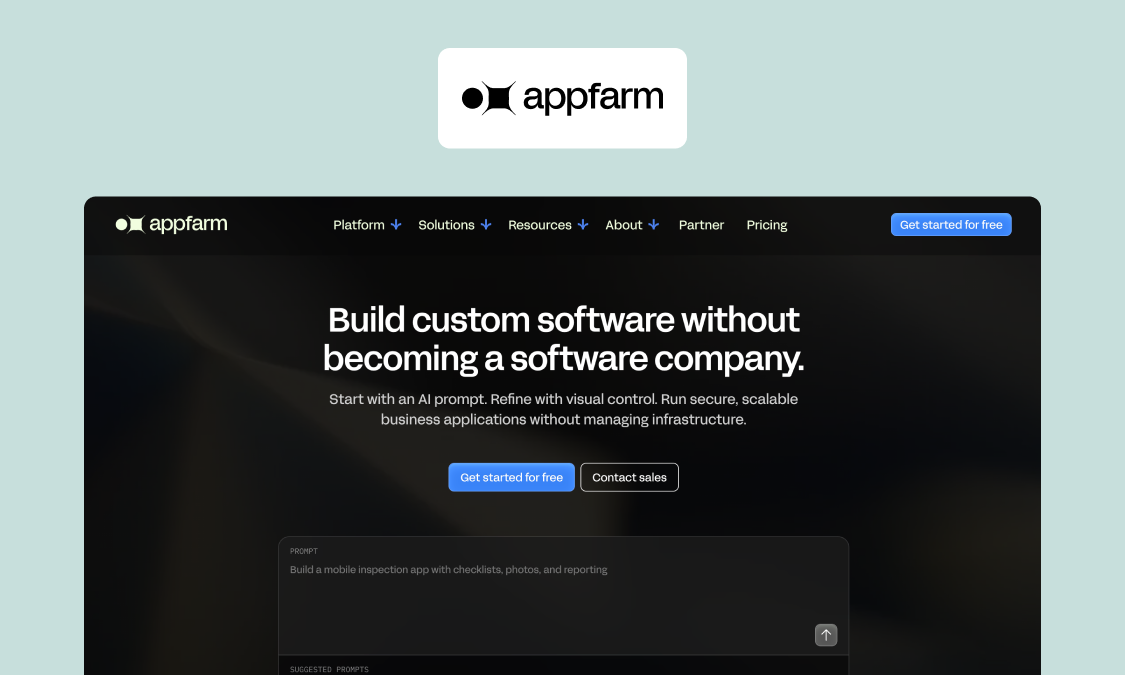
Best for: Mid-market construction and infrastructure teams that need a custom safety app crews will use in the field, with a governed rollout across multiple sites and clients.
Appfarm is a platform for building custom operational software, and a safety management app is common for construction teams. You decide what the app does, meaning the observations, permits, toolbox talks, incident forms, corrective-action rules, and dashboards. Appfarm runs everything underneath it: deployment, hosting, security, performance, and availability.
You don't have to build it yourself. Most teams start by working with Appfarm or an implementation partner to scope and build the first version with them, then take the build in-house later if they want to. Other teams skip that and start building directly.
A safety app doesn't have to be the only thing you get out of it. Custom site inspection, equipment tracking, or subcontractor onboarding apps can be built on the same foundation instead of becoming three more subscriptions.
You build the app instead of adopting a vendor's template, so it fits how your sites actually run rather than forcing crews around fixed forms. Describe what you need and Appfarm generates a working app, which you then adjust on the visual canvas or by prompting again: the permit approval step, who it routes to, what the form asks for. So when reporting requirements change next year, the change can be made and live for crews the next day.
Key features:
- Custom workflows for observations, permits, toolbox talks, and incident capture
- Offline-capable field capture on progressive web apps (PWAs), with sync on reconnect
- Live dashboards and real-time visibility across sites
- RBAC for crews, subcontractors, and back office
- Audit-ready data structure and controlled change history
- Integrations with any API, including ERP, project systems, and identity providers with SSO
- EU/EEA managed cloud hosting, ISO 27001 certified, GDPR compliant – no infrastructure to run
Watch-outs: Appfarm builds PWAs, so it isn’t the fit for native apps that need deep OS-level device features, personal projects, or single-user tools, and there's no code export, so you carry the same theoretical lock-in as any comparable hosted platform. (That said, your data is accessible and exportable forever, even after you decide to leave Appfarm.) Also, building the app is fast but deciding what it should do and changing how crews work is the slower part that stays with your team.
Pricing: Public and active-user based – you pay for the people who log in each month, not every account you hold. That works well for safety apps with large crew and subcontractor user lists, where only a fraction of users log in each month.
The Essential tier starts at €2,350/month for 100 active users and unlimited guest users, five apps, and 5,000 AI credits, with a free tier where apps are uncounted (September 2026).
Check pricing to find the right fit for your business.
Verdict: Pick Appfarm if your safety workflows vary too much for a fixed template and you want the app run as a governed production system on EU/EEA hosting. Its active-user pricing fits a workforce where most accounts stay dormant in any given month.
Website: www.appfarm.io/industry/construction
2. Raken
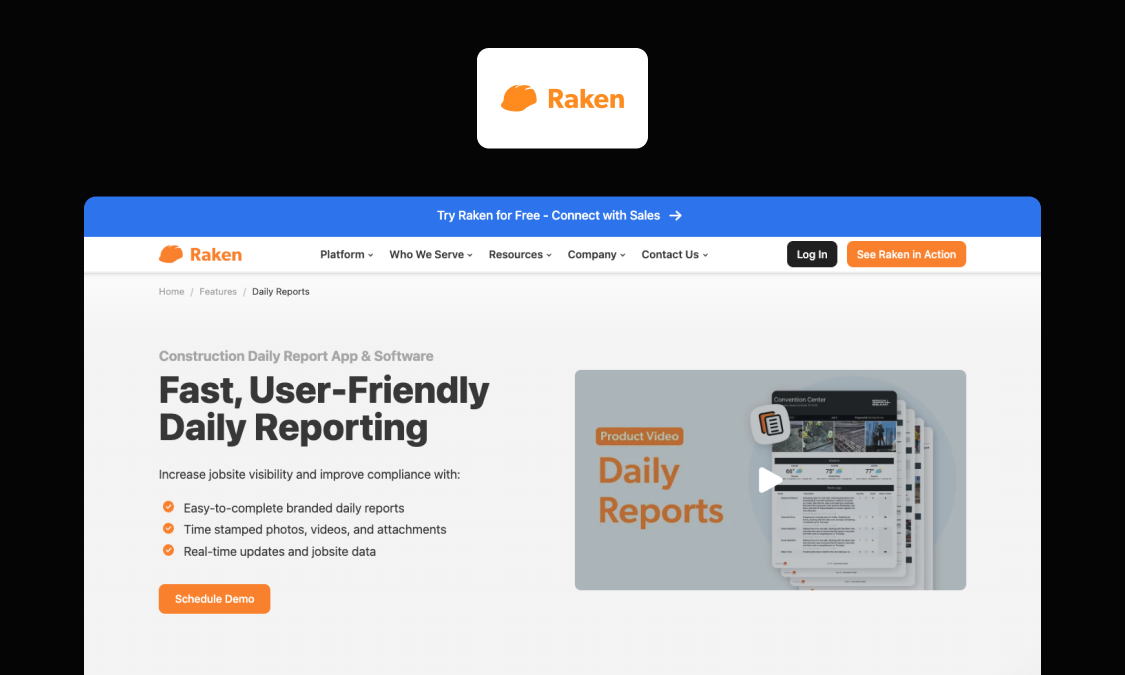
Best for: Field-first daily reporting teams looking to consolidate safety data capture and general site reporting into the same platform.
Raken is a field-first construction platform built around the daily report, which its current documentation still calls “the heart of Raken.” Safety sits alongside that existing workflow: daily reports can include site safety notes, toolbox talks, and completed checklists, while observations and incidents stay in the same wider project platform.
Key features:
- Digital safety and quality checklists and inspections completed on site
- Toolbox Talks with a 100+ talk library (English and Spanish), digital attendance, and signatures
- Observations and incident tracking, plus Safety & QC Insights for cross-project checklist and quality trends
- Offline capture for checklists, toolbox talks, observations, and incidents, syncing on reconnect
Watch-outs: Raken’s full Safety & QC suite requires its Performance Plan. Field capture works offline, but safety and compliance report generation runs through the web app and requires a connection.
Pricing: Quote-based (September 2026)
Verdict: A strong pick if daily reporting is your adoption engine and safety can ride along with it. Its field-first approach is strongest for teams that want safety capture integrated into the reporting crews already do.
Website: rakenapp.com/features/safety-management
3. HeavyJob Safety (formerly HCSS Safety)
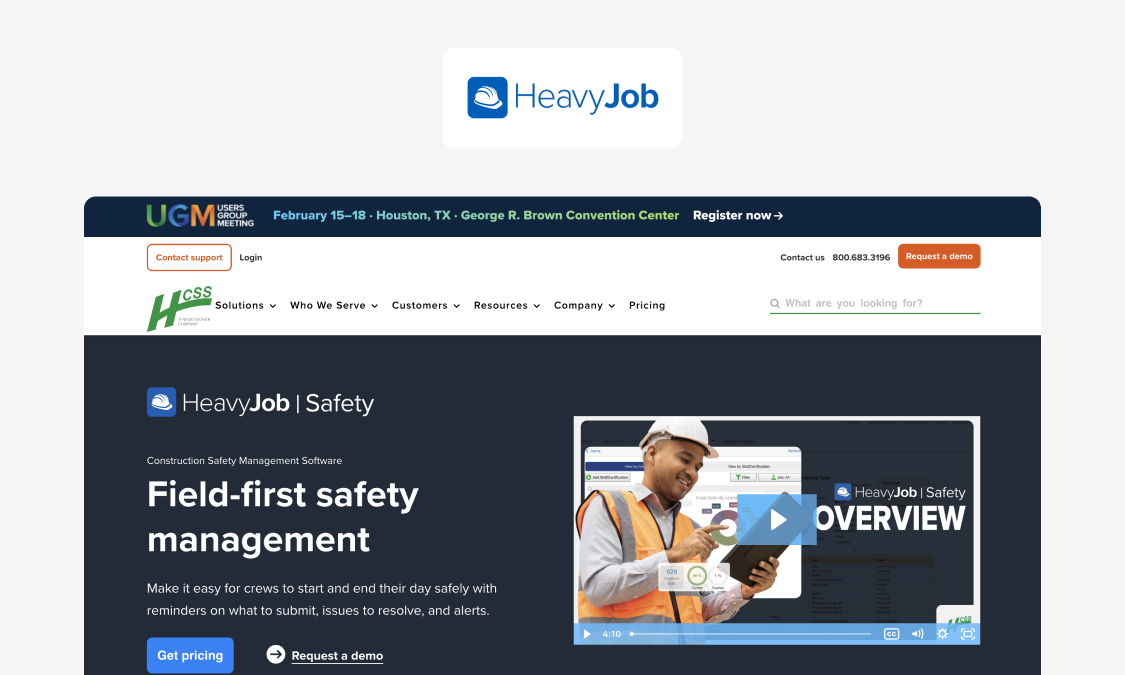
Best for: Heavy civil and infrastructure contractors already running the HCSS suite, where safety data can sit alongside crew, equipment, job, and production records.
HeavyJob Safety is HCSS’s construction safety product, now brought under the wider HeavyJob platform. For firms already using HCSS, the appeal is keeping safety close to daily production, with crew, equipment, job, observation, and meeting data tied into the same operating environment.
Key features:
- Customizable safety checklists and inspections with prebuilt templates (Fall Protection, Confined Space Entry, Traffic Control)
- Near-miss and observation reporting with assignable follow-up and corrective-action tracking
- Incident reporting that auto-generates OSHA 300, 300A, and 301 logs
- Offline (disconnected) capture for inspections, observations, and photos, syncing on reconnect
Watch-outs: HeavyJob Safety’s biggest advantage depends on the wider HCSS ecosystem; outside it, you lose much of the shared crew, equipment, job, and production context. Its regulatory tooling is also US-centric: incident workflows capture information for OSHA, MSHA, and DOT reporting, with OSHA 300, 300A, and 301 logs generated automatically.
Pricing: Quote-based; sold within the HCSS/HeavyJob platform (September 2026)
Verdict: The first place to look if you already use HCSS and want safety tied closely to production records. Its strong OSHA, MSHA, and DOT tooling is particularly relevant to US contractors.
Website: hcss.com/products/construction-safety-software
4. HammerTech
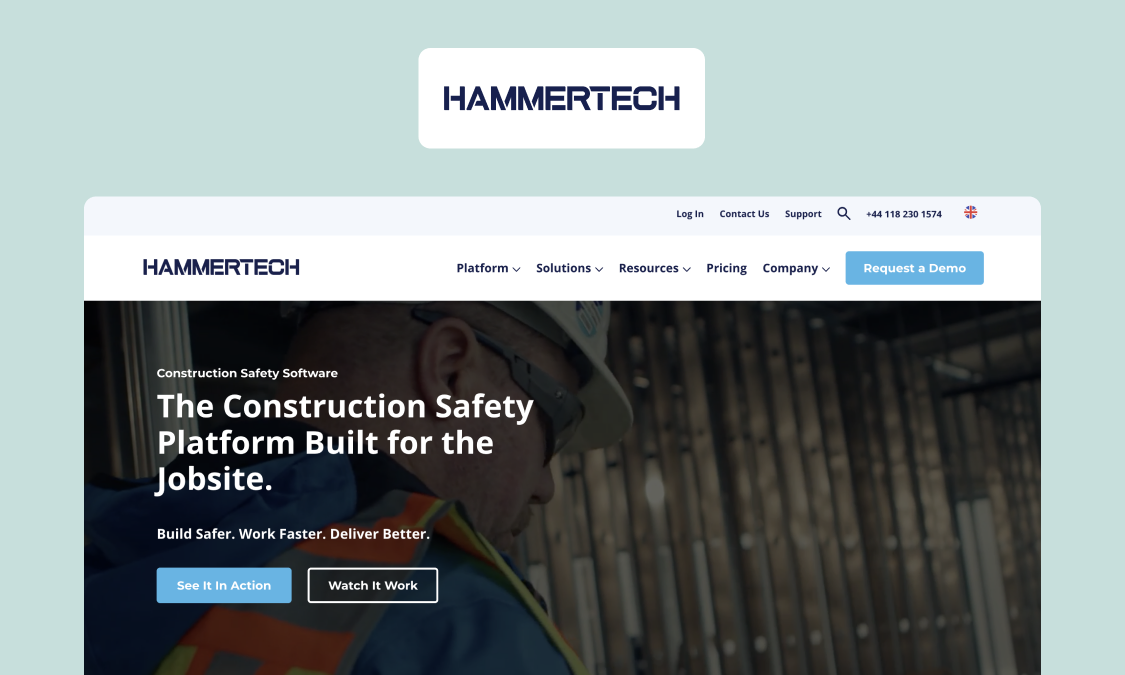
Best for: General contractors running multi-employer sites where the hard part is subcontractor coordination: who’s on site, whether their people and equipment are cleared to work, and who signed what.
HammerTech is a construction safety platform built around connected workflows across projects and trade partners. It’s especially suited to subcontractor-heavy sites, where worker status, authorizations, orientations, permits, JHAs, and equipment records all need to stay coordinated.
Key features:
- Subcontractor prequalification and compliance tracking (certifications and insurance) across all trades
- Pre-arrival orientations and inductions, with unlimited construction worker access and QR site sign-in
- Digital permits, JHAs (job hazard analyses), and pre-task plans for high-risk work
- Site access control and personnel tracking, plus incident and injury management
Watch-outs: HammerTech is broad by design. If you mainly need inspections or checklists, its wider contractor-management, orientation, permit, equipment, incident, and site-access workflows could be more platform than you need.
Pricing: Quote-based; no per-seat fees, with unlimited worker and subcontractor access (September 2026)
Verdict: A strong fit for subcontractor-heavy sites where access, credentials, orientations, permits, inspections, and closeout all need to stay coordinated.
Website: hammertech.com
5. Procore
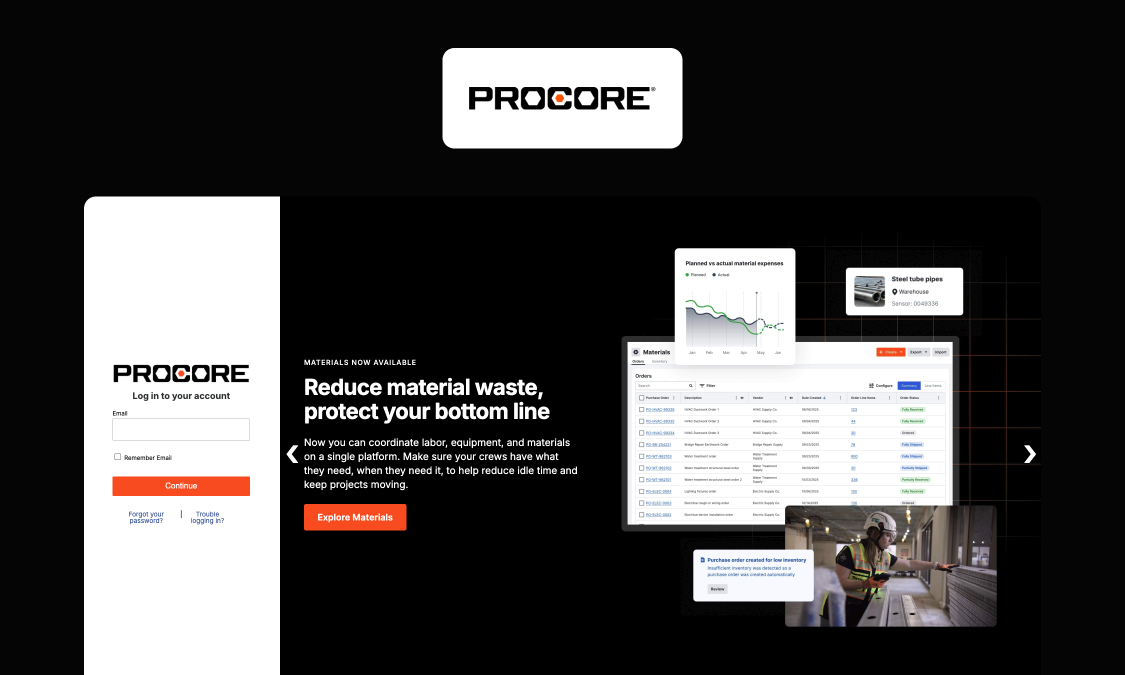
Best for: Teams already standardized on Procore for project management, where safety workflows benefit from living next to RFIs, drawings, daily logs, and the project directory.
Procore is a broad construction management platform rather than a dedicated safety point tool. For teams already standardized on it, safety can stay inside the same project environment as RFIs, drawings, daily logs, forms, inspections, incidents, and observations instead of becoming another standalone system.
Key features:
- Safety observations and inspections inside the same project environment as drawings, RFIs, forms, and daily logs
- Incident reporting and corrective-action tracking in the same platform
- Offline-capable inspections and observations on mobile, with sync on reconnect (some items need to be viewed and cached before offline editing)
- Large marketplace and open API for connecting the wider construction stack
Watch-outs: Procore’s safety workflows sit inside its broader project-management model, and the relevant Quality & Safety tools only appear where the account includes them. For teams buying mainly for safety, that means adopting a wider construction platform rather than a dedicated safety system.
Pricing: Quote-based; priced on annual construction volume (September 2026)
Verdict: A straightforward choice if you already run Procore and want safety inside the project record. If safety is the main system you’re buying, its wider platform scope and ACV-based pricing can be more than a dedicated safety tool requires.
Website: procore.com/quality-safety
6. Forma Build (Autodesk)
Best for: Design-and-build teams already standardized on Autodesk that want field observations to stay connected to drawings, models, and the wider project record, not sitting in a separate safety system.
Forma Build is Autodesk’s field and project-management product, with safety handled through connected forms, issues, sheets, and project records instead of a standalone safety module. Its strength is context: teams can keep safety issues and field records linked to the drawings and models they already work from.
Key features:
- Forms tool for safety and quality checklists and inspections, with required signatures and a full audit trail
- Issues tool to log safety observations, near misses, and good catches, assign owners and due dates, and track to closed
- Field records pinned to drawings and 3D models, with issues that can escalate to RFIs
- Offline-capable capture in the Forma mobile app that syncs on reconnect
Watch-outs: Forma Build handles safety through its broader Forms, Issues, and project workflows rather than a dedicated safety module. That works well for Autodesk-standardized teams, but gives you a less safety-specific system than purpose-built platforms such as HeavyJob Safety, HammerTech, or Safesite.
Pricing: Tiered per-user pricing from $67/month, billed annually; enterprise custom (September 2026).
Verdict: A sensible choice for Autodesk-standardized teams that value safety records tied to models and drawings. A dedicated safety platform is the more focused option when safety is the primary system you’re buying.
Website: construction.autodesk.com/workflows/construction-site-safety
7. Safesite
Best for: Small and mid-size contractors that want inspections, observations, and toolbox talks running quickly.
Safesite is a focused safety management app for digitizing common field workflows without bringing in a full construction-management suite. Teams can use it for inspections, hazard reporting, corrective actions, incidents, observations, and safety meetings, with templates available to get started quickly.
Key features:
- Large library of safety audits, inspections, and checklists, plus custom template creation
- Safety meetings and toolbox talks with a pre-written topic library and digital attendance
- Hazard management, safety observations, and mobile incident reporting
- Offline capture and a safety score dashboard for tracking completion across teams
Watch-outs: Safesite’s offline mode needs some preparation: users must sync before going offline, templates that haven’t been downloaded may be unavailable, and signing out before queued safety actions finish syncing can lose unsynced data.
Pricing: Free tier, Premium (from $16/member/month); Foresight tier is available separately through brokers (September 2026)
Verdict: A focused, low-cost option for moving inspections, meetings, hazards, and incidents off paper. The need to pre-sync templates and let queued actions finish uploading is the main practical limitation for crews that regularly spend long periods without signal.
Website: safesitehq.com
8. SiteDocs
Best for: Firms that want a purpose-built, paperless safety documentation system with the audit trail as the point: signed forms, worker certification records, and retrievable evidence.
SiteDocs is a purpose-built safety documentation platform centered on creating, storing, and retrieving compliance records. Digital forms, signatures, worker certifications, expiry dates, and time-stamped records give safety teams a more structured alternative to paper files and binders.
Key features:
- Digital safety forms and inspections with worker signature capture
- Worker certification and training tracking with expiry visibility, plus automated alerts for upcoming expirations through Workflow Studio
- Offline-capable field capture that syncs when back online
- Time-stamped, signed records and reporting for audit and compliance evidence
Watch-outs: SiteDocs is documentation-first rather than a broader construction operations platform. Its published hosting options are the US, Australia, and Canada, so it doesn’t offer the same EU/EEA-only data-residency position as Appfarm.
Pricing: Quote-based (September 2026)
Verdict: A strong compliance-focused choice where signed evidence, certification tracking, and retrievable safety records are priorities. Workflow Studio adds automation and integrations, but SiteDocs remains a safety-management system rather than a broader platform for construction operations.
Website: sitedocs.com
Build vs buy for safety systems – when a platform beats a rigid safety suite
If your safety program is standard, an off-the-shelf safety suite is the faster, cheaper answer, and most of the tools ranked above will serve you well.
Building earns its place when your workflows genuinely differ: permit types and reporting that change by client or region, subcontractor rules a fixed template can't hold, and safety data that has to reach your ERP and identity systems.
If you do build, the routes differ again.
Raw code and AI coding tools produce an app fast, but what ships is a codebase your IT team has to secure, patch, and keep online.
Power Apps adds Microsoft's governance, but its per-user licensing punishes the long, mostly dormant user lists a safety rollout creates.
Traditional enterprise low-code platforms like OutSystems and Mendix are powerful and well governed, but serious apps still tend to need specialist developer skills that most safety teams don’t have.
Appfarm sits in between these: build fast like AI tools, govern and scale like enterprise platforms. You shape the app on transparent visual models instead of inheriting generated code, and it runs as a governed production system on EU/EEA hosting with active-user pricing. Your team owns what the app does; the platform owns keeping it running.
Building isn’t the default. A standard program running on a dependable suite is a good outcome for any construction team. But when fit, governance, and integration decide whether crews use the system at all, owning what the app does – without owning the infrastructure under it – is what off-the-shelf can’t offer.
Why Appfarm is the best fit for construction and infrastructure safety teams
For construction companies whose safety work varies by site and client and has to run as a governed production system, Appfarm is the strongest fit on this list. You build the safety app around how your crews actually work, and the platform runs it – so your team owns what the app does without owning the infrastructure under it.
The platform already handles high-volume frontline capture in production, which is the real test a safety rollout applies. Bertel O. Steen runs around 30,000 vehicle inspections a year through a custom Appfarm app tied into its ERP. Meanwhile, Tide, a major Nordic transport operator, runs frontline operations on Appfarm at scale. Neither is a safety deployment, but both are exactly the pattern construction safety needs: fast field capture, high volume, connected to the systems behind it.
It also holds up on production migrations. Godig, an Appfarm implementation partner, helped Skanska replace a Power Apps solution with an app built on Appfarm – the same build-versus-buy decision this guide describes, made by one of the largest contractors in the market.
To run a secure system holding incident records and worker identity, the governance matters as much as the build: role-based access, an audit-ready trail, EU/EEA managed hosting, and ISO 27001 certification, with active-user pricing that fits a workforce where most accounts stay dormant in any month. Get started for free.
FAQs
What is the best construction safety management software?
It depends on the job. Appfarm fits teams that need custom safety workflows and integrations; HammerTech is strong for subcontractor-heavy construction sites; HeavyJob Safety suits HCSS users; and Safesite is a good fit for smaller teams that want to digitize inspections, observations, and toolbox talks quickly.
What is construction health and safety management software used for?
Construction health and safety management software is used to manage risk assessments, inspections, observations, permits, toolbox talks, incidents, and corrective actions. It gives site teams one place to capture safety data and gives managers a clear record for follow-up, reporting, and compliance management.
What should I look for in offline construction safety apps?
Check that crews can complete inspections, observations, and incident reports without signal, then sync them cleanly when the connection returns. Also test photo capture, saved drafts, corrective actions, and whether any forms or records need to be downloaded in advance.
How do you prove compliance without spending days compiling binders?
Capture compliance evidence digitally as the work happens. Signed forms, inspection records, permits, worker certifications, photos, corrective actions, and audit trails should all stay attached to searchable records so they are ready when a client or auditor asks for them.
What is the best software for safety management in construction vs general industry?
Construction safety software is usually the better fit for temporary sites, subcontractors, permits, mobile crews, and jobsite inspections. General EHS software is broader, covering environmental, occupational health, and safety requirements across fixed facilities as well as field operations.
What is the most used construction management software?
There is no single construction management platform that is most used across every market and contractor type. Procore and Autodesk are both widely adopted, but the right choice depends on whether you need broad project management, field documentation, safety management, or a more specialized workflow.
What is the 20-20-20 rule in construction safety?
The term more commonly refers to the eye-strain guideline of looking 20 feet away for 20 seconds every 20 minutes, rather than a construction safety management framework.
What is the best ERP for construction (and does it replace safety software)?
The best construction ERP depends on the systems you need for finance, procurement, payroll, assets, and project accounting. ERP software usually complements construction safety management software rather than replacing it, with safety records flowing into the wider business system through integrations.
More reading


There are no items matching your filters. Please try another filter to view results.
We have a lot of helpful resources. Try another filter or reset the filters to find the resource for you.
Digital transformation without disruption

