


AI software development for enterprises: from first build to production
Building business-critical apps with AI? A guide to governance, integration, and reliability across the SDLC – with eight enterprise platforms compared.

TL;DR
AI will get you a working app in days. Whether that app still runs your operation two years from now depends on decisions AI won’t make for you: governance, integration with your systems of record, and who owns change.
Understanding where AI fits into the software development lifecycle – and where human input remains essential – is the first step toward making an informed investment.
Next is choosing the right AI software development platform: one that combines speed and intuitiveness with integration potential, security, and reliability.
This guide helps enterprise innovation, IT, and operations teams weigh their options. You’ll learn where AI adds value and where human input remains vital. We’ll also rank eight leading platforms and help you build your shortlist.
What is AI software development?
AI software development is the use of artificial intelligence to build software faster: generating code, screens, workflows, tests, and documentation that people would otherwise write manually.
That’s the sense this guide prioritizes – but the term gets used in two ways, and mixing them up means buying the wrong thing:
- AI for software development accelerates how you build applications at every step from drafting requirements to writing code and tests. The app it helps to create may not integrate AI at all.
- Custom AI software development means integrating AI into the product itself so the running app can make decisions or generate output users depend on. For example, a custom AI solution for project management could use machine learning algorithms to automate data analysis.
When using AI in software development, speed is the easy part. Many tools accelerate coding, but governance, integration with your systems of record, and reliability don’t appear on their own. And this is where AI software development platforms split.
Some generate raw code that becomes yours on delivery. Yours to review, secure, patch, and keep online around the clock. Vibe coding is the clearest example: a usable app fast, and a codebase your team now depends on but didn't write. Others, Appfarm included, draw the line differently: your team owns what the app does, the platform owns keeping it running.
For a personal project or a one-off prototype, that difference doesn’t matter so much. For an enterprise running business-critical apps, it determines whether the software you create is still maintainable and reliable two years from now.
AI-assisted software development vs. generative AI software development
AI for software development is itself two things. Which one fits depends on what you’re building and how much rides on it.
AI-assisted software development works in small increments across the whole lifecycle, with a developer in the loop on every change. Think copilots making suggestions to review at every step: drafting unit tests from code you’ve already written, flagging a permissions bug in a pull request, or suggesting the next few lines of code as you type.
Each contribution is small and local so it’s easy for developers who know what they’re looking for to catch errors in the moment. The risk is subtler: teams can soon start trusting automated suggestions they’ve stopped reading closely.
Generative AI software development produces larger units. It spans the same lifecycle but needs fewer inputs – which opens it up to people who don’t code for a living. Instead of line-by-line help, you describe an outcome and get back something substantial: a paragraph of intent turned into a full set of structured requirements, a prompt that returns a working inspection screen with its data model, or a single instruction that scaffolds an entire app with its workflows and documentation.
Vibe coding is a fast, prompt-driven type of generative development. Describe what you want in plain language and get working software back, without hand-writing the code. For prototypes and personal projects, it’s genuinely powerful. You can go from idea to working app in an afternoon. But speed up front can mean ownership problems later, like an unreviewed codebase nobody on the team fully understands, or governance and permissions bolted on too late.
The vibe coding process may feel like a quick win, but running and changing the app it produces is far harder without developers on hand. Updates or rebuilds could easily leave you with a year-two maintenance bill you didn’t budget for.
Ultimately, what separates one generative tool from another – vibe coding at one end, a governed platform like Appfarm at the other – is whether it leaves you with those costly problems or designs them out early.
How AI software development works across the software development lifecycle (and where it breaks)
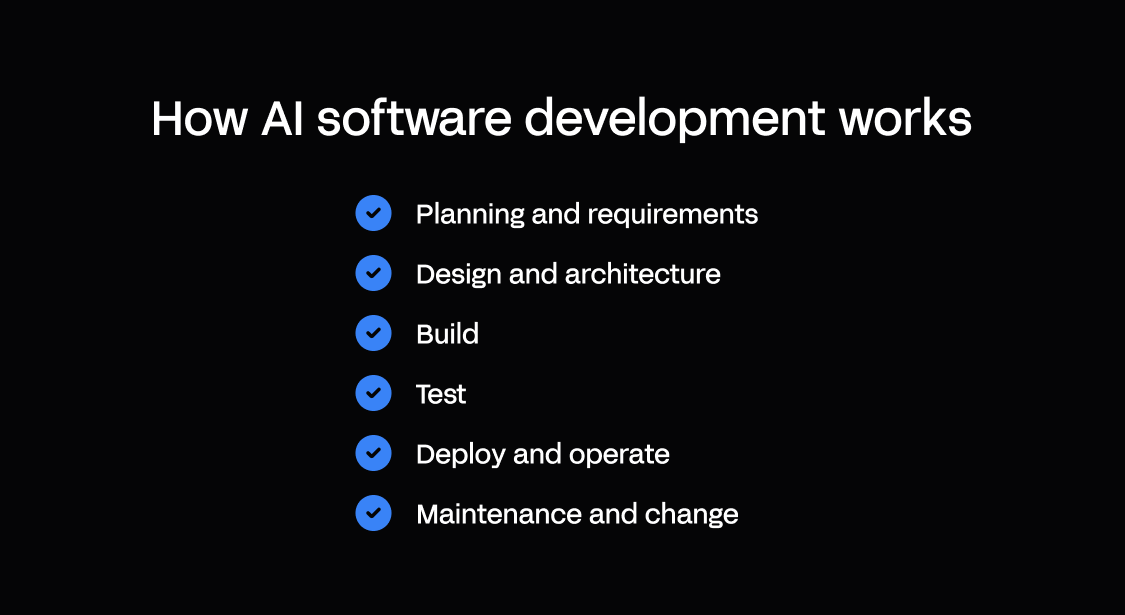
AI touches each stage of the software development lifecycle, typically moving fast early – requirements, design, a first build – and slowing as the job shifts to proving, running, and changing the app.
You’ll see that pattern repeating throughout the phases below: AI speeds up creation, humans retain judgment and control.
Here’s a quick summary before we dig deeper into the lifecycle.
| Phase | What AI can automate | What still needs humans | What can go wrong | Guardrails to implement |
|---|---|---|---|---|
| 1. Planning and requirements | PRDs, user stories, edge cases | Deciding what to build and why | Vague requirements = vague software | Define inputs, rules, roles, audit needs early |
| 2. Design and architecture | Data models, workflows, security setup | Fitting it to your real systems and processes | A permission gap quietly exposes data | Resolve access first – design in RBAC and audit trails |
| 3. Build | Screens, workflows, logic | Choosing what you can maintain | A codebase no one can safely change | Opt for visual building blocks over hidden code |
| 4. Test | Unit, integration, regression tests | Defining what “correct” means | Skipped approvals and permission gaps ship silently | Acceptance tests for the rules that matter |
| 5. Deploy and operate | CI/CD scaffolding, monitoring setup | Owning uptime and incidents | No logs or rollbacks = failures halt work | Audit logs, monitoring, disaster recovery, access control |
| 6. Maintenance and change | Edits, refactors, new screens | Judging a change’s impact | Year-two changes break forgotten parts | Transparent models, separate environments, version control |
1. Planning and requirements
AI is quick to draft product requirement documents (PRDs), turn rough ideas into user stories, and list edge cases you might otherwise miss. What it can’t do is decide what capabilities to build and why.
Left unspecified, AI fills those gaps with assumptions. And that’s how vague requirements become vague software: an app that technically works but doesn’t fit anyone’s processes.
The solution is to always start with clear project requirements AI can build on across the software development process:
- Inputs – what data will go in, from whom, in what format
- Rules – the logic and states (e.g., what moves a work order from open to closed, and who can reopen it)
- Roles – who can view, create, edit, approve, and export records
- Audit needs – what has to be recorded, retained, and reviewable, and for how long
As with any effective project plan, clarity here sets the foundation for every subsequent step.
2. Design and architecture
AI can propose a data model, help shape system architecture, map workflows, and suggest a security setup in seconds. It can’t see how your wider stack works.
A schema that looks clean on its own still has to fit the systems already running your business – which one owns each record, how identity flows in, how the new app talks to your ERP, etc. An AI model can’t know that. You do.
Get this wrong and the app may fail quietly later: a single permission gap can expose sensitive data without anything obviously breaking. So resolve ownership, integration, and access before the build begins, designing role-based access and audit trails in from the start.
3. Build
AI can generate code snippets, screens, workflows, logic, and integrations. But what does it leave your team to maintain?
Some tools produce a codebase your IT team – if you have one– then have to review, secure, and manage. Others generate governed visual models your team can inspect and change directly, without working through hidden code.
Before you move on, confirm who owns the output, how your team will review changes, and whether you can test safely outside production.
4. Test
Software testing is one of the fastest workflows to hand off to AI: unit, integration, and regression suites appear in a fraction of the usual time, and AI testing tools can automatically detect bugs early in development.
Deciding what’s “correct” for your business is what needs to stay with you.
An AI-built app still needs standard tests and any live AI feature needs its own checks on top of that, because its output will shift over time.
Write acceptance tests for the rules that actually matter, like:
- A work order can’t close while a required inspection is still open
- A field user sees their own site’s data, never another region’s
- An AI feature stays inside an agreed accuracy threshold, re-checked on every change
Failures like these won’t always generate errors. They just surface later as incidents that disrupt your users. And some problems never show up in a test suite at all. Automated tests confirm your rules hold – they can't tell you whether the app actually works for the people using it. Put an early version in front of real users in their real environment and you'll surface the UX friction – confusing steps, missing states, field conditions – that no unit test would catch.
5. Deploy and operate
Getting an app live is not the same as keeping it live. AI can scaffold a pipeline and suggest what to monitor but from there the work to keep your operation running is human.
If an app breaks at 6 a.m., the crew still shows up expecting it to work. Software with no logs, no alerts, and no way back to a known-good state basically stops the shift.
Build in audit logs, monitoring, one-click rollback, access control, and maintenance windows from the start. The right managed platform can carry much of this for you – hosting, scaling, and recovery included – so your team actually owns the app, not just the infrastructure beneath it.
6. Maintenance and change (the year-two problem)
AI makes building apps easier. Change is still hard.
When your software is business-critical, maintainability becomes key to ensuring it stays useful.
An AI-generated codebase nobody on your team can read is legacy code from day one – you inherit the maintenance burden for software no one remembers writing.
One edit to a shared data model can ripple through workflows and permissions. And without separate environments, you’re testing that change on live users. Every update risks interrupting the work your software was built to support.
So, look for the mechanics that make change safe and fast: transparent models you can inspect and edit, separate AI development, test, and production environments, version control, and a clear rollback process for when a change doesn’t go to plan.
What you can trust vs. what is directional
Judge AI’s impact on what you can verify: lead time, defects count, incidents count, and adoption rates. Treat “developer productivity” gains and “percentage of AI-generated code” as directional at best: easy to quote, far harder to tie to business value.
Where enterprises get stuck: speed without governance
AI’s speed and accessibility mean building is rarely the issue. Teams get a working app fast, the demo lands, and everyone assumes the hard part is done. The cost shows up later when the app has to handle real users, real data, and a year of change to fit evolving business needs.
Many enterprise teams leave the same gaps. An app gets built outside IT’s view so it’s hard to say who changed what. The person who prompted it moves on, and no one understands the generated code. Permissions get bolted on after the fact. A quick ERP integration written as a one-off script breaks the first time either system changes.
None of this is AI’s fault. AI’s speed just removed that pause when someone used to ask “who owns this?” and “how will we maintain it?” So, before you invest further in an AI-built app, check it against these signs it won’t survive production:
- No record of who changed what, or when
- No named owner once the builder moves on
- Role-based access added after the fact, not designed in
- Integrations in one-off scripts no one monitors
- No separate environments – changes get tested on live users
- No monitoring or rollback when something breaks
- Generated code your team can’t read or safely change themselves
Every box you check is rework waiting to happen after launch.
AI software development services vs. building in-house: what you’re really buying
Search “AI software development services” and you’ll mostly find agencies that build an app and hand it over. It’s one model among several, and it pays to know what you’re actually getting for your money.
The main difference between this route and developing in-house is how much of the build and long-term ownership you keep.
- An agency develops custom software on your behalf. Without an ongoing support agreement, your team owns all maintenance and updates post-handover.
- An AI software solution gives your own team the tools to build and change apps. There’s still the option to partner with a specialist for the parts you’d rather not do alone, but it’s not essential. You choose how to use your budget.
Appfarm works this second way: a fast, intuitive platform you build on, with optional help from its partner network or certified developers. You invest in the platform rather than paying more for every new build or change.
What AI custom software development services should deliver
If the agency approach suits your needs, choose the partner with care by judging on concrete deliverables rather than hype or marketing promises.
Any serious engagement should produce:
- Discovery artifacts
- An architecture and integration plan
- A security model with a concrete RBAC and SSO approach
- A test strategy and phased rollout plan
- A runbook and ownership model for after go-live
That last deliverable is one many enterprises forget and regret. An app you can’t run or change without the vendor’s relationship loses its business value fast.
Engagement models to consider
Another choice to make is how you structure your partnership. Agencies usually work in three ways:
Fixed-scope delivery sets the app, price, and timeline up front. It suits well-understood problems with stable requirements where you’re happy to trade flexibility for cost certainty. For example, you might commission an inspection app to replace an existing spreadsheet process, then maintain it in-house. The hidden risk is that changing business needs could force you to start over.
Team augmentation brings skilled developers in alongside your own people. It works for teams with in-house expertise that want to move faster or cover a specific gap while keeping ownership. An external specialist could handle ERP integration, for instance, while your team manages the workflows and rollout.
Managed delivery means handing the entire build and its operation over to a partner. It’s valuable if you have limited internal capacity and would prefer to buy an outcome than manage another project. For example, your partner could build, host, and support a custom scheduling app under a single service agreement.
How to scope custom AI software development without getting a science project
The fastest way to turn your first build into a science project that drags on and drains budget is to try to create everything you think your team needs in one go.
Whatever the development approach, keep your first project small enough to ship and measure.
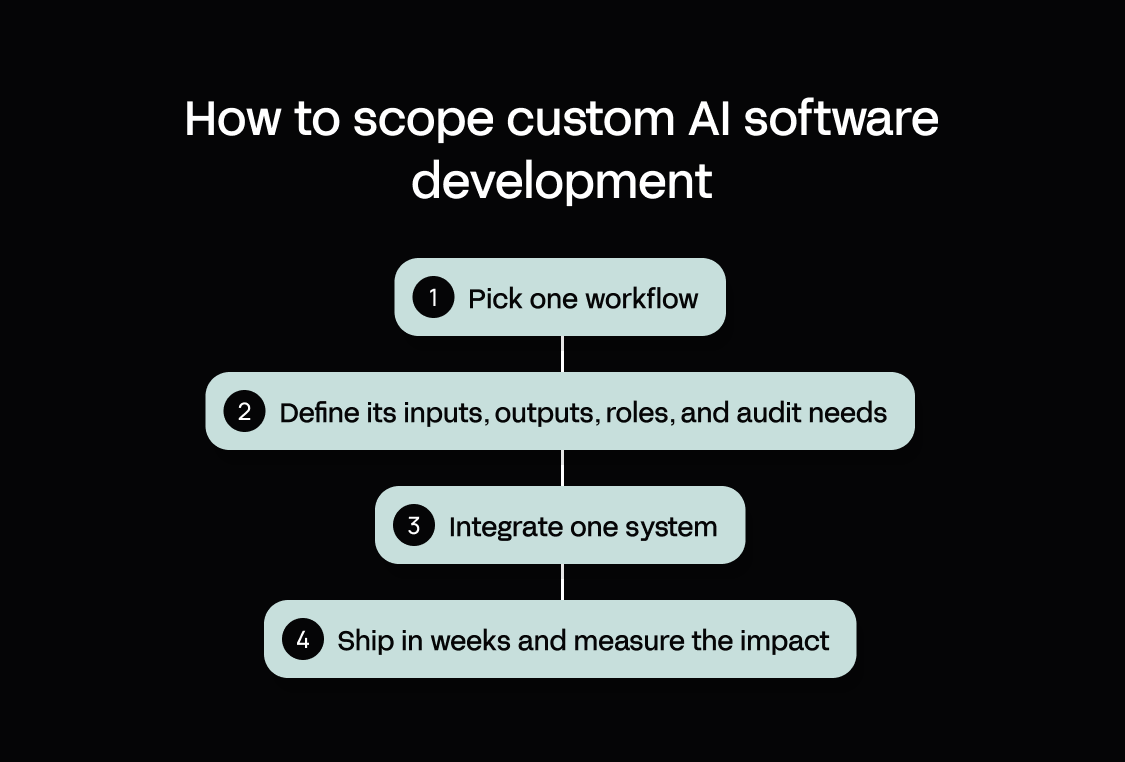
Here’s a quick scoping recipe to ensure a realistic plan:
- Pick one workflow that runs on a spreadsheet today – real, painful, and clearly defined (e.g., how your team logs and approves equipment requests)
- Define its inputs, outputs, roles, and audit needs before you build
- Integrate one system of record first to prove the hardest connection early (usually your ERP or CRM)
- Ship in weeks and measure the impact, then refine or expand to the next workflow
When you start small and expand in steps, AI custom software development becomes a series of provable wins instead of an open-ended experiment that never fully delivers.
Comparison table – enterprise options for AI software development at a glance
Use this table to shortlist three options, then read the short reviews below.
| Option/tool | Best for | Who can build? | Enterprise governance | Integration depth | Production operations | How it’s maintained (year two) | Entry price (August 2026) |
|---|---|---|---|---|---|---|---|
| Appfarm | Governed operational apps without a dev team | Business and IT together, no dev team required | RBAC, SSO/identity, monitoring, ISO 27001 | Connects to any API, built for ERP/identity | Yes, fully managed cloud, no infrastructure to run | Transparent visual models your team inspects and changes | €2,350/month (Essential) |
| Mendix | Enterprise IT and business-developer collaboration | Professional Mendix developers require, with business input | RBAC, identity provider integration, audit dashboard (Standard+) | Enterprise connectors, leans Siemens/SAP | Yes, Mendix Cloud, private cloud, or on-prem (billed separately) | Visual models, plus pro-code to maintain alongside | $1,090/month (Standard) |
| OutSystems | Large IT orgs with large budgets | Certified developers required | RBAC, SSO, audit trails, ISO 27001, deep compliance add-ons | Broad enterprise integration | Yes, OutSystems Cloud included; self-hosting available as an add-on | Visual development, app growth raises cost under the AO model | Custom only |
| Microsoft Power Apps | Simple Microsoft-centric apps | Business users for simple apps | Strong, native Microsoft Entra ID/SSO, DLP policies, admin center | Best inside Microsoft; external needs premium connectors | Yes, hosted on Azure/Dataverse, fully managed | Depends on Dataverse and connector sprawl as apps grow | $20/user/month |
| ServiceNow App Engine | Orgs already standardized on ServiceNow | ServiceNow-skilled teams | Strong, governance inherited from the Now Platform (RBAC, audit, compliance) | Strong within the ServiceNow ecosystem | Yes, fully managed on the Now Platform | Maintained with the Now Platform | Custom only |
| Appian | Complex process orchestration, regulated industries | Developers, process specialists | RBAC, audit, compliance certifications for regulated industries | Process/case orchestration across systems | Yes, Appian Cloud managed hosting; on-prem/private cloud available | Visual process models | Custom only |
| Salesforce Platform | Governed extensions inside Salesforce stacks | Salesforce-skilled teams | Strong, RBAC, SSO, Salesforce Shield add-ons for audit/compliance | Best inside Salesforce; external via APIs | Yes, fully managed multi-tenant SaaS | Configuration plus Apex code as customization deepens | $25/user/month |
| Retool | Developer teams building internal tools | Technical/developer builders | RBAC and audit logs (Business+), SSO (Enterprise) | Strong over existing databases and APIs | Cloud-hosted or self-hosted in your own VPC, your choice | Component config over code your team owns and maintains | $10/builder/month (Team) |
*Prices are each vendor's published list price as of August 2026, in the currency the vendor quotes. Appfarm is priced in euros; several US-based platforms publish in USD.
AI coding assistants (Copilot, Cursor, Claude Code) and AI code-generation tools (Lovable, Bolt, Replit, v0) also exist – they are covered as a category in the reviews, but they are developer workflow tools rather than governed enterprise runtimes.
The 8 best enterprise platforms for AI software development (ranked)
1. Appfarm
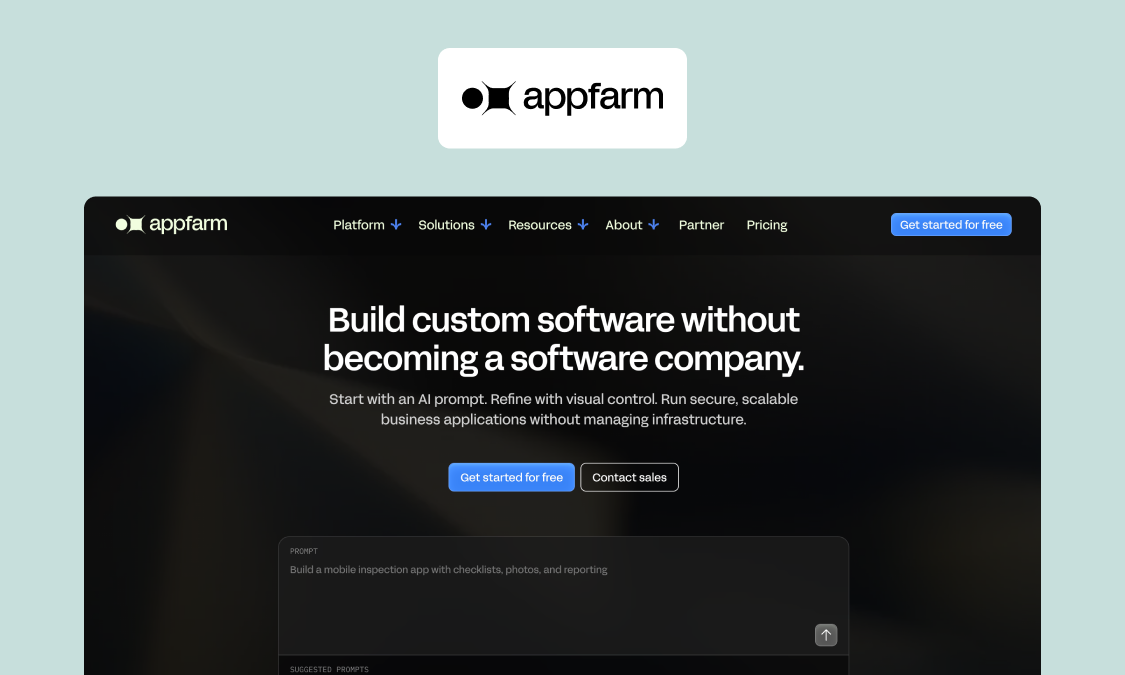
Best for: Enterprise innovation, IT, and operations teams building business-critical apps fast, with governance and a managed runtime.
What it does well: Appfarm takes you from an AI-generated first build through visual refinement to a governed production app, all on one platform. What sets it apart from code-generation tools is the output: visual building blocks your team can open and change instead of a hidden codebase. That’s how it delivers speed without giving up operational dependability – the app that ships fast is the same app you can still govern and maintain when it’s helping to run the business two years on.
Key features:
- Appfarm AI, with Build mode (builds for you) and Ask mode (guides you)
- A visual canvas over data, logic, and UI
- Role-based permissions and SSO / identity integration
- Managed cloud hosting, with monitoring and operations built in
- Evergreen apps supported by continuous platform updates
- Integrations with external systems via API
- Server-side workflow logic
- ISO 27001 certified and GDPR compliant
Watch-outs: Appfarm is built for governed, multi-user business applications. It’s deliberately not the tool for personal projects, small single-user productivity apps, or native mobile apps that lean heavily on device-level OS APIs (Appfarm apps are progressive web apps, or PWAs, meaning they run smoothly on mobile without app store downloads or updates). Other platforms suit those use cases better.
Good fit if:
- You’re running critical field operations on spreadsheets and disconnected systems today
- You need governed apps that operations and IT can build and own together.
- You have a small internal IT team, or none
Not a fit if:
- You’re building a personal or single-user app
- You need to build a native iOS or Android app
Pricing: Appfarm provides a free tier for solo developers. The “Essential” plan starts at €2,350/month for 100 active users, 5 apps, and 5,000 AI credits (Aug 26).
See pricing to choose the best plan for your enterprise.
Website: Start building for free at appfarm.io
Appfarm in action: Bertel O. Steen built its vehicle-damage inspection app in four weeks with a team of two developers, and it now handles more than 40,000 vehicles a year with built-in ERP integration.
2. Mendix
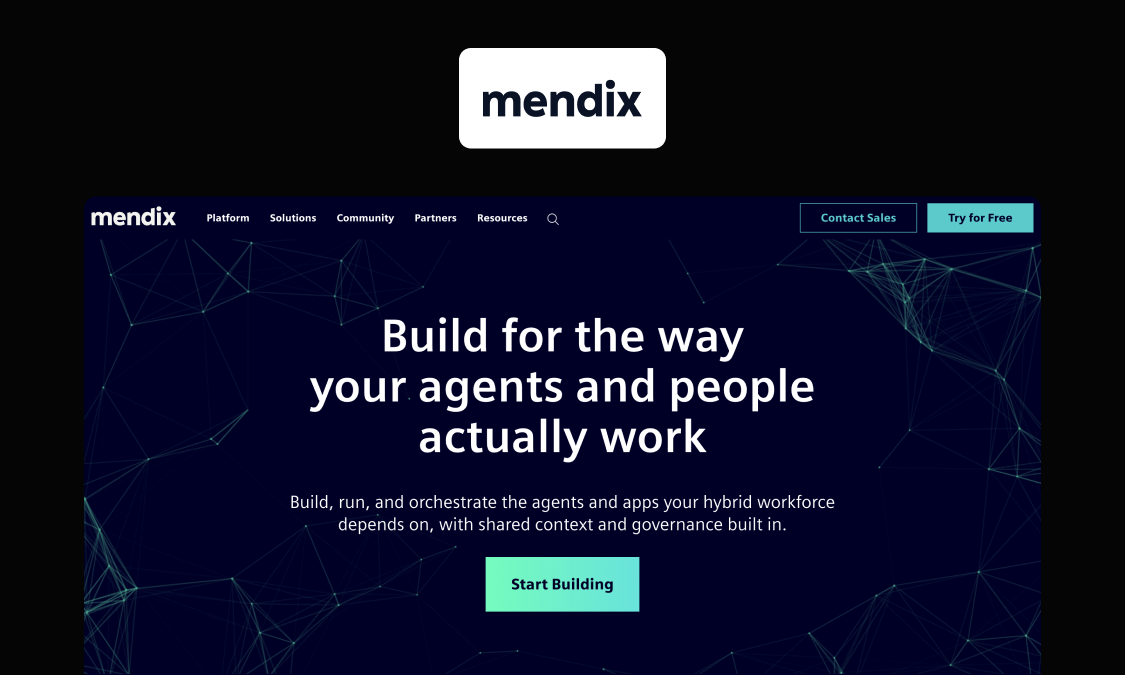
Best for: Enterprise IT and business-developer collaboration, strongest in industrial and manufacturing settings through the Siemens ecosystem.
What it does well: Model-driven low-code with native mobile across all plans and a hybrid of visual and pro-code development.
Key features:
- Hybrid visual + pro-code development
- Native mobile app support in every plan
- Domain-driven data modeling
Watch-outs: Like OutSystems, anything serious needs specialist Mendix developers – this isn't a platform business users can drive alone. Total cost is also opaque (hosting and add-ons billed separately), and the Siemens ecosystem brings a degree of lock-in.
Good fit if:
- You’re in manufacturing or industrials and already use Siemens or SAP
- You have Mendix developers on hand
Not a fit if:
- You’re mid-market without developer support
Pricing: Standard from $1,090/month (Aug 26).
Website: mendix.com
The gap Appfarm fills is the development team itself – operations and IT can build the same class of app together, and its strongest case studies match Mendix’s industrial focus.
3. OutSystems
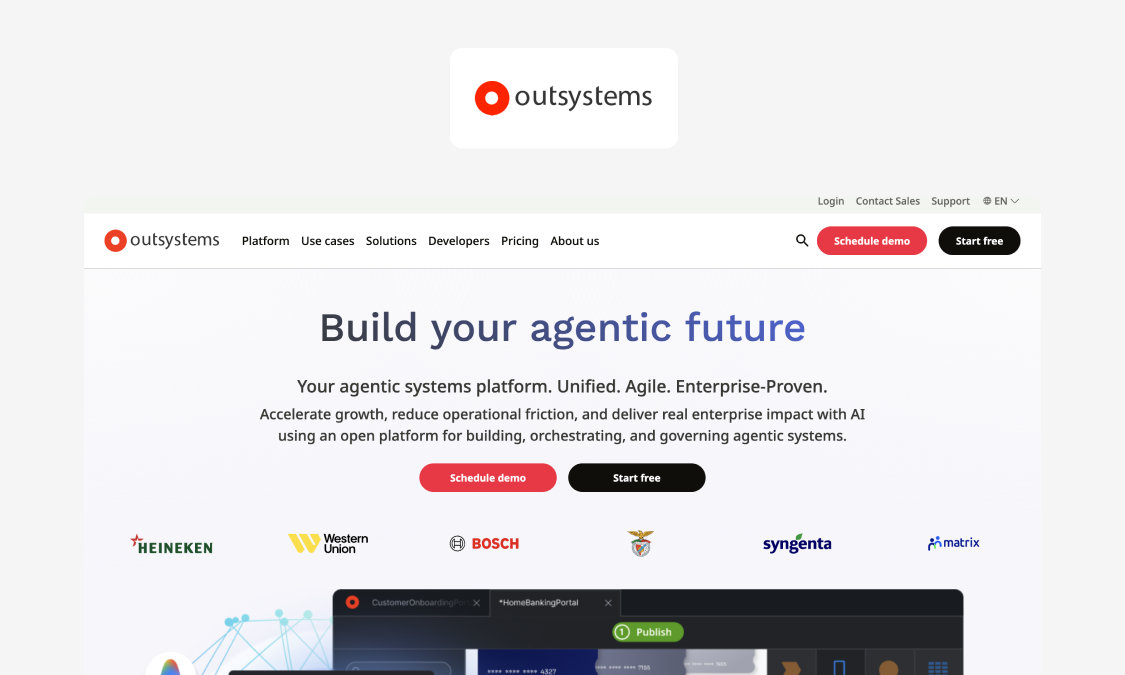
Best for: Large enterprise IT teams delivering mission-critical apps, typically through partner implementation.
What it does well: Genuinely enterprise-grade performance and scale, full software-lifecycle tooling, strong security certifications, and high user ratings (around 4.5 on G2 as of Aug 26).
Key features:
- Full-stack visual IDE with pro-code extensibility
- End-to-end SDLC tooling (build, test, deploy, monitor)
- Native mobile app development
Watch-outs: A six-figure commitment that effectively excludes the mid-market, a need for trained OutSystems developers, Application Object pricing that penalizes app growth, and a heavy implementation cycle.
Good fit if:
- You’re a large IT org with certified developers and budget
- You’re building high-scale apps to handle complex tasks
Not a fit if:
- You need costs that stay flat as apps grow
Pricing: Custom only.
Website: outsystems.com
For a mid-market team that needs this kind of capability but can’t justify the entry price or staff a specialist team, Appfarm is the more realistic route to the same complex, business-critical apps.
4. Microsoft Power Apps
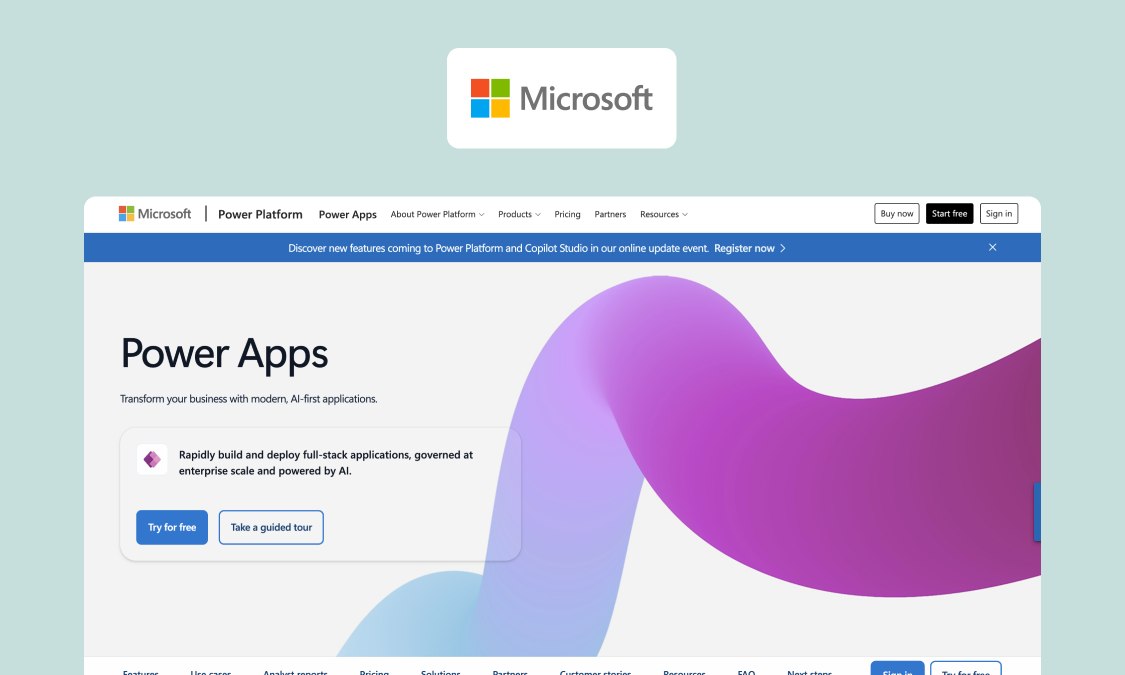
Best for: Simple, Microsoft-centric internal apps. It’s a solid choice there, and hits a ceiling when the app grows into an operational platform.
What it does well: Easy procurement in Microsoft shops and deep Teams, SharePoint, and M365 integration. There’s strong governance tooling and a low entry cost (for simple internal apps).
Key features:
- Canvas and model-driven app builders
- Native Dataverse data platform
- Built-in Teams, SharePoint, and M365 connectors
Watch-outs: Complex production-grade apps strain it on performance, UI flexibility, and offline field use. Also licensing gets complex, with per-user economics that punish large frontline workforces.
Good fit if:
- You’re building simple apps that live close to Teams and M365
- You’re building for a relatively small/mid-sized team
Not a fit if:
- You have a large frontline workforce that doesn’t already depend on Microsoft apps
Pricing: Free “Developer” plan; extra functionality from $20/user/month (Aug 26).
Website: microsoft.com/power-platform/products/power-apps
The complexity ceiling is exactly what pushes teams to look elsewhere once an internal app becomes operational. Skanska won an innovation award after switching from Power Apps to Appfarm.
5. ServiceNow App Engine
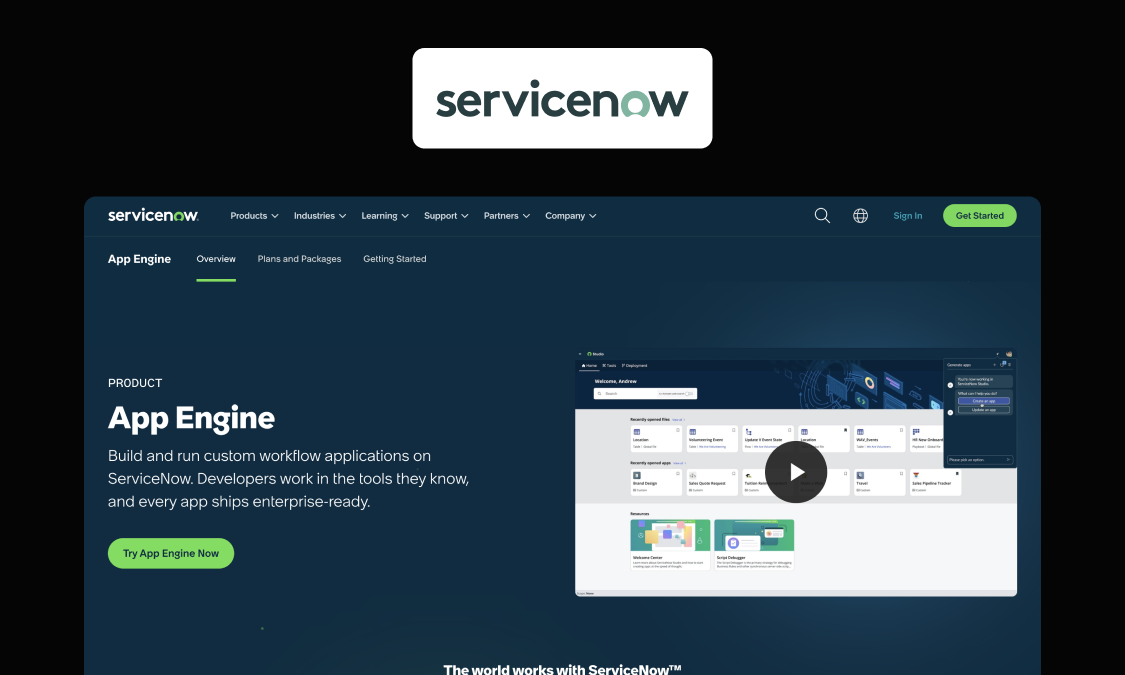
Best for: Organizations already standardized on ServiceNow looking to extend existing workflows.
What it does well: For an org already running on ServiceNow, it’s the path of least resistance. Apps sit inside governance and operations the platform already provides.
Key features:
- Visual app builder on the Now Platform
- Native workflow and process automation
Watch-outs: Premium cost, restrictive platform lock-in, and an IT service management (ITSM)-shaped worldview that can feel forced for general operational apps.
Good fit if:
- You already run on ServiceNow
- You’re extending existing workflows
Not a fit if:
- The app needs to be a standalone platform
Pricing: Custom quote.
Website: servicenow.com/products/now-platform-app-engine
Appfarm is the more natural home for apps that are general operational platforms in their own right rather than extensions of ITSM.
6. Appian
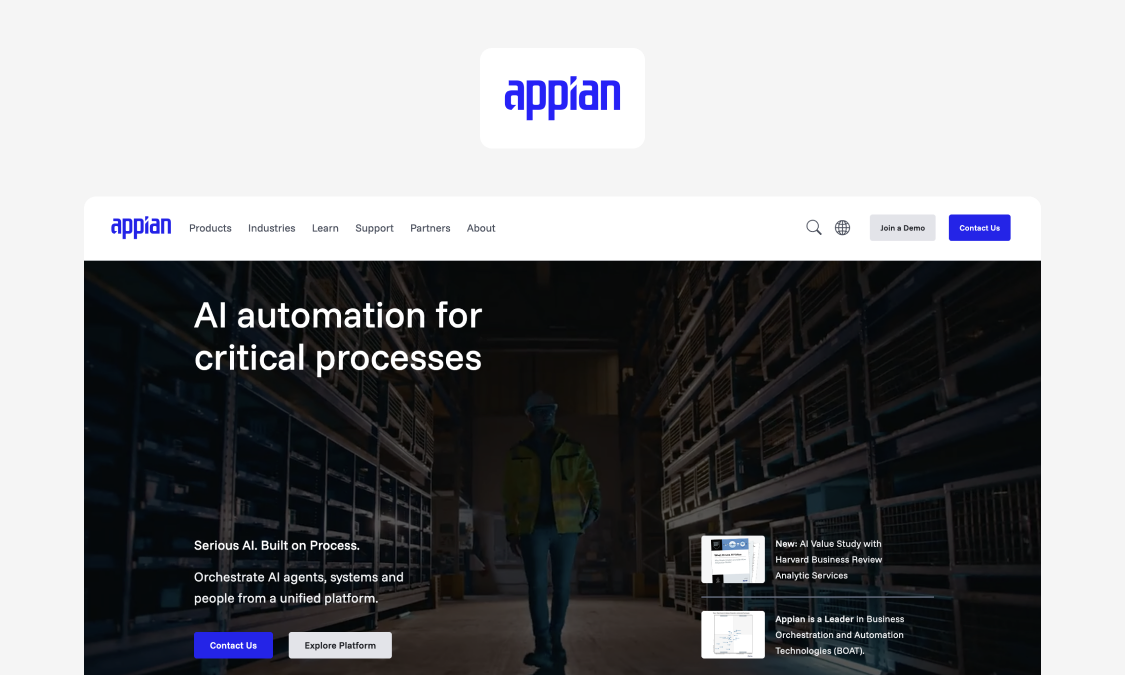
Best for: Complex process orchestration and case management in regulated industries, built on deep process-automation DNA.
What it does well: Heavyweight process orchestration and case management, with the compliance credentials regulated sectors need.
Key features:
- Visual process (BPM) modeling
- Case management engine
- Built-in RPA (robotic process automation)
Watch-outs: Cost, implementation weight, and developer dependency put it out of reach for many mid-market teams.
Good fit if:
- You run complex, heavy workflows in a regulated industry
Not a fit if:
- You’re a mid-market team trying to solve straightforward process issues
Pricing: Custom quote.
Website: appian.com
Many teams that need solid operational apps but sit below Appian’s cost and complexity threshold will find Appfarm covers the ground they actually need.
7. Salesforce Platform
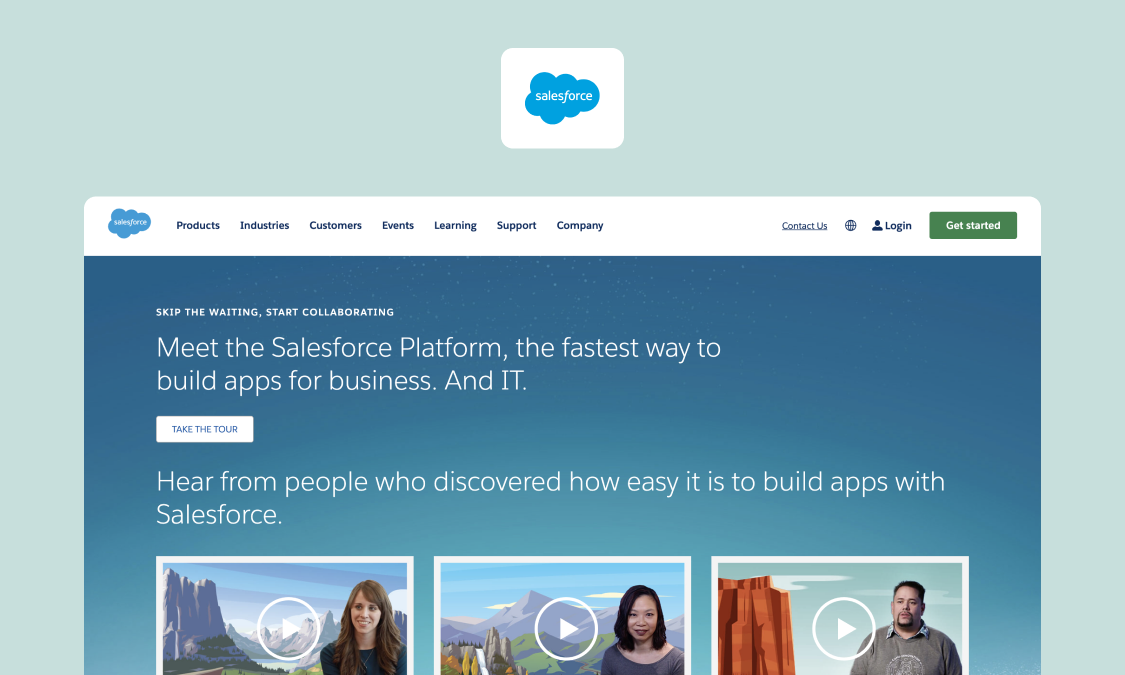
Best for: Governed extensions built inside Salesforce-centric stacks.
What it does well: Inside a Salesforce-centric org it’s hard to beat – native governance, identity, and data all sit right there.
Key features:
- Flow builder and Lightning App Builder
- Native access to Salesforce CRM data objects
Watch-outs: Salesforce’s per-user platform licenses scale steeply, and the model stays CRM-shaped once you move outside the core.
Good fit if:
- Your estate already centers on Salesforce
- You need an app to extend the CRM
Not a fit if:
- The app needs to live outside the CRM
Pricing: Tiered, from $25/user/month (Aug 26).
Website: salesforce.com/platform/
Once an app needs to live beyond the CRM boundary rather than just extending it, Appfarm’s the one built for that job.
8. Retool
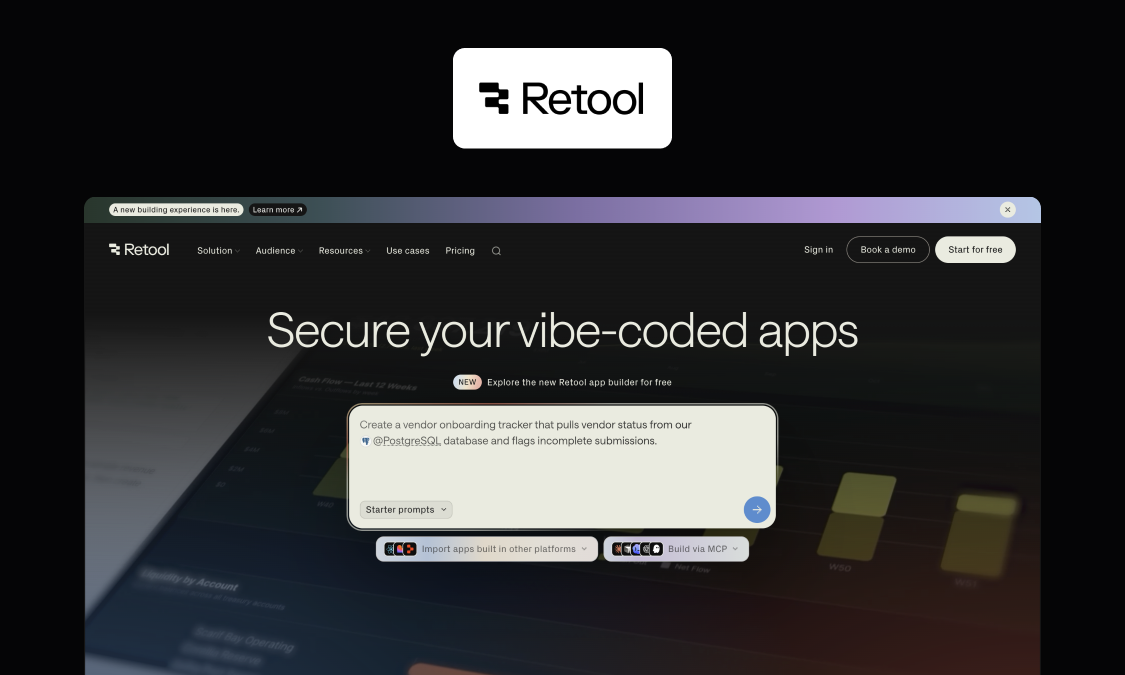
Best for: Engineering and technical-ops teams building internal tools on existing data.
What it does well: Excellent for CRUD (create, read, update, and delete) apps, admin panels, and dashboards – with a self-hosting option and a strong security posture.
Key features:
- Drag-and-drop interface builder over existing databases and APIs
- Self-hosting deployment option
- Direct SQL and REST/GraphQL connectivity
Watch-outs: Retool needs technical builders rather than operations users. Per-seat economics can sting at scale and UI flexibility is limited for field or customer-facing apps.
Good fit if:
- You have technical or developer builders
- You’re building internal tools on existing data
Not a fit if:
- You need polished field or mobile UIs
Pricing: Tiered, from $10/builder/month + $5/internal user/month (Aug 26).
Website: retool.com
The choice comes down to who’s building: Appfarm is made for operations and IT working side by side, with the UI flexibility and mobile/offline support field work depends on.
Where AI coding assistants and vibe coding tools fit
Two categories of AI tools aren’t in this ranking on purpose. They come up repeatedly in AI software development but solve different problems from the governed platforms above, and for different users.
AI coding assistants – GitHub Copilot, Cursor, Claude Code – are developer workflow tools. Professional engineers use them to write and review code within an existing SDLC.
For a skilled development team with solid testing and release processes already in place, they add speed by reducing friction and manual work. But most operations and IT teams working together on apps for the first time don’t have those foundations. Which explains the pull toward vibe coding (or AI code-generation) tools instead.
Platforms, like Lovable, Bolt, Replit, and v0, turn prompts into working apps for builders who don’t code. Their speed and out-of-the-box simplicity are real, making them genuinely useful for experimenting and validating ideas.
Vibe coding’s ceiling is what happens next: the generated codebase becomes your maintenance burden and there’s no enterprise governance layer for production. Credit-based pricing can also get harder to predict as your usage grows.
So, choose your route by who you are and what you’re building. A strong dev team will move faster with coding assistants. Someone validating a simple idea should consider vibe coding. But a business-critical app that needs RBAC, SSO, and an audit trail from day one calls for a governed platform like Appfarm.
How to choose an AI software development approach in 30 days
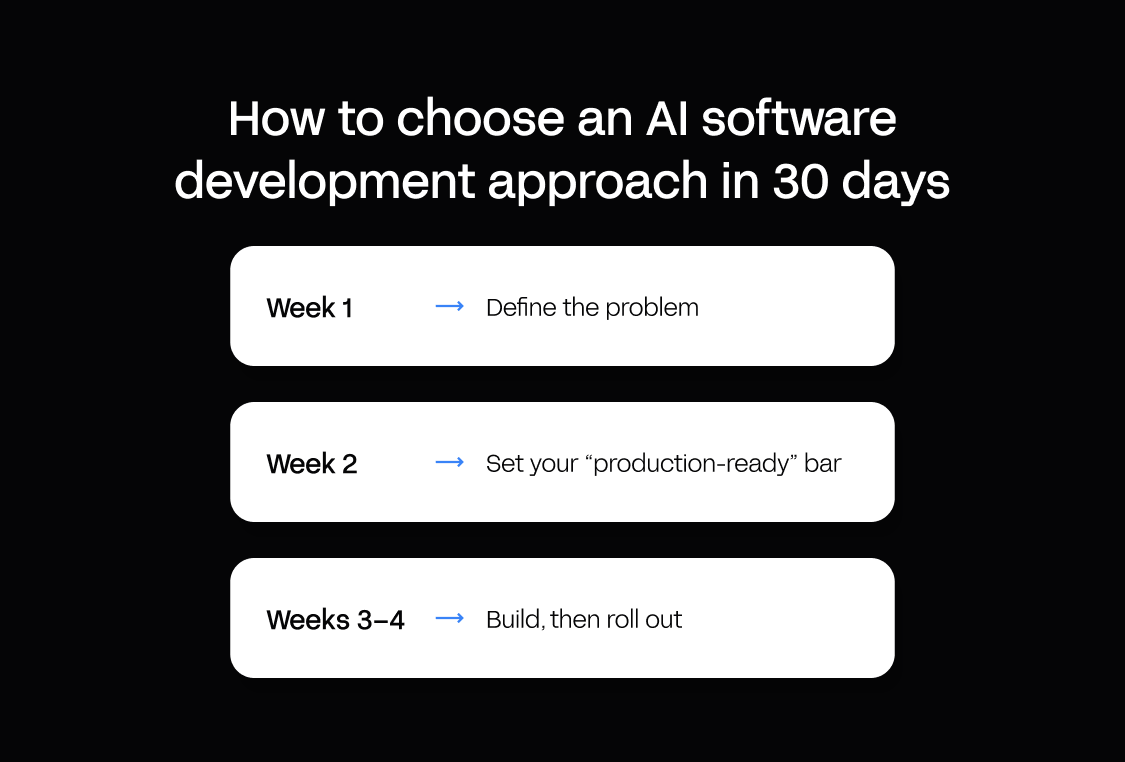
Four weeks is enough time to choose an AI software development approach with confidence, as long as you scope it tightly and test with real users.
Here’s how:
- Week 1 – define the problem. Pick one workflow that runs on spreadsheets or email. Set its roles, permissions, and audit needs up front, then inventory the systems of record it touches and the integrations it needs.
- Week 2 – set your “production-ready” bar. Write down what production means for you: SSO, monitoring, backups, and expected uptime. These become the criteria you score every option against.
- Weeks 3–4 – build, then roll out. Run a two-week build pilot to prove the approach can produce your workflow, then a two-week rollout to real users. Watching people use it tells you more than any feature list.
Keep the comparison honest by scoring your shortlist on a simple grid, like this:
| Criterion | Platform A | Platform B | Platform C |
|---|---|---|---|
| Speed to production (who can build, how fast) | |||
| Governance (RBAC, SSO, audit) | |||
| Integration depth (ERP, any API) | |||
| Production operations (monitoring, rollback, managed hosting) | |||
| Maintainability | |||
| TCO (licensing + hosting + people) |
Why Appfarm is the best fit for innovation leaders, IT and operations teams
Appfarm removes the trade-off most tools force: build fast like AI tools, govern and scale like enterprise platforms.
That’s what “prompt to production” means here. Describe what you need and Appfarm generates your first working application in minutes. No hidden codebase to reverse-engineer, just visual models of your data, logic, and interface that your team can read and change. The speed gets the app built. The transparency lets you own it (and change it) for years.
Your app stays safe for business-critical work because it’s assembled from governed building blocks, with the data and security layers kept separate from what the AI generates. In plain terms: the AI never touches your production data and can’t push anything live on its own. A person deploys every change. Hosting, scaling, monitoring, and recovery are managed for you, so your team owns the app, not the infrastructure beneath it. Talk to us to learn more.
FAQs
What is AI software development?
It means two things: using AI to help build software faster, and building AI features into the software itself. The first speeds up how you build. The second puts AI inside the running app, raising the bar for testing, governance, and reliability.
What is AI-assisted software development, and when is it enough?
It’s using tools like copilots to speed up a developer’s work – offering code suggestions, drafting tests, flagging bugs – while a person stays in control. It’s enough for internal tools of limited scope when you already have a strong dev team and mature CI/CD.
What are AI software development services, and what should you demand in the SOW?
They range from agencies that build and hand over an app to platforms your own team builds on. Whatever the model, your SOW should include a security model (RBAC and SSO), an integration plan agreed before any code, a test strategy and phased rollout, and a runbook with a named owner.
What is the difference between custom AI software development and AI for software development?
AI for software development speeds up delivery, and the finished app may contain no AI technology at all. Custom AI software development builds machine learning models and algorithms into the product itself to power features like predictive analytics, image recognition, and virtual assistants that respond to user behavior. The second approach – building AI-powered tools – needs ongoing evaluation and governance as AI’s behavior shifts over time.
How do you govern generative AI software development in an enterprise?
Start with role-based access, SSO, and audit logs on every change. Add separate development and production environments, a change-control process, approved integrations, and clear testing standards.
Can AI replace software developers?
No. AI automates tasks such as generating code, identifying bugs, and drafting tests, helping software engineers and development teams prioritize less repetitive tasks.
However, AI doesn’t own requirements, testing judgment, or what happens when an app breaks. Those aspects of the software development workflow still need human oversight.
More reading
There are no items matching your filters. Please try another filter to view results.
We have a lot of helpful resources. Try another filter or reset the filters to find the resource for you.
Digital transformation without disruption

