Some Form Elements
hs-form
form-columns-1
form-columns-2
hs-form is main form class.
form-columns-1 is class of wrapper with 1 column for inputs.
form-columns-2 is class of wrapper with 2 columns for inputs.
input and label
hs-input
Field Description / Help text
hs-field-desc
This is help text for the field
Field error message
hs-error-msgs inputs-list
hs-error-msg
  • Error message label
hs-error-msgs inputs-list is an HTML list element.
hs-error-msg is a text span inside HTML List Item element.
Text area Input
hs-input hs-fieldtype-textarea
hs-fieldtype-textarea is added as combo class.
Checkboxes
hs-form-booleancheckbox
hs-form-booleancheckbox-display
inputs-list
hs-input
Note: HubSpot uses basic HTML checkboxes, Webflow checkboxes work differently than the default HTML checkboxes, hence in order to style HubSpot checkboxes you need custom CSS.
you can use Webflow checkbox to style and then copy CSS from it.
Radio Buttons
inputs-list
hs-form-radio
hs-form-radio-display
inputs-list
hs-input
Success message
submitted-message
RecaptCHA
hs-recaptcha
Submit button
hs_submit
hs-button
Oops! Something went wrong while submitting the form.

Build custom software without becoming a software company.

Start with an AI prompt. Refine with visual control. Run secure, scalable business applications without managing infrastructure.


Get started for free
Contact sales
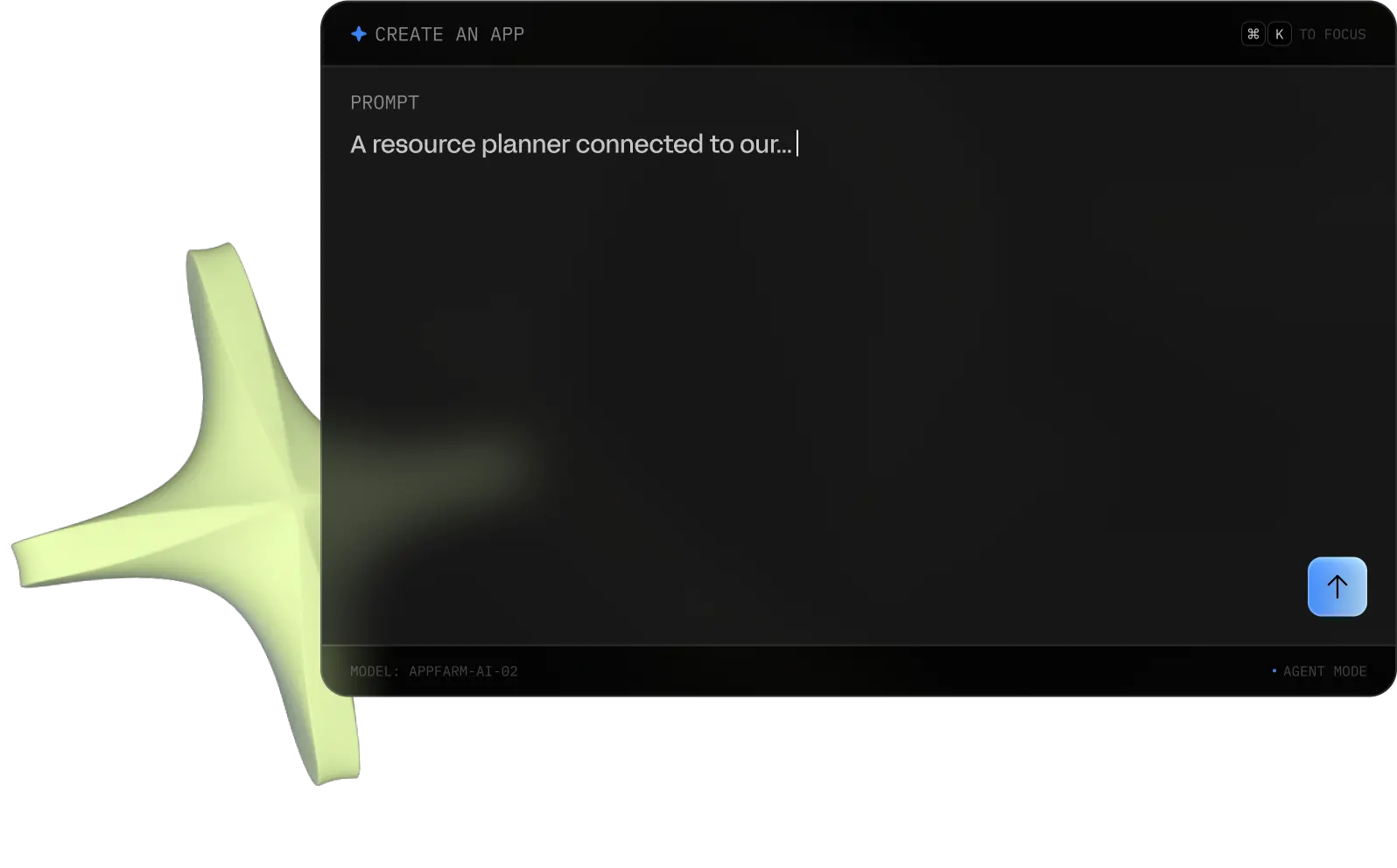
What can I help you build today?
To Focus
Suggested
Prompt
Model: Appfarm-ai-02
Build Mode
Trusted by Teams at

Every business needs custom software. Few can build it.

Operations teams rely on spreadsheets, email workflows, and disconnected systems because traditional software options fail.

Custom development is expensive and slow.

Off-the-shelf software rarely fits real workflows.

AI coding tools move fast but lack governance and reliability.

Businesses need a better way to build the systems that actually run their operations.

Platform

From prompt to production

Three stages, one platform. Describe it in natural language, shape it on a visual canvas, and deploy it to real users with enterprise controls from day one – no hand-off between builder and runtime.
Use Cases

Applications that run real operations

01 ∙ Resource planning

Resource planning

Plan people, equipment, and capacity across teams, sites, and shifts to keep operations running on schedule.

Allocation
Requests
Read more
02 ∙ Field Ops

Field operations

Equip teams in the field with mobile apps for job scheduling, work orders, inspections, and reporting from any site, online or off.

Mobile
offline
Read more
03 ∙ Inventory

Inventory management

Track materials, parts, and stock in real time across warehouses, vehicles, and field locations.

Alerts
barcodes
Read more
04 ∙ ERP

ERP apps

Extend the ERP system you already use with custom apps for operations and procurement without ripping out the platform you depend on.

Orders
Integrations
Read more
05 ∙ Automation

Workflow automation tools

Automate repetitive operational processes, approvals, notifications, and cross-team workflows with AI-powered logic.

Triggers
Actions
Read more
06 ∙ Dashboards

Operations dashboards

Turn operational and IoT data into live dashboards that give teams visibility into performance, bottlenecks, and real-world conditions.

REAL-Time
iOT
Read more

Start small. Scale into a platform.

Most teams start with one workflow. Then they expand. Appfarm becomes the platform where operations teams build and run the custom systems that power their organization.

  1. 01

    Replace spreadsheets

    Week 1
  2. 02

    Connect systems across departments

    Month 1
  3. 03

    Build governed applications

    Month 3
  4. 04

    Scale across the company

    Year 1

Why teams choose Appfarm

01 ∙ Speed

Go from idea to production quickly.

02 ∙ Governance

Enterprise security, permissions, and scalability.

03 ∙ Flexibility

Design applications that match real workflows.

04 ∙ Future Proof

Applications evolve with your business.

Customer stories

From spreadsheets to operational platforms

See how teams use Appfarm to replace manual workflows, disconnected systems, and rigid legacy tools with AI-powered applications built around their operations.

See all customer stories

Start building today

Start building AI-powered internal tools, workflows, and operational platforms without managing infrastructure or rebuilding from scratch.

Get started for free
Contact sales